Figma Desktop Size An Ultimate Guide To Selecting The Perfect Artboard Size For Web Apps Color Management In The Desktop App Figma Help Center Guide To The Figma Desktop App Figma Help Center Guide To The Figma Desktop App Figma Help Center Guide To The Figma Desktop App Figma Help Center Scaling the size of the interface is useful if the default size is too small for your comfort or display In the Figma desktop app you can zoom in or out of the Figma interface to personalize your view In the browser you can use your browser settings to adjust the interface s scale
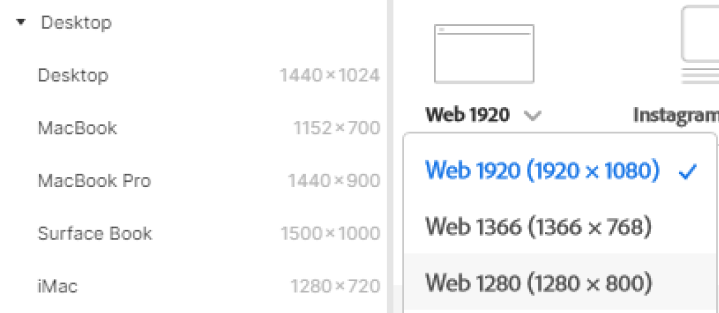
Desktop Hit F to select the Frame tool Click the Desktop drill down menu in the Inspector Click Desktop 1440 1024 In the Properties panel add a Layout Grid like we ve done before Set it to Columns and then change the Type to Center the Width to 74 and the Gutter to 32 Lorenzo Doremi Follow Published in UX Planet 4 min read Dec 5 2020 6 Photo by Christian Erfurt on Unsplash Everyone has his favorite prototyping software some prefer Invision horrible creatures of the outer world I guess others who own a Mac prefer Sketch and XD others Figma like myself
Guide To The Figma Desktop App Figma Help Center View Prototype Connections Figma Learn Help Center How Do I Choose A Screen Size In Figma WebsiteBuilderInsider Manage Notification Preferences Figma Help Center Guide To The Figma Desktop App Figma Learn Help Center Figma Linux From Figma linux Repository Readme Github Lab How To Choose The Right Frame Size 2 By Eric Ask The Community How Do I Choose A Screen Size In Figma WebsiteBuilderInsider Free Figma Website Templates Download Best Design Idea
Figma Desktop Size
 Figma Desktop Size
https://cdn-images-1.medium.com/max/800/1*MXmk89y8AiVx6uw6u1_-VA.png
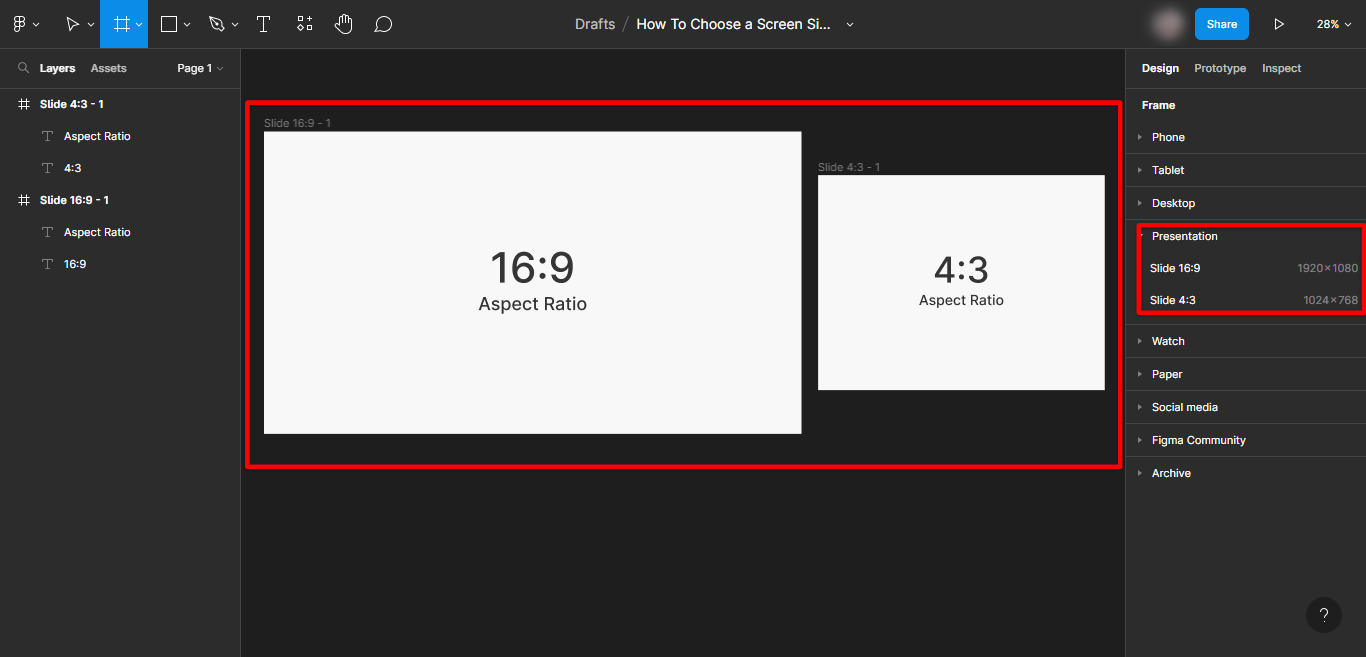
How do you choose the right frame size to wireframe I m sure you don t design it for every device do you Maybe is there any safe frame size from which you can start to design which you know from experience that makes it optimal for every device I would like to know how you usually go through with this problem when starting a project
Pre-crafted templates offer a time-saving option for developing a varied range of files and files. These pre-designed formats and designs can be made use of for different individual and professional tasks, including resumes, invites, leaflets, newsletters, reports, presentations, and more, improving the material production procedure.
Figma Desktop Size
Guide To The Figma Desktop App Figma Help Center
View Prototype Connections Figma Learn Help Center
How Do I Choose A Screen Size In Figma WebsiteBuilderInsider
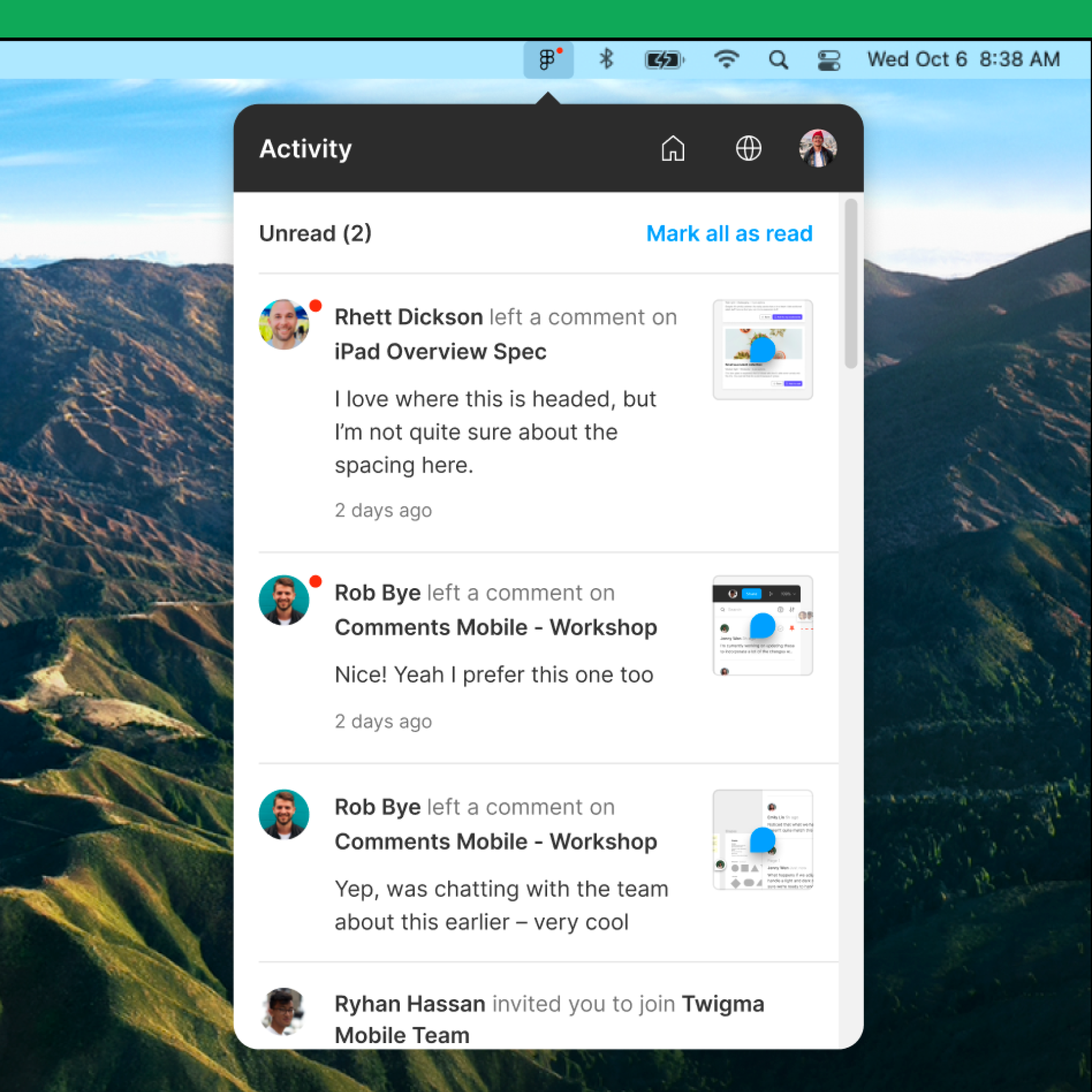
Manage Notification Preferences Figma Help Center
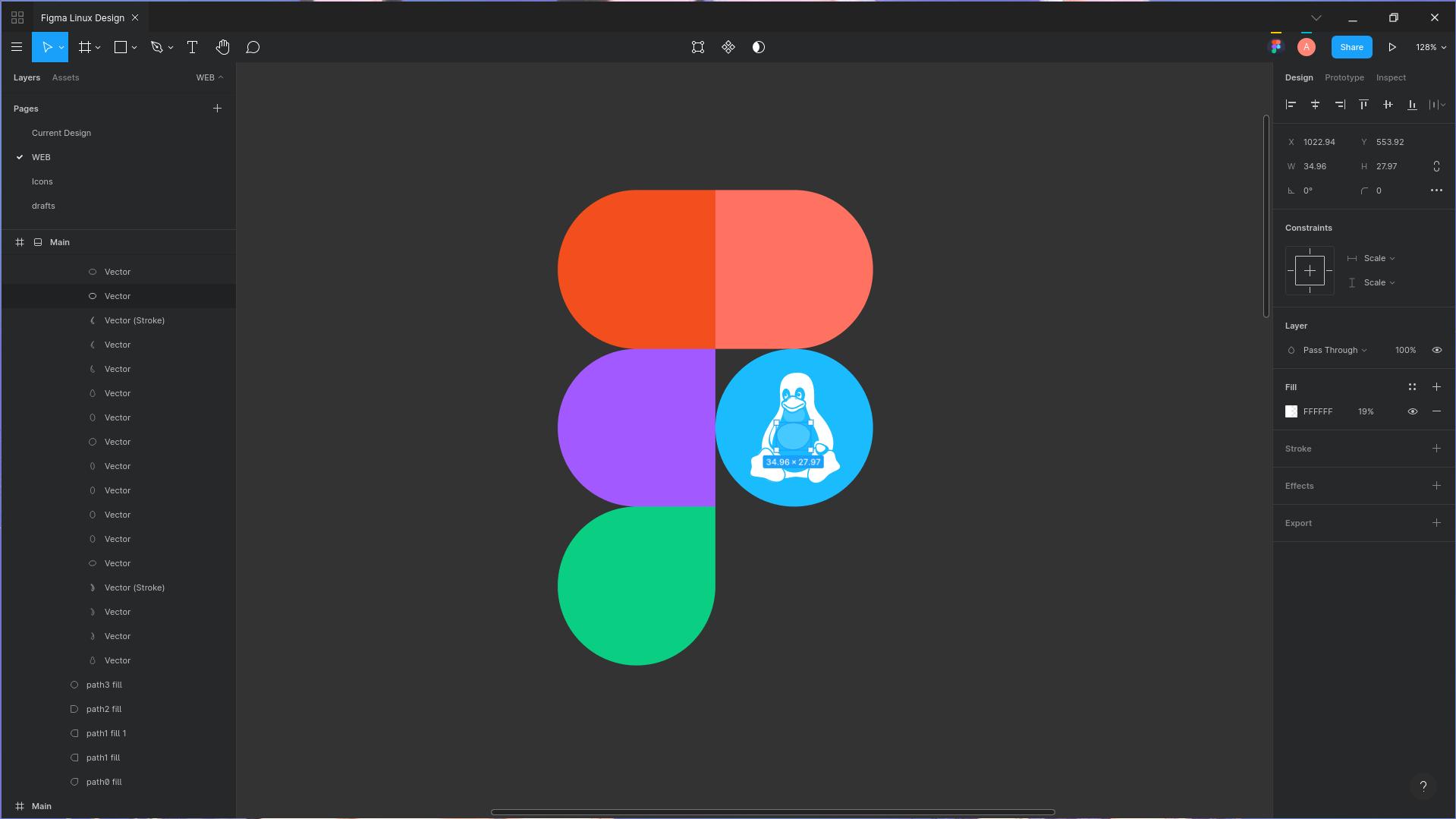
Figma Linux From Figma linux Repository Readme Github Lab

How To Choose The Right Frame Size 2 By Eric Ask The Community

My personal advice is as a freelancer design for the world I check here At the office they believe that the majority of the world use 1440x900 or 1600x900 and they don t believe what that site says Analytics shows that 1920x1080 is the most common desktop resolution
I am new to Figma I wonder why desktop screen frame size is by default of 1440 1024 whereas my desktop and usually what I have observed is that the standard resolution if 1366 768 And I have observed that many designers do not take the bottom taskbar and top navigation bar and even the bookmark bar
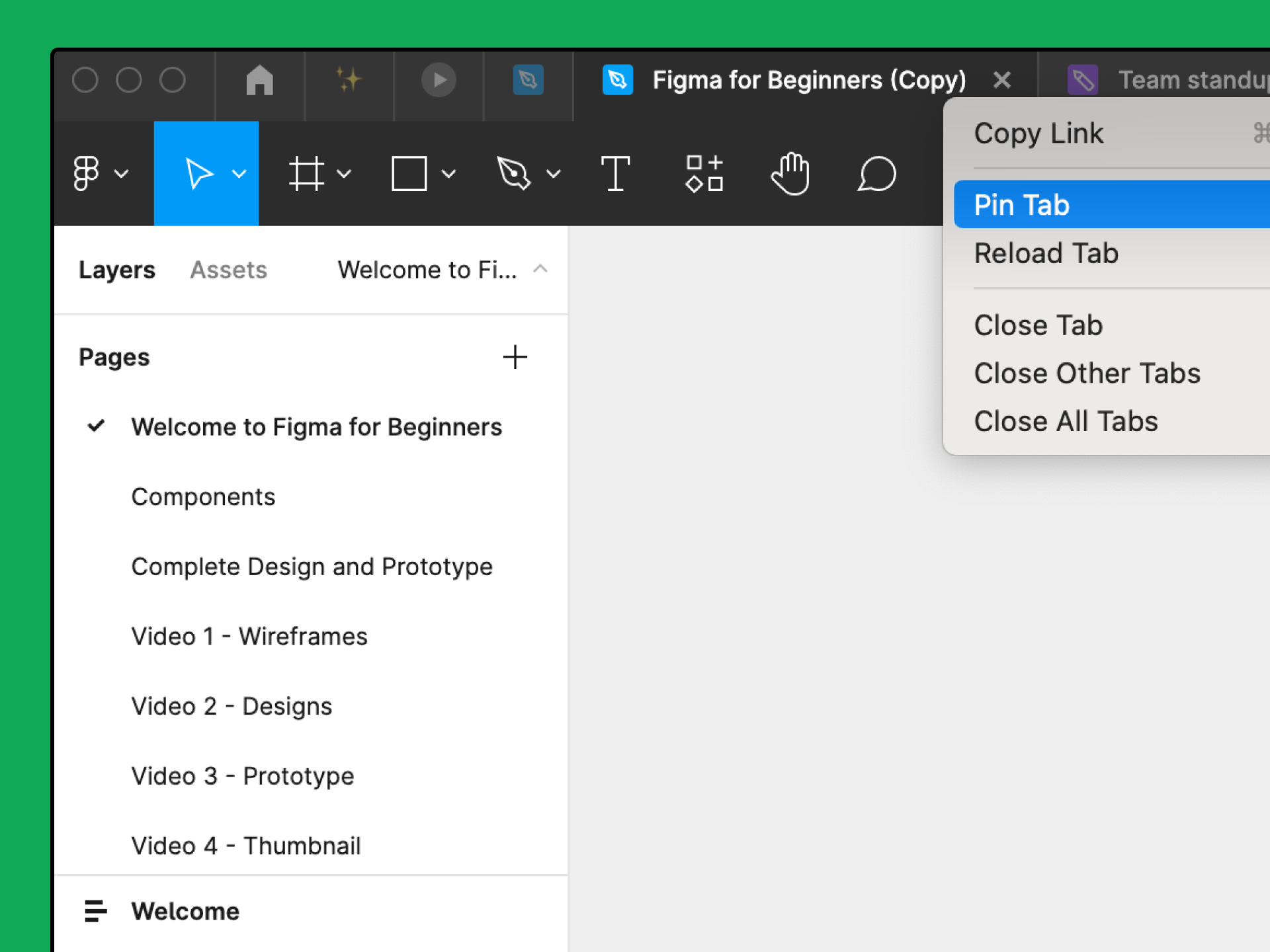
Click the Start button Enter Computer in the search field Right click and select Properties Identify the version under the Windows edition field You must be running Windows 10 or later in a 64 bit environment Note It s not possible to run the Figma desktop app behind a
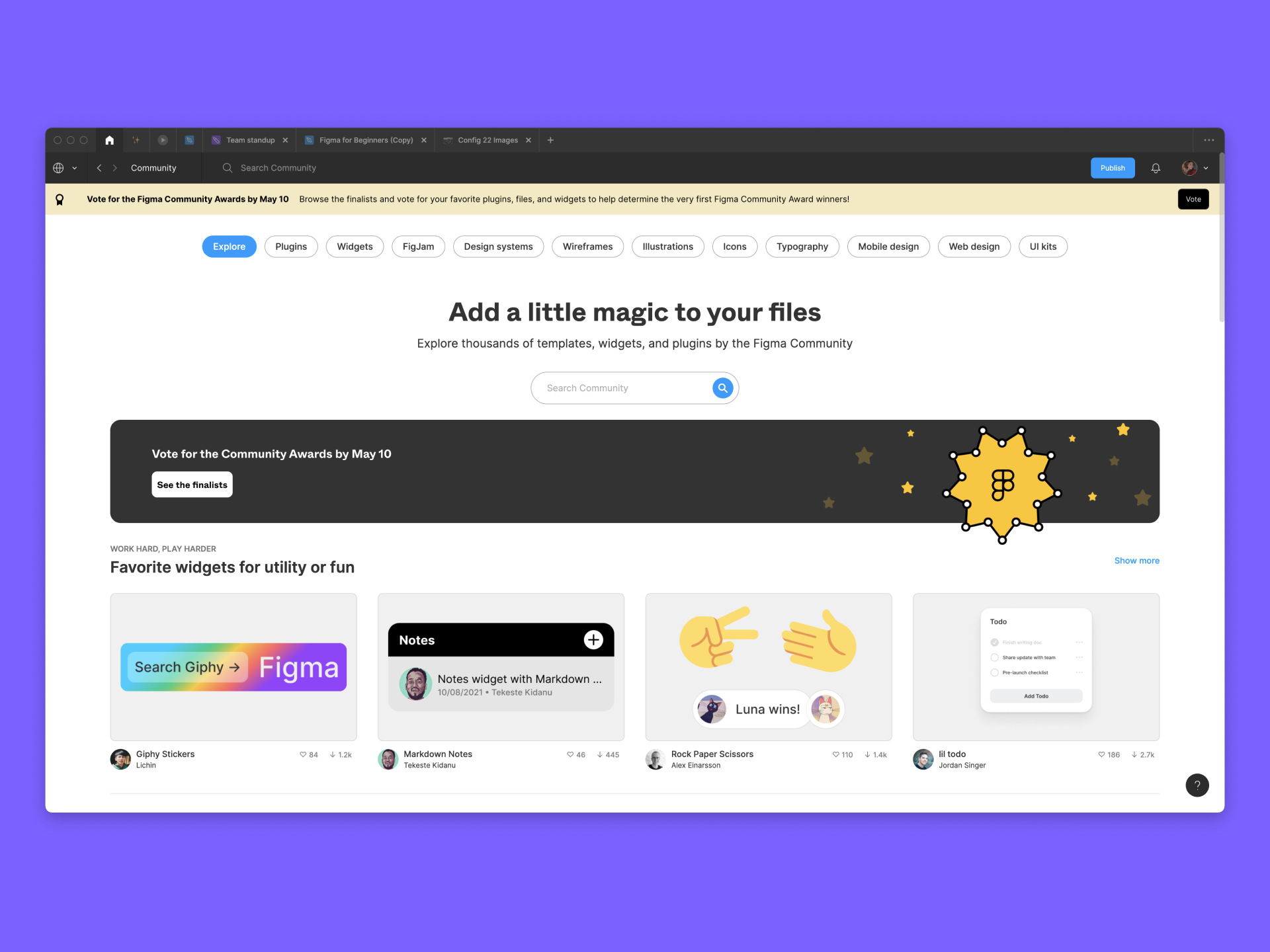
Download the Figma web design app on desktop for macOS or Windows plus the font installer and device preview apps
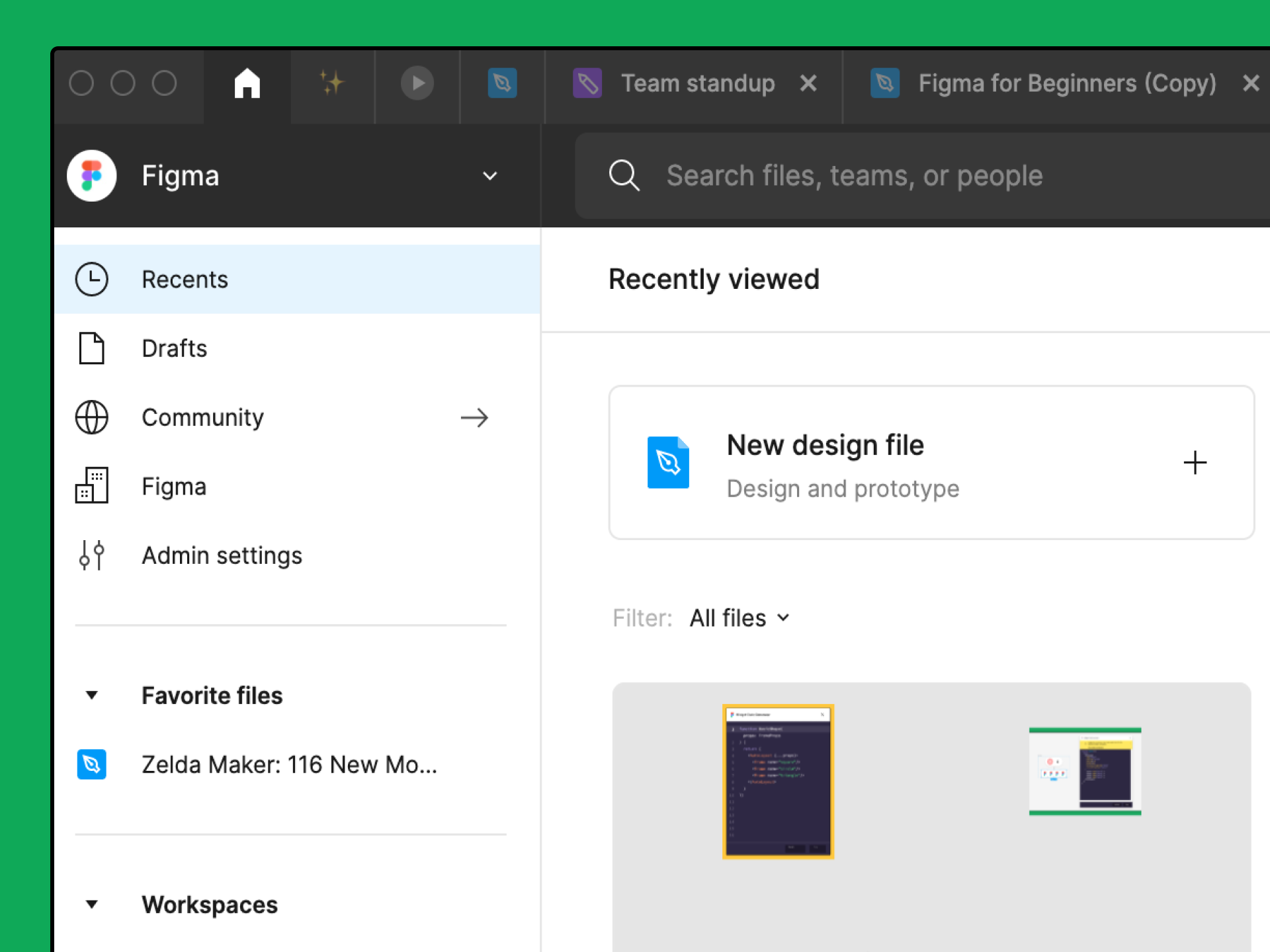
Thus all Figma prototypes look smaller in the Figma prototype viewer than they would in my actual browser This doesn t make any sense to me Figma should display the prototype at the exact size of the frame in this case 1438 x 700 Why is this happening and how do I fix it
[desc-11] [desc-12]
[desc-13]