Extract Files From Pfx How To Extract The Private Key Public Key And CA Cert From PFX Install Pfx Certificate Apache Windows Plmhawk HOW TO CREATE A PFX FILE AND EXTRACT PRIVATE KEY AND CERTIFICATE It Will It Extract MC60 How To Extract Certification Files From PFX File GSM Module Learn about our open source products services and company Get product support and knowledge from the open source experts Read developer tutorials and download Red Hat software for cloud application development Get training subscriptions certifications and more for partners to build sell and support customer solutions
255 Some options to view PFX file details Open a command prompt and type certutil dump path to cert Install OpenSSL and use the commands to view the details such as openssl pkcs12 info in path to cert Share Improve this answer Follow 5 Answers Sorted by 288 Another perspective for doing it on Linux here is how to do it so that the resulting single file contains the decrypted private key so that something like HAProxy can use it without prompting you for passphrase openssl pkcs12 in file pfx out file pem nodes Then you can configure HAProxy to use the file pem file
MC60 How To Extract Certification Files From PFX File GSM Module Extract Protocol AppCode Documentation How To Extract The Files After The Download How To Extract Private Key And Certificate From A PFX File Homemade Mint Extract Health Starts In The Kitchen How To Extract Files From ZIP RAR 7z And Other Common Archives Create A PKCS 12 PFX File With OpenSSL YouTube How To Extract All Students Submission Files From The Folders At One Security How Do I View The Contents Of A PFX File On Windows Super
Extract Files From Pfx
 Extract Files From Pfx
https://opentechtips.com/wp-content/uploads/2020/06/SSL-fromPFX_tn.jpg
Extract SSL Certificate Info from PFX in Windows Windows Forum Spiceworks Home Windows General Windows How tos You may find yourself with a perfectly good PFX certificate that you need to deconstruct in order to import into some other system like an AWS ELB or a
Pre-crafted templates provide a time-saving option for creating a varied range of documents and files. These pre-designed formats and layouts can be utilized for various personal and professional projects, including resumes, invites, flyers, newsletters, reports, presentations, and more, improving the content production process.
Extract Files From Pfx
Pdf Extract Text To Word Atilapurchase

Extract Protocol AppCode Documentation
How To Extract The Files After The Download
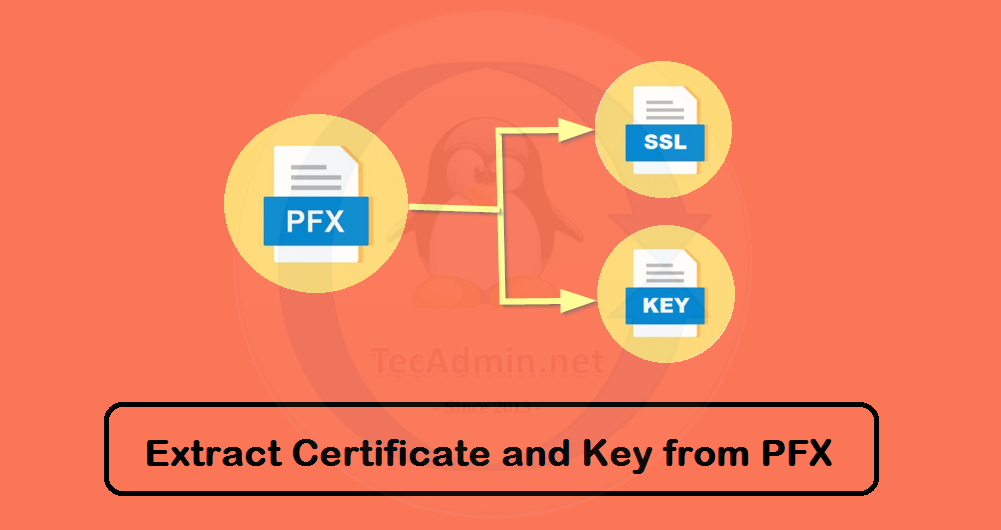
How To Extract Private Key And Certificate From A PFX File
How To Extract Files From ZIP RAR 7z And Other Common Archives
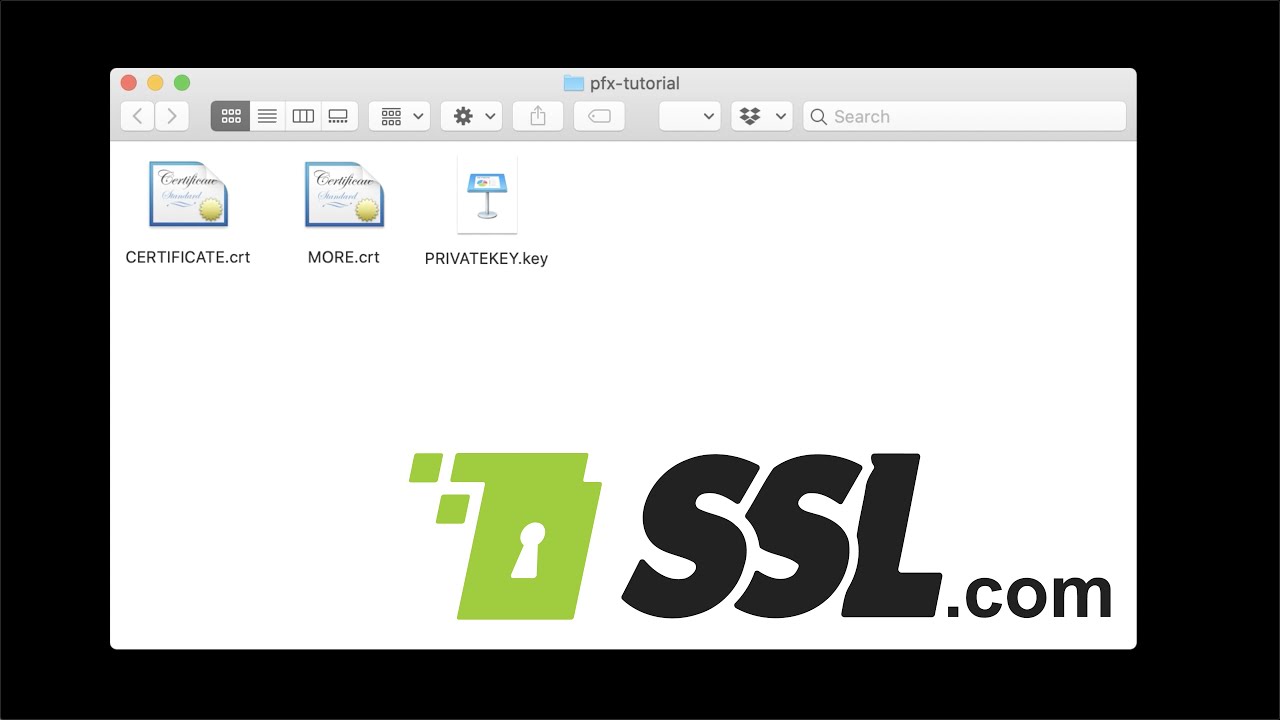
Create A PKCS 12 PFX File With OpenSSL YouTube
31 As the title suggests I would like to export my private key without using OpenSSL or any other third party tool If I need a cer file or pfx file I can easily export these via MMC or PowerShell pkiclient but I can t find a way to get the private key https learn microsoft en us powershell module pkiclient export certificate view win10 ps
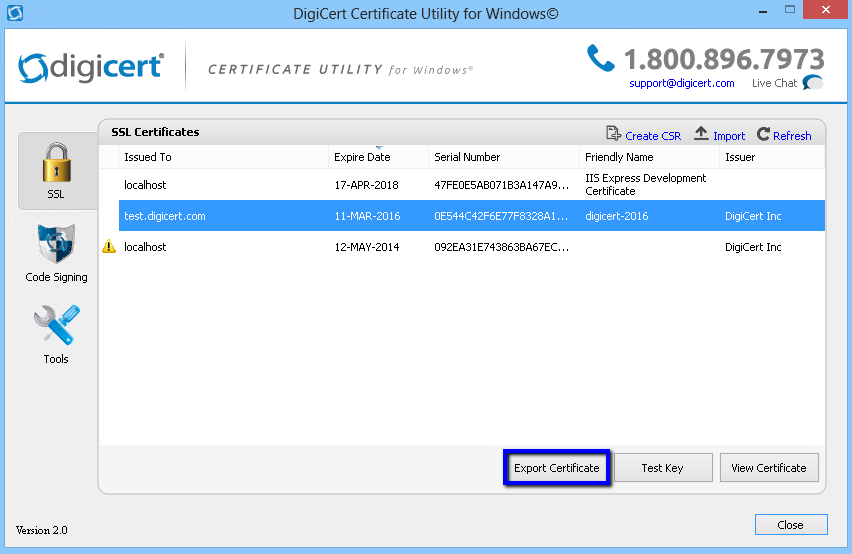
Extracting the certificate and keys from a pfx The pfx file which is in a PKCS 12 format contains the SSL certificate public keys and the corresponding private keys Sometimes you might have to import the certificate and private keys separately in an unencrypted plain text format to use it on another system
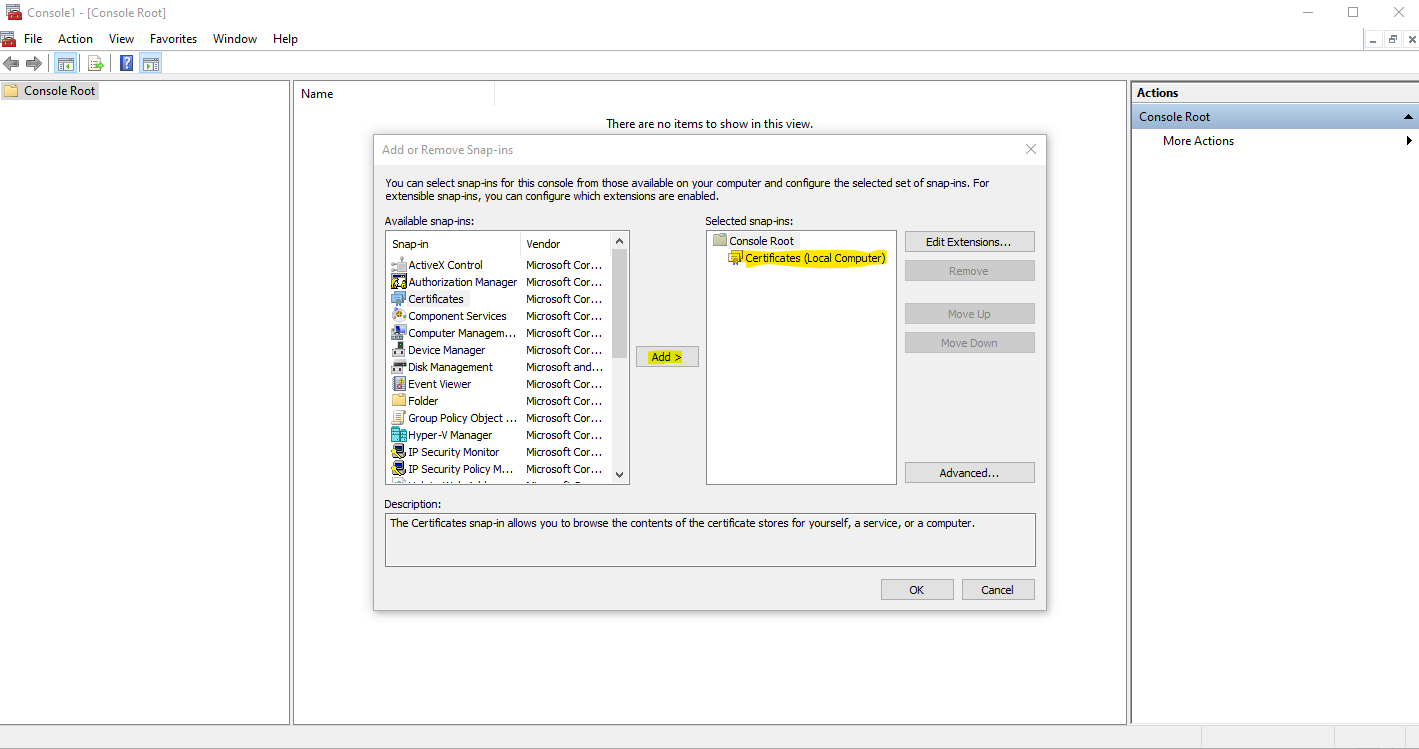
To extract separate Certificate and Private key files from the pfx file follow the procedure below

Step 1 To extract a certificate and private key from a PFX file you will need to use the OpenSSL command line tool You can open the OpenSSL command prompt by clicking on Start typing cmd in the search box and pressing Enter Step 2 Navigate to the folder where your PFX file is located using the cd command
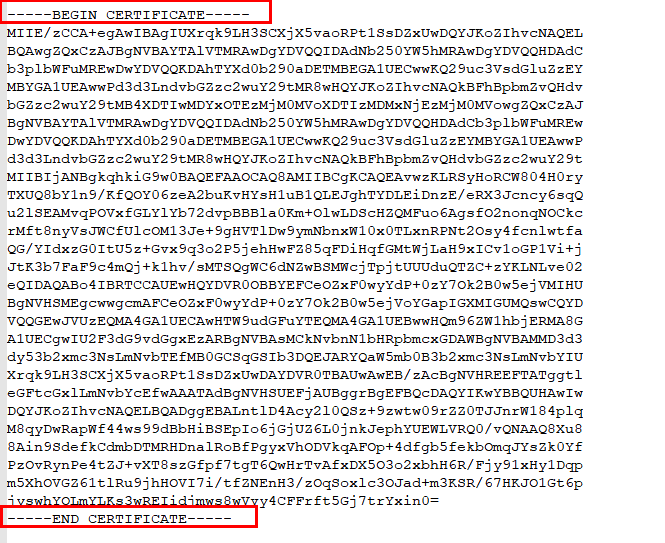
How to Export Your SSL Certificate w Private Key Using the DigiCert Certificate Utility These instructions explain how to export an installed SSL certificate from a Microsoft server and its corresponding private key as a pfx file for importing to another server
Save the pfx file on your computer In my examples below the pfx file is saved at C Users usernameGoesHere ssh Next you will need to extract the key and cer files from the pfx Ensure you have openssl installed In this example the openssl exe executable is installed at bin openssl From the dir on your workstation where you have the 2 Answers Sorted by 4 In a PFX file both the private key and the certificate are encrypted using the same password If you do not know the password you won t get the certificate If you know it certutil dump should suffice Share Improve this answer Follow answered Sep 6 2011 at 15 37 Mormegil 7 995 4 42 78 Add a comment 3
2 Answers You can use this Keytool command to export certificate from a KeyStore keytool exportcert keystore KEYSTORE ABSOLUTE PATH p12 storetype PKCS12 storepass KEYSTORE PASSWORD alias ALIAS file EXPORTED CERT NAME crt The accepted answer will give you a certificate in binary format If you want the resulting certificate to be in PEM