Export Microsoft Tasks To Excel Export Planner Tasks To Excel Power Platform Community Export Sub tasks To Excel Export Planner Tasks To Excel Power Platform Community How To Use The Export To Excel Feature Riset How To Export Tasks From Outlook To Excel In your plan header select the three dots then choose Export plan to Excel When asked what you want to do with Plan name xlsx choose either Open or Save When you open your plan it will include the Plan name Plan ID and Date of export as well as all of your tasks and their details Once you have an Excel spreadsheet of your
Are you needing to export Teams planner tasks into Excel Fortunately you easily can Watch this tutorial to see exactly how step by step Once a task is completed it is copied as a new row to an Excel table This works well but I d rather have one flow which runs for any list in the group rather than having to add a new flow for every list Thanks Solved Go to Solution Labels Automated flows Message 1 of 2
How To Export Tasks From Outlook To Excel Task Management Excel Template Download Free Riset Microsoft 365 Add Tasks To My Day In To Do The Marks Group Small Business Consulting Tasks Custom Services 8 15 Export Tasks To Excel Microsoft 365 Add Tasks To My Day In To Do The Marks Group Small Business Consulting Tasks In Microsoft Teams Is Now Generally Available Windows 10 Forums How To Create Custom Sharepoint Site Designs In Office 365 Intranetbee Vrogue How To Use Windows 11 s Improved Focus Assist Feature In The New Update TechRadar Microsoft Planner Export To Excel
Export Microsoft Tasks To Excel

https://powerusers.microsoft.com/t5/image/serverpage/image-id/473521iCEC0BCBCB241AD69?v=v2
Excel has additional tools for analyzing plans and tasks In this video learn how to export an existing plan and all of its tasks to Microsoft Excel to use additional analysis tools not found in
Templates are pre-designed files or files that can be utilized for various purposes. They can conserve time and effort by supplying a ready-made format and layout for developing different type of material. Templates can be utilized for individual or professional jobs, such as resumes, invites, leaflets, newsletters, reports, discussions, and more.
Export Microsoft Tasks To Excel

How To Create Task List In Microsoft Teams
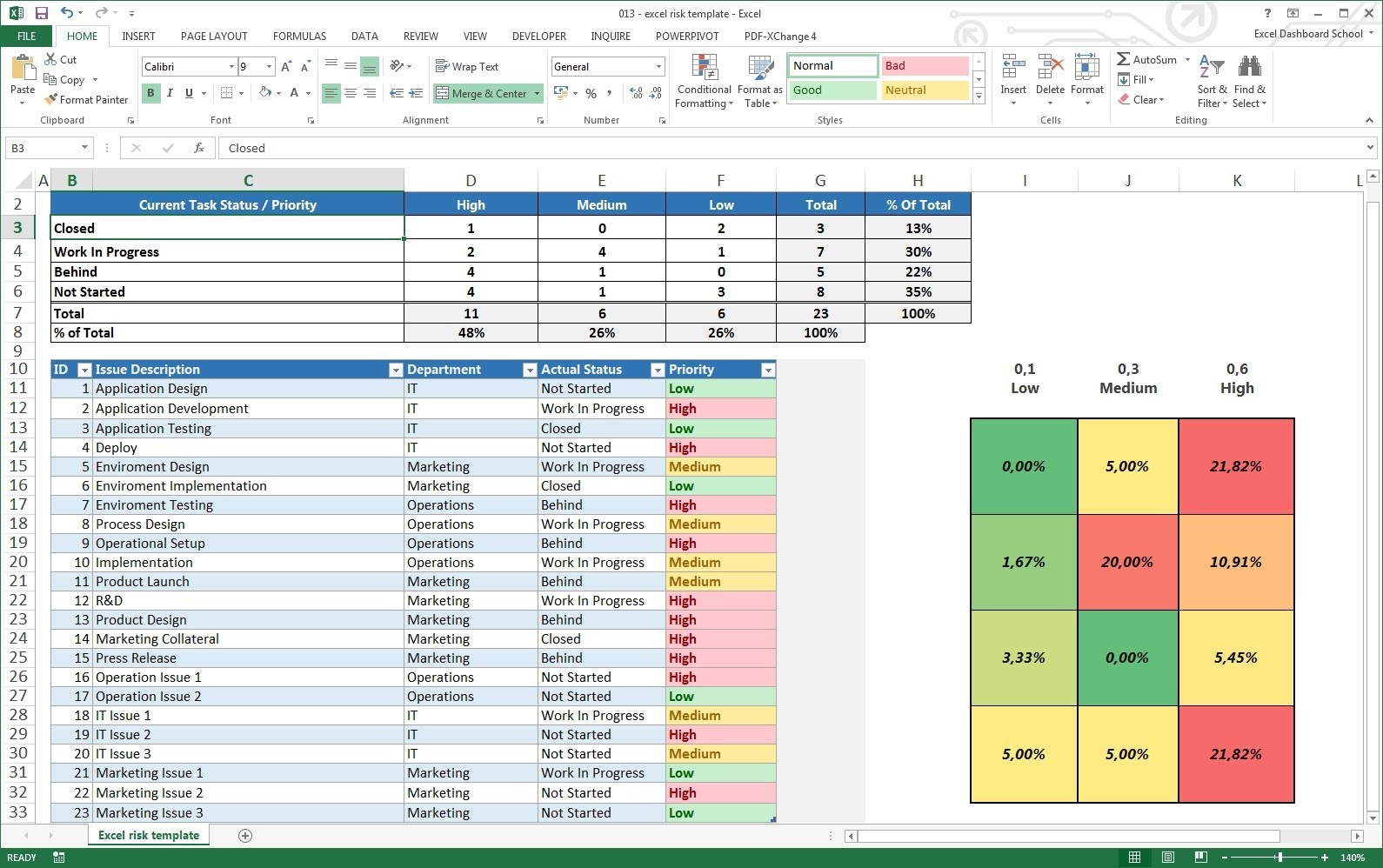
Task Management Excel Template Download Free Riset

Microsoft 365 Add Tasks To My Day In To Do The Marks Group Small Business Consulting

Tasks Custom Services 8 15 Export Tasks To Excel
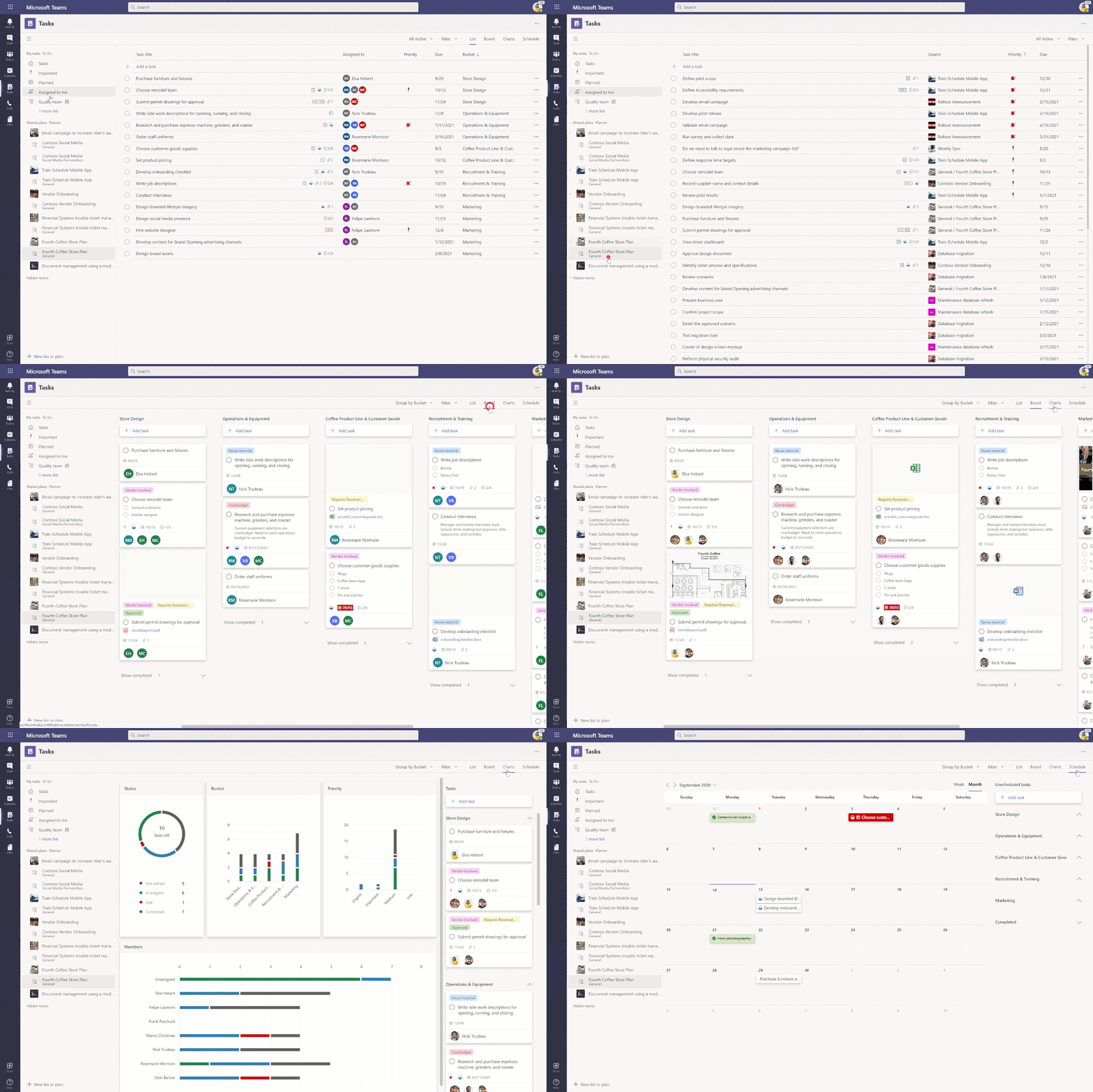
Tasks In Microsoft Teams Is Now Generally Available Windows 10 Forums

How To Create Custom Sharepoint Site Designs In Office 365 Intranetbee Vrogue

There are countless use cases for Export to Excel Below are just few scenarios to help you get started with this newest Microsoft 365 integration Archiving Excel can provide a simple method for archiving your completed plans Export all your plan details to Excel store that Excel file somewhere safe like OneDrive for Business and purge

Since Microsoft To Do automatically syncs with Tasks in Outlook you can export all your lists and tasks from Outlook To export your lists and tasks sign in to Outlook with the same Microsoft account that you use to sign in to Microsoft To Do Then select the cog icon to open your Settings View full settings From the left navigation pane select General

To open a task list in Project click Tasks on the Quick Launch to view the Tasks page On the List tab in the Connect Export group click Open with Project Note When you open a task list in Project you can work on your project in both locations and maintain the data However if you later decide to invest in Microsoft Project Server 2013

Here s how to export your project Go to project microsoft and open the project you want to export to Excel In the top right corner select the three dots then select Export to Excel When you see the message All done We ve exported your project name at the bottom of the screen you can look for your new Excel file where

Select the target format Comma Separated Values to export Outlook tasks to the CSV file From the folder lists choose Tasks for the corresponding account Use the Browse feature to specify the location for your file Give the CSV file a name Proceed further and click the Finish button to export tasks
I would like to have this automated Export all the planners I own or am a member to excel With reference to the name of the planner the channel and the teams group date of export Save the exported file s to a dedicated folder Each individual xlsx file 1 per planner or 1 combined file of all planners together depending on the Open the list whose data you want to export From the command bar above the list select Export Export to CSV as the type of data output On macOS from the command bar above the list simply select Export to CSV Note The Export option is available only when list items are not selected Select Open to open the file in Excel
Can someone please tell me how to export my personal Microsoft To Do items so I can reimport them into a different organizational office account The instructions at