Export Excel Data To Fixed Width Text File Create Fix Width Text File From SQL Server Database Table SSIS How To Convert Text Files To CSV Solved Fixed Width Text File Set Widths With Reference Alteryx Solved Fixed Width Text File Set Widths With Reference Alteryx Batch Stop Services Softwares On the Data tab in the Get External Data group click From Text In the Import Data dialog box locate and double click the text file that you want to import and click Import Follow the instructions in the Text Import Wizard Click Help on any page of the Text Import Wizard for more information about using the wizard
The downloadable module file contains a function named ExportFixedWidth that will allow your code to export a range on a worksheet to a fixed field width text file Each row of the worksheet data is written to one line of the text file The contents of that line are governed by the FieldSpecs parameter discussed below See Importing A Fixed Width File for code to import a fixed width text file into Excel Exporting To A Text File This procedure allows you to export data from a worksheet range to a text file You may specify the character e g a space tab pipe comma etc that separates the exported elements Each row of cells in the worksheet is written
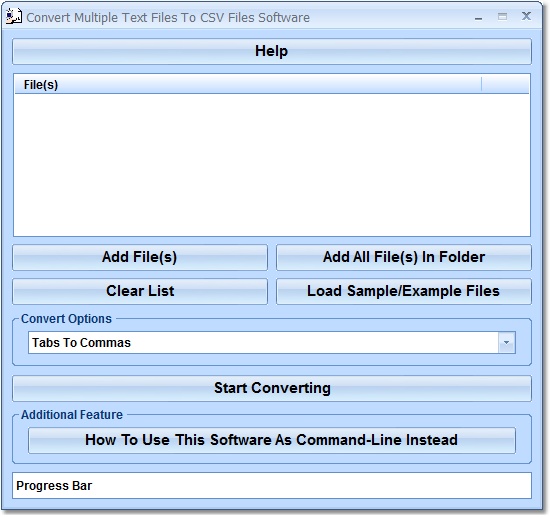
Batch Stop Services Softwares Excel To PowerPoint Fields From CSV To Fixed Width Text File Batch Converter Software Transforming XML To Fixed Width How To Export Excel 2010 To Fixed Width Text File YouTube Transforming XML To Fixed Width How To Use CSV To Fixed Width Text File Batch Converter Software YouTube Fixed Width Text File Defined Export Excel Data To Access With VBA Images And Code
Export Excel Data To Fixed Width Text File
 Export Excel Data To Fixed Width Text File
https://chanmingman.files.wordpress.com/2022/05/052222_1528_createfixwi1.png
Hopeing somone will be able to help me out I have a workbook formatted where each column A AA is a certain width and is left or right justified I need to be able to export to a text file and keep the same format for each column So if column A width is 34 and left justified when I export to a text file I need that same format
Pre-crafted templates use a time-saving service for producing a varied range of files and files. These pre-designed formats and layouts can be made use of for different personal and professional projects, consisting of resumes, invitations, flyers, newsletters, reports, presentations, and more, enhancing the content creation process.
Export Excel Data To Fixed Width Text File

Excel VBA To Export Table To Fixed Width Format Is Producing Error

Excel To PowerPoint Fields From
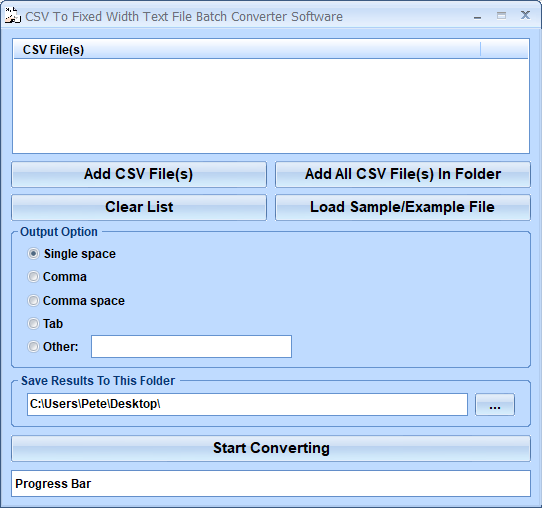
CSV To Fixed Width Text File Batch Converter Software
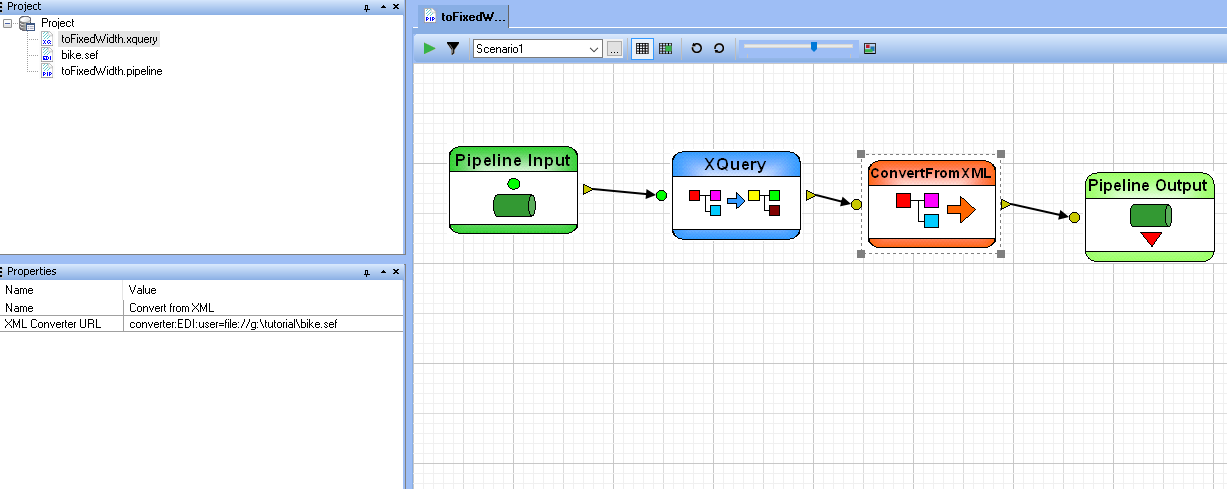
Transforming XML To Fixed Width
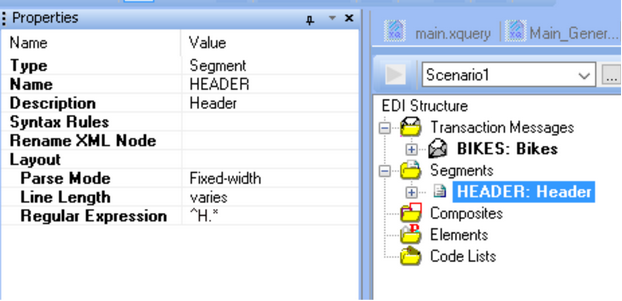
Transforming XML To Fixed Width

How To Use CSV To Fixed Width Text File Batch Converter Software YouTube

When you export tables and queries you have the option of exporting the entire object or only the data without any additional formatting At the end of the operation Access creates a text file txt If you choose to ignore formatting you have the option of creating a delimited text file or fixed width text file
Sep 4 2013 by Kent Chen in Tips Tricks The easy way is to Save As to a Formatted Text file Space Delimited prn But you will be struggled to find out that it s really hard to precisely specify the fixed width almost impossible to use to export the data into a perfect space aligned text file What I am luck to find out is this with VBA

How do I create a fixed width text file Ask Question Asked 10 years ago Modified 5 years 3 months ago Viewed 47k times 1 I have a fixed width text file that I needed to edit about 200 rows of

How to Export Excel 2010 to fixed width text file Excel Word and PowerPoint Tutorials from Howtech 80 9K subscribers Subscribe 56K views 10 years ago Excel 2010 This tutorial will

To do this you need an expression like sourcecode language text Combiner CombineTextByRanges 0 3 9 10 19 10 29 255 sourcecode How does this work For each line remember we now have a value of type list that contains all of the values from the four columns in our table
Export an Excel table as a fixed width text file Many program interfaces require a fixed width string of text to import data Within these strings different fields are consolidated and each piece of data is placed at a specific position in every record Maud this is probably no more efficient than your excellent little loop but this question has reminded me that you can define fixed width strings in VBA e g dim s1 As String 20 gives you a 20 character fixed width string which will be automatically padded when you assign a shorter value to it Not sure if this helps but thought I d
Although Microsoft Excel files are easier to view and analyze your client may export GL data into a text file whether CSV delimited or fixed width In fact MindBridge prefers CSV or delimited text files especially when there are more rows than the 1048576 that Excel supports