Export Directory List To Excel How To Export Directory List To TXT File YouTube EXCEL Of Green Member List xls WPS Free Templates Export List To Excel In Python EasyXLS Guide Export Your Data The Excel List Format Exporting From Jira To Excel Midori In the Ribbon go to Data Get Data From File From Folder Browse to the folder that contains the folders you want a list of and then click Open When you see the list of files click Transform Data This opens the Power Query Editor
2 Answers Sorted by 9 Use the Directory flag to get only folders Recurse to include subfolders and Depth to control how far down to go 0 is current directory folders 1 includes their subfolders etc You can combine with Select Object to specify the properties to select and Export Csv or Out File to create a csv txt file To export to Microsoft Word or Excel simply click on the appropriate button s and the new windows will automatically open as shown below This is what your list will look like when exported to Microsoft Word And what it looks like when exported to Microsoft Excel Of the two the Excel version has a cleaner more organized look
Exporting From Jira To Excel Midori Export Directory Tree Of A Drive To An HTML File DiskGenius Export SCCM Device Collection With 3 Easy Methods Export Directory Tree Of A Drive To An HTML File DiskGenius Exporting Tables To Excel Gambaran How To Export Directory Structure Of A Folder In Windows Technastic How To Export Users From Active Directory Maurotech Export Microsoft List Data To Excel Norm Young Web Directory List To Excel Your SEO Strategy In 2022 Whizsky
Export Directory List To Excel
 Export Directory List To Excel
https://i.ytimg.com/vi/H8mmSK80FEI/maxresdefault.jpg
When to export a file directory in Excel You may choose to export a file directory into Excel to improve your file management system Here are some reasons to update your file management system Improved organization Good file management improves your digital organization
Pre-crafted templates use a time-saving option for creating a diverse series of documents and files. These pre-designed formats and designs can be used for numerous personal and professional projects, including resumes, invites, flyers, newsletters, reports, presentations, and more, enhancing the material production procedure.
Export Directory List To Excel

How To Export SharePoint List Items To Excel Using Power Automate And
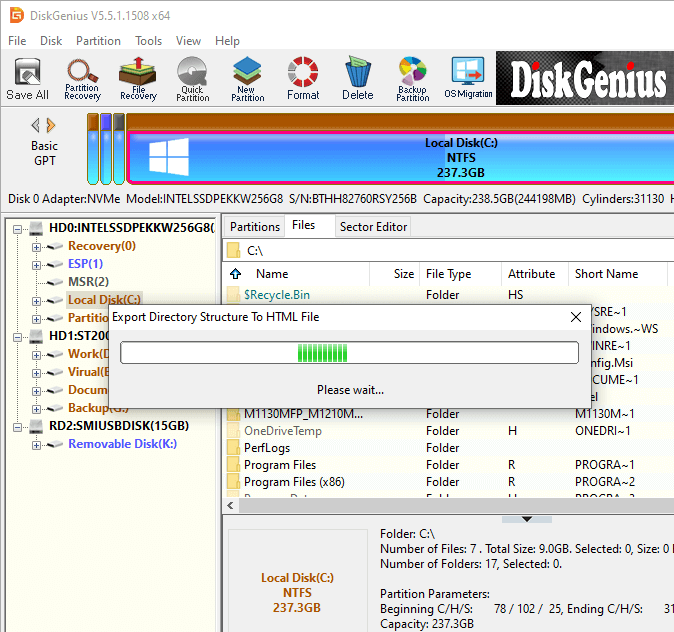
Export Directory Tree Of A Drive To An HTML File DiskGenius

Export SCCM Device Collection With 3 Easy Methods
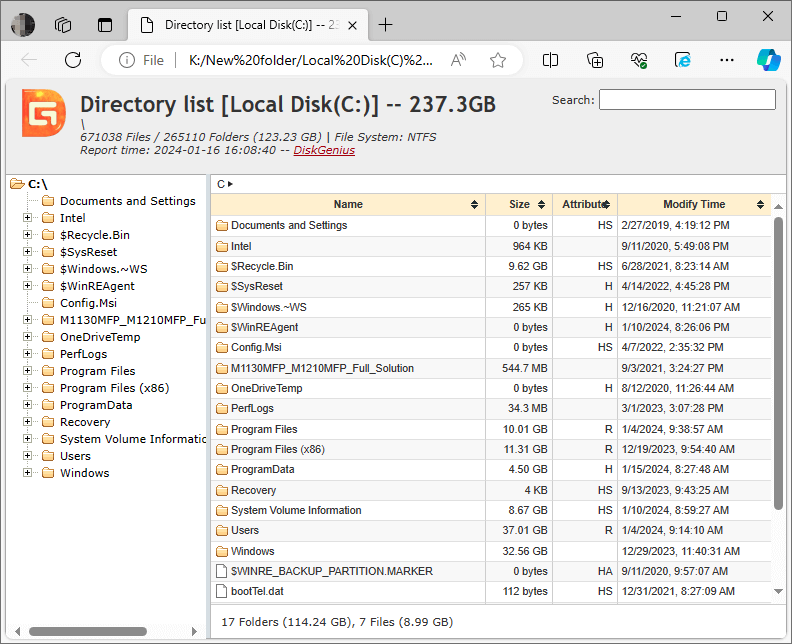
Export Directory Tree Of A Drive To An HTML File DiskGenius
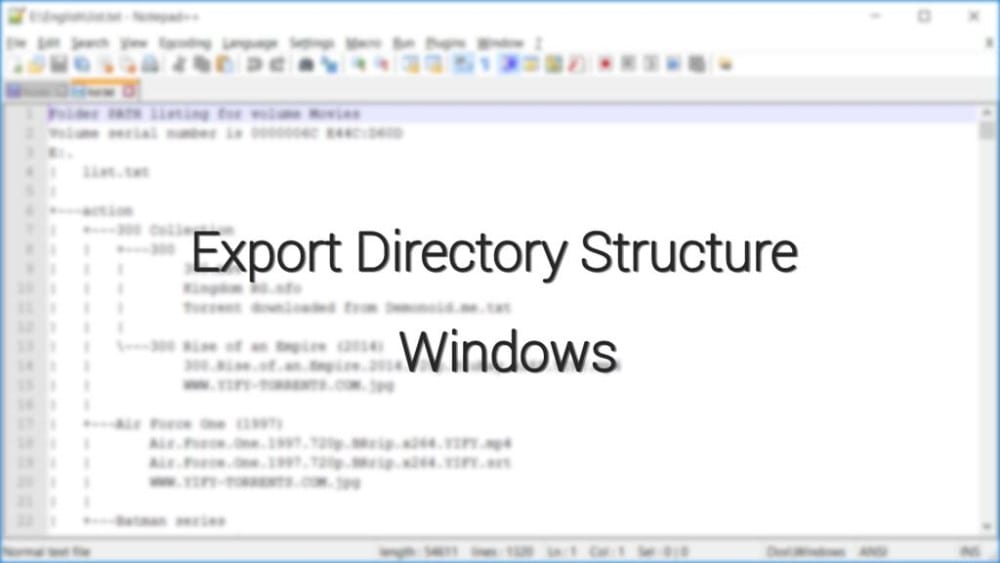
How To Export Directory Structure Of A Folder In Windows Technastic
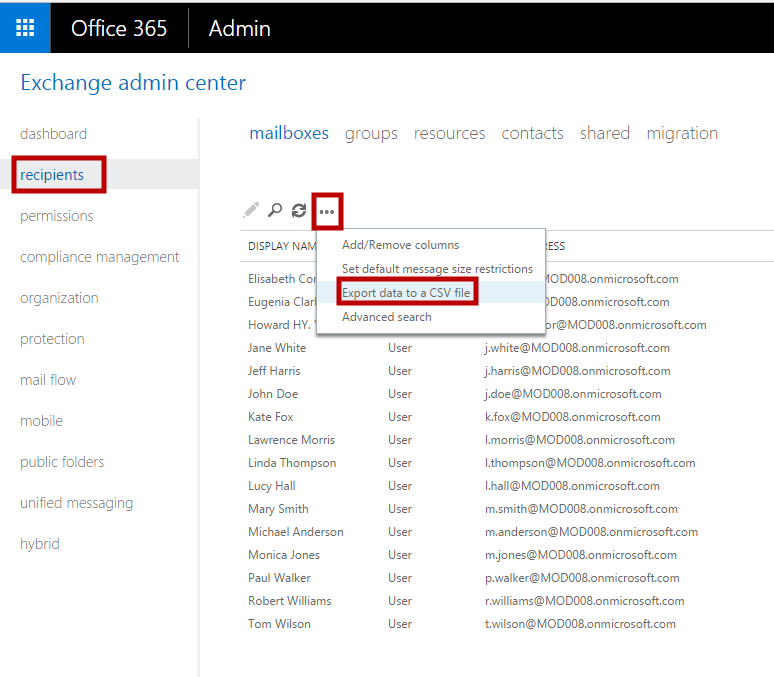
How To Export Users From Active Directory Maurotech

To do this follow these simple steps Move to the directory or folder on Windows File Explorer which you want to keep track of Here I want to keep track of my files and folders of Documents
How to Export Folder Structure to Excel in Windows To export a folder s structure to Excel in doc format you need to first create an output doc file containing the folder s
1 Export a folder s structure to a text file using the tree command in Command Prompt First open File Explorer and navigate to the folder for which you want to export the directory tree To exemplify the process I ll use my Games folder located in E Games
1 type cmd into the start menu to bring up a dos prompt 2 use the command for instance cd C Users BobJones Desktop New folder to navigate to the folder in question 3 use the command DIR doggy csv to create a file named doggy csv in the same directory that you can open directly with excel
Simply open one navigate to your folder and funnel the result into a text file using this command dir filenames txt You will have to do some cleaning up but as I said quick and dirty If you only want certain objects you can of course limit the output of your dir command The option Cybertox mentioned might be a good idea
Export folder and subfolder list to excel July 18 2022 In a previous post we showed how to export a list of filenames from a folder into Excel But what can you do to export a list of files AND subfolders AND files in these subfolders into an Excel list Introduction You might need to get a list of folder names or file names into another useful place like Excel or a text file Let s say you have your list already It might be all folders on your PC for example or more likely a list of sub folders
Step 1 Connect to a folder Got to the Data tab Click Get Data Then From File And finally From Folder In the following dialog box click the Browse icon A new dialog box shows all the files in the folder and the subfolders selected Simply click on the button Transform data