Explain The Query Design Grid Options USING QUERY DESIGN GRID In MS Access YouTube Query For Practice Using SQL Commands In MS Access 4 Create A New Summary Query In Design View The Chegg Access Database Queries Open your query in Design view or create a new query and add the fields you want to use This example uses the Products table and includes the ProductName and Price fields Sort your table so that the records you are most interested in are at the top If you want to find the most expensive products then add a descending sort on the Price
The Query Design View allows you to create and edit a database query To access this command In a database file window click the Queries icon then choose Edit Edit Most databases use queries to filter or to sort database tables to display records on your computer Views offer the same functionality as queries but on the server side This mode is called the query design view We can get to it by going back up to the view button and clicking either the bottom half of it to switch into design view or using the top half of
Access Database Queries Solved A Open The ComparisonStartDate Query In Design View Chegg MS Access Query Data How To Create A Simple Select Query In Design View In Access 2016 The Query Design Reflecta i Orice Exclusiv Who Accessed A Table T sql Crim Africa Nobil Update Queries CustomGuide Example Of Microsoft Access Report Sum Pushlasopa Microsoft Access Tips Basing A Query On Two Related Tables The Inner
Explain The Query Design Grid Options
 Explain The Query Design Grid Options
https://i.ytimg.com/vi/zk2EY7Mb4ao/maxresdefault.jpg
5 09 The query design grid can be very intimidating to new users Once you learn the techniques however it s not hard This video first demonstrates how
Templates are pre-designed documents or files that can be utilized for different purposes. They can save time and effort by providing a ready-made format and layout for producing various type of material. Templates can be utilized for personal or expert projects, such as resumes, invitations, flyers, newsletters, reports, presentations, and more.
Explain The Query Design Grid Options
MS Access Parameter Queries
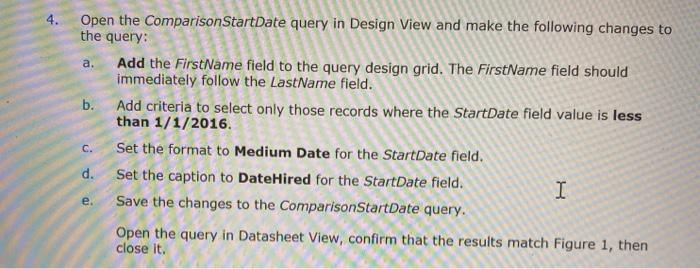
Solved A Open The ComparisonStartDate Query In Design View Chegg
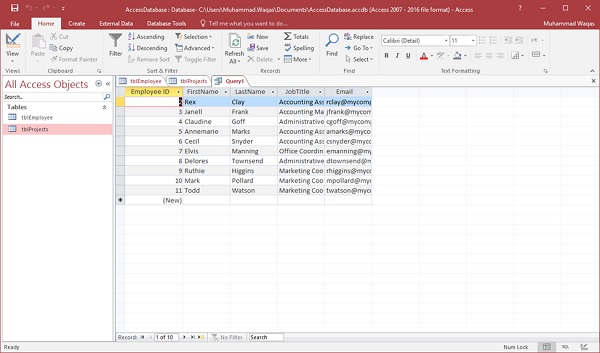
MS Access Query Data
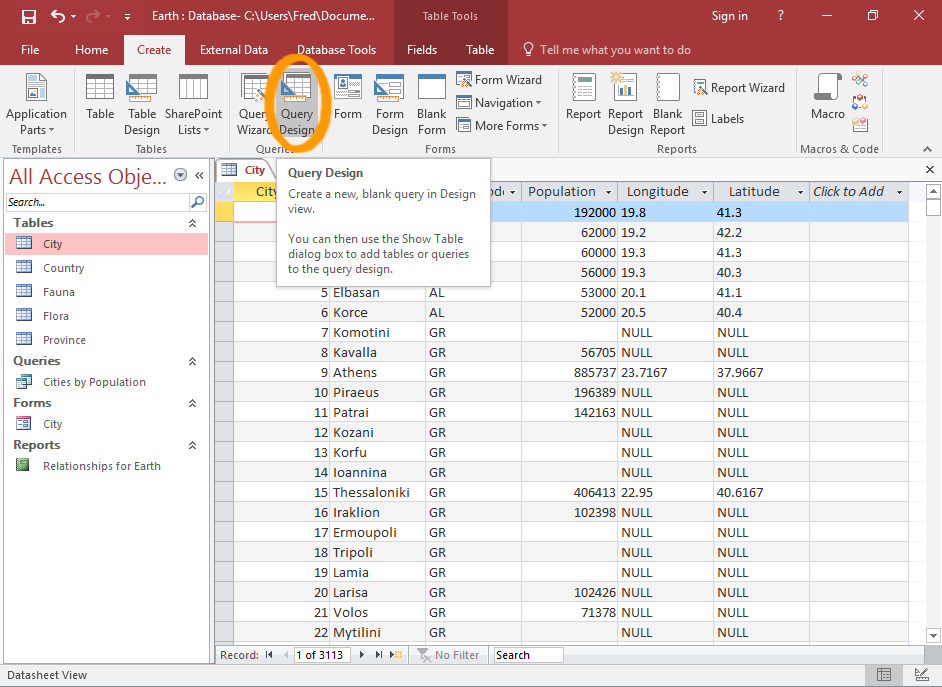
How To Create A Simple Select Query In Design View In Access 2016
Reflecta i Orice Exclusiv Who Accessed A Table T sql Crim Africa Nobil
Update Queries CustomGuide

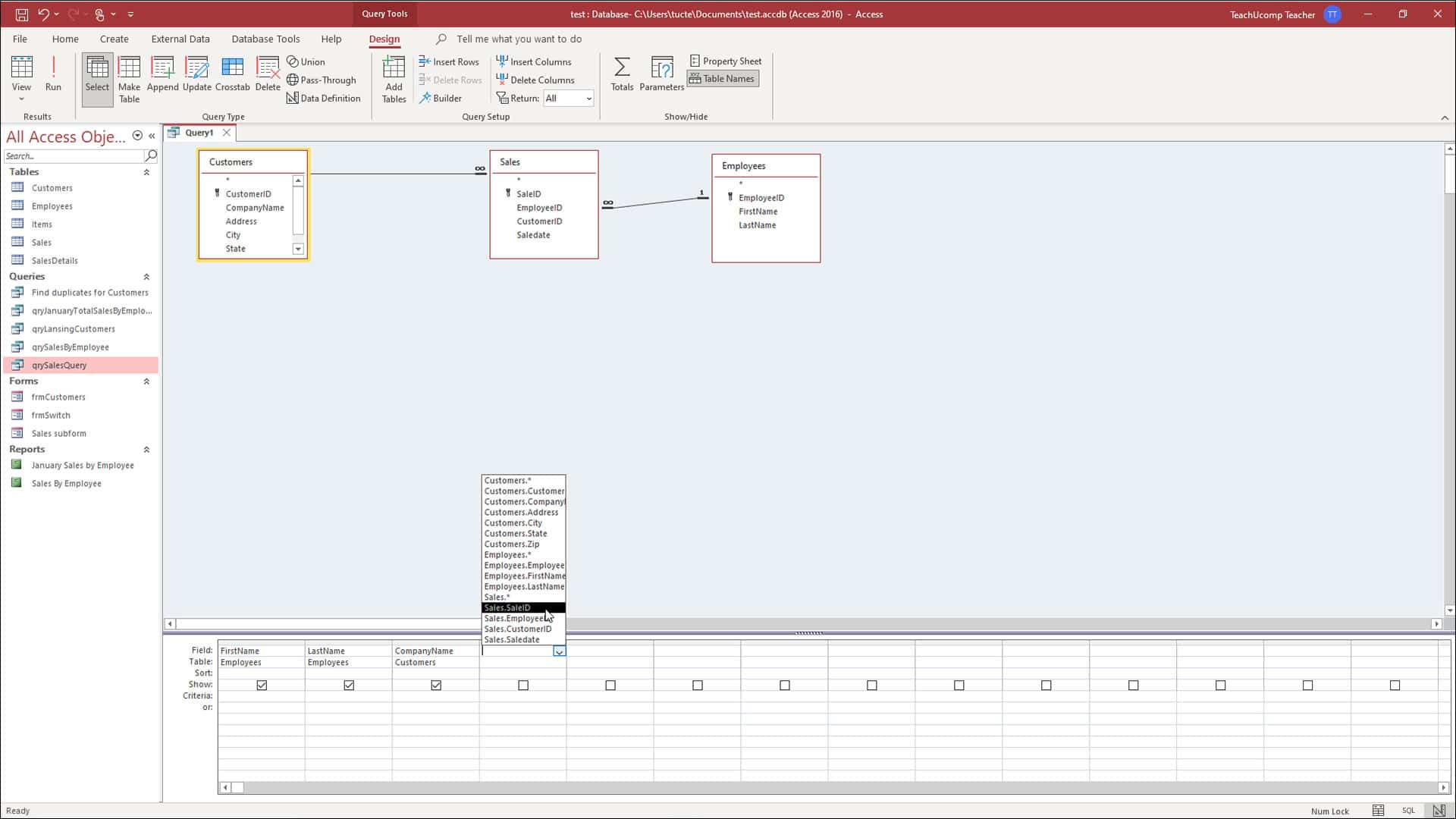
The Query Designer consists of three panes the Diagram pane the Grid pane and the SQL pane The Three Panes of the Query Designer The Diagram pane displays the tables views and in line functions that you are querying

Design query in editor using the context menu The Query and View Designer opens when you open the definition of a view show the results for a query or view or create or open a query Include actual execution plan using the context menu Executes the query returns the query results and uses the execution plan for the query
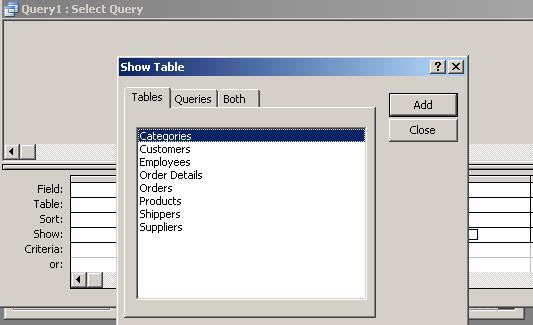
Click Add then click Close The selected table will appear as a small window in the Object Relationship pane In the table window double click the field names you want to include in your query They will be added to the design grid in the bottom part of the screen In our example we want to mail invitations to customers who live in a certain area so we ll include the First Name Last Name
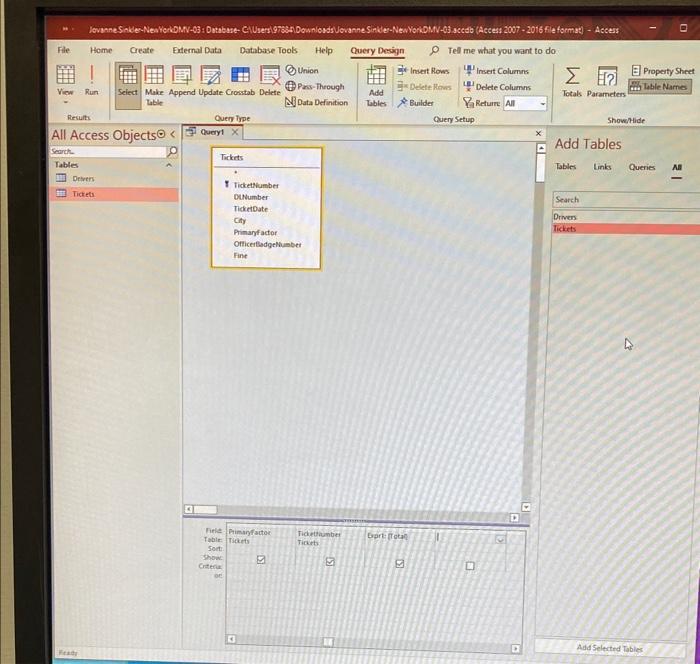
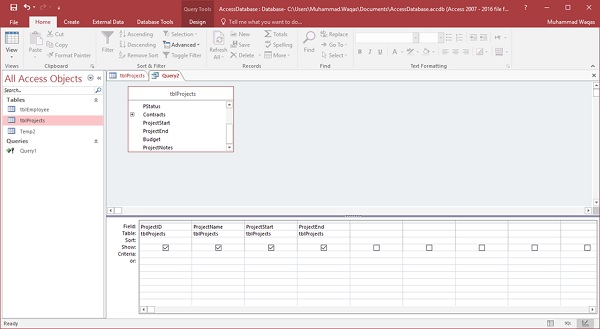
The query design grid in Query Design view is the fastest way to get a query going and to see visually that you re selecting and sorting on the right fields However Query Design view also has the SQL view window for accessing the SQL statement directly as well as the datasheet view for testing

Total row query design grid The default values in the row are set to Group By Clicking the drop down arrow in the Quantity column of the Total row and selecting Sum will accumulate add the quantities of products ordered Executing the query by clicking the Run button will display the results in the query s datasheet view as shown above
A field values that begin with S through and end in anything B field values that end with S W C field values that end with S W D field values that begin with S 2 and end with any single character A Create a query by clicking the Query Design button in the Queries group on the tab A EXTERNAL DATA Type this entry in the field in the Criteria row in the AnnualSalary column in the query design grid to extract records of employees who earn more than 40 000 Add existing fields This button opens the Field List task pane to add fields from another table to the form Form wizard
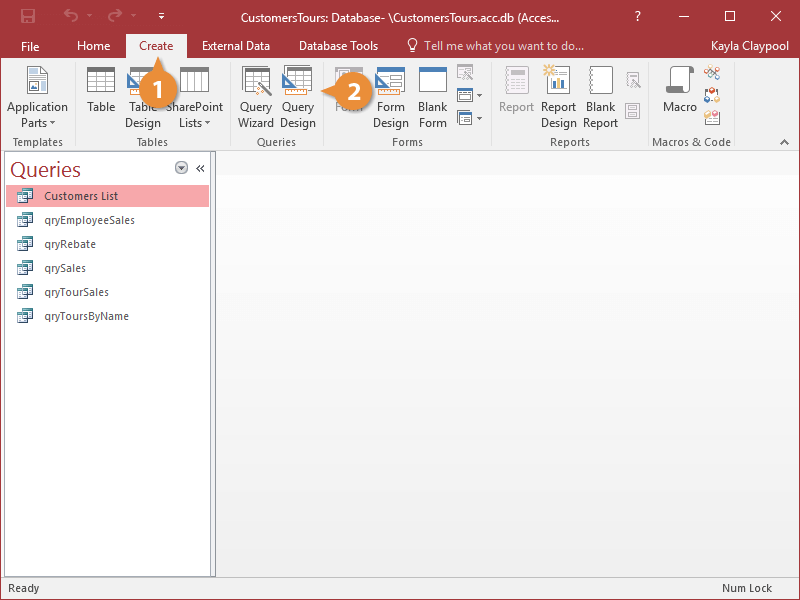
Open the Lesson 2 database Here s how to create a simple query In the Database window click the Queries icon in the Objects bar and double click Create query in Design view The Show Table dialog box appears as shown in figure Here you have to select the table or query you want to use Click Employees and click Add