Excel Vba Rename Multiple Sheet Based On Cell Value Excel VBA Automatically Rename WorkSheet Based On Cell Value YouTube VBA Delete Multiple Columns Excel Macro Example Code How To RENAME A Sheet Using VBA In Excel Rename Excel Sheet With Cell Contents By Using Macro Office Microsoft Learn Vba To Rename Specifc Worksheet Based On Cell Value With illegal Character Excel VBA METHOD 1 Rename multiple Excel worksheets using VBA VBA Sub Rename Multiple Excel Worksheets declare variables Dim ws1 As Worksheet Dim ws2 As Worksheet Dim ws3 As Worksheet Set ws1 Worksheets Sheet1 Set ws2
1 I would like to rename sheets based on the same cell within each sheet When i run the macro rather than having the cell predefined I would like to use an input box to define what cell the sheets are to be named after This is what I have so You can easily rename multiple sheets in Excel based on the cell value by using a simple VBA code Here are the steps Open the Excel workbook that contains the sheets you want to rename Click the Developer tab Visual Basic button in the Code group to open
Vba To Rename Specifc Worksheet Based On Cell Value With illegal Character Excel VBA How To Rename Multiple Files Excel VBA Stack Overflow How To Rename Sheet With VBA In Excel 2 Suitable Ways How To Rename Sheet With VBA In Excel 2 Suitable Ways How To Rename Sheet With VBA In Excel Both Single And Multiple Sheets Excel VBA To Copy And Rename A Worksheet Multiple Times ExcelDemy VBA Code To Rename Files In Folder Excel Vba Rename Files Based On List Vba Rename File How To Rename Sheet With VBA In Excel Both Single And Multiple Sheets How To Rename Sheet With VBA In Excel 2 Suitable Ways
Excel Vba Rename Multiple Sheet Based On Cell Value
 Excel Vba Rename Multiple Sheet Based On Cell Value
https://i.ytimg.com/vi/9vn2JbhSqPQ/maxresdefault.jpg
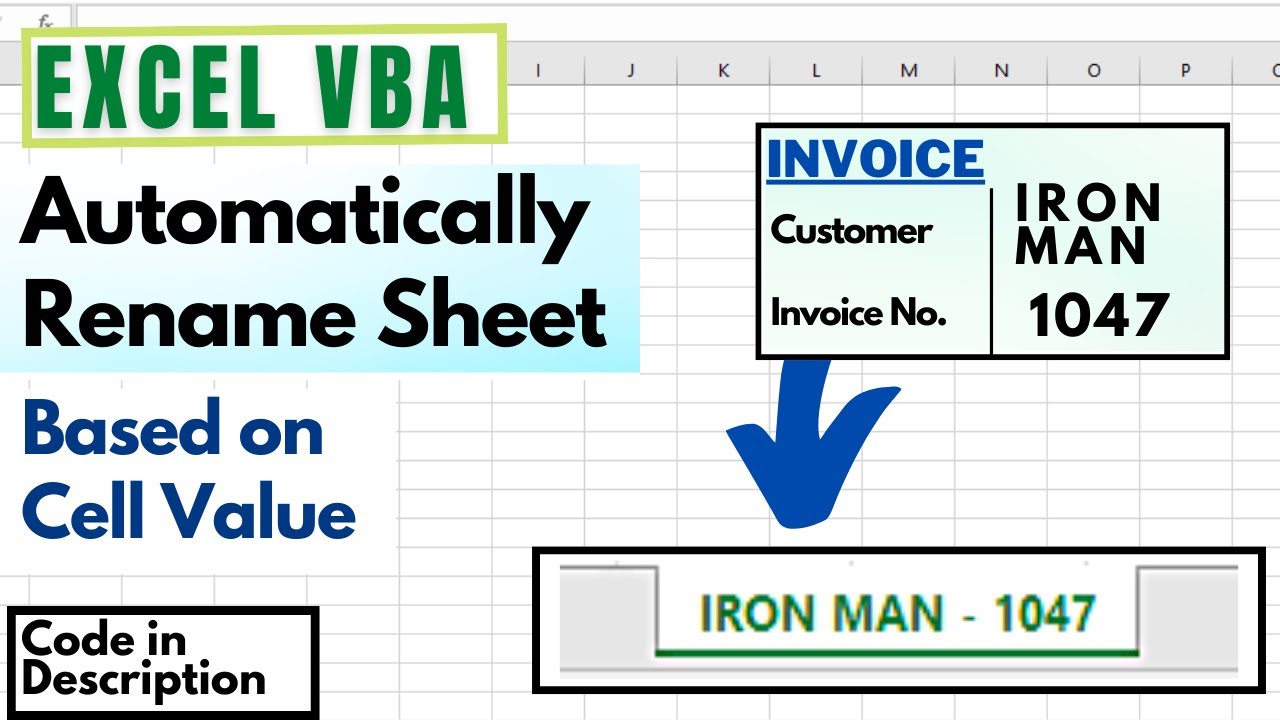
Rename Sheet Based On Cell Value In Excel VBA Code Included In this video I demonstrate how to automatically rename a sheet tab based on the value entered in a cell on that sheet Copy the code shown below If Not Intersect Target Range C2
Pre-crafted templates provide a time-saving option for creating a varied series of documents and files. These pre-designed formats and designs can be utilized for numerous individual and expert jobs, including resumes, invitations, flyers, newsletters, reports, discussions, and more, enhancing the material development process.
Excel Vba Rename Multiple Sheet Based On Cell Value
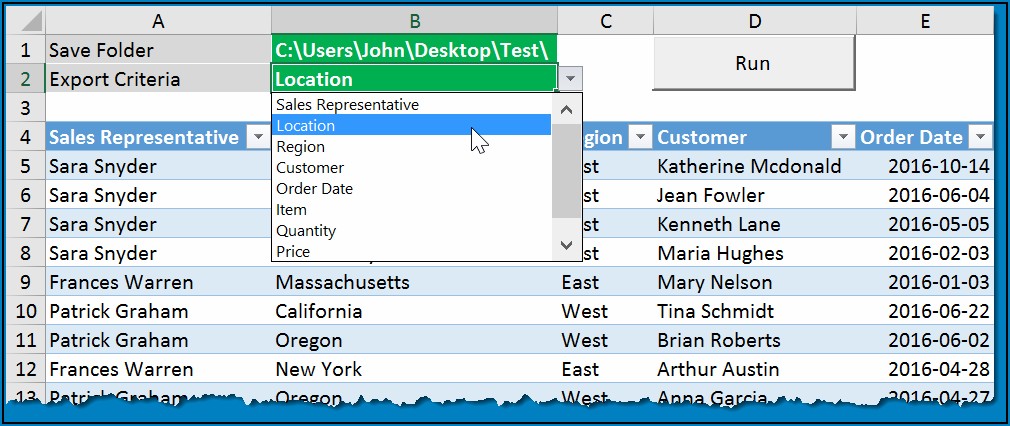
Vba Copy Sheet And Rename Based On Cell Value Worksheet Resume Template Collections 6jzNQewPgl

How To Rename Multiple Files Excel VBA Stack Overflow

How To Rename Sheet With VBA In Excel 2 Suitable Ways

How To Rename Sheet With VBA In Excel 2 Suitable Ways
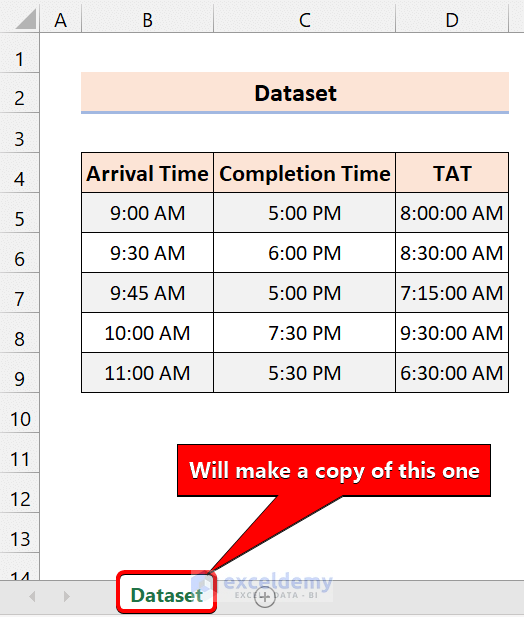
Excel VBA To Copy And Rename A Worksheet Multiple Times ExcelDemy

VBA Code To Rename Files In Folder Excel Vba Rename Files Based On List Vba Rename File
Rename a Sheet using Value from a Cell or a Range You can also rename a sheet by taking value from a cell Let s say the value is in cell A1 Sheets Sheet1 name Range A1 Value But let s say you

The best solutions to overcome the Nancy s problem is by using macro This macro designed for each sheet in that file regardless of the number of sheets The name of each sheet will change according to the sales name that has been determined in the

01 21 2022 7 contributors Feedback This example shows how to name a worksheet by using the value in cell A1 on that sheet This example verifies that the value in cell A1 is a valid worksheet name and if it is a valid name renames the active worksheet to equal

1 I m new to VBA and am trying to name worksheets from a list I have a file with 133 worksheets and want to name each sheet from a list in one of the worksheets Cells B1 thru B133 has a list of the desired names cells c1 through c133 has sheet names
How can I rename a sheet using based on cell A1 value from sheet 2 I tried the following code Private Sub CommandButton1 Click Sheet1 Name Sheet2 Range A1 Value End Sub but if I use Sheets 1 Name
For i 1 To Range B Rows Count End xlUp Row will loop through all of column B to get the value of the cell j This one will rename each sheet based on the value of cell A1 on that sheet Code Sub RenameSheets For i 1 To Sheets Count If Worksheets i Range A1 Value Then Sheets i Name
Step 1 Right click the worksheet in the Sheet Tab that you will dynamically name it by a cell value and select View Code from the right clicking menu Step 2 In the opening Microsoft Visual Basic for Applications window paste the following VBA code into the