Excel Vba Remove Cell From Range How To Clear Formatting From A Cell In Excel Excel VBA Remove Duplicates YouTube Excel Delete All Cells With Specific Value From A Range Using VBA VBA Code To Loop Through A Range Of Cells And Highlight The Cells With Excel VBA Tutorial For Beginners 17 Delete Cells Using VBA In MS 3 Answers Sorted by 7 Range Range start Offset 1 Range end Offset 1 EntireColumn Delete Share Follow answered Aug 28 2010 at 20 35 shahkalpesh 33 2k 3 64 88 Add a comment 0 You don t have to specify a row reference ActiveSheet Range MyColumn EntireColumn Delete
Case 1 Clear All Contents of Range i Clear Contents of Specific Range of Cells ii Clear Contents of Full Worksheet iii Clear Contents of Active Worksheet Case 2 Clear Contents of Range Keeping the Formatting i Contents of Specific Range ii Contents of Specific Worksheet iii Contents from Other Workbook The code i am using is Delete Function to remove row from Excel Table and Listbox Private Sub CommandButton29 Click Dim ws7 As Worksheet Dim foundCell As Range Dim searchvalue As Variant searchvalue ListBox4 Value Set ws7 worksheets 7 Find the cell with the search value in column A Set foundCell ws7 Columns 1 Find searchvalue
Excel VBA Tutorial For Beginners 17 Delete Cells Using VBA In MS How To Remove Gridlines From Specific Cells In Excel Training In Business Vba Remove Just 0 Values From Chart Excel Stack Overflow Excel VBA Tutorial Understanding The Difference Between Range And Excel Macro VBA Tip 15 Combine The Range And Cells Property In Excel Vba Excel Pemula 18 Mengenal Perintah Pastespecial Data Range Excel VBA How To Check If Cell Is Empty YouTube Obtenir D finir Ou Modifier La Valeur De La Cellule Dans Excel VBA Excel Referencing A Cell From Another Worksheet In A Function For VBA
Excel Vba Remove Cell From Range
 Excel Vba Remove Cell From Range
https://www.freecodecamp.org/news/content/images/2022/12/clear-format-1-3.jpg
Macro Example to Clear Cell Contents and Keep Formatting The following macro example clears the contents but not the formatting of cells A10 to C14 myRange in the worksheet named Clear Cell of the workbook containing the macro ThisWorkbook 01 02 03
Pre-crafted templates offer a time-saving option for producing a diverse series of files and files. These pre-designed formats and layouts can be used for different personal and expert projects, including resumes, invites, leaflets, newsletters, reports, presentations, and more, improving the content production process.
Excel Vba Remove Cell From Range

Excel VBA To Change Shape Color Based On Cell Value Input Stack
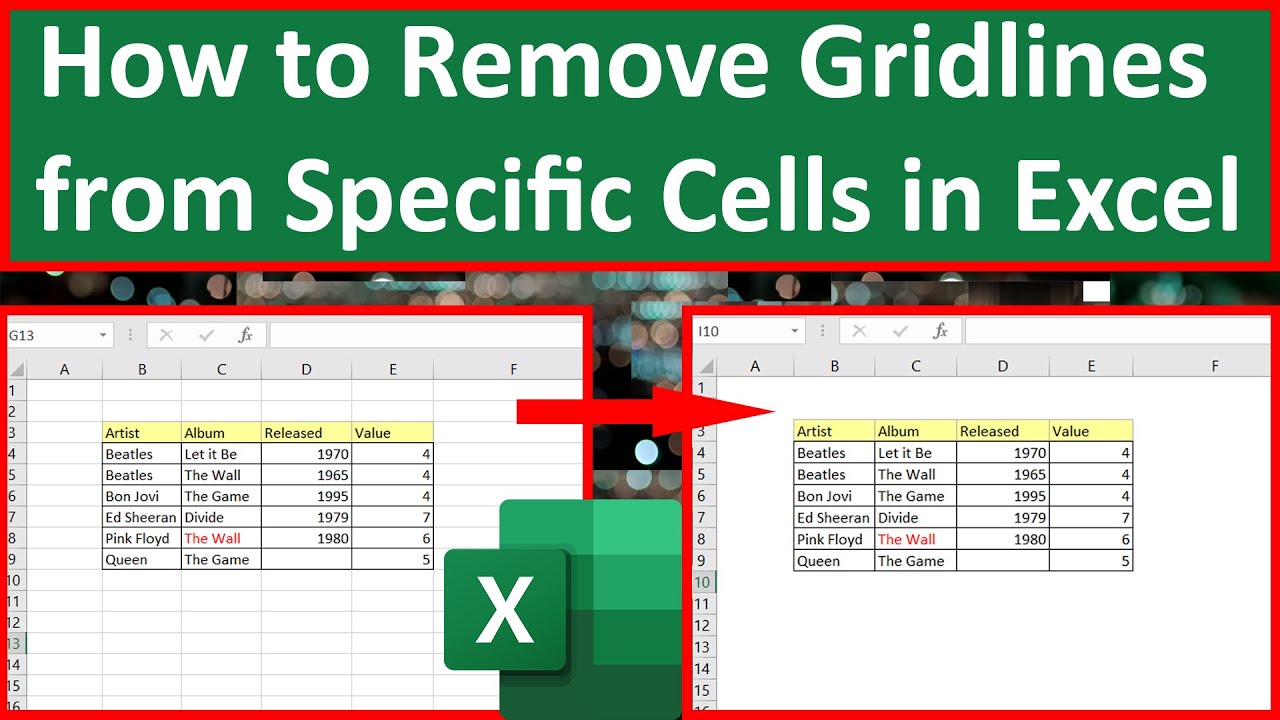
How To Remove Gridlines From Specific Cells In Excel Training In Business

Vba Remove Just 0 Values From Chart Excel Stack Overflow

Excel VBA Tutorial Understanding The Difference Between Range And
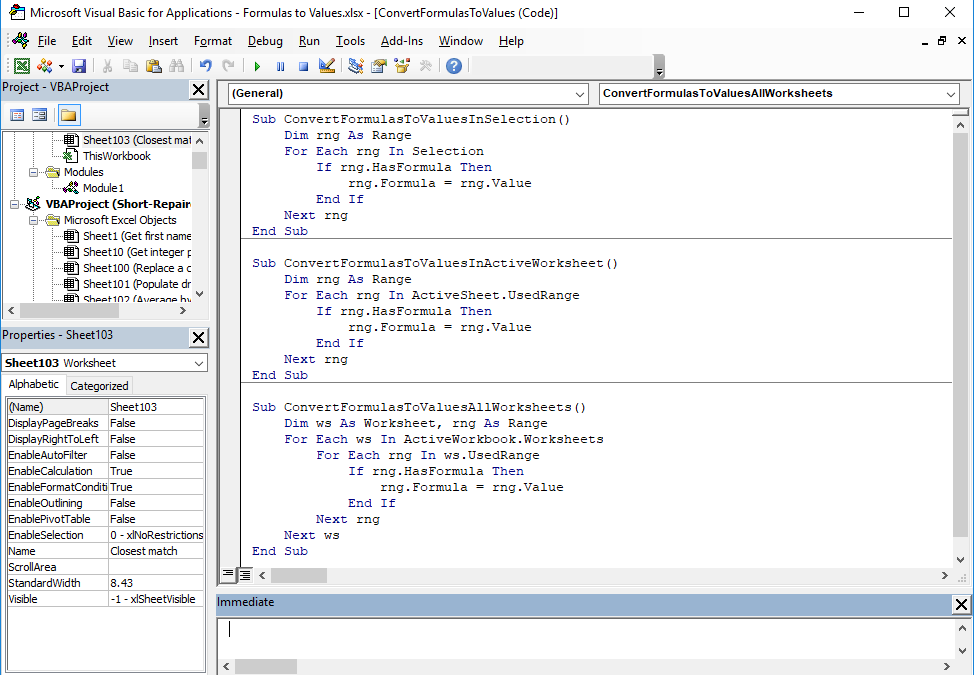
Vba Excel Pemula 18 Mengenal Perintah Pastespecial Data Range
Excel VBA How To Check If Cell Is Empty YouTube

You could create a UDF that will remove a cell from a range you could alter how you define your range to begin with or you could loop over the range as normal and have a check for text and if the cell contains the text then don t run code on that cell and the loop skips to the next one
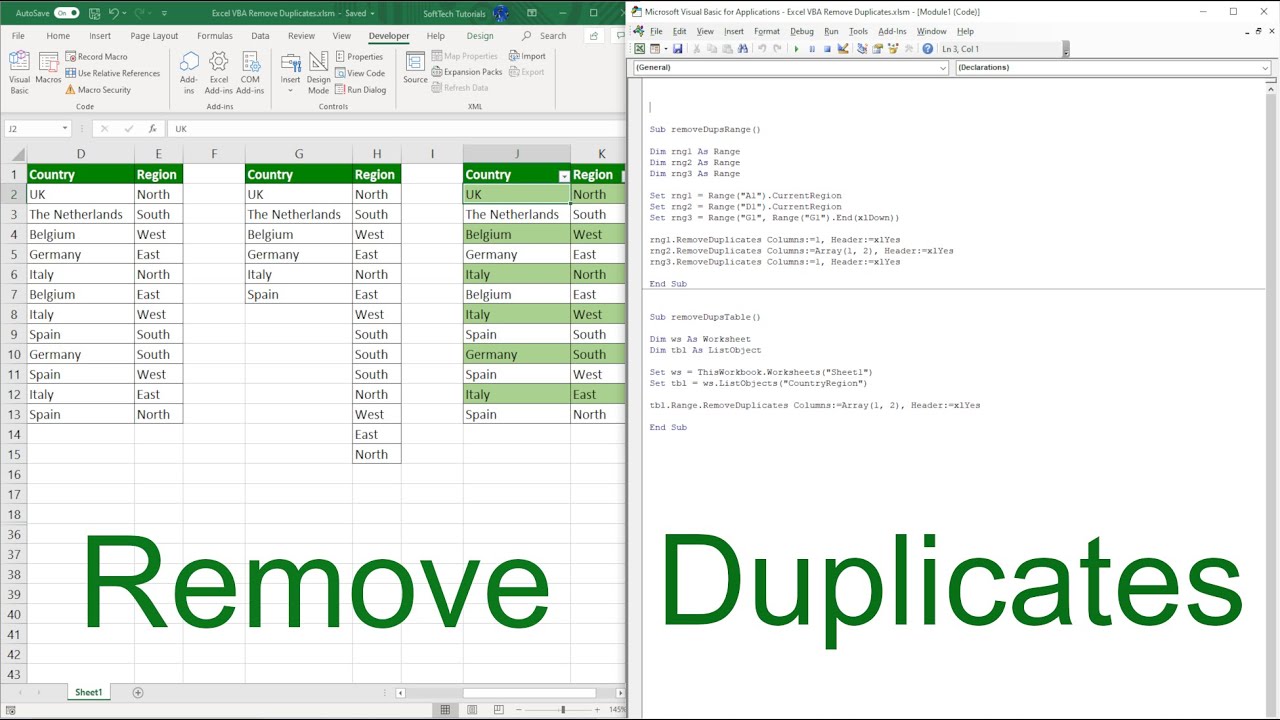
ClearContents is a method in VBA used to delete or remove the values stored in the cells provided to it This method makes the cell range empty It is used with the range property to access the specified cell range An example of this method is range A1 B2 The ClearContents method will clear the contents of cells from A1 to B2
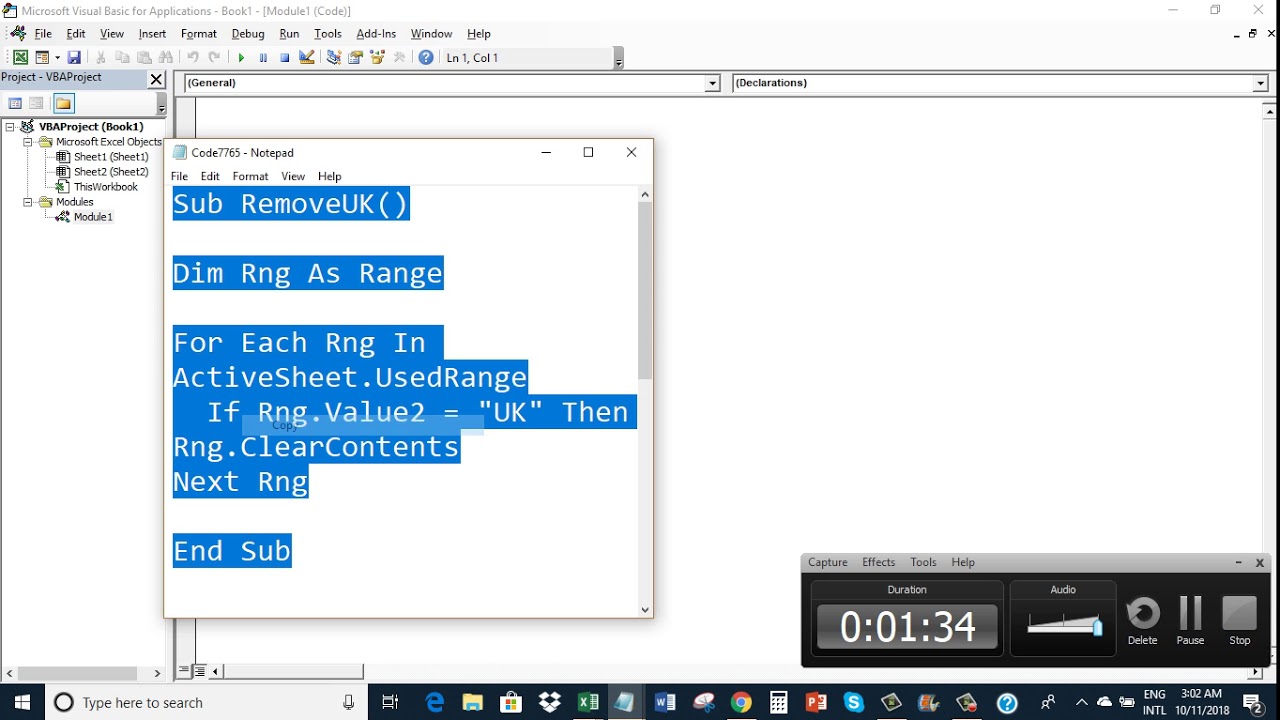
Data type Description Shift Optional Variant Used only with Range objects Specifies how to shift cells to replace deleted cells Can be one of the following XlDeleteShiftDirection constants xlShiftToLeft or xlShiftUp If this argument is omitted Microsoft Excel decides based on the shape of the range

This example clears the formulas and formatting in cells A1 G37 on Sheet1 Worksheets Sheet1 Range A1 G37 Clear Support and feedback Have questions or feedback about Office VBA or this documentation Please see Office VBA support and feedback for guidance about the ways you can receive support and provide feedback
To delete an entire row in VBA use this line of code Rows 1 Delete Notice we use the Delete method to delete a row Instead of referencing the Rows Object you can reference rows based on their Range Object with EntireRow Range a1 EntireRow Delete Similarly to delete an entire column use these lines of code Columns 1 Delete
If we want to copy values it is not the most efficient method I have written a complete guide to copying data in Excel VBA here You can simply copy a range of cells like this Range A1 B4 Copy Destination Range C5 Using this method copies everything values formats formulas and so on How to delete empty cells in excel using vba Ask Question Asked 6 years 1 month ago Modified 6 years 1 month ago Viewed 6k times 0 This is just a sample I am testing the code in this data I have three columns in sheet2 I have to delete the empty cells This is the updated code which is working for column B only You can check the snapshot
1 I need to clear the old range border before applying the new one with the change I ve been trying with no success It should be done before the Set New Duration in holding cell How can I achieve this