Excel Vba Hide Column Headers Excel VBA Verify Column Headers YouTube Excel VBA Hide To Hide Rows Columns YouTube How To Create Vertical Headings In Excel MS Excel Tips YouTube VBA To Hide And Unhide Columns On Conditional Basis Excel VBA Example Need To Hide Column Headers In Power Bi I ve Got You Covered With The Toggle Excel VBA Constructs To Hide Rows Or Columns Hide Or Unhide With The Range Hidden Property Specify Row Or Column To Hide Or Unhide Using VBA Excel
To hide non adjacent columns click on the header of the first column press and hold the Ctrl key while clicking on each additional column to select them and then use the hiding shortcut Tip The 1 Hi All Is there a code through VBA that can hide all row column headers for all sheets of your workbook Thank you Pinaceous Excel Facts Select a
Need To Hide Column Headers In Power Bi I ve Got You Covered With The Excel VBA Hide Excel Userform Title Bar And Excel Open File YouTube Power BI Remove alter Default Column Header Line Or Total Lines On Show Hide Column s Group In Excel Using VBA YouTube VBA MS Excel 2013 Hide A Column How To Create Custom Headers And Footers In Ms Excel By Two Ways How Column Headings From Numbers To Letters Excel Unlocked How To Hide The Column And Row Numbers In Excel Online Primealture it
Excel Vba Hide Column Headers
 Excel Vba Hide Column Headers
https://i.ytimg.com/vi/uegib4WNlhU/maxresdefault.jpg
Open the Excel workbook containing the worksheet on which you want to hide the headers You can activate the worksheet you want by clicking the appropriate
Pre-crafted templates offer a time-saving option for developing a varied range of documents and files. These pre-designed formats and layouts can be used for numerous individual and professional jobs, consisting of resumes, invites, leaflets, newsletters, reports, discussions, and more, streamlining the content creation procedure.
Excel Vba Hide Column Headers
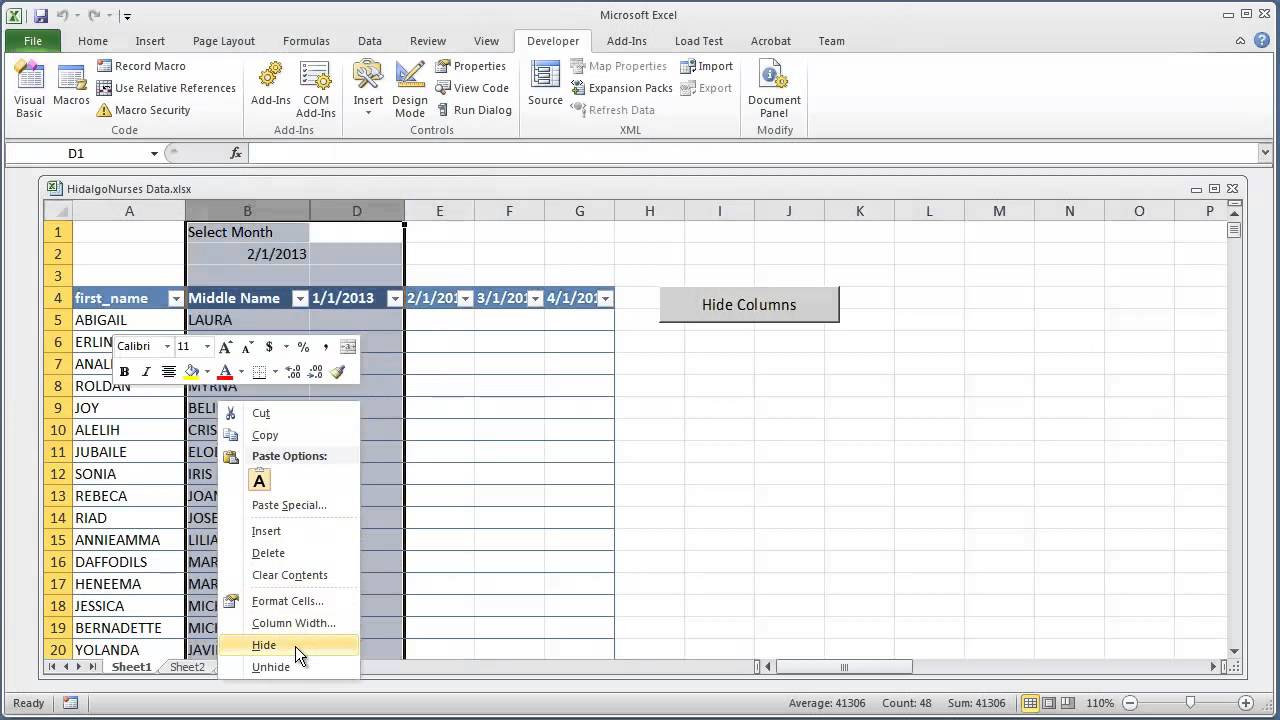
Vba Excel Hide Columns Based On User Selection worksheet Change YouTube

Excel VBA Hide Excel Userform Title Bar And Excel Open File YouTube
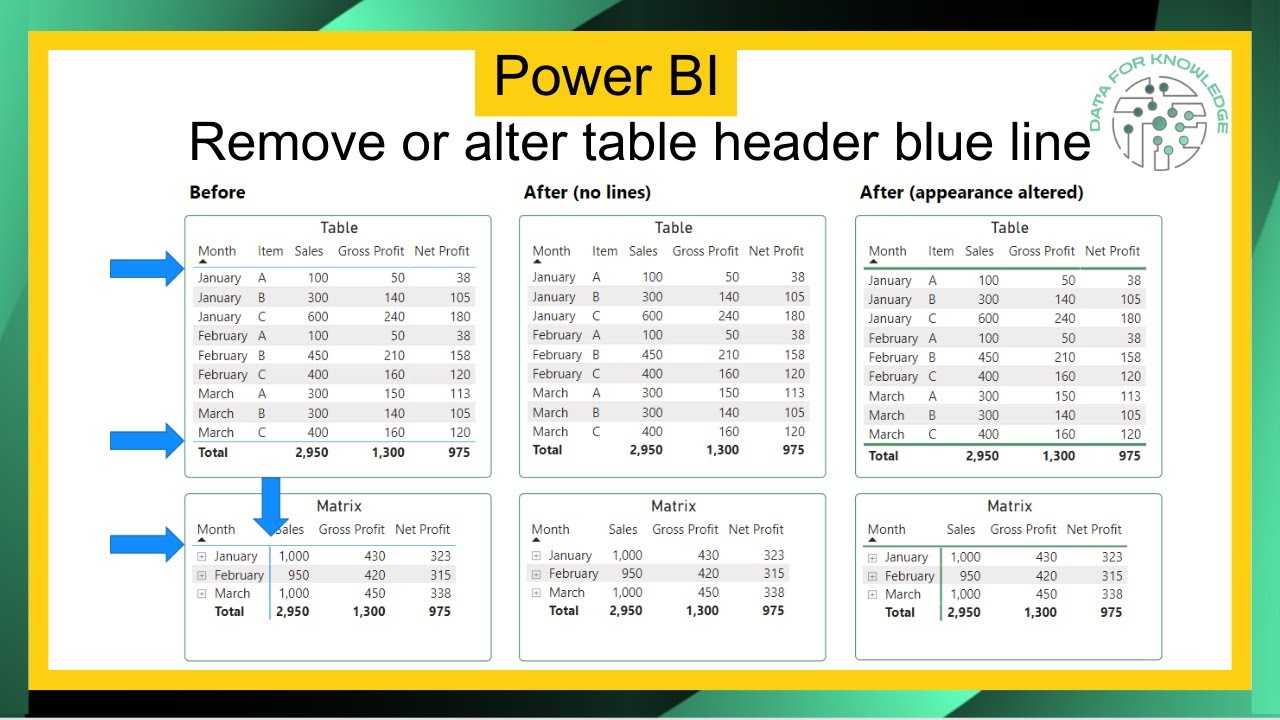
Power BI Remove alter Default Column Header Line Or Total Lines On

Show Hide Column s Group In Excel Using VBA YouTube
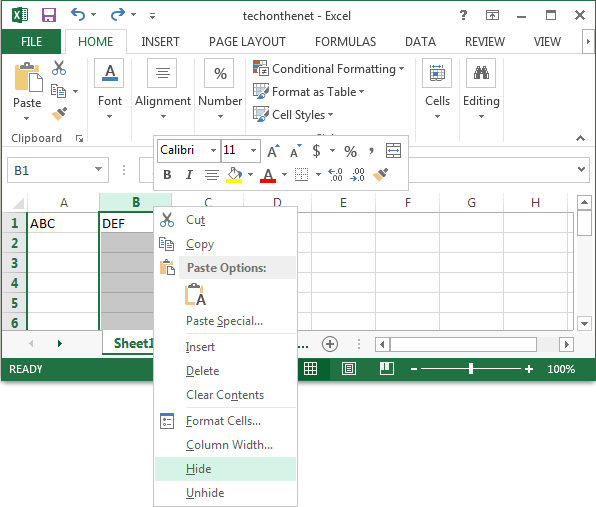
MS Excel 2013 Hide A Column

How To Create Custom Headers And Footers In Ms Excel By Two Ways How

My Aswer Is This said Try this Code Sub Hide Me name date and age Dim Lastcolumn As Long Lastcolumn Cells 1

VBA Methods This tutorial hides the row and column headings by setting the ActiveWindow DisplayHeadings to False It shows four VBA methods that can be applied to hide row and column headings The first VBA
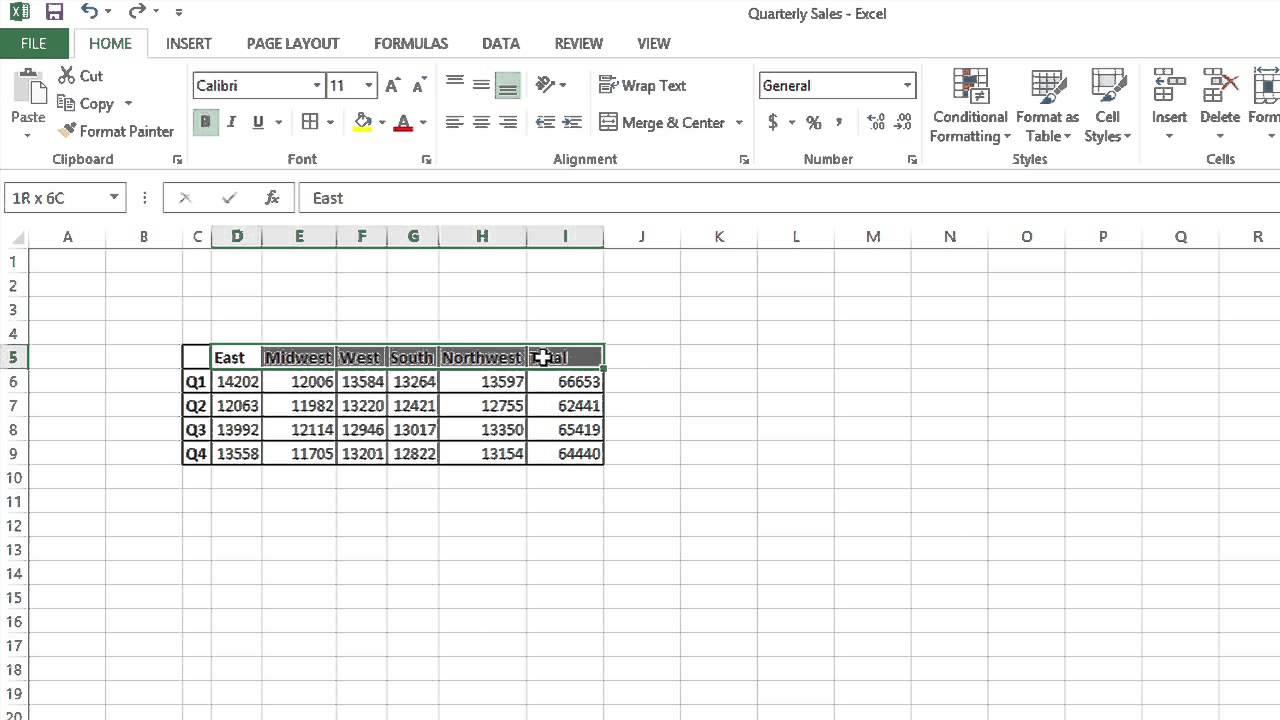
Using either of the two methods you can hide the row and column headings in an entire workbook in three steps VBA Method Using VBA the row and column headings can be hidden in an entire workbook by
Last updated on January 1 2023 This tutorial demonstrates how to hide column and row headings in Excel Hide Column and Row Headings In Excel you

To unhide columns or rows simply set the Hidden Property to FALSE Columns B B Hidden False or Rows 2 2 Hidden False Unhide All Columns
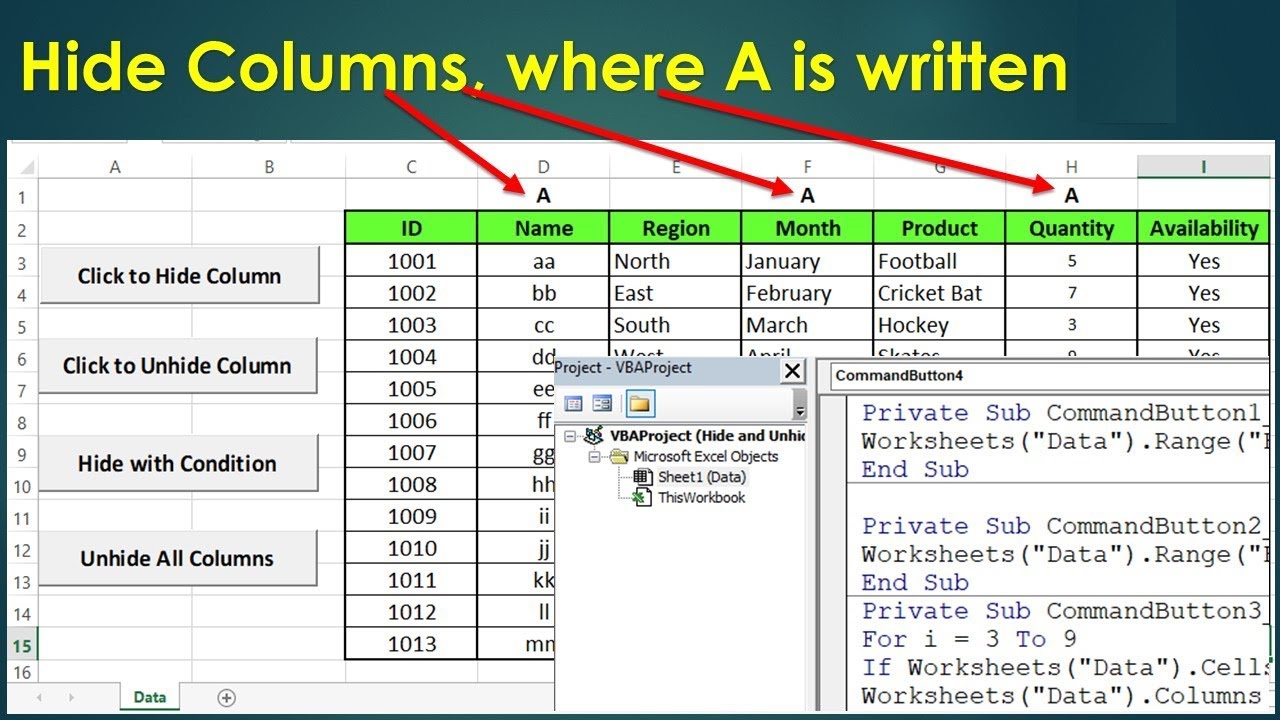
1 Apply Excel VBA to Hide Columns Based on Cell Value In our first example you ll see how to hide a column based on a cell value Here we have X in a You should really refer to documentation Hidden is a property which must be set or assigned You re not setting its value it s an invalid call to the property Delete
Syntax How to Hide Columns in VBA Examples Important Things To Note Frequently Asked Questions FAQs Download Template Recommended Articles Key Takeaways