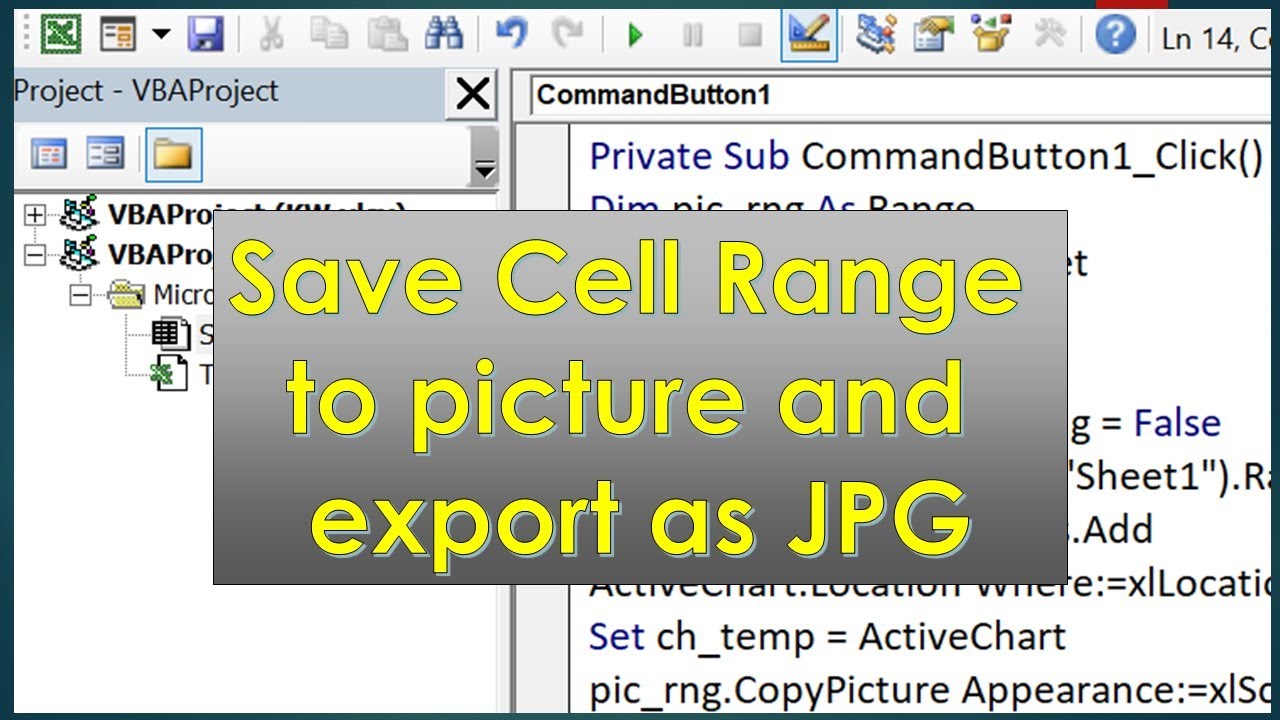
Excel Vba Export Data To Access Table Excel VBA To Export Range As Image VBA Coding To Export Image YouTube Tips Trick VBA Export Multi Sheet Excel Ke Satu File PDF Q A YouTube Create MS Access Database Create Access Table And Load Excel Data To VBA Export Outlook Non HTML Email Body Into Excel Stack Overflow Export Data To Access From Excel VBA Stack Overflow Web Step 1 Open the Excel sheet and got to VBA code builder Alt F11 and Open a New Module Step 2 Copy and Paste the below code in it Const TARGET DB myDB accdb Replace the myDB accdb with your db name make sure both Excel and Access DB are at the same path Sub PushTableToAccess Dim cnn As ADODB Connection Dim MyConn
Web Jul 27 2015 nbsp 0183 32 Contents Step 1 The first step would be to connect to an existing access database or create a new access database In this example we will be connecting to an existing database It is assumed The database is located in the path D StuffBusinessTemp The database file has the name NewDB accdb Early Binding Web Jun 28 2012 nbsp 0183 32 I have a table in an Excel file with some data and I want to export these data to my database on Access in a concrete table on my database called Water Quality with a VBA code to avoid to open my Database every time that I
Export Data To Access From Excel VBA Stack Overflow Export Microsoft Access Data To Excel Riset Autocad Draw Polyline Vba Programming Gearlasopa How To Export MS Access Table Data To Excel Spreadsheet Office 365 Export All Sheets To PDF Excel VBA Computergaga Export A Large Access Table Query To Excel My Engineering World VBA Export The Data From Excel To HTML YouTube How To Export Access Table To Excel Using VBA 2016 YouTube Export Excel Data To Access With VBA Images And Code
Excel Vba Export Data To Access Table
 Excel Vba Export Data To Access Table
https://i.ytimg.com/vi/5lG3pIXcxdI/maxresdefault.jpg
Web Mar 29 2022 nbsp 0183 32 Use the TransferDatabase action to import or export data between the current Microsoft Access database or Access project adp and another database For Access databases you can also link a table to the
Pre-crafted templates provide a time-saving solution for creating a varied range of documents and files. These pre-designed formats and layouts can be used for various individual and expert tasks, consisting of resumes, invitations, flyers, newsletters, reports, discussions, and more, improving the content development process.
Excel Vba Export Data To Access Table
Las C lulas Se Convierten En Errores REF Cuando Se Utilizan VBA Para
Export Microsoft Access Data To Excel Riset

Autocad Draw Polyline Vba Programming Gearlasopa
How To Export MS Access Table Data To Excel Spreadsheet Office 365
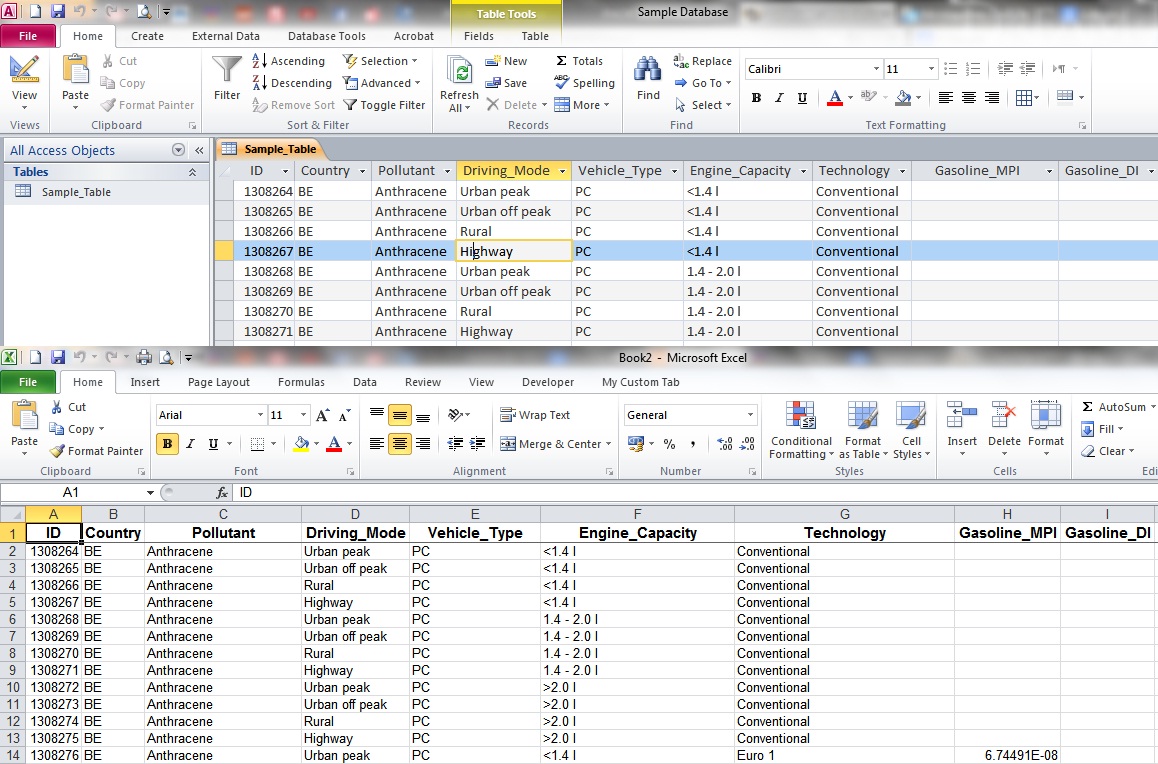
Export A Large Access Table Query To Excel My Engineering World

VBA Export The Data From Excel To HTML YouTube

Web Here s the code using ADO You need to set the full path of your access database in Data Source Sub ExcelToAccessAdo Dim cn As ADODB Connection rs As ADODB Recordset row As Long Set cn New ADODB Connection cn Open quot Provider Microsoft ACE OLEDB 12 0 quot amp quot Data

Web Jul 9 2022 nbsp 0183 32 Steve Rynearson Last updated on July 9 2022 This tutorial will cover the ways to import data from Excel into an Access Table and ways to export Access objects Queries Reports Tables or Forms to Excel

Web This article shows you how to move your data from Excel to Access and convert your data to relational tables so that you can use Microsoft Excel and Access together To summarize Access is best for capturing storing querying and sharing data and Excel is best for calculating analyzing and visualizing data

Web 1 Open Excel 2 Press ALT F11 3 VBA Editor will OPEN 4 Click anywhere in the Project Window 5 Click on Insert 6 Click on Module 7 In the Code Window Copy and Paste the below mentioned Code Sub ADOFromExcelToAccess exports data from the active worksheet to a table in an Access database

Web Jan 21 2022 nbsp 0183 32 Use the TransferSpreadsheetmethod to import or export data between the current Access database or Access project adp and a spreadsheet file You can also link the data in an Excel spreadsheet to the current Access database
Web Oct 10 2012 nbsp 0183 32 Create a linked table in the source database to the destination table Then use an append query to insert the results from your query into the linked table Edit You can also do this with a single SQL statement INSERT INTO DestinationTable Field1 Field2 IN quot C path to file accdb quot SELECT Field1 Field2 FROM SourceTable But the reference says Web Jul 9 2022 nbsp 0183 32 To export a Table to Excel use the DoCmd OutputTo method DoCmd OutputTo acOutputTable quot Table1 quot acFormatXLS quot c temp ExportedTable xls quot or use the DoCmd TransferSpreadsheet method DoCmd TransferSpreadsheet acExport acSpreadsheetTypeExcel9 quot Table1 quot quot c temp ExportedTable xls quot True Update Table
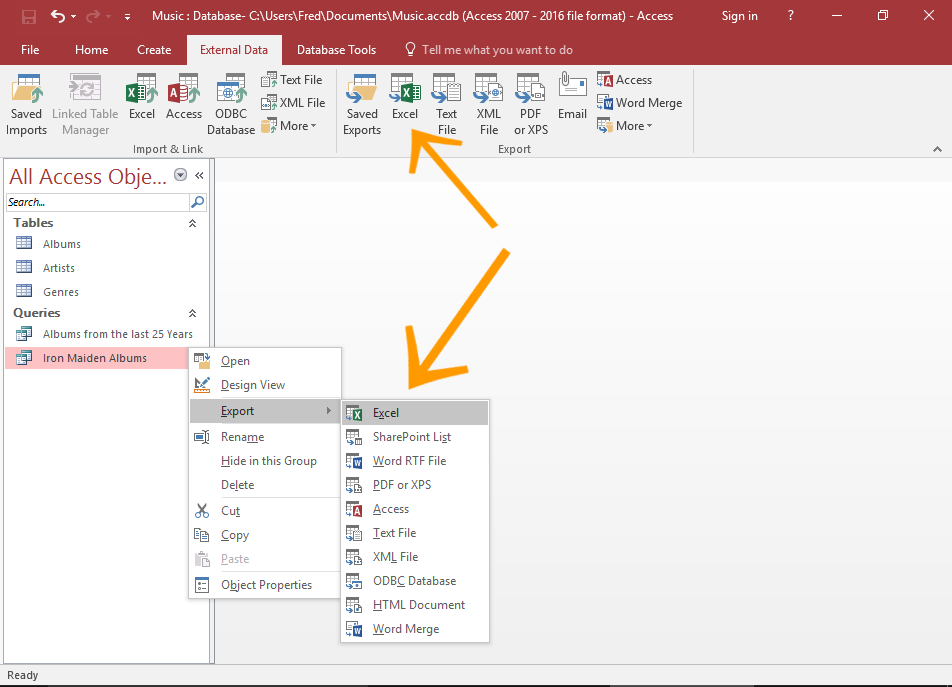
Web You can use VBA to export an Access database table as a Worksheet in an Excel Workbook To obtain the path of the Access database use the CurrentProject Path property To name the Excel Workbook file with the current date use the Format Date quot yyyyMMdd quot method