Excel Vba Delete Macro Button Excel VBA Macro Delete Rows Faster Based On Cell Value YouTube Excel Vba Delete Worksheet Without Prompt Worksheet Resume Template VBA Delete Columns If Cell Contains String Excel Macro Example Code Excel VBA Delete Cells YouTube VBA To Delete Multiple Columns Based On Headers Excel VBA Macro Web 17 1 8 there is no simple quot Delete this macro quot command This site will help you though There s a function in there called DeleteProcedureFromModule Scott Holtzman Mar 31 2016 at 20 57
Web Aug 21 2018 nbsp 0183 32 EXCEL Delete a Command Button On a Worksheet Using VBA After using VBA to add a worksheet see previous post I want to add a line to the code to delete the Command Button on the copied sheet the button will remain on the quot template quot Web Oct 26 2017 nbsp 0183 32 Sub Macro1 Macro1 Macro ActiveSheet Buttons Add 423 75 0 48 15 Select ActiveSheet Shapes quot Button1 quot Name quot Button1 quot Selection Name quot Button1 quot Selection Characters Text quot REMOVE quot With Selection Characters Start 1 Length 6 Font Name quot Calibri quot FontStyle quot Regular quot Size 11 Strikethrough
VBA To Delete Multiple Columns Based On Headers Excel VBA Macro Delete Worksheets Vba 5 Ways To Delete Blank Rows In Excel With Vba Macro Excelnsg Hot Sex Word Macro Delete Button And ActiveX Controls Vba YouTube Excel VBA Macro Delete Sheet If Name Equals Value with Loop YouTube How To Make Excel Delete Rows With Value Of Your Choosing Using VBA How To Link Button In Excel YouTube How To Use VBA Delete Blank Cells In Excel Excel Examples Excel VBA Delete Repeated Rows New Ideas For Computer Software
Excel Vba Delete Macro Button
 Excel Vba Delete Macro Button
https://i.ytimg.com/vi/f-voFy9nFuU/maxresdefault.jpg
Web Button Form control Command button ActiveX control In the sections below learn how to add a macro to a button in Excel for Windows or the Mac Note ActiveX controls are not supported on the Mac Windows macOS Macros and VBA tools can be found on the Developer tab which is hidden by default
Pre-crafted templates offer a time-saving solution for producing a varied range of documents and files. These pre-designed formats and layouts can be made use of for different individual and professional projects, consisting of resumes, invites, flyers, newsletters, reports, discussions, and more, simplifying the material creation process.
Excel Vba Delete Macro Button

VBA Delete Sheet How To Delete Worksheet Using VBA Code

Delete Worksheets Vba

5 Ways To Delete Blank Rows In Excel With Vba Macro Excelnsg Hot Sex
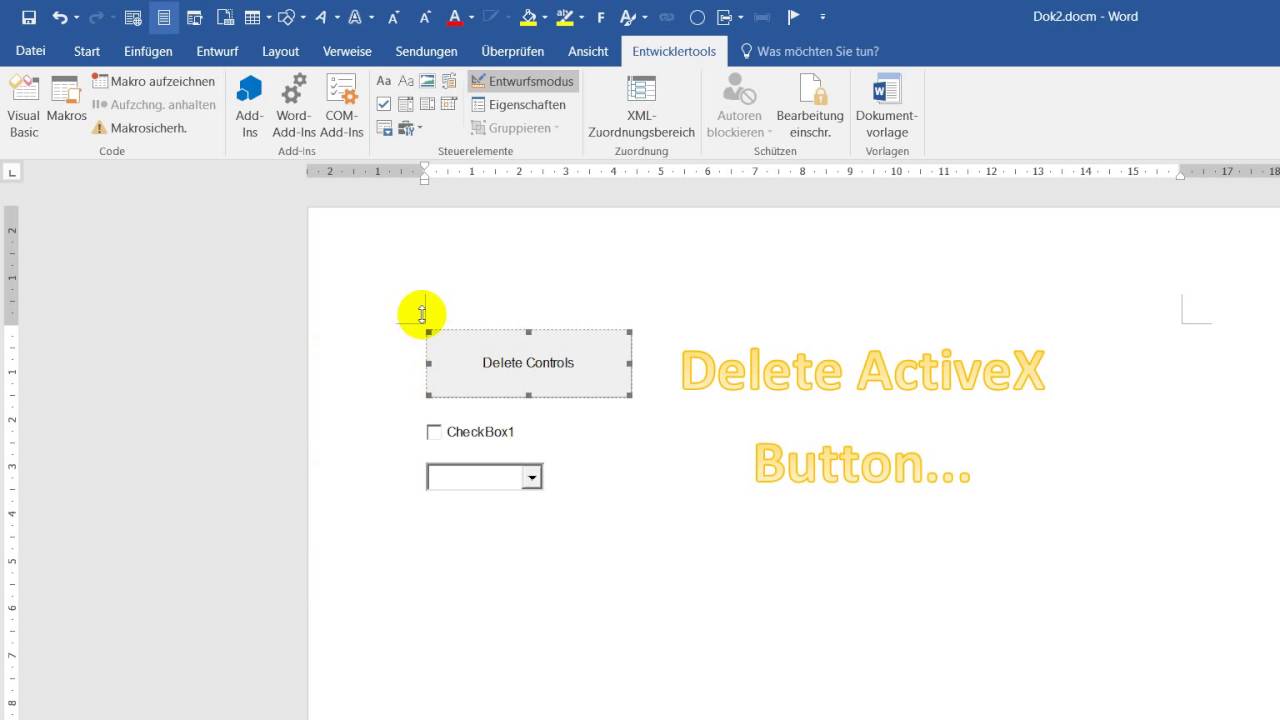
Word Macro Delete Button And ActiveX Controls Vba YouTube
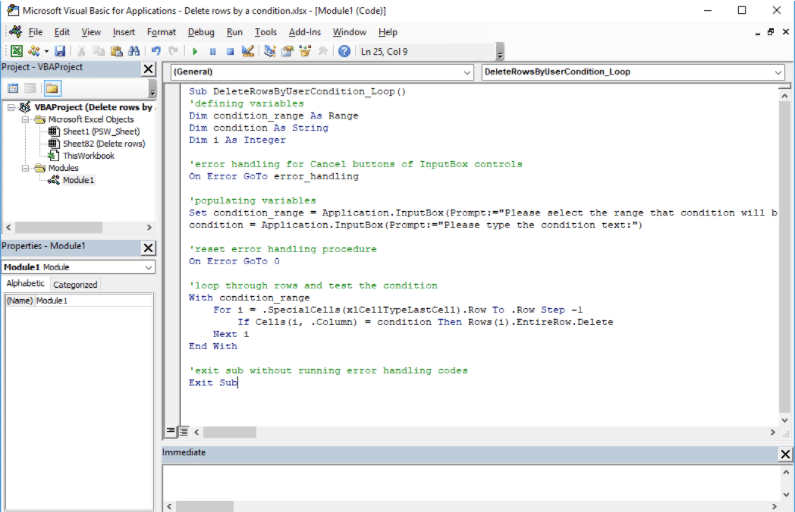
How To Make Excel Delete Rows With Value Of Your Choosing Using VBA
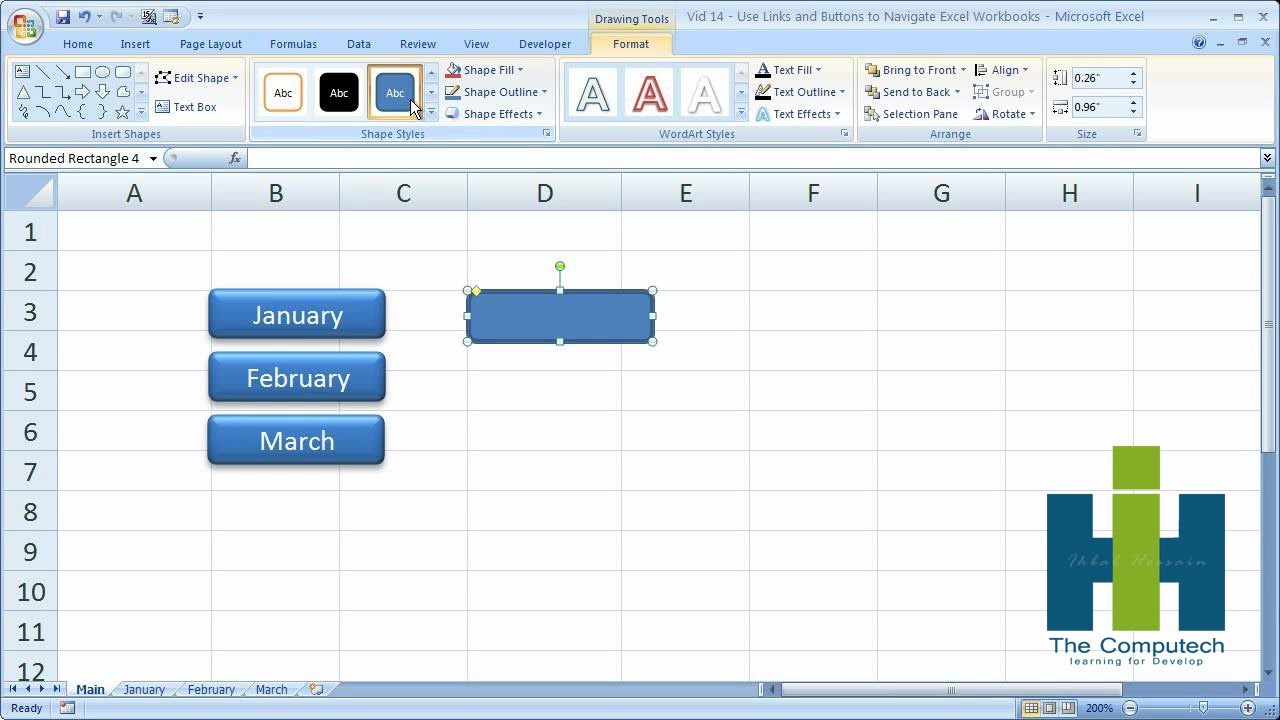
How To Link Button In Excel YouTube
Web Feb 1 2021 nbsp 0183 32 I added an if condition to exclude quot good quot buttons with names set in snake case hence quot quot i e the names were defined by me Sub del button Dim obj As Object For Each obj In ActiveSheet Shapes If InStr obj OLEFormat Object Name quot CommandButton quot gt 0 And InStr obj OLEFormat Object Name quot quot lt 1 Then MsgBox

Web Sep 5 2019 nbsp 0183 32 I use the following VBA to insert a button in each sheet Sub Insert Button in each sheet Dim b As Worksheet For Each b In Worksheets b Select Dim Button 01 As Button Set Button 01 b Buttons Add 423 75 0 48 15 Set Range Button 01 b Range quot B1 C5 quot Selection Name quot Button 01 quot With Button 01

Web May 29 2009 nbsp 0183 32 Hi I have some buttons that run macro s in my sheet I have a routine that copies the contents of the sheet into a new workbook This routine obviously copies the buttons along with it I need to delete these buttons The problem is when you copy paste it names the buttons automatically
Web Jul 7 2017 nbsp 0183 32 In the example below it assigns btn to the current button it s looking at If the name of the Button is NOT quot MyButton1 quot then it is deleted The Next sends it back to the top to start again For Each btn In ActiveSheet Buttons If btn Text lt gt quot MyButton1 quot Then btn Delete End If Next

Web Aug 11 2013 nbsp 0183 32 Sub Button1 Click Selection Clear End Sub But presumably you want to be able to use this from anywhere not just in a specific worksheet In which case create the Macro first and then Customize the Quick Access
Web Mar 11 2009 nbsp 0183 32 Copy quot Template quot worksheet Rename it quot PCO 1 quot Disable or delete button Button will only be used once The second button will generate quot PCO 1 rev 1 quot and the third quot PCO 1 rev 2 quot and so on up to rev 5 Then the following button will generate quot PCO 2 quot followed by the same series of quot rev 1 to 5 quot buttons I need to design it to reach quot PCO 100 quot Web Jun 9 2010 nbsp 0183 32 I discovered by recording a macro and deleting the button manually that the button gets a random name each time the sheet is copied quot Button 51 quot quot Button 53 quot etc Can I explicitly name the button in the original workbook how and will that name carry over when the sheet is copied
Web 1 edit the text in a macro button bold it size it etc 2 remove a macro button placed on a work sheet The problem seems to be one of being able to select the button in the first place Clicking on the button simply activates it I have several buttons that are not linked to macros currently and would like to remove them Thanks very much