Excel Use Sheet In Formula Top 14 Excel Alternatives To Use Instead Of Spreadsheets Text To Number Format Formula In Excel Excel Quickie 77 YouTube 15 Display All Formulas In Excel Full Formulas Riset How To Reference Another Sheet In Excel SpreadCheaters Excel Formula Cheat Sheet Excel Formula Cheat Sheet Printableexcel How to Link Sheets in Excel with a Formula 4 Effective Methods 1 Create a Link Formula in Excel to Link Sheets A very simple way to Link Sheets in Excel is by creating a link formula It can be used to link sheets in the same workbook or sheets in other workbooks
Explanation In this example the goal is to create a lookup formula with a variable sheet name In other words a formula that uses a sheet name typed into a cell to construct a reference to a range on that sheet If the sheet name is changed the reference should update automatically For example SUM Sheet2 Sheet13 B5 adds all the values contained in cell B5 on all the worksheets between and including Sheet 2 and Sheet 13 You can use 3 D references to refer to cells on other sheets to define names and to create formulas by using the following functions SUM AVERAGE AVERAGEA COUNT COUNTA MAX MAXA
Excel Formula Cheat Sheet Excel Formula Cheat Sheet Printableexcel How To Find Excel Sheet Name Using Formula 3 Examples ExcelDemy Smart Sample Excel Formulas How To Use Family Budget Template Pin On On line Learning IF Formula In Excel With Multiple Conditions If Else Statement In Printable Excel Formula Cheat Sheet Basic Microsoft Excel Formulas You NEED To Know Excel Sheet Formula List Excelxo Open Pdf Table In Excel Ergerman
Excel Use Sheet In Formula
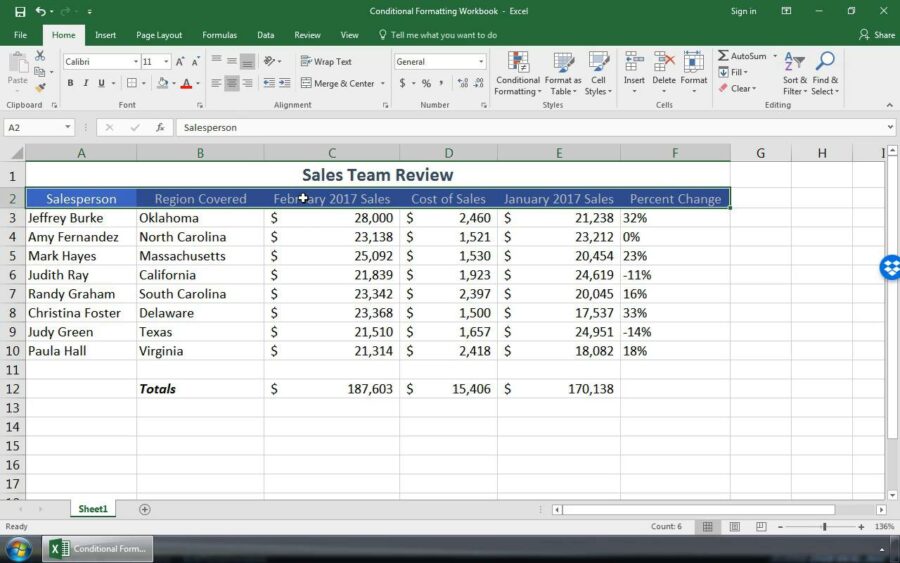 Excel Use Sheet In Formula
https://hive.com/wp-content/uploads/2022/03/excel-sheet-900x563.jpeg
SHEET Value Argument Description How to Use Excel Sheet Function 6 Suitable Examples In this part we ll show you six different ways to use the Excel SHEET function In this article we will use different datasets for different examples 1 Get The Active Sheet Index Number in Excel Using SHEET Function
Templates are pre-designed documents or files that can be utilized for different functions. They can conserve effort and time by offering a ready-made format and design for creating various sort of content. Templates can be utilized for individual or professional projects, such as resumes, invites, leaflets, newsletters, reports, discussions, and more.
Excel Use Sheet In Formula
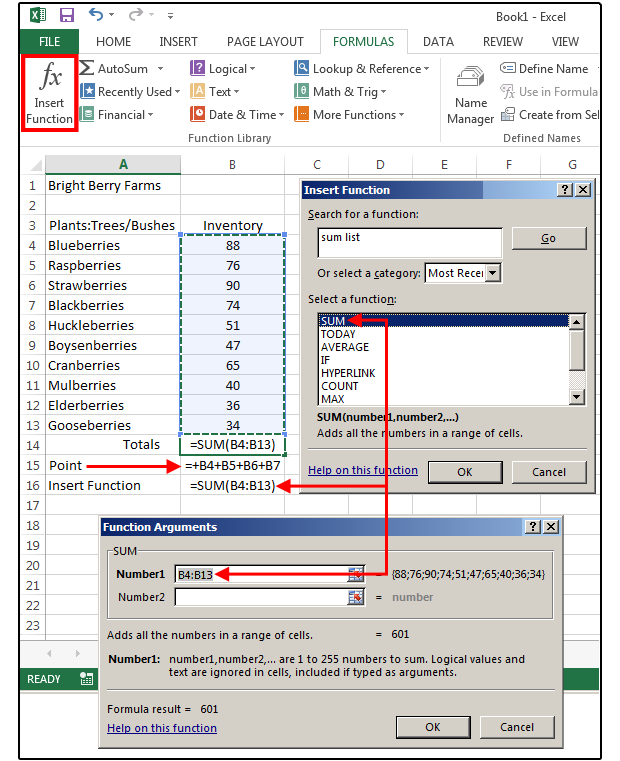
Your Excel Formulas Cheat Sheet 15 Tips For Calculations And Common

How To Find Excel Sheet Name Using Formula 3 Examples ExcelDemy

Smart Sample Excel Formulas How To Use Family Budget Template

Pin On On line Learning

Printable Excel Formula Cheat Sheet
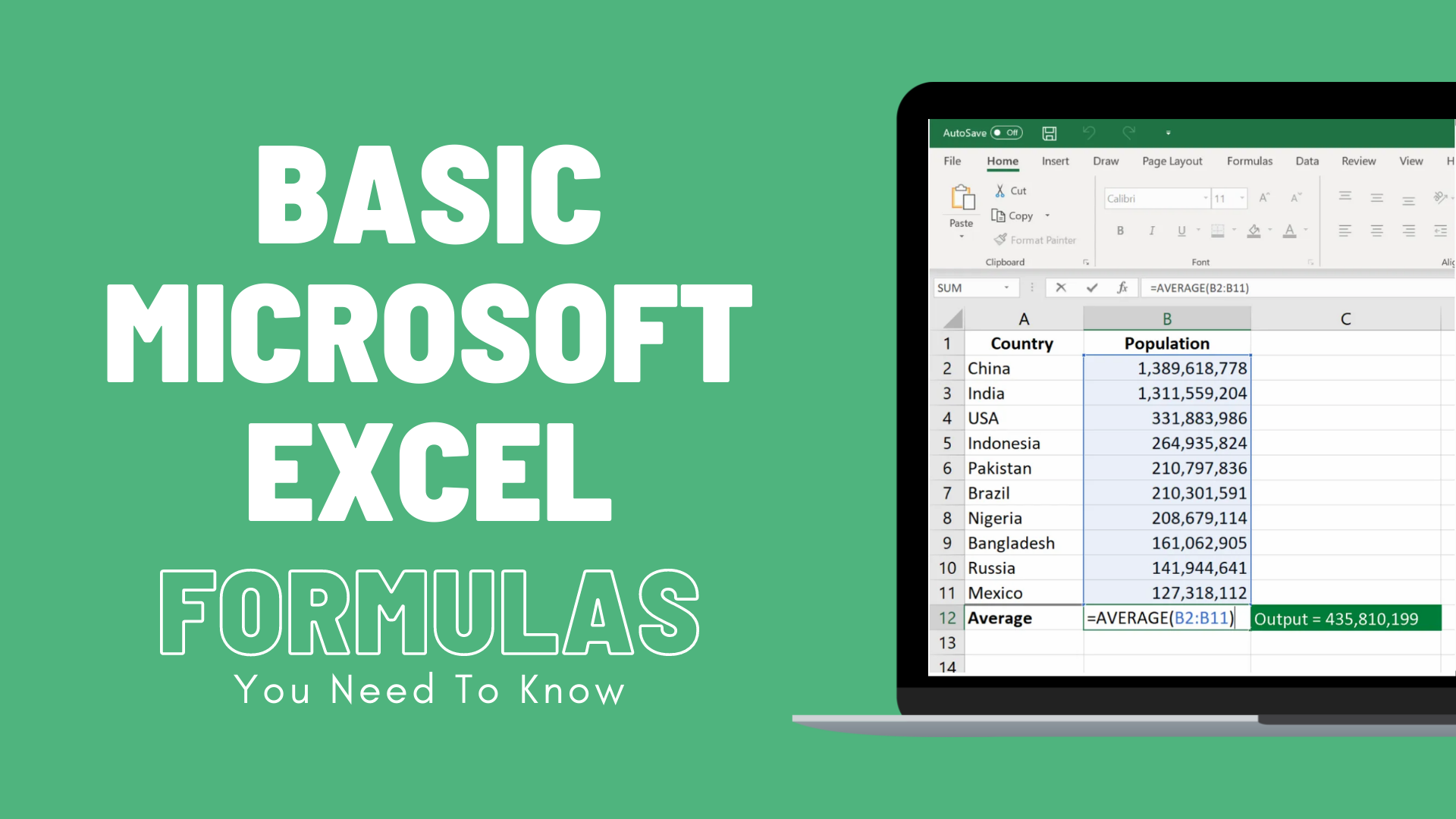
Basic Microsoft Excel Formulas You NEED To Know

1 Reference Worksheet Name Without Spaces or Punctuation Characters First of all we ll demonstrate the case where the worksheet names have no spaces or punctuation characters between them Steps At the very beginning go to the C5 cell enter the formula given below January C5 February C5
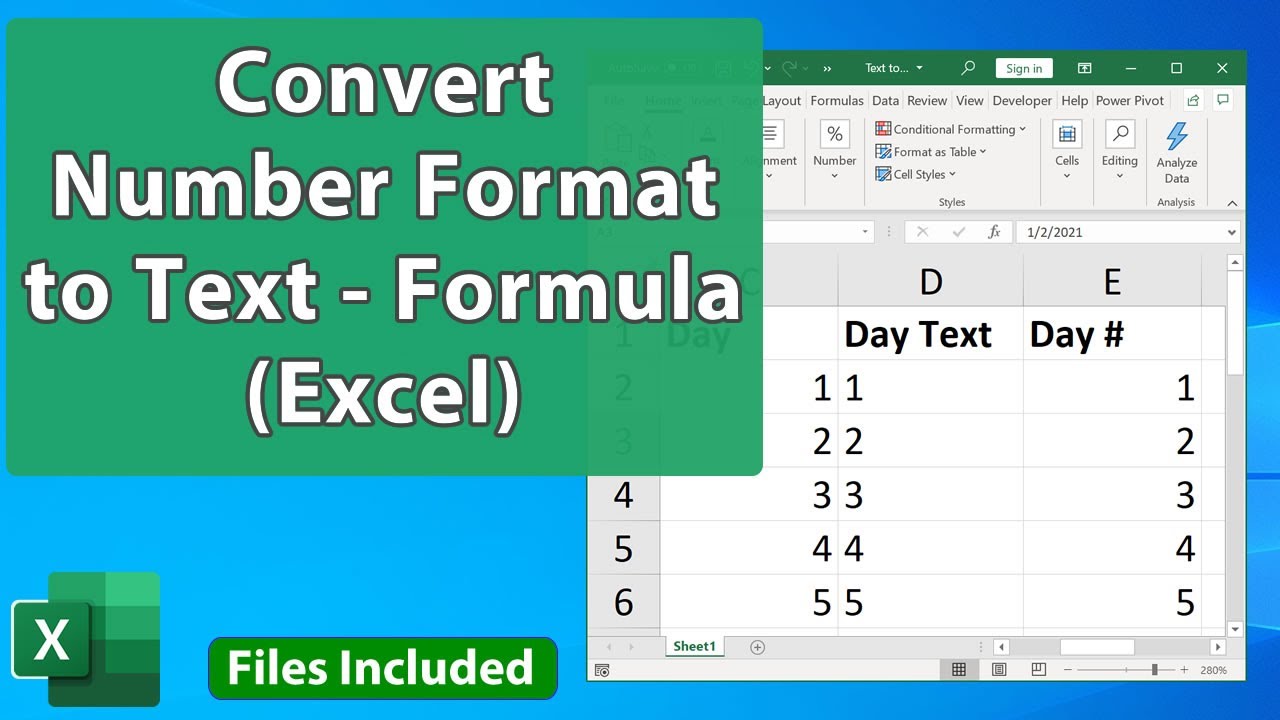
I want to use a formula in B4 to VLookup on the Letters or Numbers sheet based on what is selected in Cell B1 ie the sheet name When I try to put the cell with sheet names in it in the Vlookup formula it opens a dialogue for me to pick a workbook VLOOKUP B2 B1 A1 B4 2 0
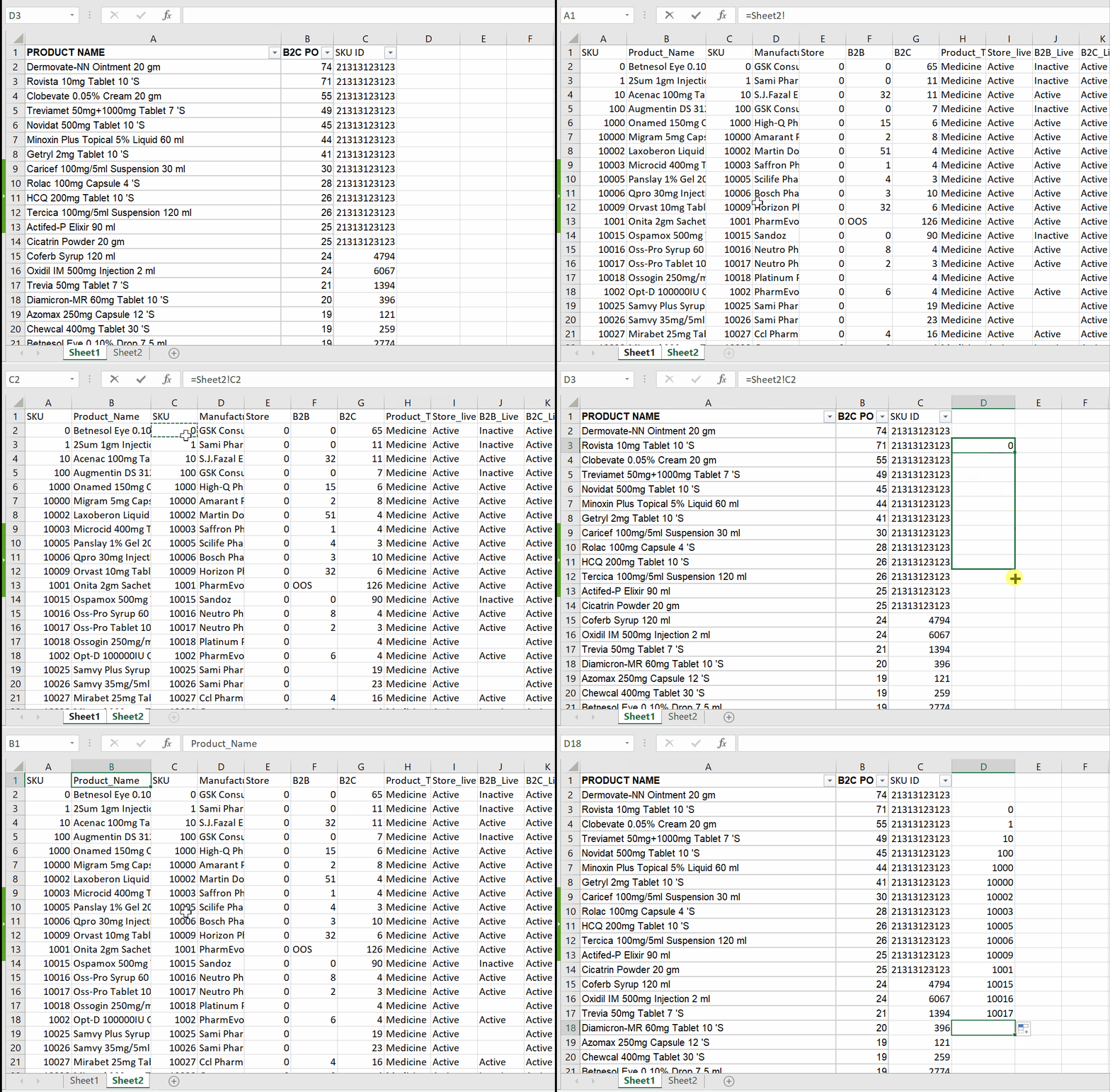
To have Excel insert a reference to another sheet in your formula do the following Start typing a formula either in a destination cell or in the formula bar When it comes to adding a reference to another worksheet switch to that sheet and select a cell or a range of cells you want to refer to
This article describes the formula syntax and usage of the SHEET function in Microsoft Excel Description Returns the sheet number of the reference sheet Syntax SHEET value The SHEET function syntax has the following arguments Value Optional Value is the name of a sheet or a reference for which you want the sheet number
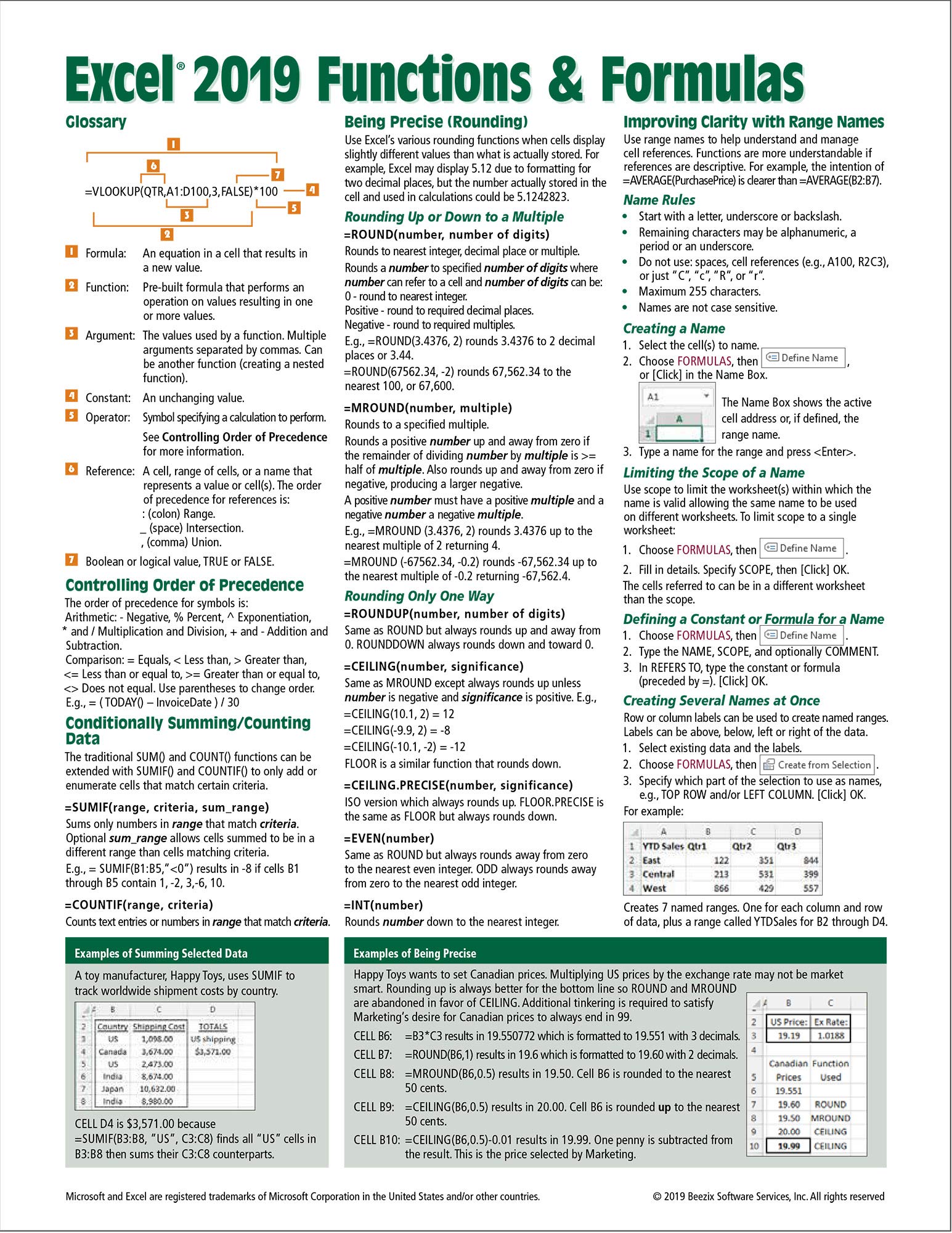
In this post we have learned the importance of basic Excel formulas and how they provide us extra ability to perform complex calculations Furthermore we have learned about various ways of adding formulas to worksheets and looked
Syntax SHEETS reference reference optional A valid Excel reference How to use The SHEETS function returns the total number of sheets in a given reference SHEETS takes one argument reference which should be a cell reference or a 3D reference When no references are supplied SHEETS returns the total number of sheets in the workbook You can use the SHEET function to get a numeric index that represents the order of sheets in an Excel workbook starting with 1 on the left and ending with N on the right where N is the total number of sheets in the workbook The SHEET function includes hidden sheets in the numbering sequence
All Excel formulas begin with an equal sign After the equal symbol you enter either a calculation or function For example to add up values in cells B1 through B5 you can either Type the entire equation B1 B2 B3 B4 B5 Use the SUM function SUM B1 B5 Press the Enter key to complete the formula Done