Excel Use Cell Value VBA Excel Worksheet s Name Based On Cell Value YouTube How To Format Date Cells In Excel 2010 Christmasdas How To Use Relative Reference In Excel Relative And Absolute How To Get The Value From A Cell In Excel Formula How Do You Merge Cells In Excel On Ipad Ephooli This article describes the formula syntax and usage of the VALUE function in Microsoft Excel Description Converts a text string that represents a number to a number Syntax
The CELL function in Excel returns various information about a cell such as cell contents formatting location etc The syntax of the CELL function is as follows The Excel CELL function returns information about a cell in a worksheet The type of information to be returned is specified as info type CELL can get things like address and filename as well as detailed info
How Do You Merge Cells In Excel On Ipad Ephooli Find First Non blank Cell With INDEX MATCH Smartsheet Community How To Delete Entire Row Based On Cell Value Using VBA In Excel Using The Cell Function In Excel YouTube 40 Excel Formula Based On Color Image Formulas 21 How To In Cell With A Leaving A Cell Value Unchanged If A Condition Is False In Excel Sheets 2 Insert Multiple Sheets uses The Cell Values As Sheet Names Add Cell Values In Excel YouTube Adding Cells In Microsoft Excel 2017 YouTube
Excel Use Cell Value
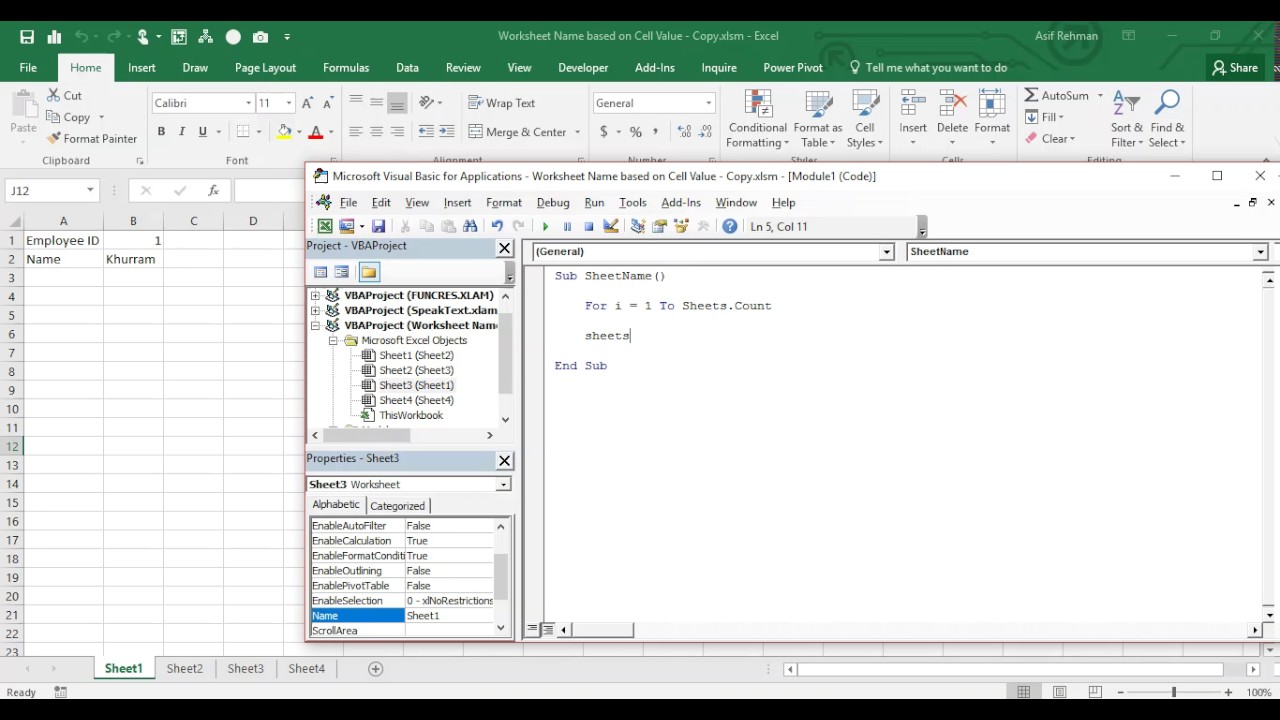 Excel Use Cell Value
https://i.ytimg.com/vi/YtF7_tm2b5Q/maxresdefault.jpg
As a financial analyst the CELL function is useful as it can help verify if a cell contains a numeric value instead of text before we perform a calculation on it If we import data from an external source we can verify
Pre-crafted templates provide a time-saving service for creating a varied variety of documents and files. These pre-designed formats and designs can be utilized for different individual and professional projects, including resumes, invites, flyers, newsletters, reports, discussions, and more, enhancing the content production process.
Excel Use Cell Value
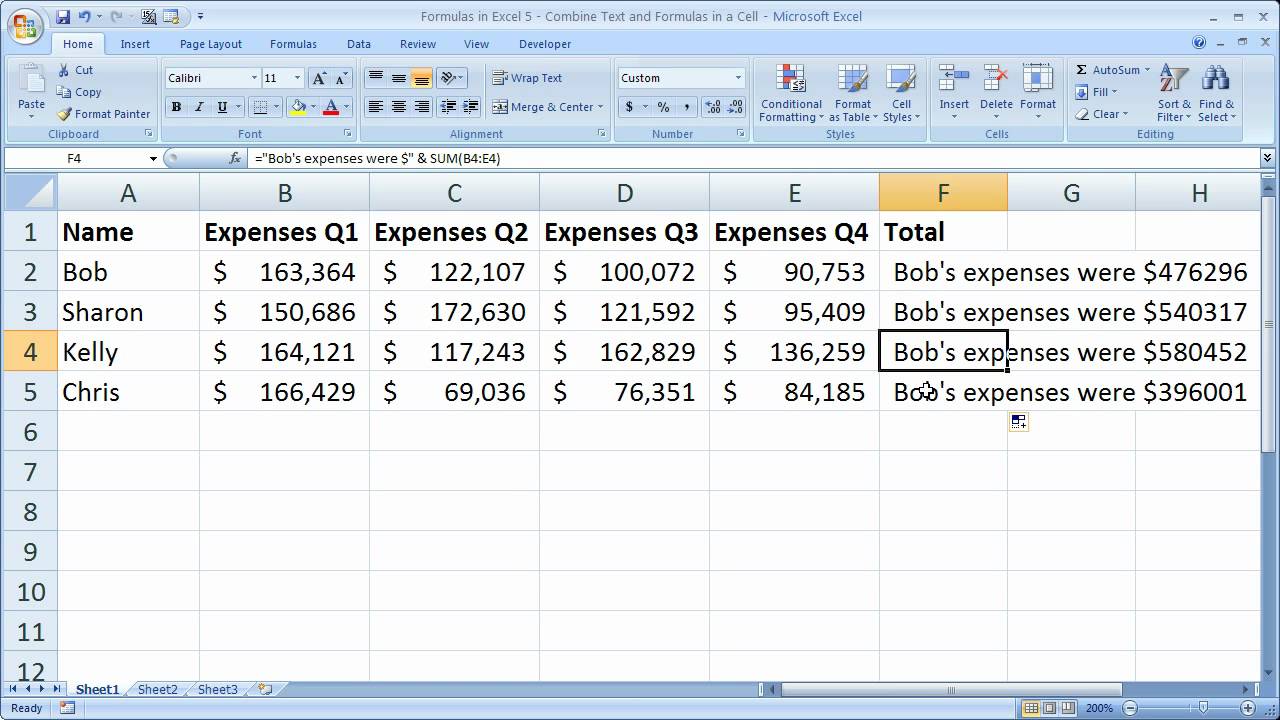
View Excel Formula To Add Cells Background Formulas

Find First Non blank Cell With INDEX MATCH Smartsheet Community

How To Delete Entire Row Based On Cell Value Using VBA In Excel
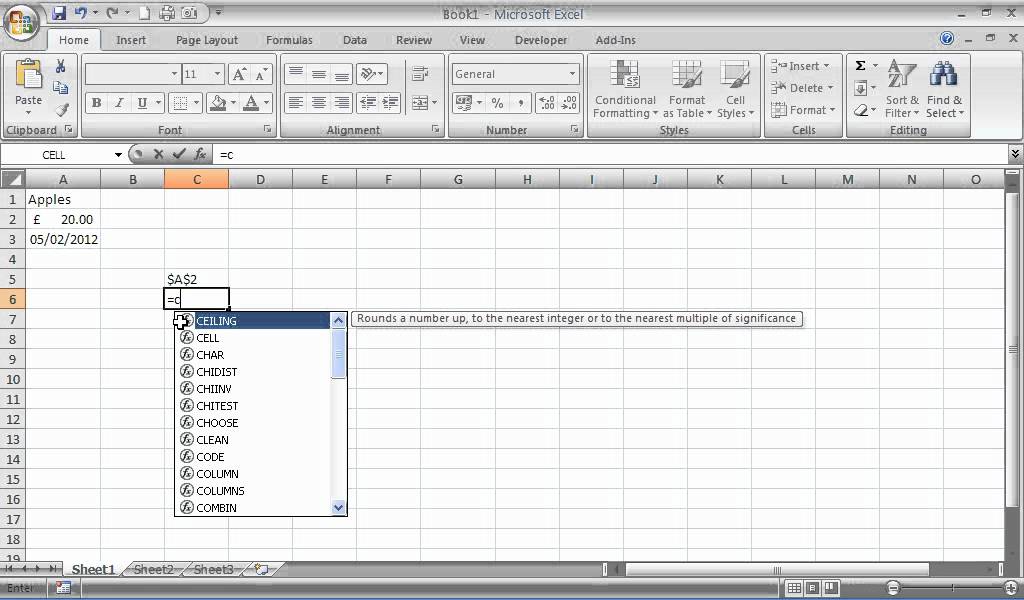
Using The Cell Function In Excel YouTube

Leaving A Cell Value Unchanged If A Condition Is False In Excel
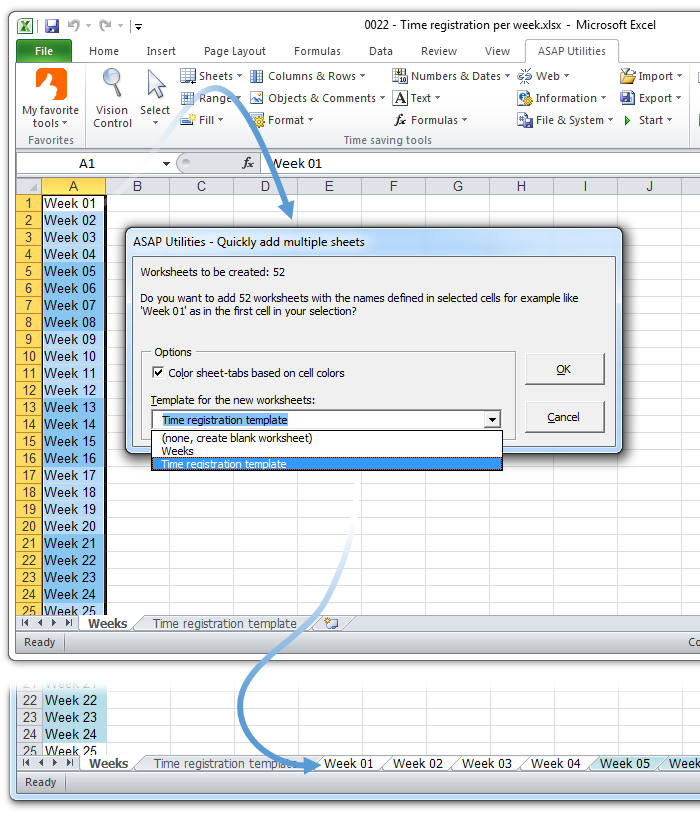
Sheets 2 Insert Multiple Sheets uses The Cell Values As Sheet Names
I d like to know how to pull cell references from the value of another cell and insert them into a formula For a simple example In cell A1 I have this COUNT B4 H4 Instead of
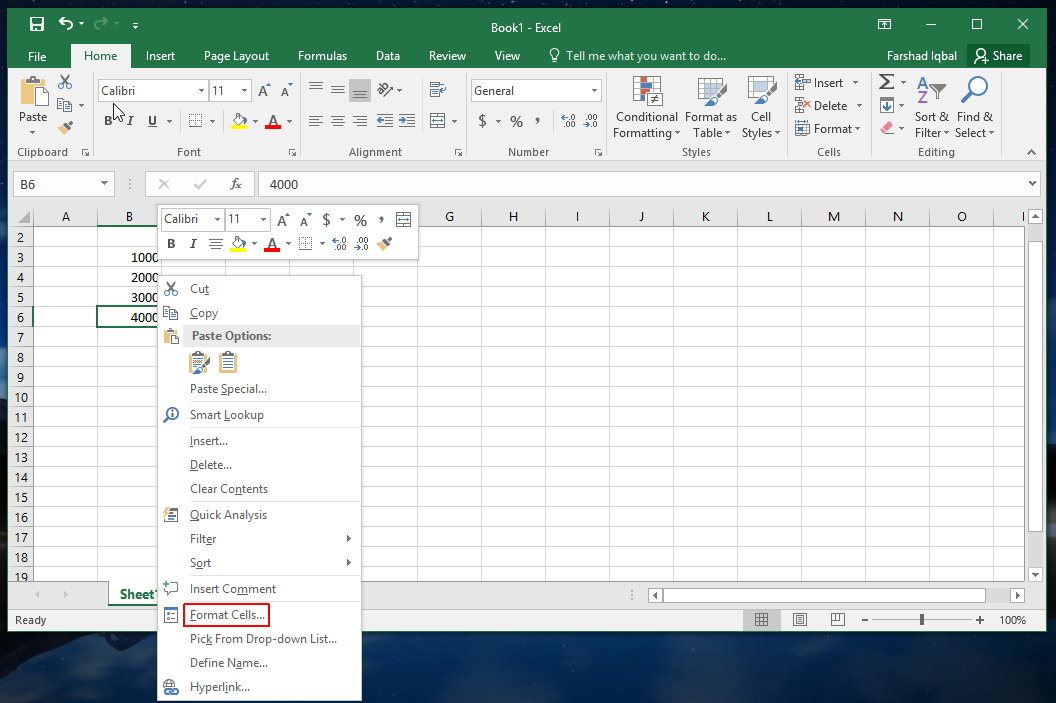
Use INDEX to Get the Value from a Cell by Referring to a Range If you have a range of cells and you want to get the value of the cell from a particular cell from that range With the INDEX function you

The CELL function returns information about the formatting location or contents of a cell For example if you want to verify that a cell contains a numeric value instead of text

One way is to use INDIRECT like this SUM INDIRECT S2 S1 2 but that means hardcoding the row number If you don t have gaps in the data it might be better to

In the formula bar type equal sign Do one of the following select the cell that contains the value you want or type its cell reference You can refer to a single cell a range of
To define a range based on a value in another cell you can use the INDEX function In the example shown the formula in J7 is SUM C5 INDEX data J5 J6 where data is 2 Answers Sorted by 16 Use to create the cell coordinates access them using INDIRECT SUM INDIRECT B1 B A1 Share Improve this answer Follow
This tutorial will teach you how to interact with Cell Values using VBA Set Cell Value To set a Cell Value use the Value property of the Range or Cells object