Excel Time Total Hours Calculate Hours Between Two Times In Excel 6 Methods ExcelDemy Over 24 Hour Excel Time Calculator Template Bdabuddies Timesheet Template Worksheet Allbusinesstemplates Cat s Eye Nebula How To Create A T Minus Schedule In Excel Example Calendar Printable To display time durations of more than 24 hours use a custom number format with hours in square brackets as shown below h mm For a more detailed explanation see Sum time in Excel Without names ranges The named ranges in this formula are used for convenience only Web
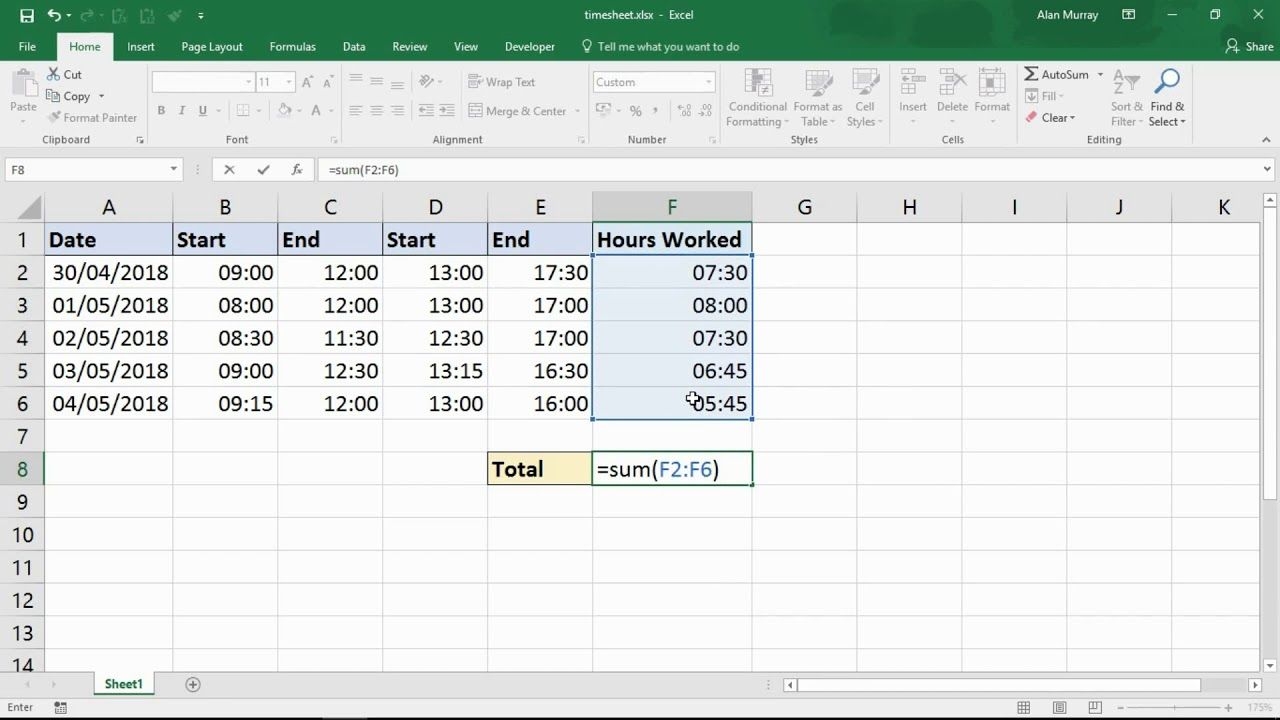
Feb 8 2023 nbsp 0183 32 Calculate Hours with a Simple Formula In Excel times are stored as decimal values Knowing this you can simply subtract the start time Clock In from the end time Clock Out to find the time worked Note we multiply by 24 to convert the decimal values into hours D3 C3 24 Web Aug 13 2021 nbsp 0183 32 F2 F3 Hit Enter to apply the formula and you should see your total hours and minutes for those entries Add Times Using the Sum Function If your time tracking sheet will contain many entries using the SUM function is the easiest way to go Select the cell at the bottom of the entries Web
How To Create A T Minus Schedule In Excel Example Calendar Printable 4 Free Excel Time Tracking Spreadsheet Templates 2023 Count Hours Calculator ChurnjetShannan Formidable Google Sheets Timesheet Formula Time Tracking Worksheet Upgrading Master And Chief Mate PMITC Panama Vie ko isto Premenliv Excel Calculate Time Spent Tektonick Stvrdn Rozpt li Weekly Timesheet With Hourly Rate In Excel EMLOYEE WORK HOURS CALCULATION IN EXCEL YouTube Mina Cowell Convert Hours To Minutes In Excel
Excel Time Total Hours
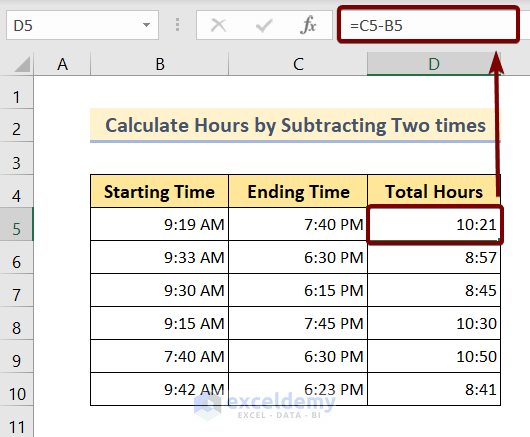 Excel Time Total Hours
https://www.exceldemy.com/wp-content/uploads/2022/01/calculate-hours-between-two-times-excel-7.png
Aug 25 2023 nbsp 0183 32 Follow these steps In A1 enter Time In In B1 enter Time Out In C1 enter Hours Worked Select A2 and B2 and press Ctrl 1 to open the Format Cells dialog box On the Number tab select Web
Templates are pre-designed files or files that can be used for numerous functions. They can save effort and time by offering a ready-made format and layout for developing different sort of material. Templates can be utilized for personal or professional tasks, such as resumes, invitations, leaflets, newsletters, reports, discussions, and more.
Excel Time Total Hours
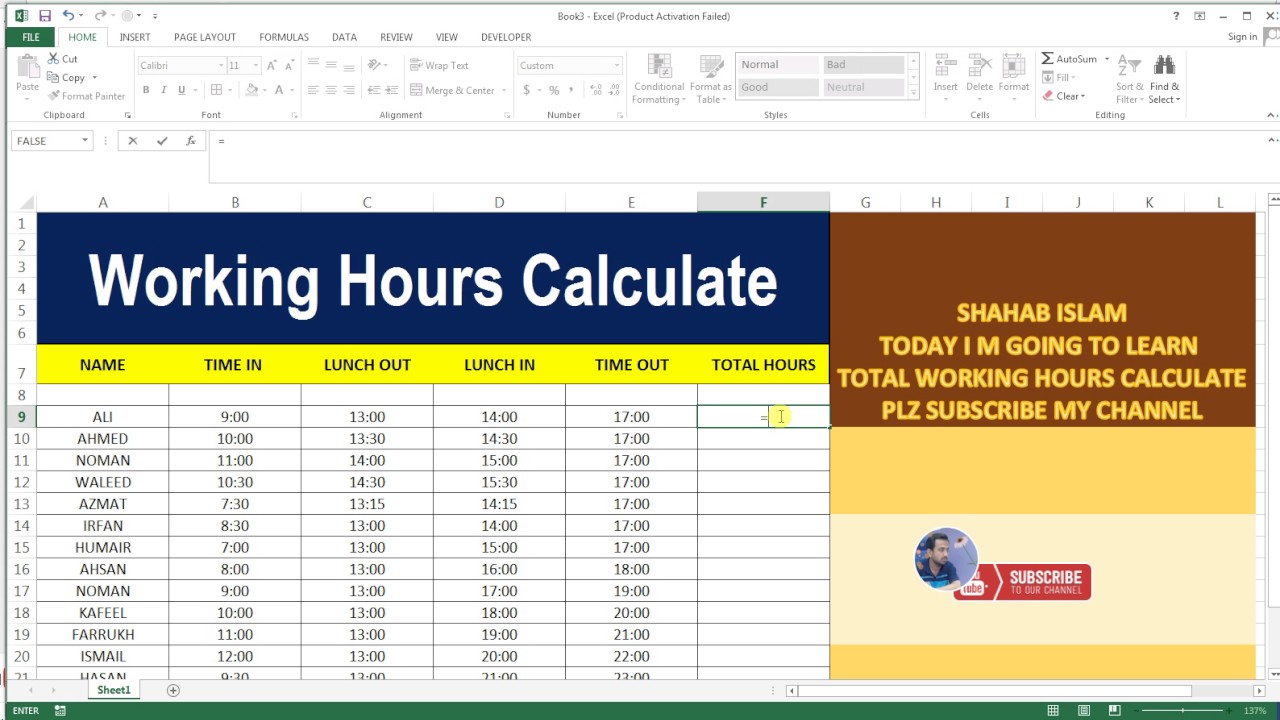
WORKING HOURS CALCULATE 18 BASIC EXCEL SHEET YouTube
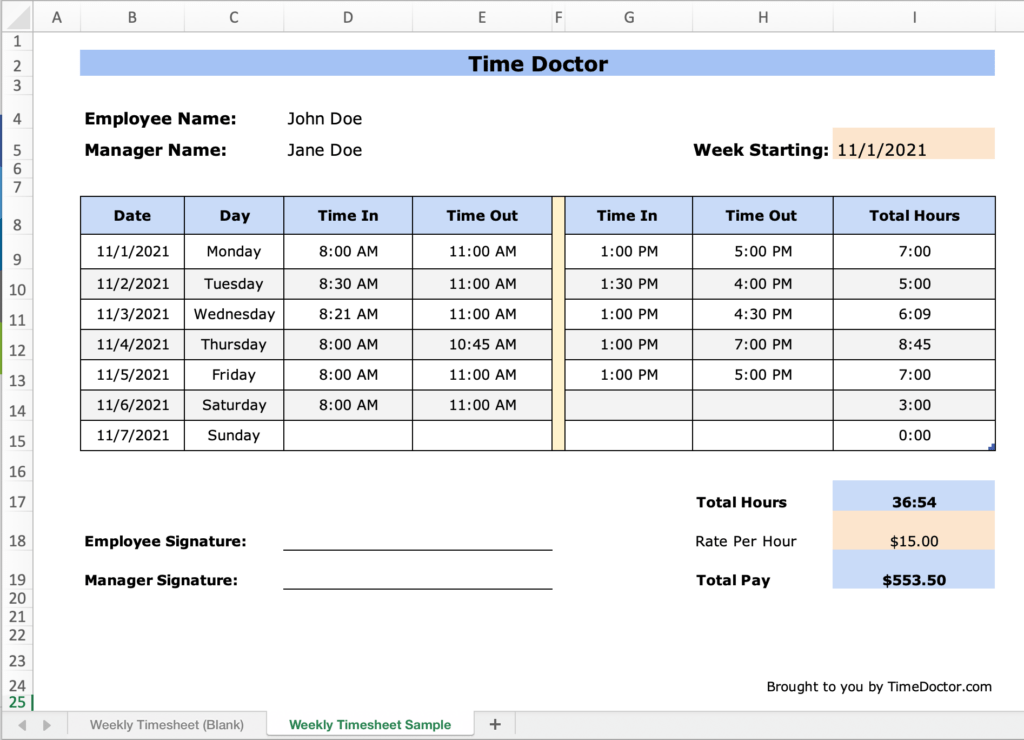
4 Free Excel Time Tracking Spreadsheet Templates 2023

Count Hours Calculator ChurnjetShannan
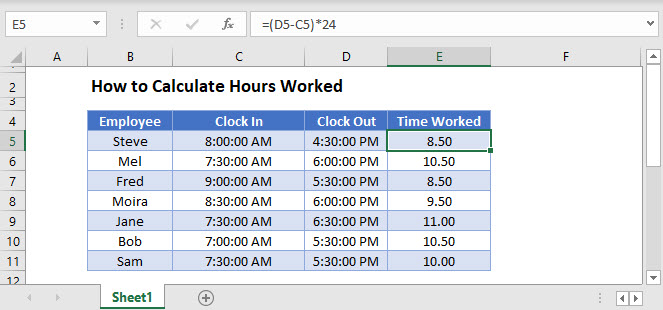
Formidable Google Sheets Timesheet Formula Time Tracking Worksheet
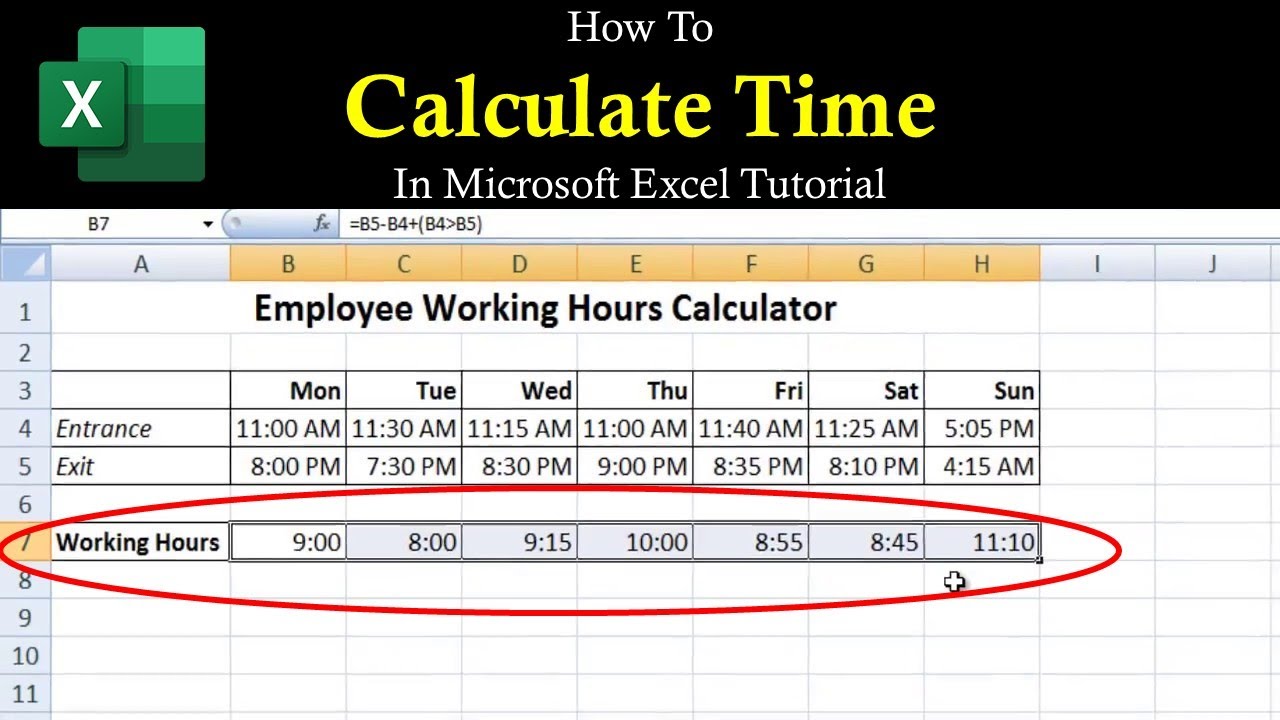
Vie ko isto Premenliv Excel Calculate Time Spent Tektonick Stvrdn Rozpt li
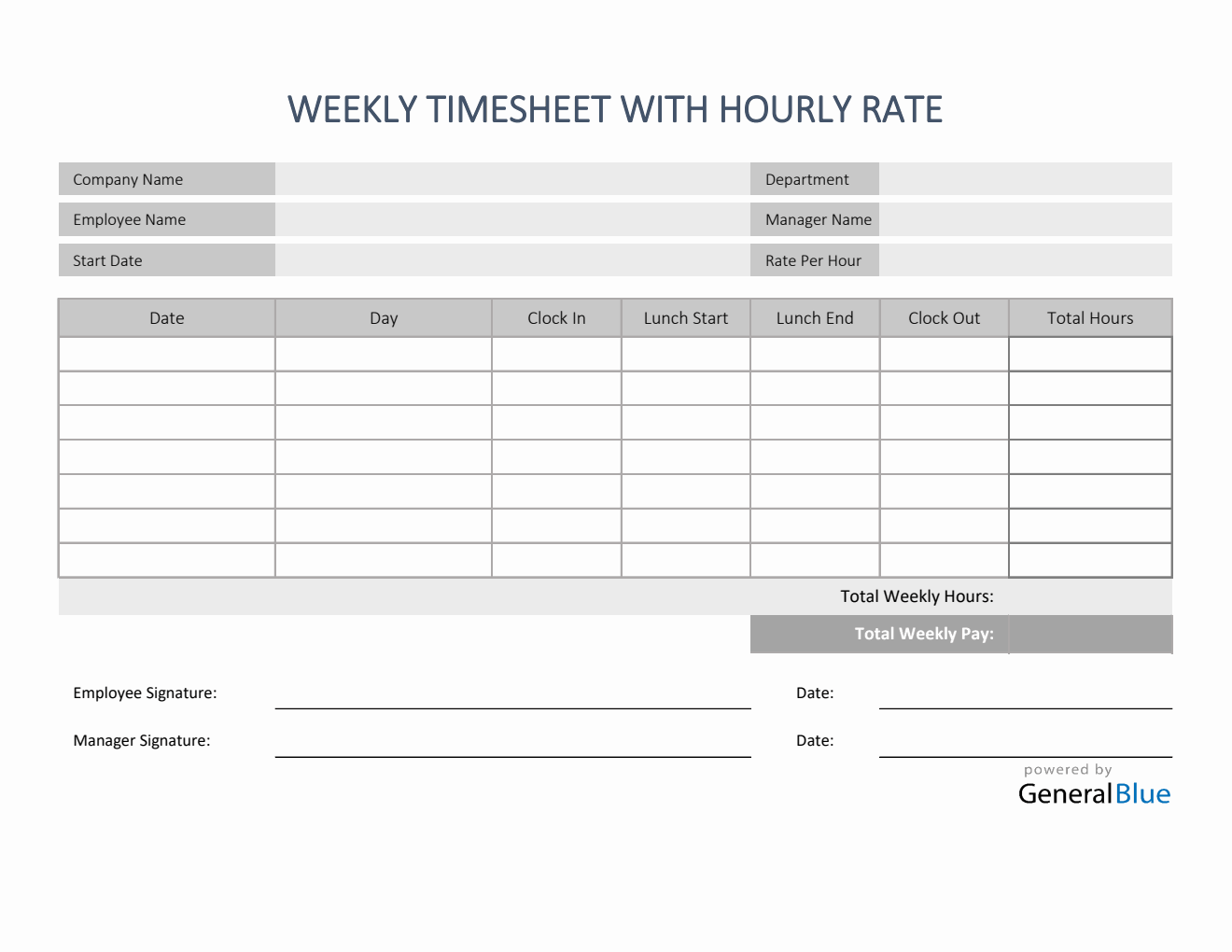
Weekly Timesheet With Hourly Rate In Excel

Total time With the above in mind the formula to calculate total time in cell H5 is SUM data Hours sum all time With the following custom time format above applied h mm The number returned by the SUM function is 3 1875 3 19 days which displays as 76 30 with the above time format applied Time per personWeb
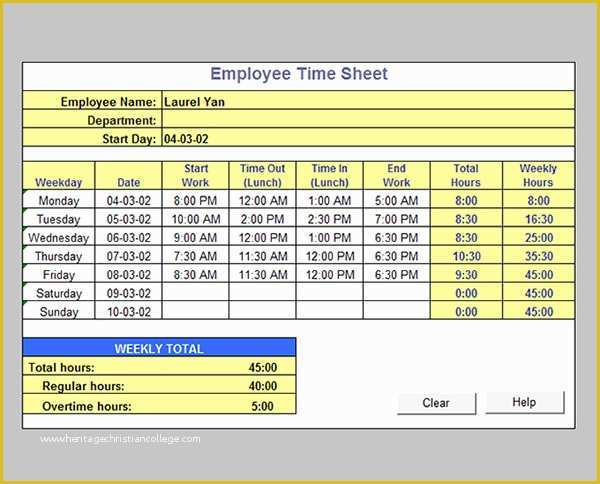
Oct 17 2022 nbsp 0183 32 1 Using Conventional Formula 2 Applying SUM Function 3 Using AutoSum Feature 4 Calculate Total Time Over 24 Hours 5 Calculate the Total Time When the Date Changes 6 Calculate Total Time in Days Hours and Minutes How to Calculate Total Hours in Excel How to Calculate Total Average Time in Excel Conclusion Web
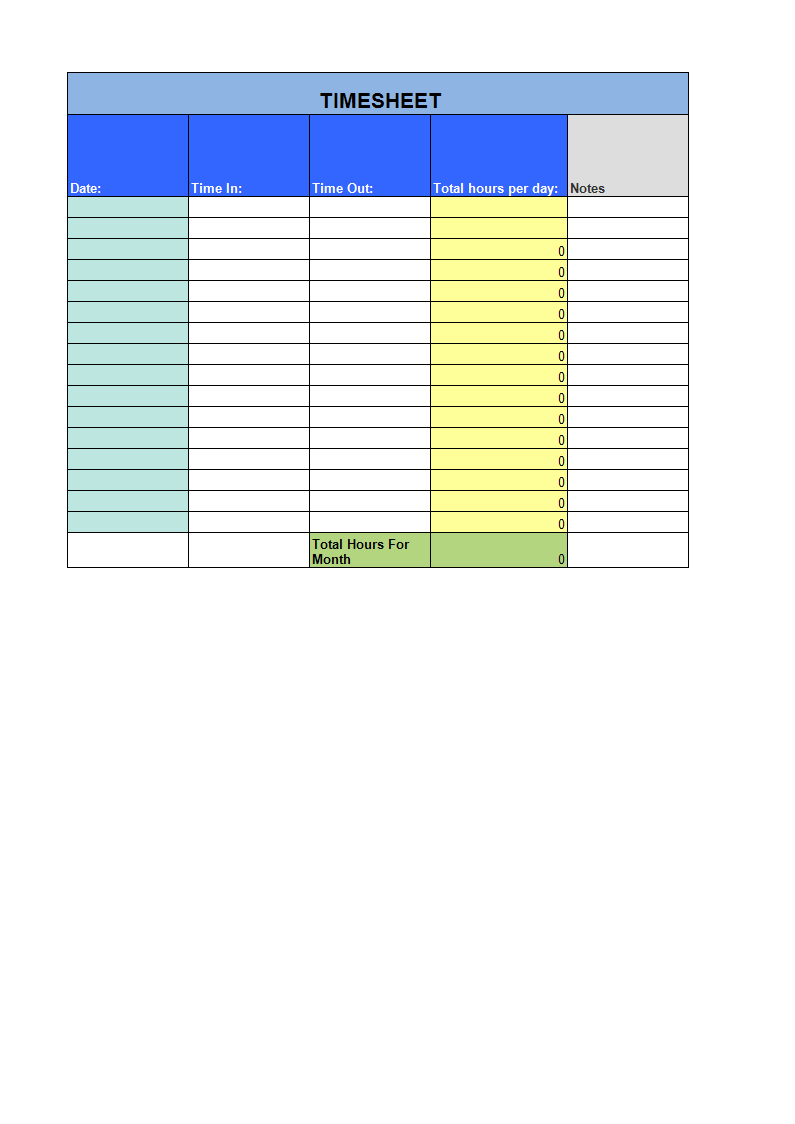
Mar 21 2023 nbsp 0183 32 The TIME hour minute second function makes Excel time calculations really easy however it does not allow adding or subtracting more than 23 hours or 59 minutes or 59 seconds If you are working with bigger time intervals then use one of the arithmetic calculations demonstrated below Web

Excel can calculate how many hours and minutes the amount of time it will take to complete two tasks It can also take the start and end times for a task and calculate the elapsed time which is the difference between the two times Web
Time function in Excel takes the hour value the minute value and the seconds value and converts it into a decimal number that represents this time For example if I want to add 4 hours to an existing time I can use the below formula Start Time TIME 4 0 0 Web
Oct 22 2023 nbsp 0183 32 1 Using Subtraction Functionality 2 Combine HOUR and MINUTE Functions 3 Use The TIME Function to Calculate Hours and Minutes 4 Utilize Excel TEXT Function 5 Use the Excel NOW Function to Calculate Elapsed Time in Hours and Minutes 6 Apply Excel MOD Function to Calculate Time in Hours and Minutes 7 Web How to use The TIME function creates a valid Excel time based with supplied values for hour minute and second Like all Excel time the result is a number that represents a fractional day The TIME function will only return time values up to one full day between 0 zero to 0 99999999 or 0 00 00 to 23 59 59 Web
Step 1 Select the cell where you want the total working hours to be displayed Step 2 Enter the SUM function followed by the range of cells containing the hours worked For example SUM B2 B10 would add up the hours in cells B2 through B10 Step 3 Press Enter to get the total working hours for the selected range Web