Excel Text Format Time How To Add Leading Zeros In Excel Text Format 10 Ways ExcelDemy TEXT Function In Excel Formula Examples How To Use TEXT Function Manejo De Fechas En Excel Con La Funcion Texto En Excel Images My XXX Excel Functions Formatting Text Functions YouTube 13 Excel Next Date Formula Image Formulas Microsoft security Accessibility center Occasionally dates may become formatted and stored in cells as text For example you may have entered a date in a cell that was formatted as text or the data might have been imported or pasted from an external data source as text
Convert text to date The DATE function creates a valid date using three arguments year month and day DATE year month day In cell C6 we use the LEFT MID and RIGHT functions to extract each of these components from a text string and feed the results into the DATE function DATE LEFT B6 4 MID B6 5 2 RIGHT B6 Related functions And to change the time format you need to use the TEXT function You can use the following steps First in cell B1 enter the text function TEXT After that refer to cell A1 Next in the second argument specify the format that you want to apply to the time Here we are using hh mm AM PM
13 Excel Next Date Formula Image Formulas How To Use TEXT Function In Excel What Is Datasheet View In Excel ExcelDemy TEXT Function In Excel YouTube SG 5322A By Number And Date Format With TEXT Function In Excel Excel Help How To Format Text In Excel CustomGuide How To Underline In Excel Without Border Feature Holoserhotline Date Format Coccodrillo
Excel Text Format Time
 Excel Text Format Time
https://www.exceldemy.com/wp-content/uploads/2022/03/how-to-add-leading-zeros-in-excel-text-format-5-2035x2048.png
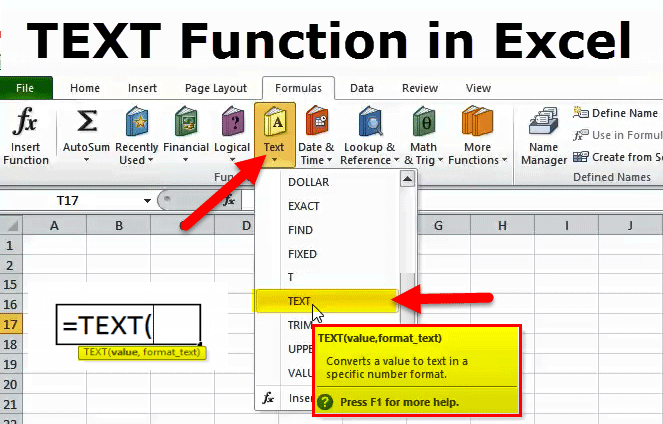
How to use The TEXT function returns a number formatted as text using the number format provided You can use the TEXT function to embed formatted numbers inside text The TEXT function takes two arguments value and format text Value is the number to be formatted as text and should be a numeric value
Pre-crafted templates offer a time-saving service for developing a diverse range of files and files. These pre-designed formats and designs can be used for various individual and professional jobs, including resumes, invitations, leaflets, newsletters, reports, presentations, and more, simplifying the content production procedure.
Excel Text Format Time

Custom Formatting Excel Holdenvista
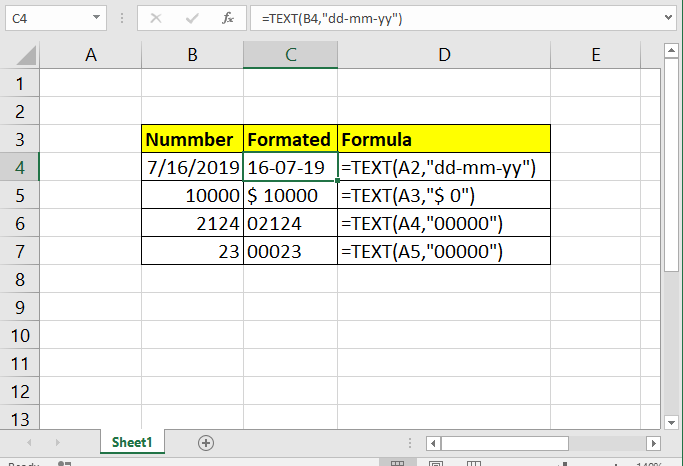
How To Use TEXT Function In Excel

What Is Datasheet View In Excel ExcelDemy
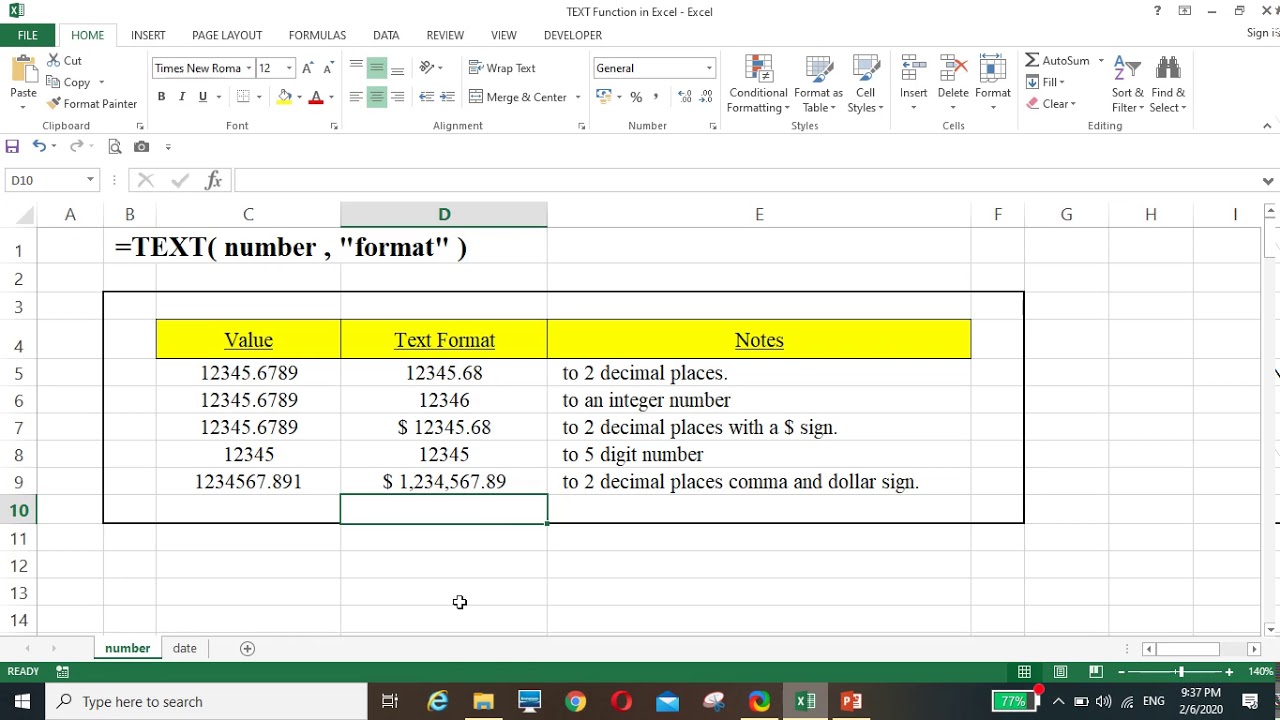
TEXT Function In Excel YouTube
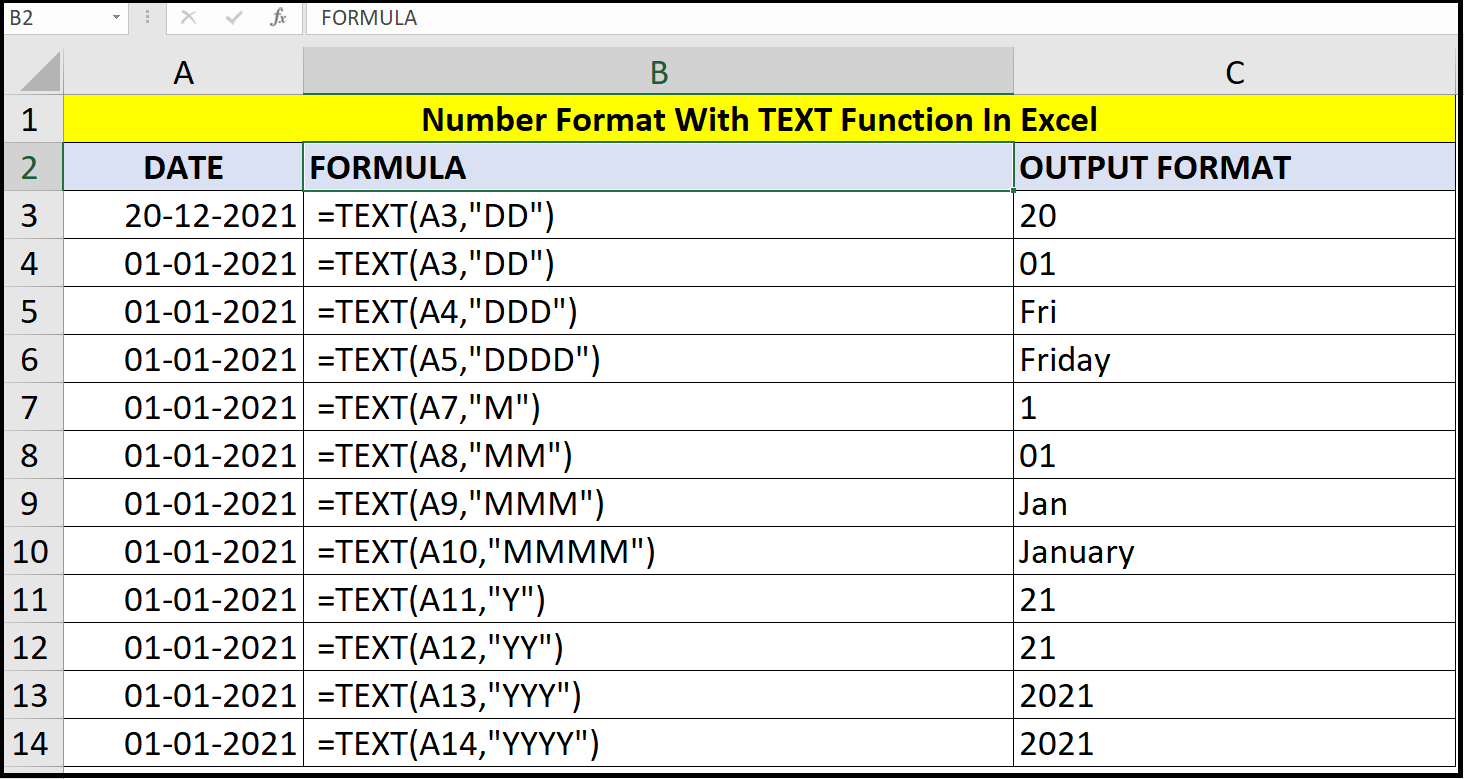
Number And Date Format With TEXT Function In Excel Excel Help
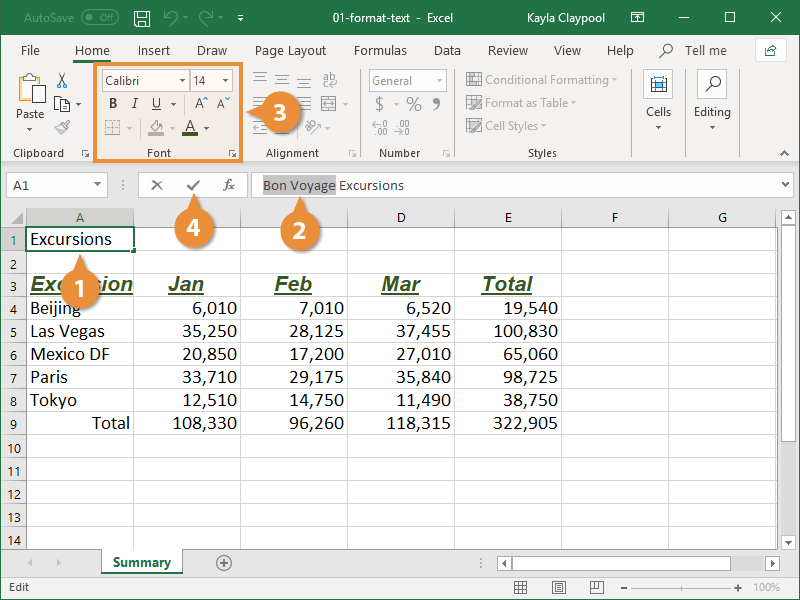
How To Format Text In Excel CustomGuide

The correct SUM would be 25 01 03 You can only get the correct value if you apply the elapsed time formatting in Excel which is h mm ss There are various methods to format time entries in Excel to visualize time the way you want The best way is using the Format Cells dialog and applying custom codes as mentioned in the following table
Press Ctrl 1 to open the Format Cells dialog box On the Number tab select General under Category and you will see the decimal in the Sample box Now you can write down that number and click Cancel to close the window Or you can click the OK button and have the time replaced with a corresponding decimal number in the cell

Formula 1 Convert Hours Minutes Text to Time TEXT A2 00 00 This particular formula will convert the text in cell A2 to a time format with hours and minutes For example if cell A2 contains 0455 then this formula will return 4 55 AM Formula 2 Convert Hours Minutes Seconds Text to Time TEXT A2 00 00 00
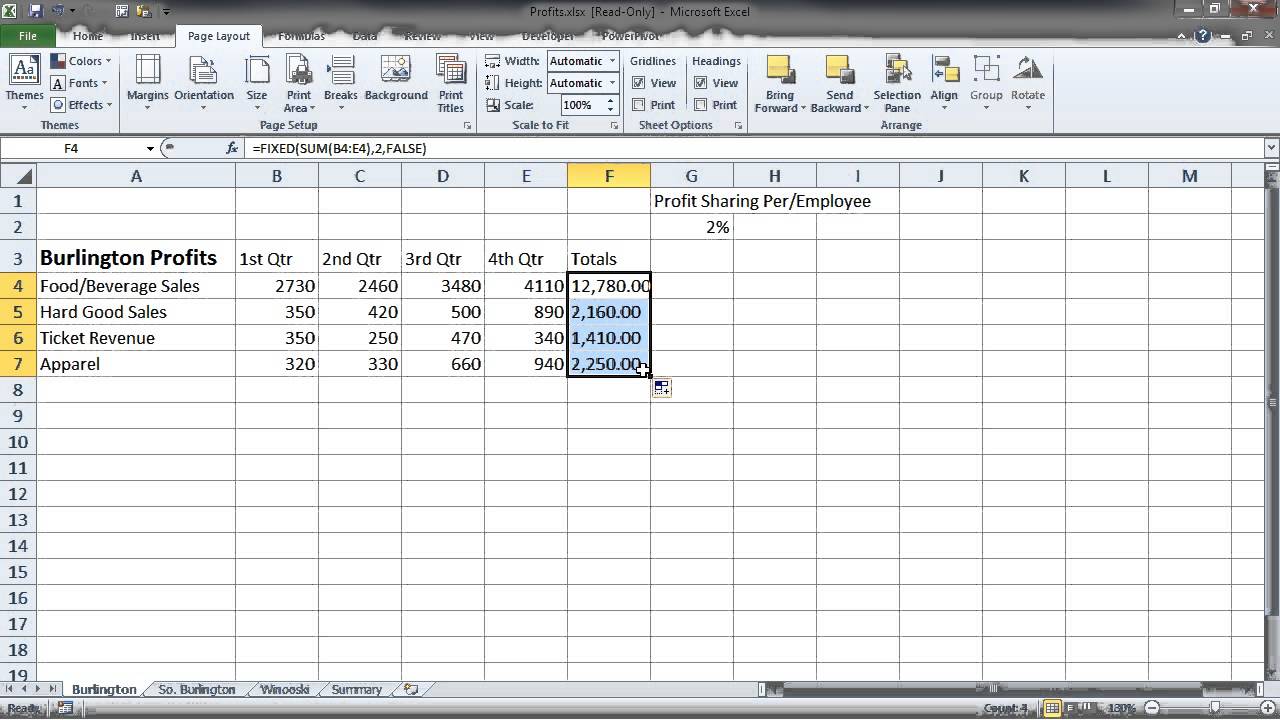
The TIMEVALUE function is used to convert a text value into a time value It has the following syntax TIMEVALUE time text The TEXTVALUE Function worked example To use this function you need a cell that contains a text value which has been entered to look like a time An example might be 12 13 PM 17 57 or 8 27 33 AM
Create a custom date or time format On the Home tab click the Dialog Box Launcher next to Number You can also press CTRL 1 to open the Format Cells dialog box In the Category box click Date or Time and then choose the number format that is closest in style to the one you want to create
Step 1 Select the cells in an Excel sheet where you wish to apply or alter the time format On the Home Tab press Ctrl 1 to open the Format Cells dialog box Step 2 Choose Time from the category list in the Format Cells box and then select the required time format from the Type list The text functions MID and SEARCH are used to find and extract the numbers for each time period hours minutes seconds Explanation of the formula The formula to extract each time increment looks like the following IFERROR VALUE MID C2 MAX SEARCH E 1 C2 3 1 2 0 Video Tutorial
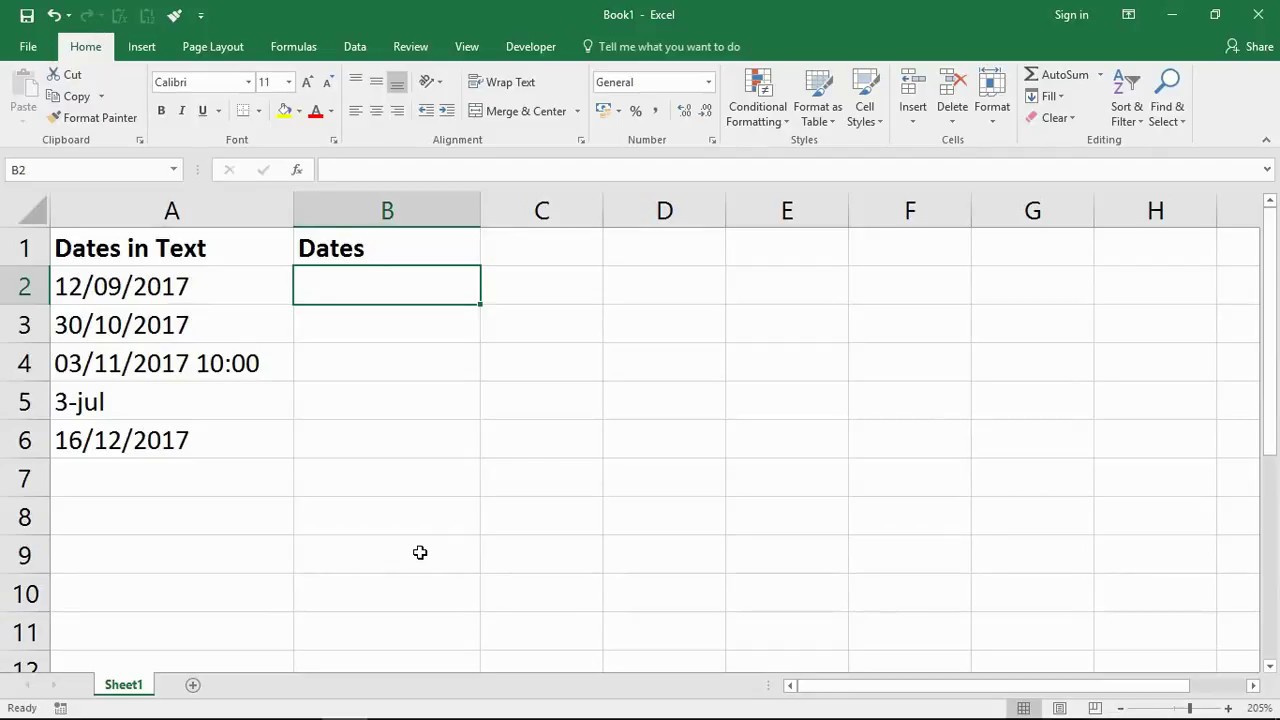
The DATEVALUE function converts a date in the text format to a number in Excel Syntax DATEVALUE date text So the formula to convert a text value to date For example DATEVALUE B5 where B5 is a cell with a date stored as a text string From our data in the text column we have the date in text format and we will convert this Excel date