Excel Table To Drop Down List How To Add A Drop down List To A Cell In Microsoft Excel Technotrait How To Create A Drop Down List In MS Excel Studytonight How To Create A Drop Down List With Unique Values In Excel 4 Methods How To Add A Drop Down Box In Excel 2007 11 Easy Steps Como Insertar Un Drop Down List In Excel BEST GAMES WALKTHROUGH Excel AVERAGE
May 16 2019 nbsp 0183 32 0 20 2 Excel gt
Como Insertar Un Drop Down List In Excel BEST GAMES WALKTHROUGH Create A Drop Down List In Excel Using Named Range Cara Membuat List Di Excel Produkmania Com Riset How To Make A Drop Down List In Excel For One Cell Virgincaqwe How To Create A Dynamic Drop Down List Excel Using The UNIQUE And Excel Survey Template With Drop Down List Printable Templates Create Drop Down List In Excel Subtitlemt Giant Sinkholes Dot The Landscape In Turkey s Karapinar In Pictures How To Make A Drop Down List In Excel With Color Dasedel
Excel Table To Drop Down List
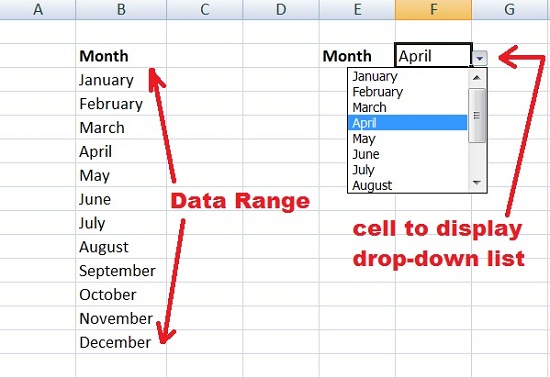 Excel Table To Drop Down List
https://technotrait.com/wp-content/uploads/2017/04/excel-drop-down-list.jpg
Excel
Templates are pre-designed documents or files that can be utilized for various functions. They can save time and effort by offering a ready-made format and design for developing various kinds of content. Templates can be used for individual or expert tasks, such as resumes, invites, leaflets, newsletters, reports, presentations, and more.
Excel Table To Drop Down List
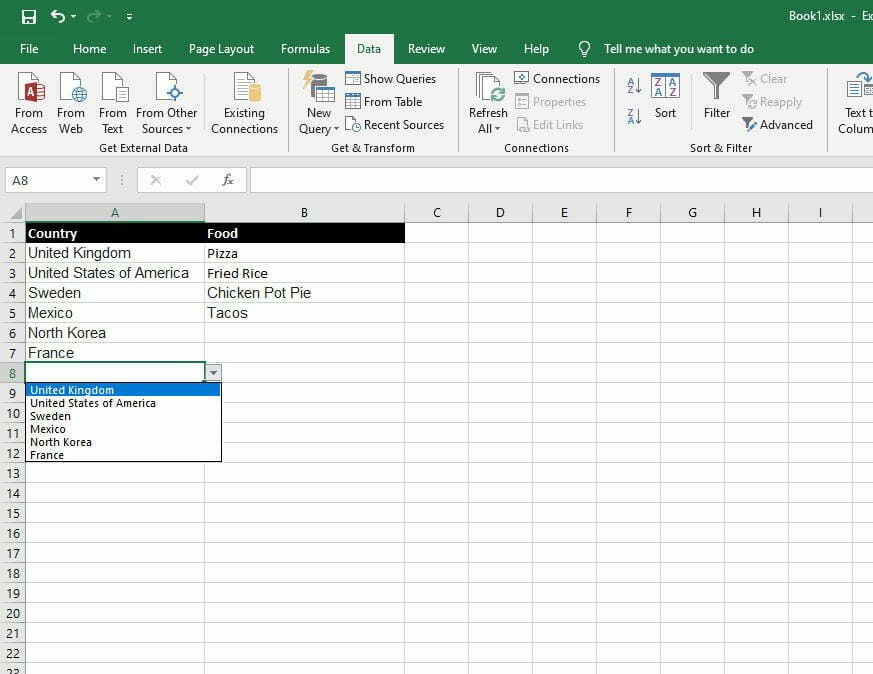
Creating A Drop Down List In Excel MacrosInExcel
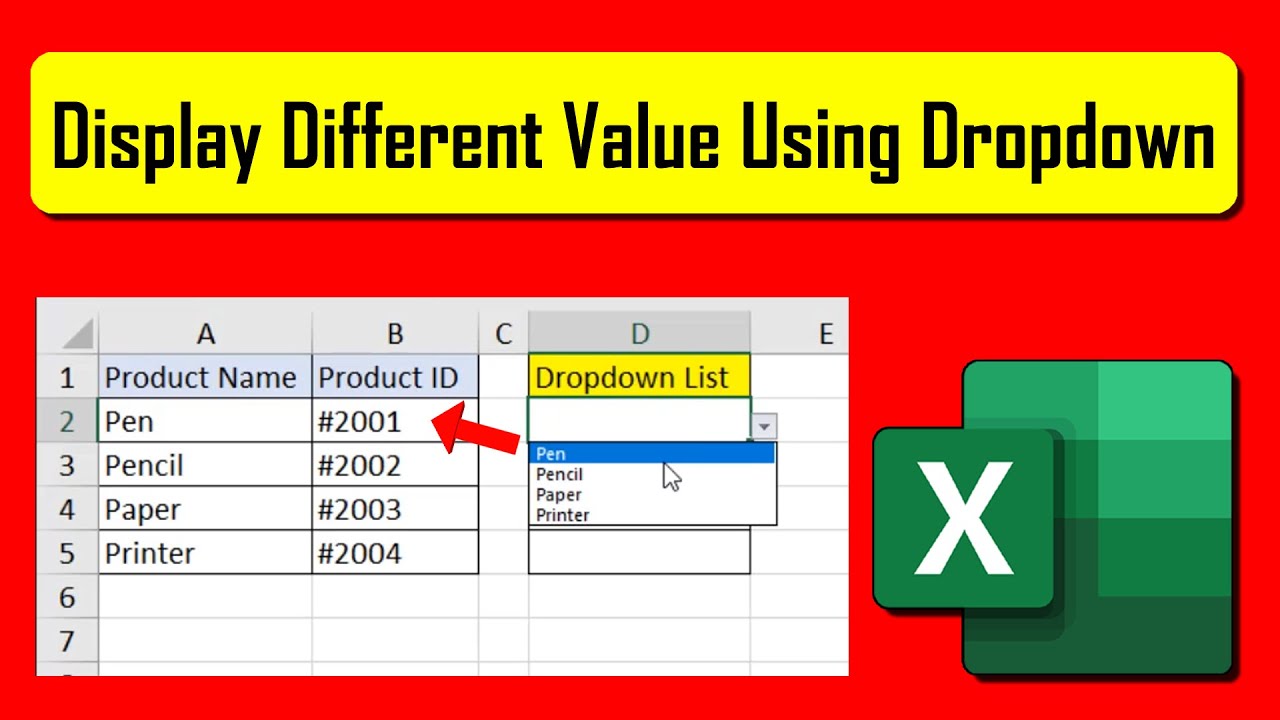
Create A Drop Down List In Excel Using Named Range

Cara Membuat List Di Excel Produkmania Com Riset
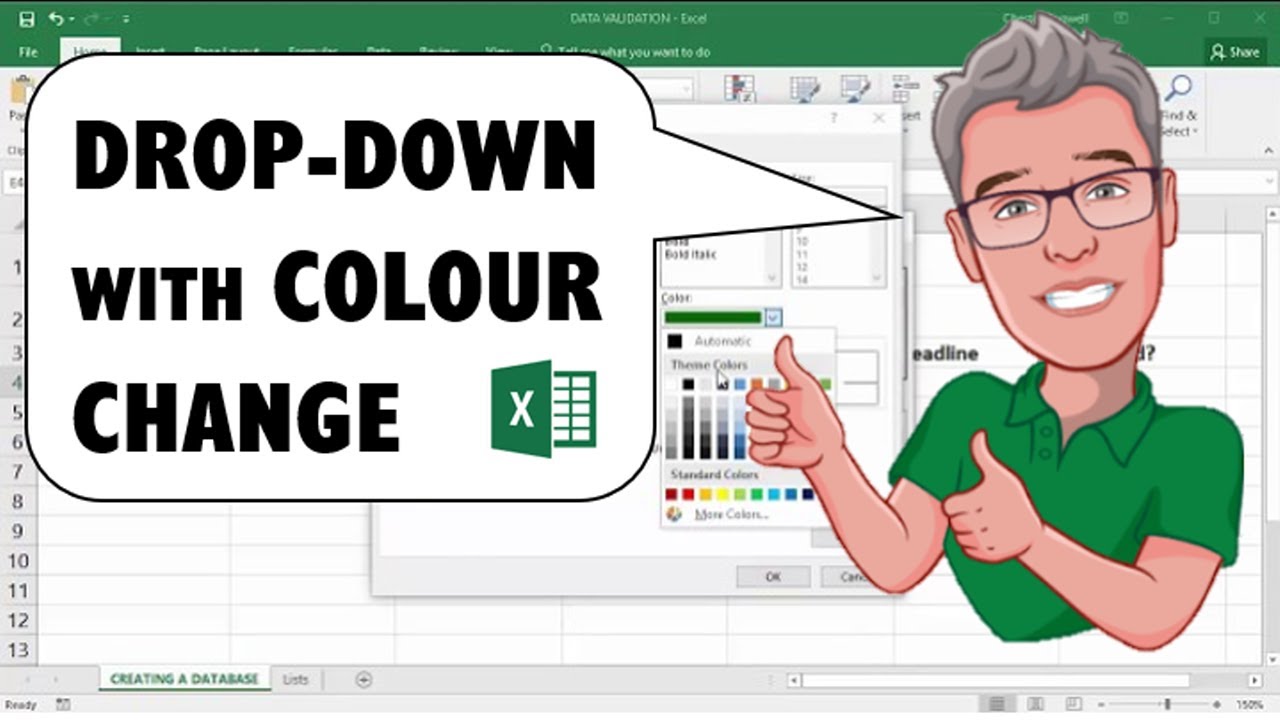
How To Make A Drop Down List In Excel For One Cell Virgincaqwe
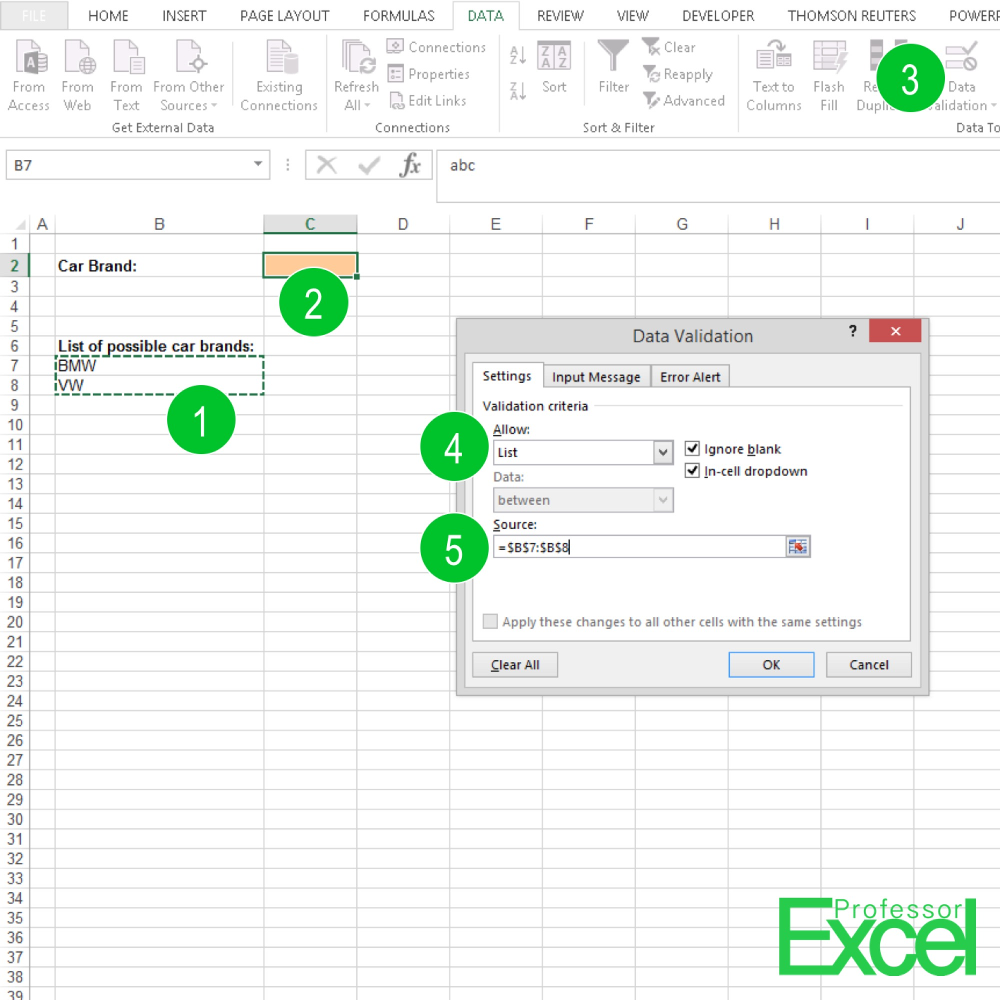
Excel Survey Template With Drop Down List Printable Templates
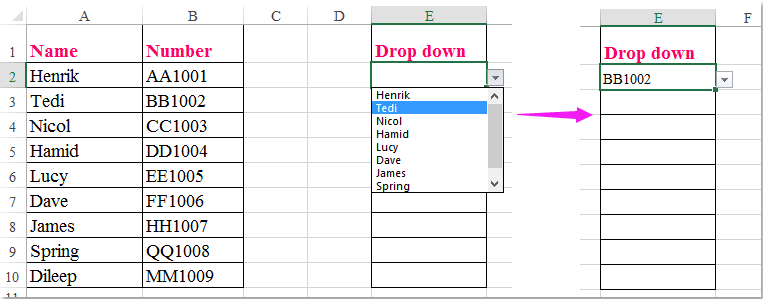
Create Drop Down List In Excel Subtitlemt

Office Excel Office excel Word PPT excel
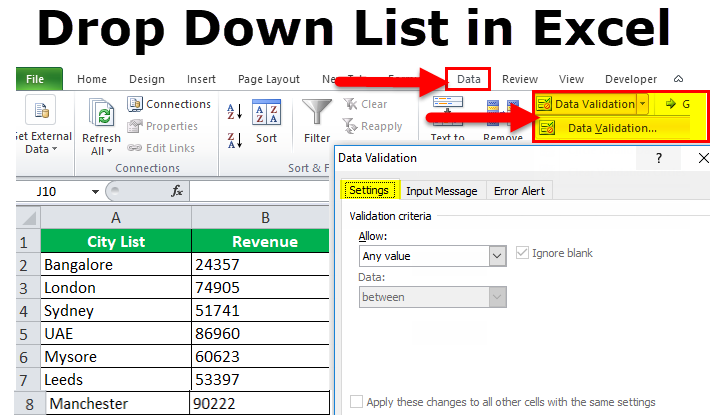
Excel IF B1 IF 1 gt 2 quot quot FALSE

Jan 2 2020 nbsp 0183 32 Excel

Jan 16 2021 nbsp 0183 32 Excel 1 Excel

Jul 10 2021 nbsp 0183 32 Excel Excel Excel Excel
[desc-11] [desc-12]
[desc-13]