Excel Simple Timeline Template Timeline Template Sheets Company History Timeline Template Word Pollloxa 8 Project Timeline Template Samples Download Free Project Powerful 6 Month Project Timeline Template Excel Simple Timeline Template 10 Download Free Documents In PDF Word Web Feb 8 2022 nbsp 0183 32 Create a Project Timeline Using a Template Are you managing a small project or tasked with creating a timeline for one Without extensive tools like a Gantt chart or expensive software like Microsoft Project you can create a simple project timeline right in Microsoft Excel
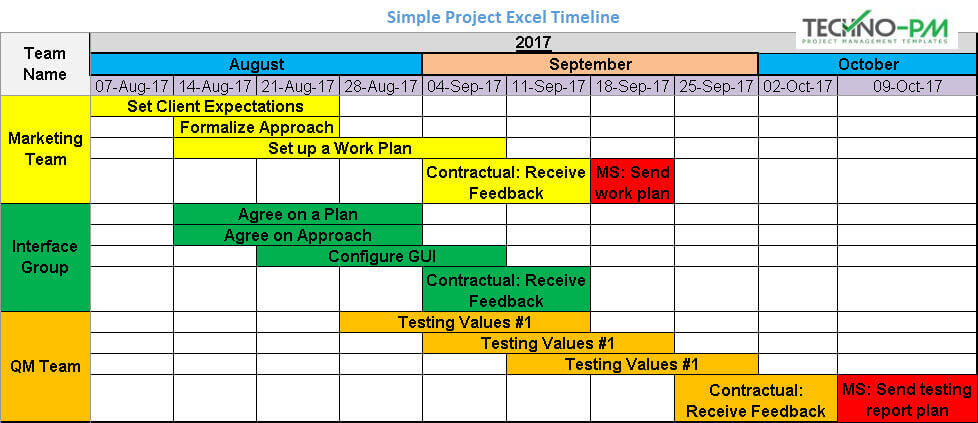
Web Aug 3 2017 nbsp 0183 32 Download a free easy to use timeline template in Excel amp learn how to customize it for your projects with step by step instructions Need to make a timeline Here s an Excel template Web Jul 17 2019 nbsp 0183 32 Download a Blank Project Timeline Template for Excel Google Sheets Smartsheet Display key project information like tasks and important milestones using this simple project timeline template Track task start and end dates and view them against each other in weekly monthly or yearly views
Simple Timeline Template 10 Download Free Documents In PDF Word Project Timeline Template Excel Download Free Project Management Excel Timeline Template 2013 Database Free Simple Project Timeline Template Excel Of Engineering Project Project Plan Template Excel Simple Business Plan Template How To Timeline Infographic Chart Template In Microsoft Word Excel Template FREE 9 Timeline Samples In PDF MS Word Excel PPT Microsoft Excel Templates Project Timeline Excel Template PowerPoint Simple Timeline Template And Google Slides
Excel Simple Timeline Template
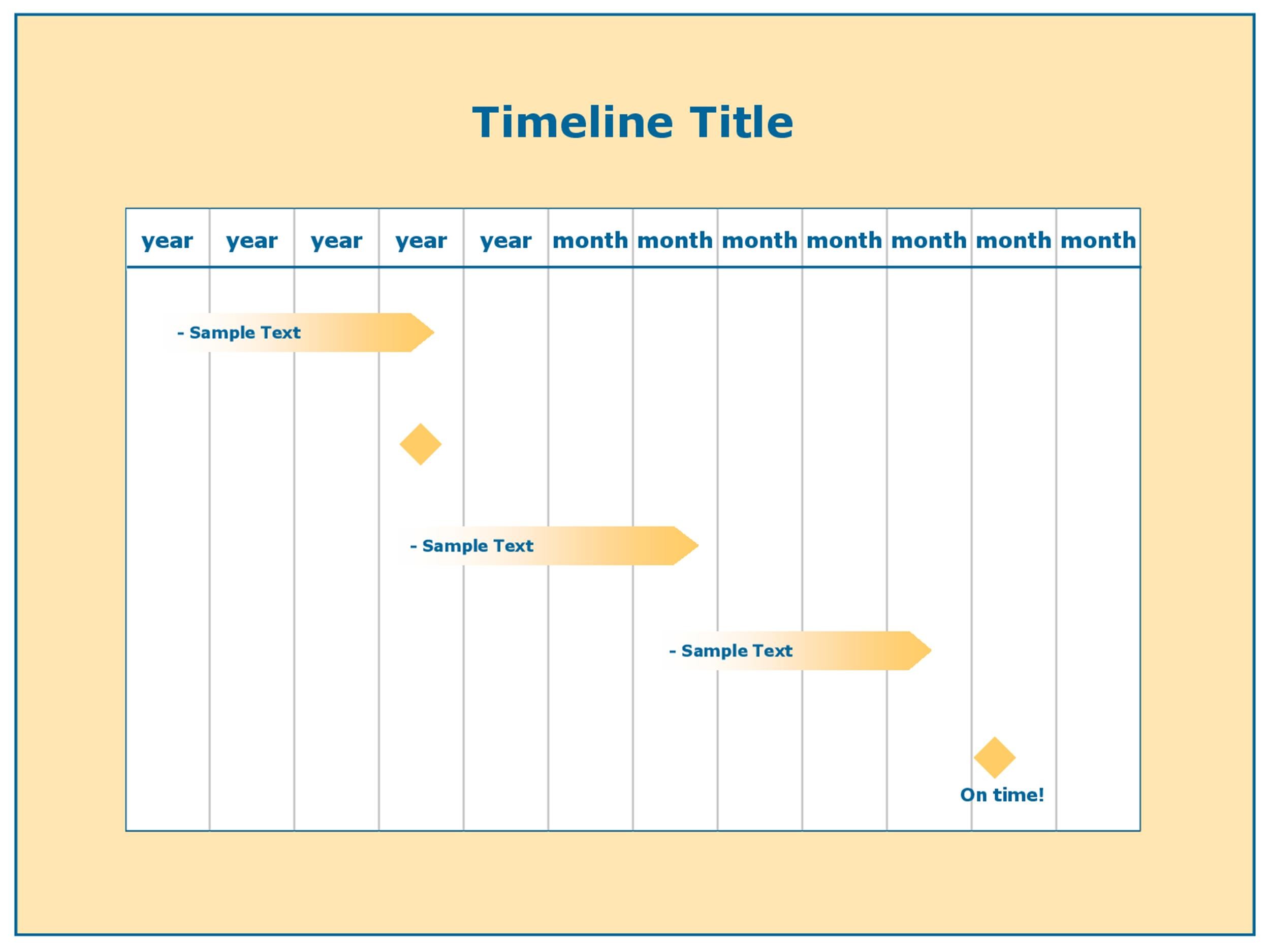 Excel Simple Timeline Template
https://templatelab.com/wp-content/uploads/2016/06/Timeline-Template-20.jpg
Web Download Excel timeline template How to create an Excel timeline in 7 steps 1 List your key events or dates in an Excel table List out the key events important decision points or critical deliverables of your project These will be called Milestones and they will be used to create a timeline
Pre-crafted templates provide a time-saving option for developing a diverse variety of documents and files. These pre-designed formats and designs can be used for different individual and professional jobs, consisting of resumes, invites, flyers, newsletters, reports, discussions, and more, streamlining the content creation process.
Excel Simple Timeline Template
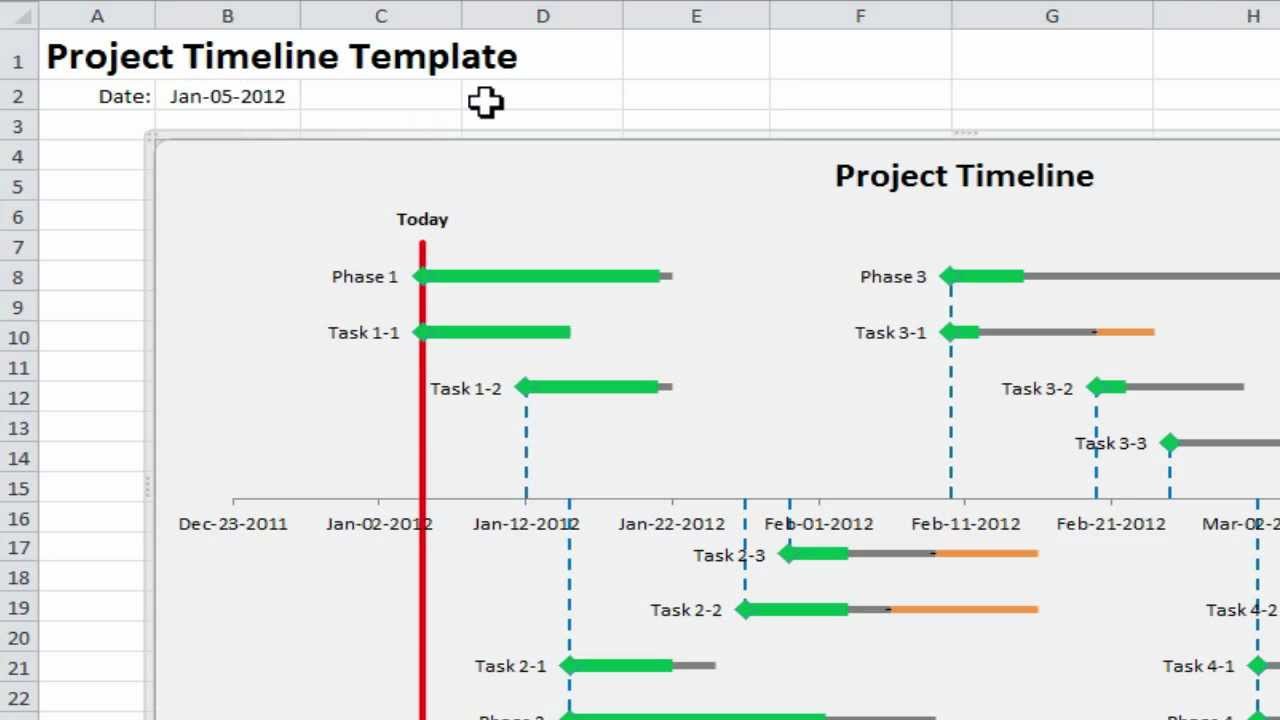
Excel Project Timeline 10 Simple Steps To Make Your Own Project
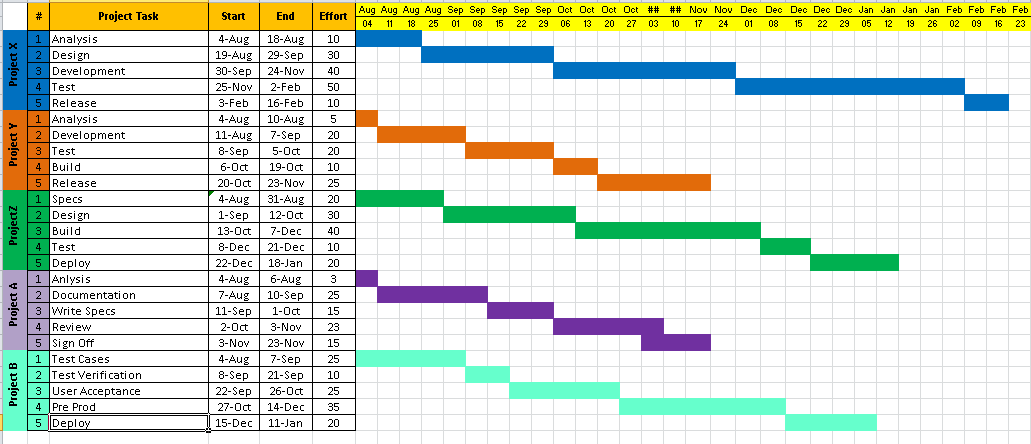
Project Timeline Template Excel Download Free Project Management
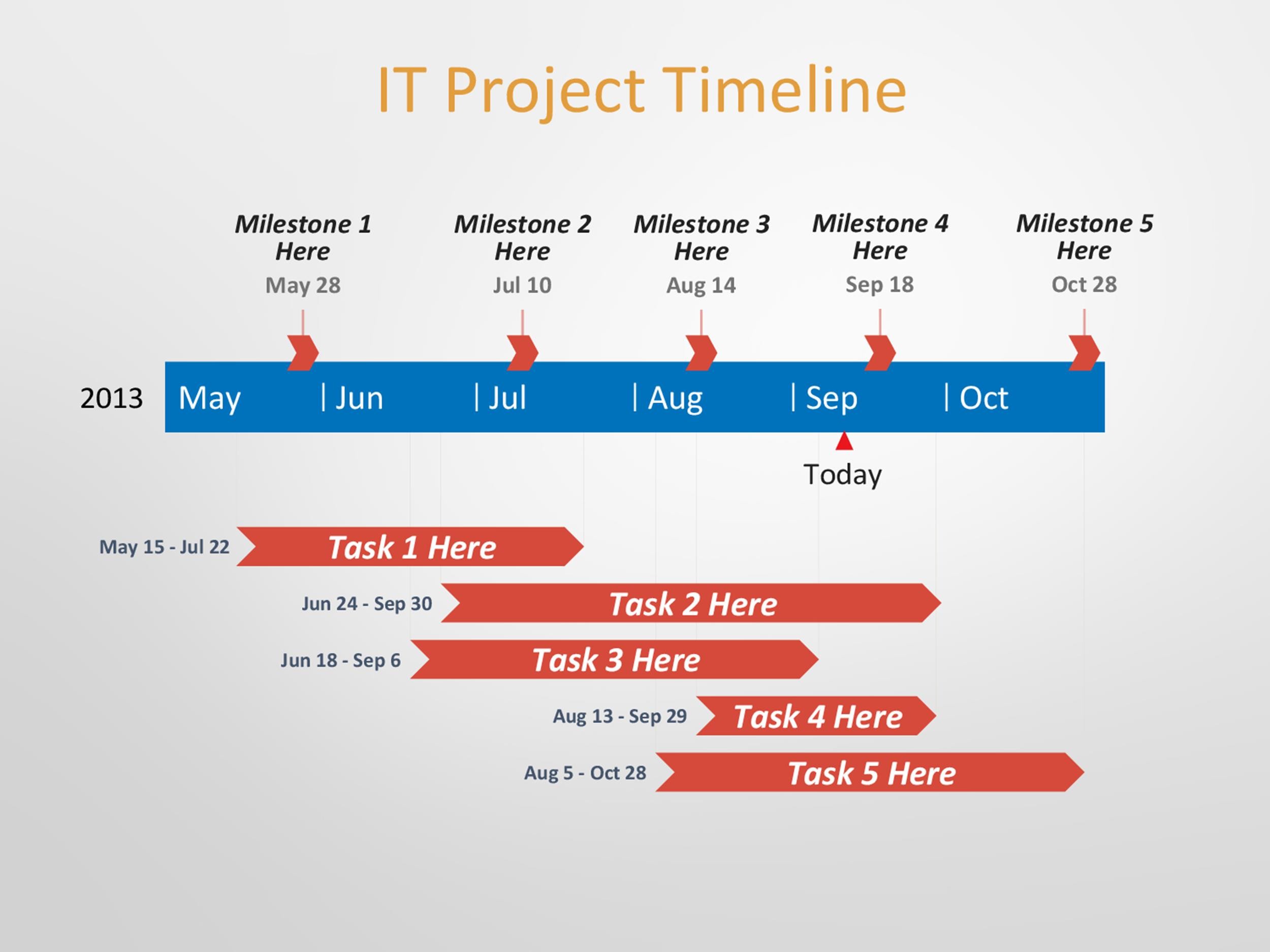
Excel Timeline Template 2013 Database
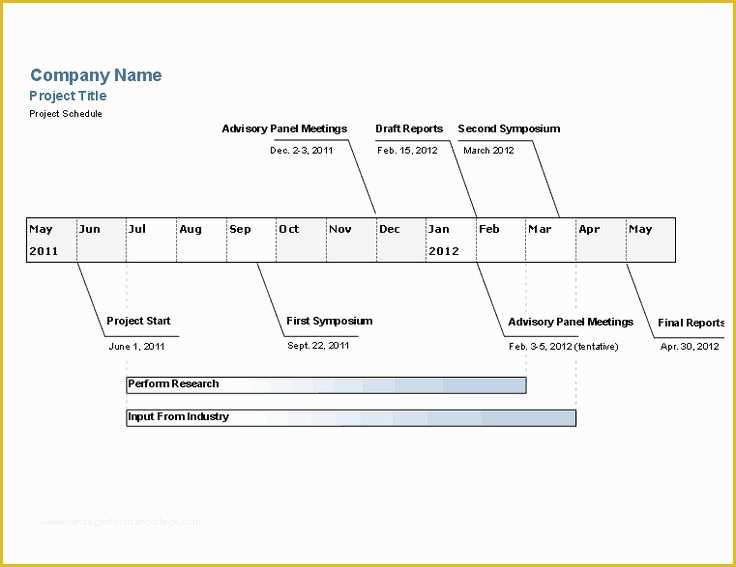
Free Simple Project Timeline Template Excel Of Engineering Project
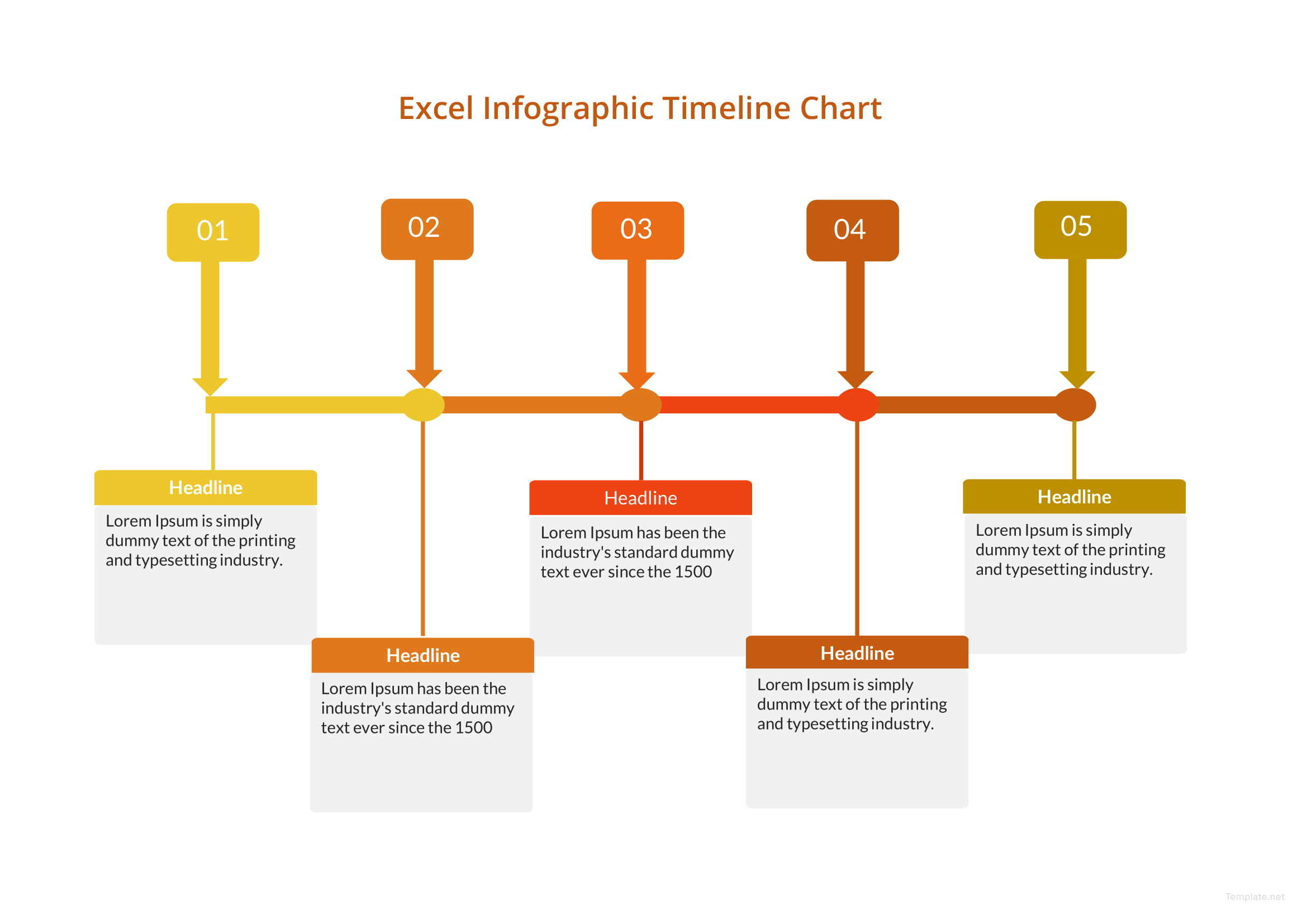
Timeline Infographic Chart Template In Microsoft Word Excel Template
FREE 9 Timeline Samples In PDF MS Word Excel PPT

Web Create from scratch Show your plan at a glance with timeline templates Don t waste any time start your next project plan or production roadmap with a timeline template Timelines are a great way to visually organize your thoughts plotting each step that you plan to
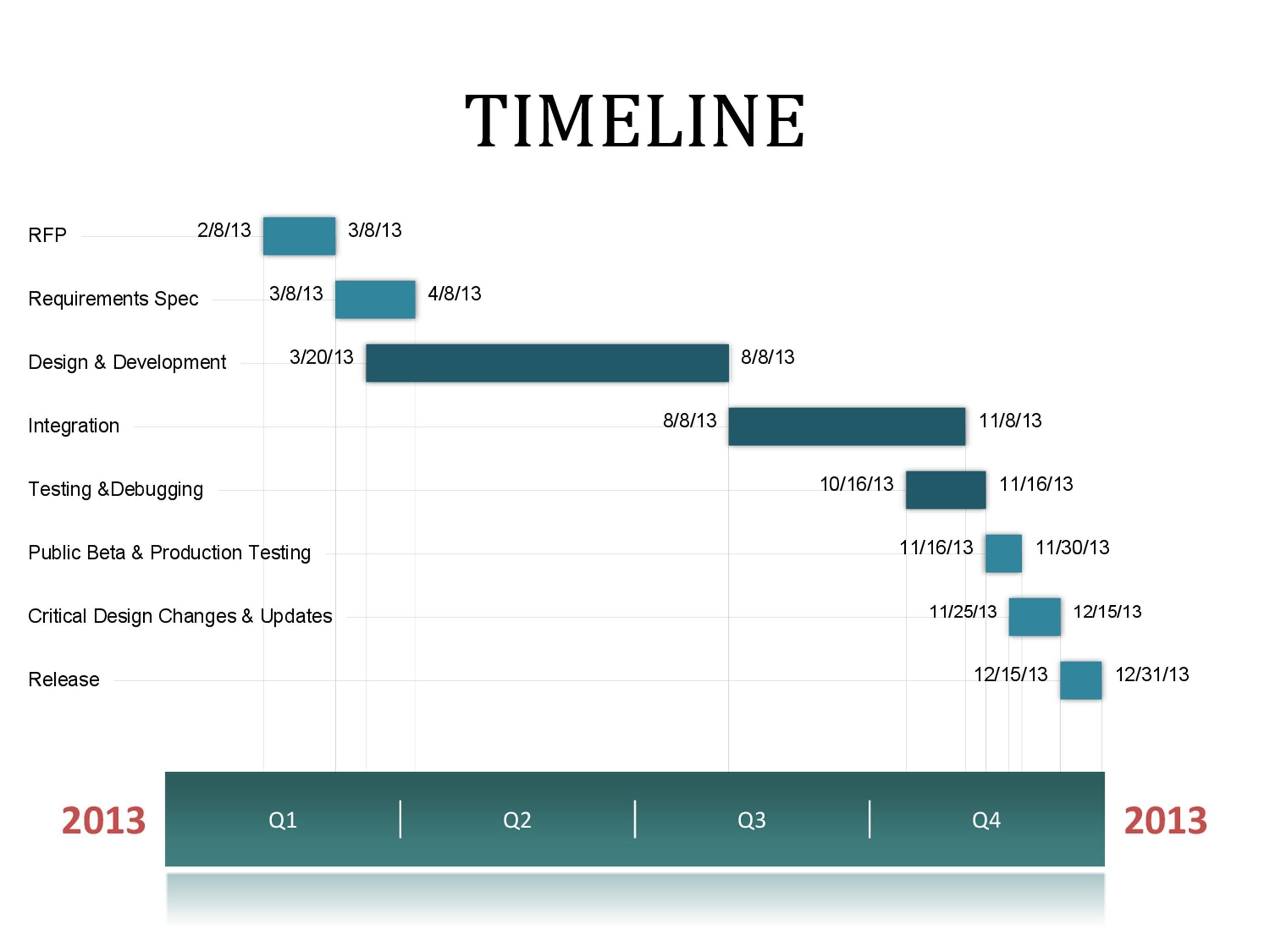
Web Apr 4 2023 nbsp 0183 32 There are several easy ways to create a timeline in Excel You can use the built in SmartArt feature to create a timeline graphic in a variety of styles Or select a premade timeline template if you re making a more complex timeline You can also add a timeline to a pivot table or create your own timeline from scratch
Web For a simple but effective timeline click Basic Timeline To show a progression a timeline or sequential steps in a task process or workflow click Accent Process To illustrate a timeline with pictures or photos click Continuous Picture List

Web With Excel you can create a timeline template using two methods Use SmartArt tools Using SmartArt tools is the best option when you need to create a basic and simple project timeline in Excel Here are the steps to do this Click Insert tab on the task panel at the top Click Insert a SmartArt Graphic Select Look for the Basic Timeline
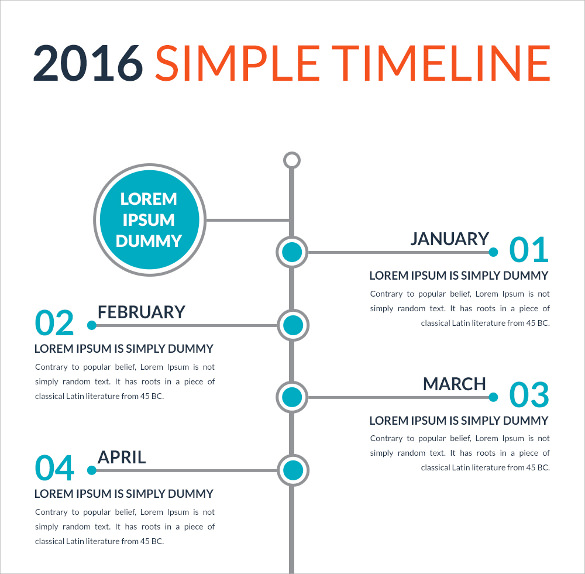
Web Jun 2 2020 nbsp 0183 32 Excel Timeline Template Create a historical or project timeline quickly and easily using this original Vertex42 timeline template This page was originally an article explaining how to create a timeline using an XY chart and error bars for leaderlines but now you can download the time line template and get a huge head start on your project
Web Go to Insert gt Charts gt Line Chart with Markers Go to Design gt Select Data In Select Data Source dialogue box click on Add In the Edit Series Dialogue box Series Name Date Series Values Activity Cells in Column F This inserts a line chart with X Axis values as 1 2 3 and Y axis values as 0 Web Aug 20 2021 nbsp 0183 32 Open a blank Excel worksheet Click Insert tab gt SmartArt gt Process Then select Basic Timeline from the Graphic options You may also choose other graphics templates that suit your needs Add data from the timeline start date milestones end date etc either in the provided text pane or directly on the timeline
Web Simple template with timeband in hours and layout that accommodates overlapping items useful in creating 24 hour schedules such as training and class schedules it can also be used for visualizing plans that take less than 60 minutes or