Excel Select Rows With Text Excel Count Rows With Text Stack Overflow How To Do Highlight Row And Column Of Active Cell Excel Excel Select How To Transpose Columns And Rows In Microsoft Excel Mid Atlantic How To Select Entire Column In Excel Or Row Using Keyboard Shortcuts How To Count Rows With Text In Excel Easiest 8 Ways Web Oct 22 2022 nbsp 0183 32 To select columns Ctrl Space Arrows Left or Right for additional columns To highlight every cell in the sheet Ctrl A This article explains how to change column row dimensions hiding columns rows
Web This article describes the formula syntax and usage of the CHOOSE function in Microsoft Excel Description Uses index num to return a value from the list of value arguments Web Returns the specified rows from an array Syntax CHOOSEROWS array row num1 row num2 The CHOOSEROWS function syntax
How To Count Rows With Text In Excel Easiest 8 Ways How To Count Rows With Text In Excel Easiest 7 Ways Excel Shortcuts To Select Rows Columns Or Worksheets Download Switch Rows And Columns In Excel Gantt Chart Excel Template Solved How Can I Select Rows With Same Id But Different Values In Learn New Things MS Excel How To Select Different Multiple Cell How To Count Rows With Text In Excel Easiest 8 Ways MySQL Select Rows With Date Range Solved ThisPointer How To Count Rows With Text In Excel Easiest 8 Ways ExcelDemy
Excel Select Rows With Text
 Excel Select Rows With Text
https://i.stack.imgur.com/iShOX.png
Web Sep 5 2022 nbsp 0183 32 First create a filter by clicking anywhere in the data range B2 B12 and in the Menu going to Data gt Create a filter Click on the filter button next to Product cell B2
Templates are pre-designed documents or files that can be used for various functions. They can conserve time and effort by supplying a ready-made format and design for developing various kinds of content. Templates can be utilized for individual or expert projects, such as resumes, invites, leaflets, newsletters, reports, presentations, and more.
Excel Select Rows With Text

How To Count Rows With Text In Excel Easiest 8 Ways

How To Count Rows With Text In Excel Easiest 7 Ways

Excel Shortcuts To Select Rows Columns Or Worksheets

Download Switch Rows And Columns In Excel Gantt Chart Excel Template
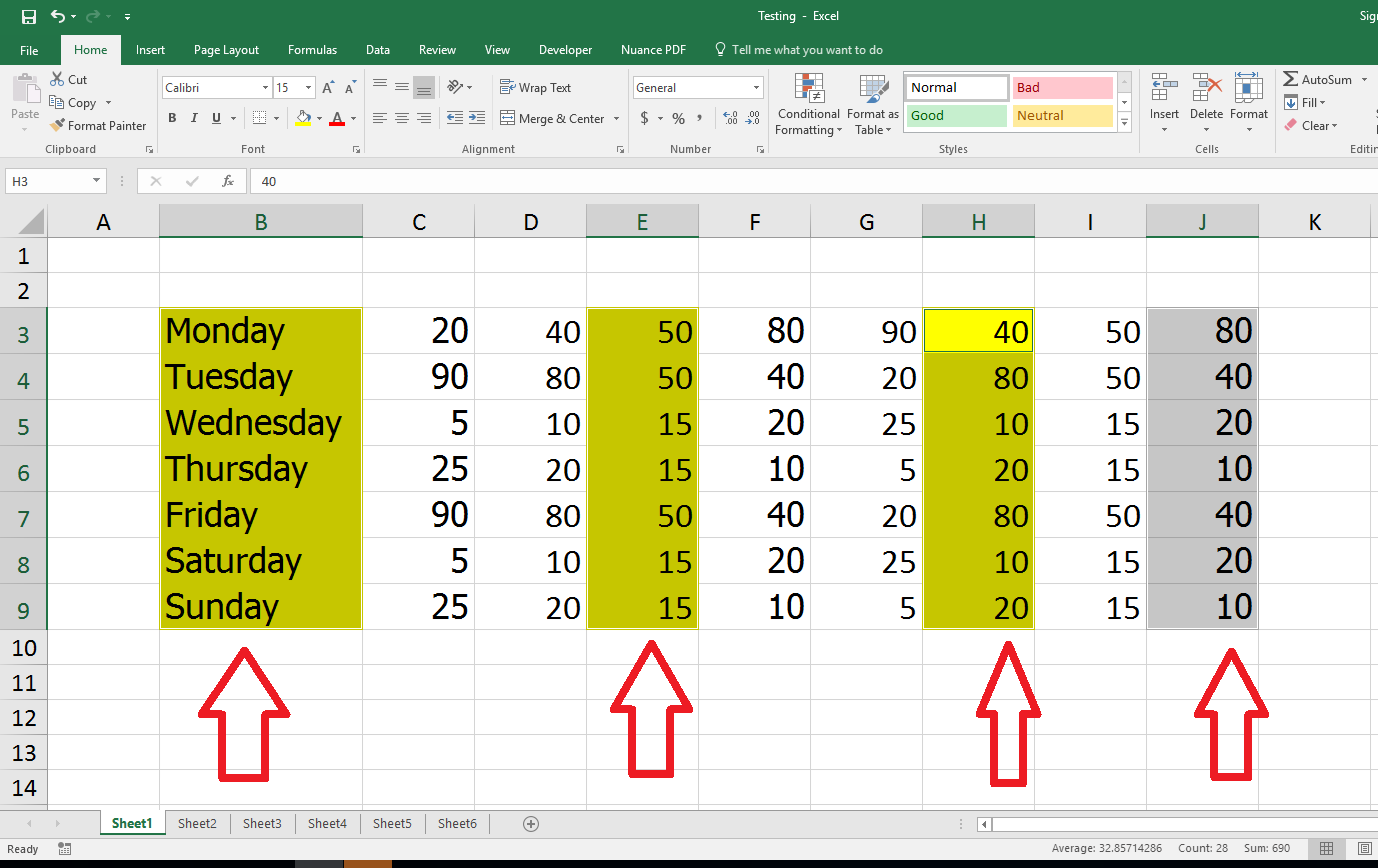
Learn New Things MS Excel How To Select Different Multiple Cell

How To Count Rows With Text In Excel Easiest 8 Ways

Web Using Filters to Select Rows with Specific Text in Excel The VBA method is actually the best way to select rows with specific text in Excel However if the idea of coding or
Web Apr 12 2023 nbsp 0183 32 In this tutorial we will learn how to select rows with specific text in Microsoft Excel Selecting rows that contain specific text is a crucial task in Excel that can be accomplished through various methods
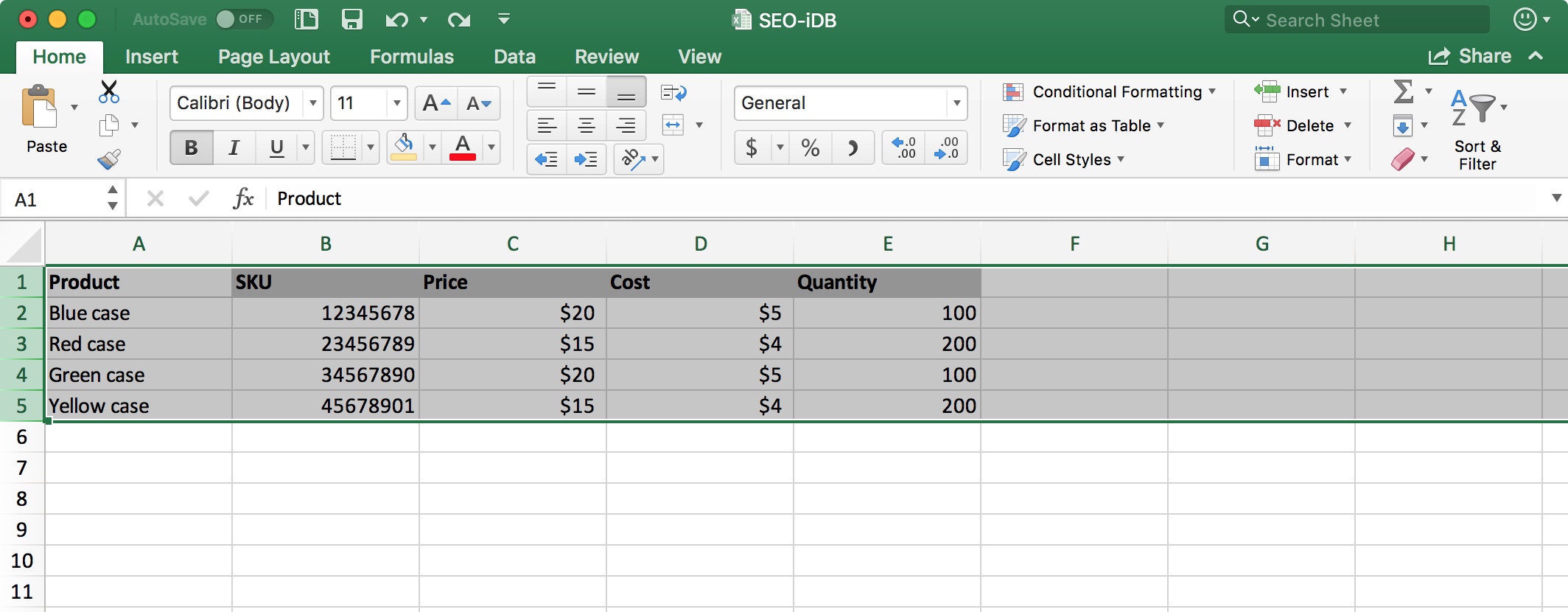
Web 16 rows nbsp 0183 32 To search the entire worksheet for specific cells click any cell To search for specific cells within a defined area select the range rows or columns that you want For
Web 1 Select the range that you want to find the specific text 2 Click Kutools gt Select Tools gt Select Specific Cells see screenshot 3 In the Select Specific Cells dialog box specify the selection type that you need and

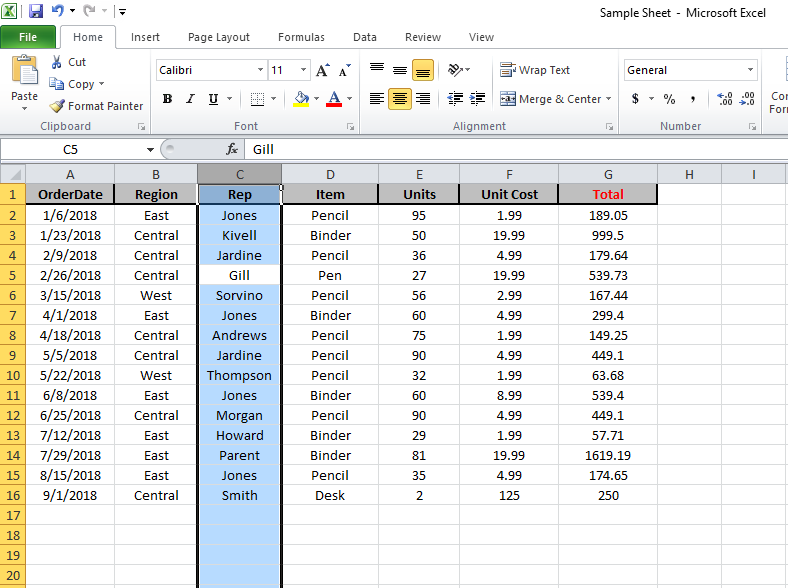
Web Jul 24 2023 nbsp 0183 32 Press Ctrl Spacebar together How to select a whole row in Excel Similar to selecting a column selecting a whole row in Excel is straightforward Just click on the row header which displays the row
Web Select Specific Cells dialog box specify the that you need and choose Contains Specific type dropdown list then input the value that you want to select See screenshot If you Web Sep 24 2014 nbsp 0183 32 I have large spreadsheet exported from a database with survey responses containing words and phrases of interest which I d like to sort and report on What I
Web Note Pressing CTRL SPACEBAR once selects the table column data pressing CTRL SPACEBAR twice selects the entire table column A table row Click the left