Excel Security Settings For Linked Data Types Linked Data Types In Excel Access Stock Quotes And Wolfram Data To Generate Advanced Spreadsheets Using Stocks And Other Data Types In Excel Journal Of Accountancy Overview Of Data Types In Excel Add ins Office Add ins Microsoft Learn How To Use Linked Data Types Microsoft Tech Community ExcelAPI Setting a password to open or modify a file You specify a password to open or modify a file Use this option when you need to give Read only or edit access to different users For more information see Protect an Excel file
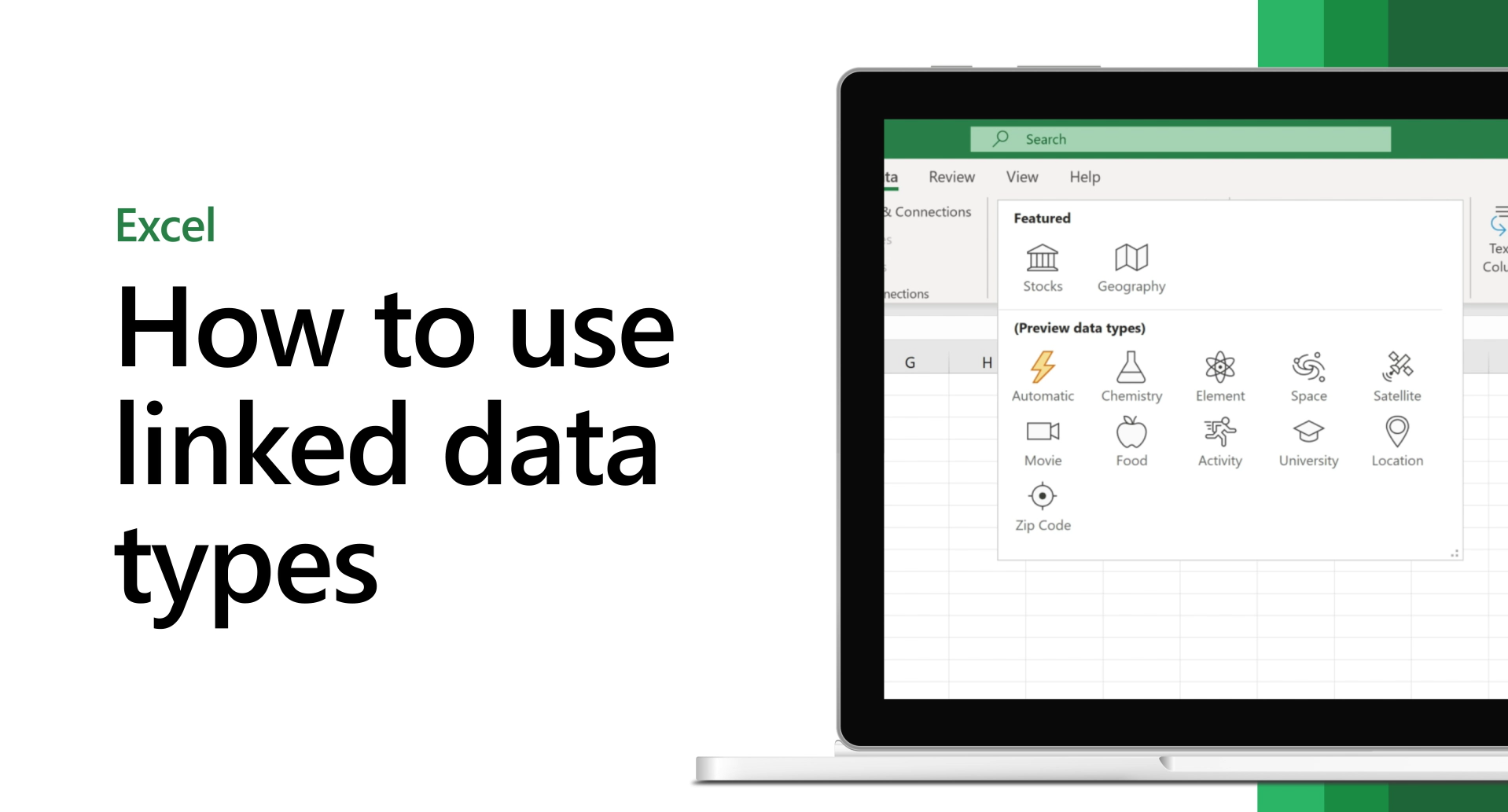
All linked data types are connected to a data source but for some data types it s more important to ensure that the data is up to date as possible While you can always refresh manually you can easily set some data types to refresh automatically with Data Types Refresh Settings Microsoft security Accessibility center With linked data types you get access to information about a wide range of subjects and areas without ever leaving Excel Excel gets this information from reputable sources such as Bing Wolfram Alpha and more There are lots of linked data types available today and many more to come
ExcelAPI Using Linked Data Types In Excel YouTube Using Stocks And Other Data Types In Excel Journal Of Accountancy Excel Linked Data Types An Introduction SQL Spreads Using Stocks And Other Data Types In Excel Journal Of Accountancy Section 6 11 Distribute Security Settings Excel 2003 Programming A Developers Notebook Using Stocks And Other Data Types In Excel Journal Of Accountancy Excel Linked Data Types An Introduction SQL Spreads Changing Excel Security Settings Help Illinois State
Excel Security Settings For Linked Data Types
 Excel Security Settings For Linked Data Types
https://www.emazzanti.net/wp-content/uploads/2021/12/Linked-Data-Types-in-Excel-2-1.jpg
To enable viewing do the following Open the Trust Center Select File Options Trust Center Trust Center Settings Under Security Settings for Linked Data Types do one of the following a To have Excel prompt users to allow data types to be displayed select Prompt users about linked data types b To allow Excel to always allow data
Pre-crafted templates offer a time-saving solution for producing a varied series of documents and files. These pre-designed formats and layouts can be utilized for numerous individual and expert tasks, including resumes, invites, leaflets, newsletters, reports, presentations, and more, simplifying the material production procedure.
Excel Security Settings For Linked Data Types
Linked Data Types In Excel The Distant Librarian
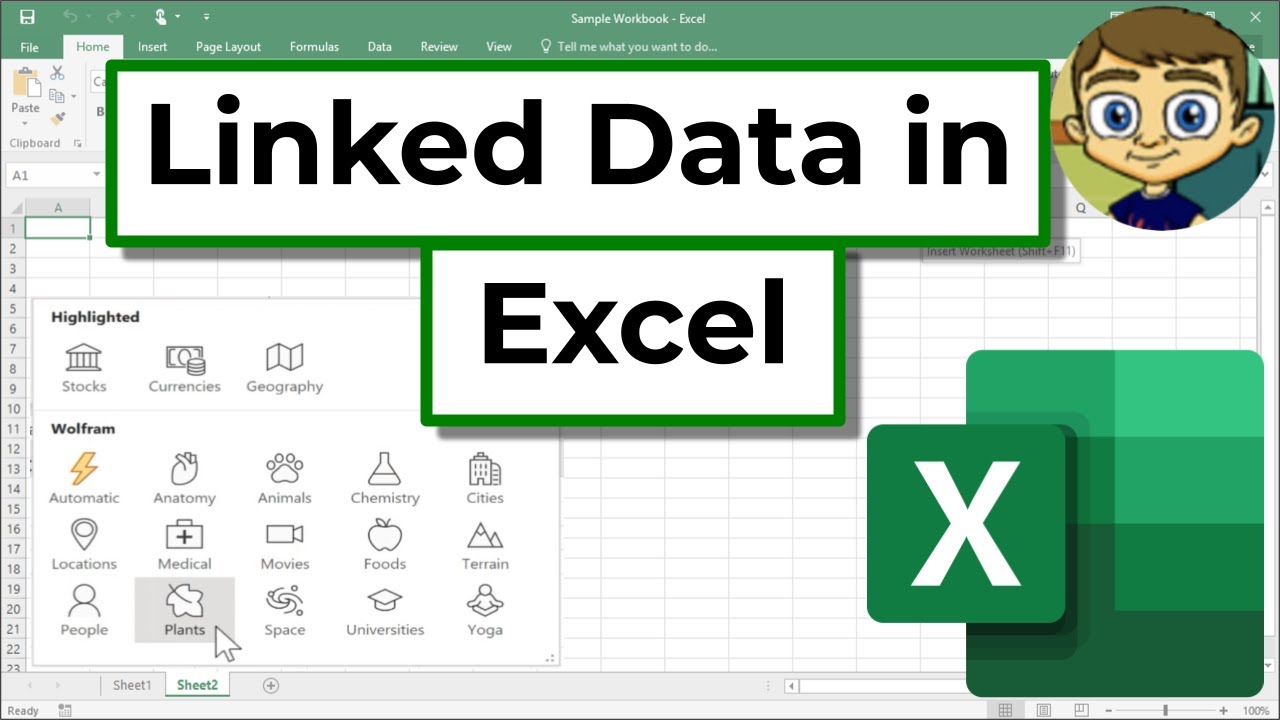
Using Linked Data Types In Excel YouTube

Using Stocks And Other Data Types In Excel Journal Of Accountancy
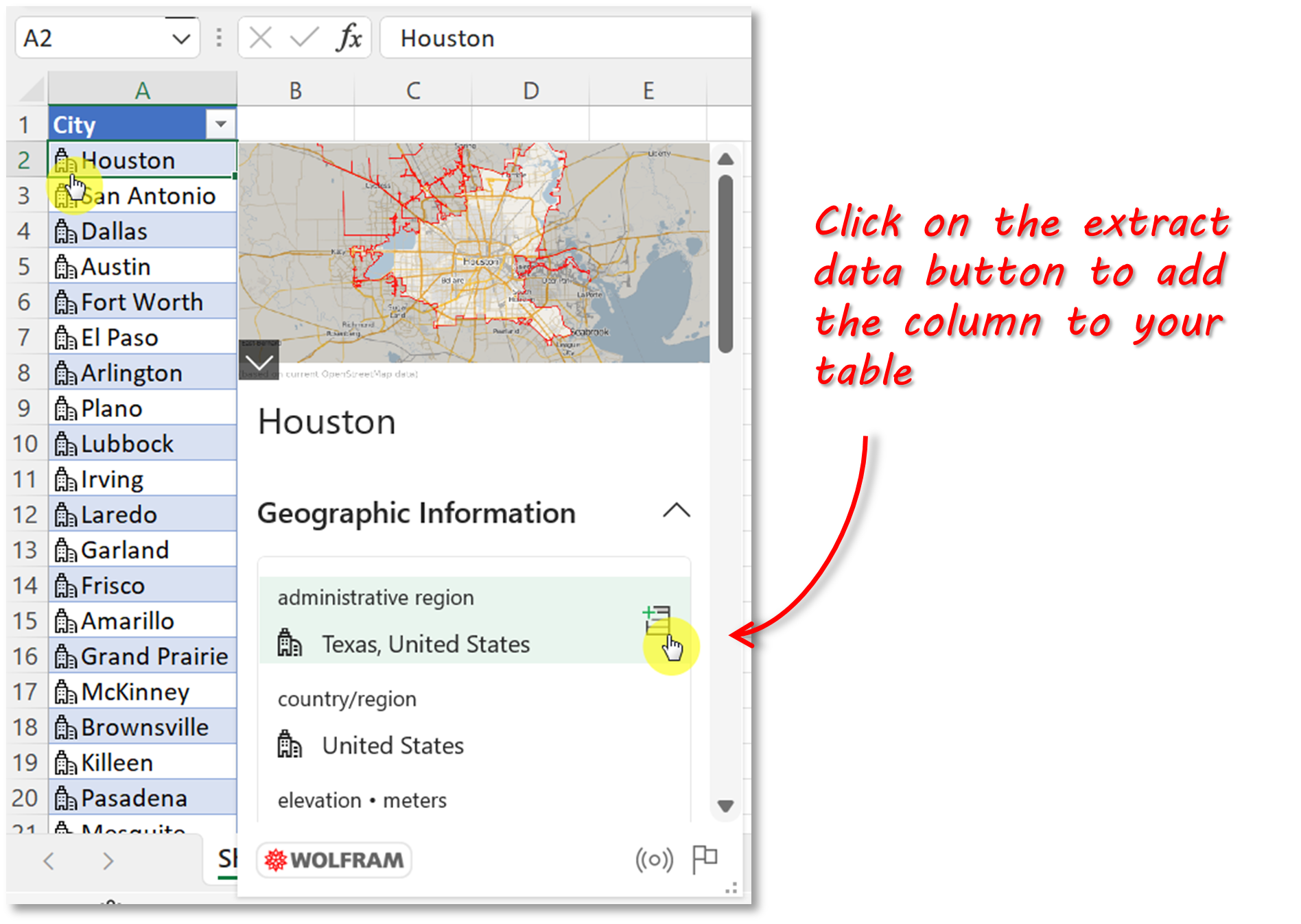
Excel Linked Data Types An Introduction SQL Spreads
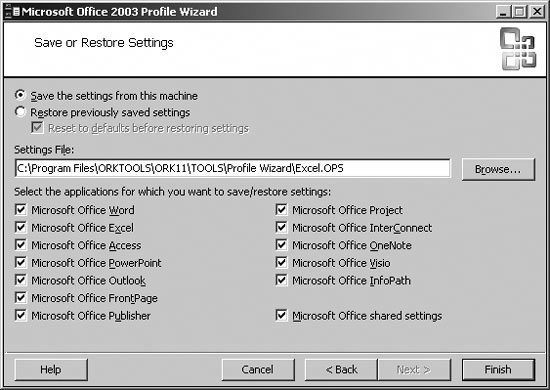
Section 6 11 Distribute Security Settings Excel 2003 Programming A Developers Notebook

Using Stocks And Other Data Types In Excel Journal Of Accountancy

Blocking Function blocked Connection blocked Linked Data Types are blocked Functions with XLM macros are blocked IMAGE function Invalid URL Image too large File too large Check security settings Need more help You can always ask an expert in the Excel Tech Community or get support in Communities Need more help Want more options

Hi AllIn 365 version of excel the Data Types Group doesn t appear in the Data Tab Let MSFT do a long update of my 365 Al setting in Trust Center have been allowed for linked data types What must I
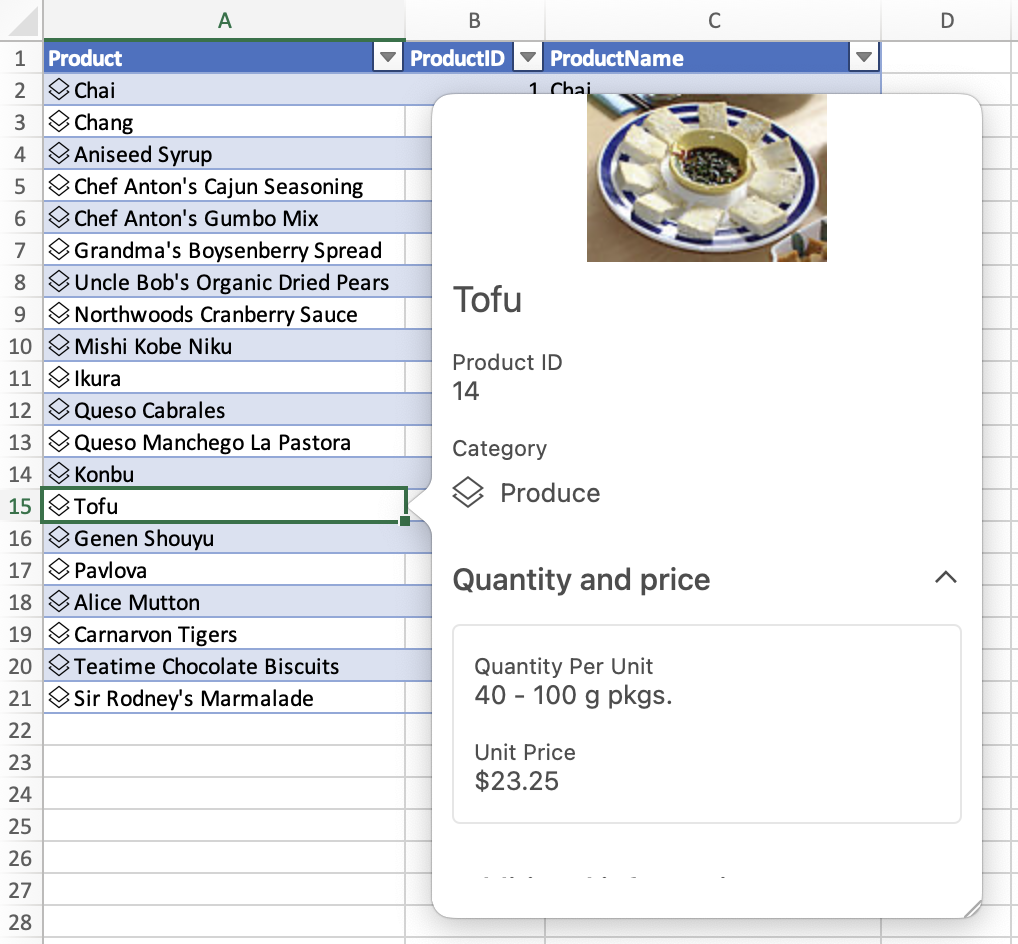
Two new security options are now included in the Excel Trust Center in Microsoft 365 under the Security Settings for Dynamic Data Exchange heading Enable Dynamic Data Exchange Server Lookup Enable Dynamic Data Exchange Server Launch not recommended
Security settings for Linked Data Types and Security settings for Dynamic Data Exchange I am including a screenshot On my computer I do not have those 2 additional options I have already enabled DDE using the registry Windows Registry Editor Version 5 00 Windows Registry Editor Version 5 00
How can I access linked data types What are the requirements I get an error when I access linked data types What kinds of linked data types are there How to give feedback on data types Can I unlink the cells If I send a workbook to my coworker or friend will these new data types work for them Will this work in other versions of Excel
VBA There are several VBA Visual Basic for Applications methods that you can use to identify if a cell or range contains linked data types This first procedure uses the HasRichDataType property Both of these procedures will prompt you to select a range of cells to evaluate then return a message box with the results In the Office application click the File tab Click Options Click Trust Center and then click Trust Center Settings Click Privacy Options Under Privacy Options select or clear Check Microsoft Office documents that are from or link to suspicious Web sites check box Click OK Let us know the results once you complete the steps
Apart from that any Power BI dataset table can be promoted to include itself as a custom linked data type which is available only to Excel users of that organization Such data types are available as organizational data types Organization Linked Data Types can be created using Power BI by setting a table as a featured table and then