Excel Replace All Column Values S lectionner Une Colonne Enti re Excel Fr Caribes Excel Replace Blank With 0 Riset Excel REPLACE Function Exceljet Excel Replace Text Formula Images And Photos Finder How To Replace Words In Excel Find And Replace Text Earn And Excel WEB Mar 21 2023 nbsp 0183 32 If you want to find a given value in a range column or row select that range column s or row s before opening Find and Replace in Excel For example to limit your search to a specific column select that column first and then open the Find and Replace dialog
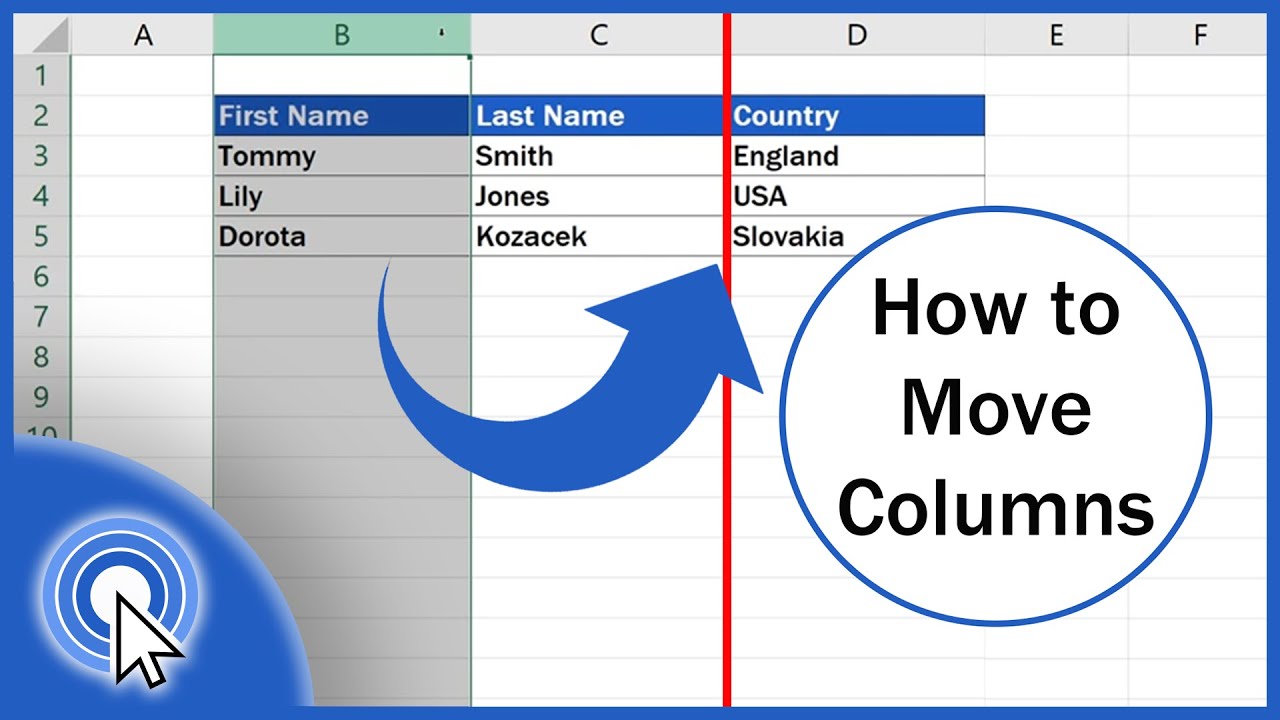
WEB Jan 14 2024 nbsp 0183 32 In the Power Query Editor window you ll have the option to Delete Duplicates Split Columns by different cases Replace Values Extract Values Move Columns Calculate Standard and Statistical Data Add Custom Column Duplicate Column Use Conditional Column and many more WEB That s how easy and fun it is to use Excel s Find and Replace tools Not only can you find and replace a particular text string in seconds but you can also specify its format location order and case sensitivity
How To Replace Words In Excel Find And Replace Text Earn And Excel How To Add The Same Word To A Column In Excel Printable Templates Free Find And Replace On Mac Excel Ulsdao Riset How To Calculate Average Excluding Zero In Excel Haiper How To Replace Value With A Value From Another Column In Power Query How To Create A Column Chart In Excel Spreadsheetdaddy Riset Moving Columns In Excel Table Earmake Excel Replace With Empty Cell Printable Templates Free How To Add All Values In A Column In Excel Printable Templates
Excel Replace All Column Values
 Excel Replace All Column Values
https://www.office-skill.site/images/wp-content-uploads-2013-07-image12.png
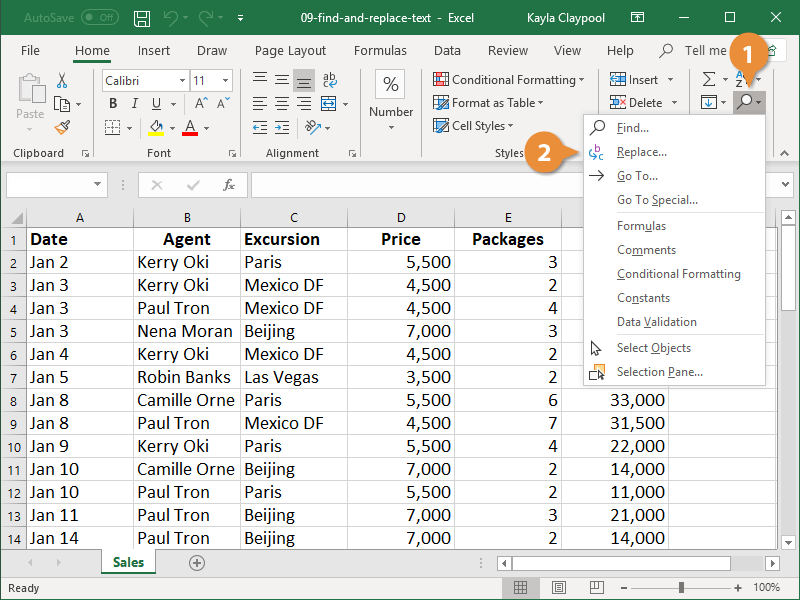
WEB Jan 14 2020 nbsp 0183 32 Finding specific or all occurrences of a value in a spreadsheet is useful and can save hours of scrolling through If you want to change the occurrences of a value with something else click the quot Replace quot tab Type the text or number you want to use as a replacement value within the quot Replace With quot text box
Pre-crafted templates offer a time-saving option for developing a varied variety of documents and files. These pre-designed formats and designs can be utilized for numerous personal and professional projects, consisting of resumes, invitations, flyers, newsletters, reports, discussions, and more, enhancing the material development procedure.
Excel Replace All Column Values

Excel Select Rows With Certain Text Printable Templates Free
How To Add The Same Word To A Column In Excel Printable Templates Free
Find And Replace On Mac Excel Ulsdao Riset
How To Calculate Average Excluding Zero In Excel Haiper

How To Create A Column Chart In Excel Spreadsheetdaddy Riset
Moving Columns In Excel Table Earmake
WEB Jun 16 2024 nbsp 0183 32 6 quick and easy methods to find and replace multiple values in Excel Download our practice workbook find new outputs and exercise

WEB Mar 21 2023 nbsp 0183 32 The tutorial explains the Excel REPLACE and SUBSTITUTE functions with examples of uses See how to use the REPLACE function with text strings numbers and dates and how to nest several REPLACE or SUBSTITUTE functions within one formula
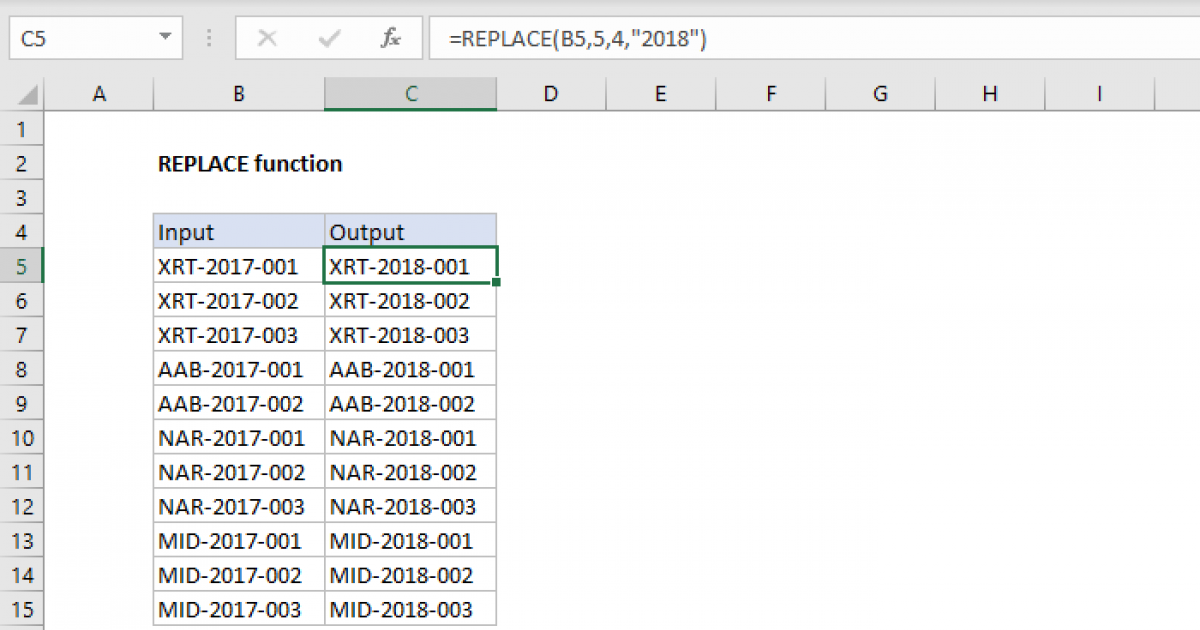
WEB Mar 13 2023 nbsp 0183 32 The easiest way to find and replace multiple entries in Excel is by using the SUBSTITUTE function The formula s logic is very simple you write a few individual functions to replace an old value with a new one
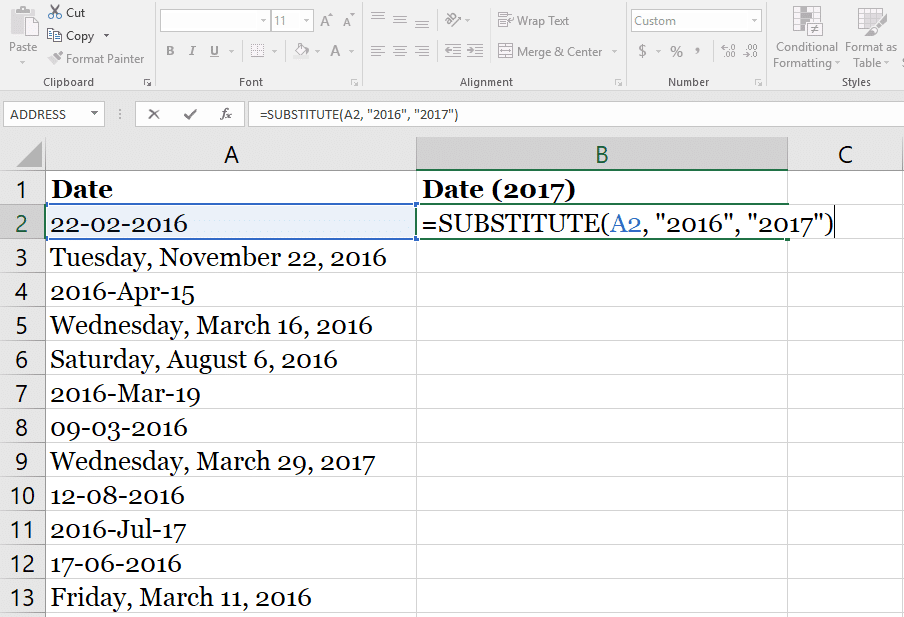
WEB Find or replace text and numbers on a worksheet Use the Find and Replace features in Excel to search for something in your workbook such as a particular number or text string You can either locate the search item for reference or you can replace it

WEB May 5 2021 nbsp 0183 32 To replace all original values at once click the Replace All button If you d rather approve each replacement click Replace instead To replace cell values in the mobile Excel app open Excel and select a file to edit
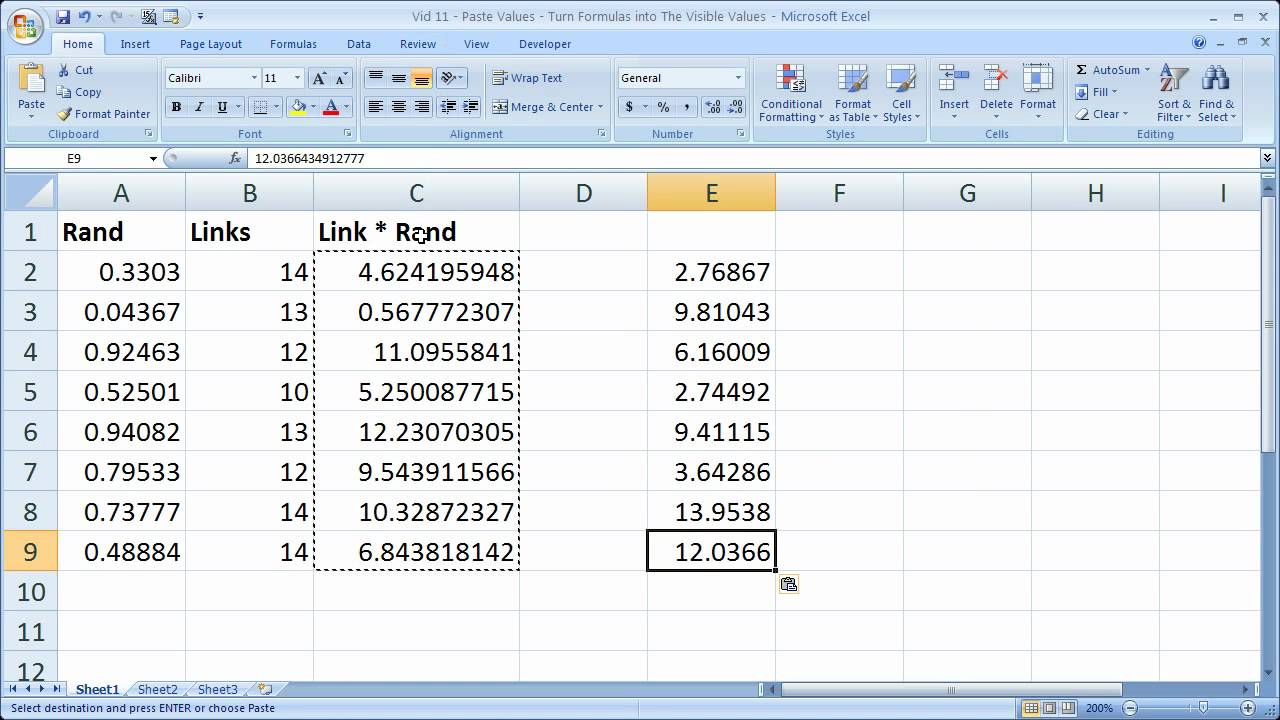
WEB You can convert the contents of a cell that contains a formula so that the calculated value replaces the formula If you want to freeze only part of a formula you can replace only the part you don t want to recalculate WEB Jun 16 2024 nbsp 0183 32 Method 1 Find and Replace in Selected Cells Only To demonstrate let s find and replace the value of cell B7 containing the text Smith Steps In the Find what box of the Find feature type Smith as shown Select the Find All The cell location B 7 is returned Select the Replace tab or press CTRL H and type Steve Smith
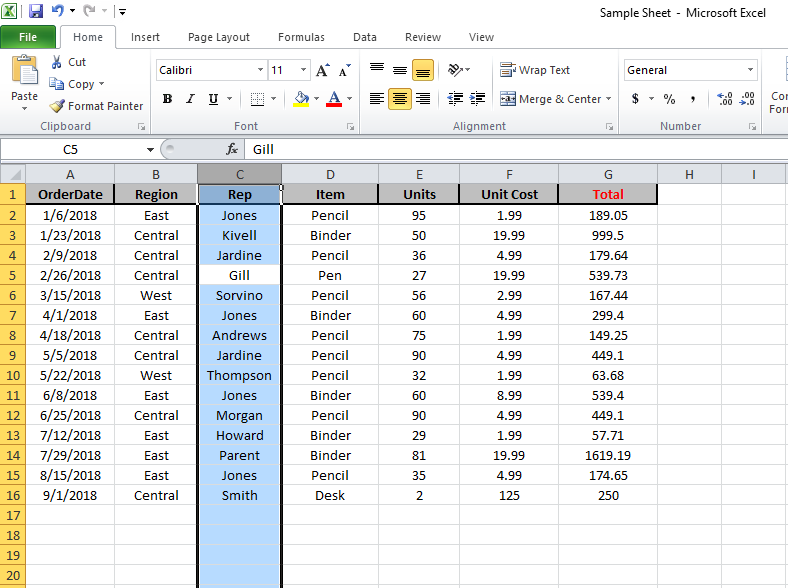
WEB Find and Replace is a powerful tool in Excel that allows users to quickly and efficiently change values in a column Here s how you can use it Step by step instructions Select the column Start by selecting the entire column