Excel Remove Text From Cell Function How To Remove Text From A Cell In Excel Excel Nerds Remove Characters From Right Excel Formula Exceljet Riset How To Remove Numbers From A Cell In Excel 7 Effective Ways Remove Unwanted Characters Excel Formula Exceljet How To Remove Letters In Excel Cell Howtoremoveb Web In the workbook below we re going to use CHAR and Substitute to remove text from the cell In the case we re going to remove the second instance of the url
Web May 20 2023 nbsp 0183 32 The replace function is the easiest way to remove text from a cell It works great for removing a specific character set of characters or word s from the entire cell Web Dec 19 2023 nbsp 0183 32 1 Using Find amp Replace Option to Remove Specific Text from Cell in Excel 2 Removing Text from Cell with Excel s Flash Fill Feature 3 Using SUBSTITUTE Function to Remove Specific Text from
How To Remove Letters In Excel Cell Howtoremoveb How To Remove Only Text From Cells That Containing Numbers And Texts In Excel How To Remove Words In Excel Reuter Wroke1951 How To Add Remove Replace Texts From Cells In Excel Bulk Editing In Excel YouTube New Excel Formula To Remove Text From Cell Background Formulas How To Remove Numbers From Text Cells In Excel AuditExcel co za Excel Function To Remove All Text Or All Numbers From A Cell Mobile Legends How To Remove Numbers From Text In Excel Riset Get Rid Of Underline In Excel Stashokax
Excel Remove Text From Cell Function
 Excel Remove Text From Cell Function
https://excelnerds.com/wp-content/uploads/2018/12/substitute-6.jpg
Web To remove the last n characters from a text string you can use a formula based on the LEFT and LEN functions You can use a formula like this to strip the last 6 characters of
Templates are pre-designed documents or files that can be used for various purposes. They can conserve time and effort by offering a ready-made format and layout for producing different type of material. Templates can be utilized for individual or expert projects, such as resumes, invites, flyers, newsletters, reports, discussions, and more.
Excel Remove Text From Cell Function

Excel Remove Specific Text From Cell Specific String Specific Characters YouTube

How To Remove Only Text From Cells That Containing Numbers And Texts In Excel
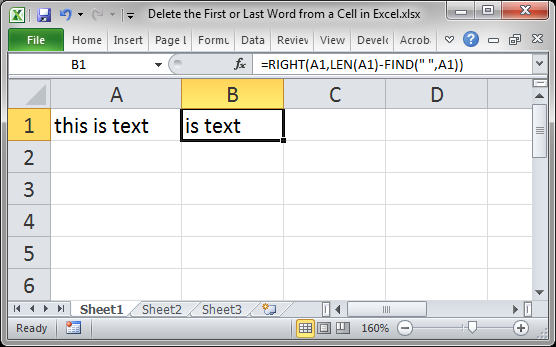
How To Remove Words In Excel Reuter Wroke1951
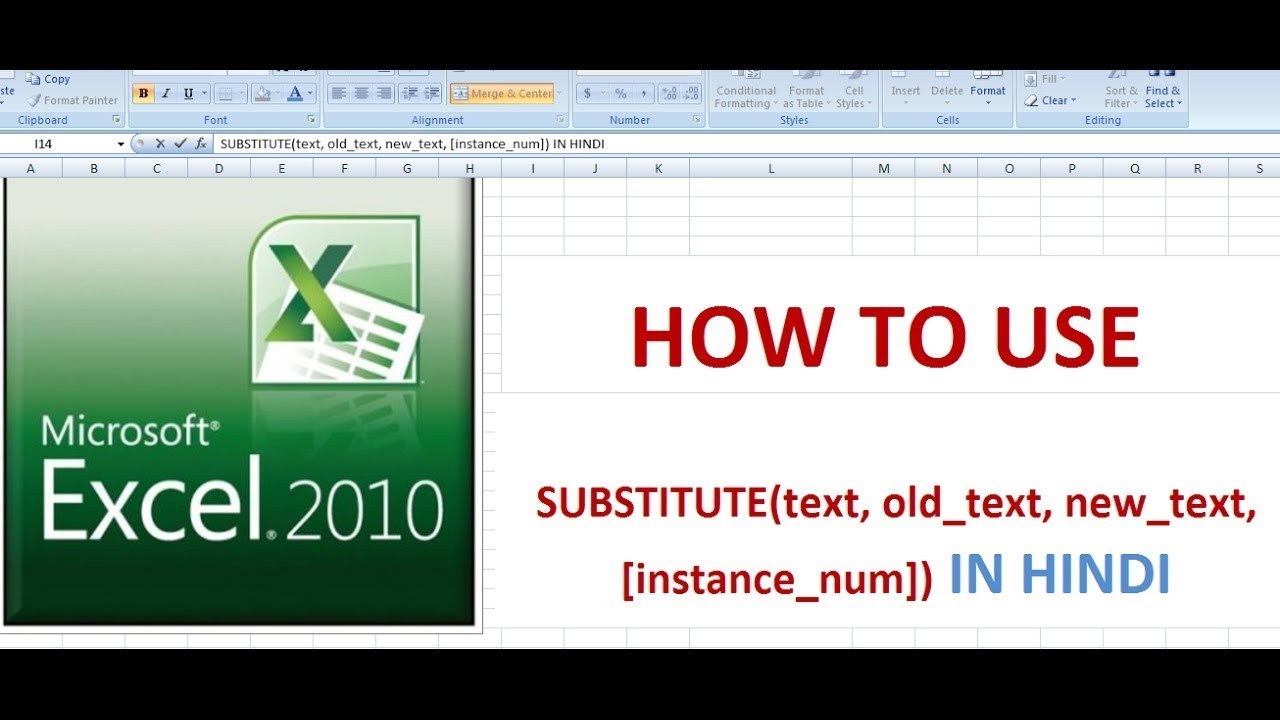
How To Add Remove Replace Texts From Cells In Excel Bulk Editing In Excel YouTube

How To Remove Numbers From Text Cells In Excel AuditExcel co za
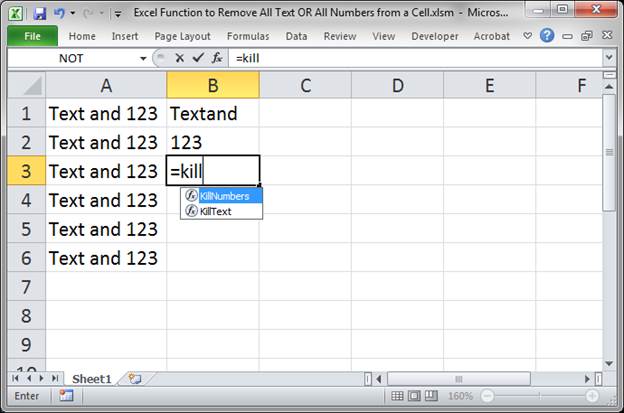
Excel Function To Remove All Text Or All Numbers From A Cell Mobile Legends

Web Summary To remove specific unwanted characters in Excel you can use a formula based on the SUBSTITUTE function In the example shown the formula in C4 is SUBSTITUTE B4 CHAR 202 quot quot Which removes a
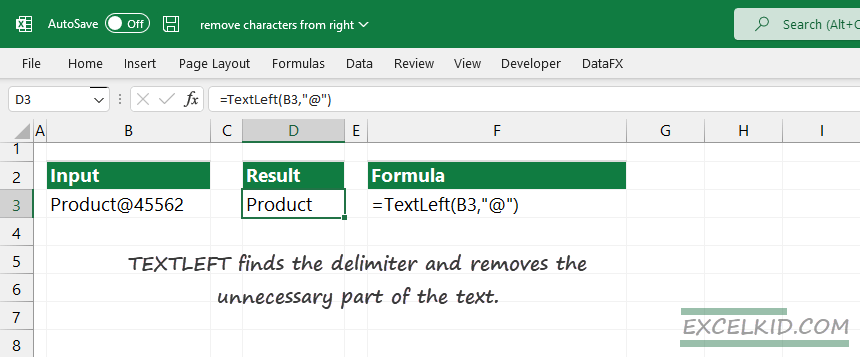
Web To remove text from a cell by position you can use the REPLACE function In the example shown the formula in C6 is REPLACE B6 1 24 quot quot which replaces the first 24 characters in the text with an

Web To remove text from a cell based by matching content not location you can use the SUBSTITUTE function In the example shown the formula in C6 is SUBSTITUTE B6 quot quot quot quot Generic formula SUBSTITUTE B6

Web Using the RIGHT function To remove text from the end of a cell you can use the RIGHT function The syntax for the RIGHT function is RIGHT text number of characters

Web Feb 7 2023 nbsp 0183 32 To find and remove specific text in Excel we can use the SUBSTITUTE function Let s say we have hyphen signs in a text and we want to remove it We can do this with SUBSTITUTE function by
Web Step by step guide on using Find and Replace Step 1 Open the Excel workbook and navigate to the worksheet containing the data you want to modify Step 2 Select the Web Jun 27 2023 nbsp 0183 32 The first and simplest technique is to simply select the cell containing the text you want to remove and press the delete key
Web Dec 19 2023 nbsp 0183 32 1 Remove Specific Letters from Cell with Find and Replace Feature in Excel 2 Delete Specific Letters from Cell with SUBSTITUTE Function in Excel 3