Excel Remove Last Two Characters From String Excel Formula To Remove First Two Characters In A Cell Printable Templates Free EXCEL TEMPLATES How To Remove Initials In Excel Excel Index PHP Remove Special Characters From String Except Space Write A Function That Removes All Occurrences Of A String From Another String Python Cole Web Jul 9 2022 nbsp 0183 32 2 Remove last two characters in Excel using the LEFT and LEN functions 3 Remove the last character in Excel using the MID and LEN functions 4 Remove the last character in Excel using the FLASH FILL feature 5 How to remove characters from right in Excel using VBA code
Web Mar 13 2023 nbsp 0183 32 Press Ctrl H to open the Find and Replace dialog In the Find what box enter one of the following combinations To eliminate text before a given character type the character preceded by an asterisk char To remove text after a certain character type the character followed by an asterisk char Web Feb 8 2023 nbsp 0183 32 The LEFT Function returns a certain number of characters from the left side of a cell For the number of characters we will use the result of the LEN Function minus the number of characters to remove ex 1 LEFT C3 E3 1 Combining these functions yields the original formula LEFT C3 LEN C3 1
Write A Function That Removes All Occurrences Of A String From Another String Python Cole Review Of How To Remove Certain Characters From Excel Cell Ideas Fresh News Pod a S visiace Kamera Python Remove All Characters From String Zohn Gr fstva Vyhn How To Remove First And Last Character From String Using C AspDotnetHelp PHP String Replace First Two Characters Example Java 8 Remove Duplicate Characters From String JavaProgramTo Git GitHub Desktop Remove Last Two Commits Stack Overflow Remove Characters From String Using Vba Programmingalpacas Riset Python Remove Last N Characters From String Data Science Parichay
Excel Remove Last Two Characters From String
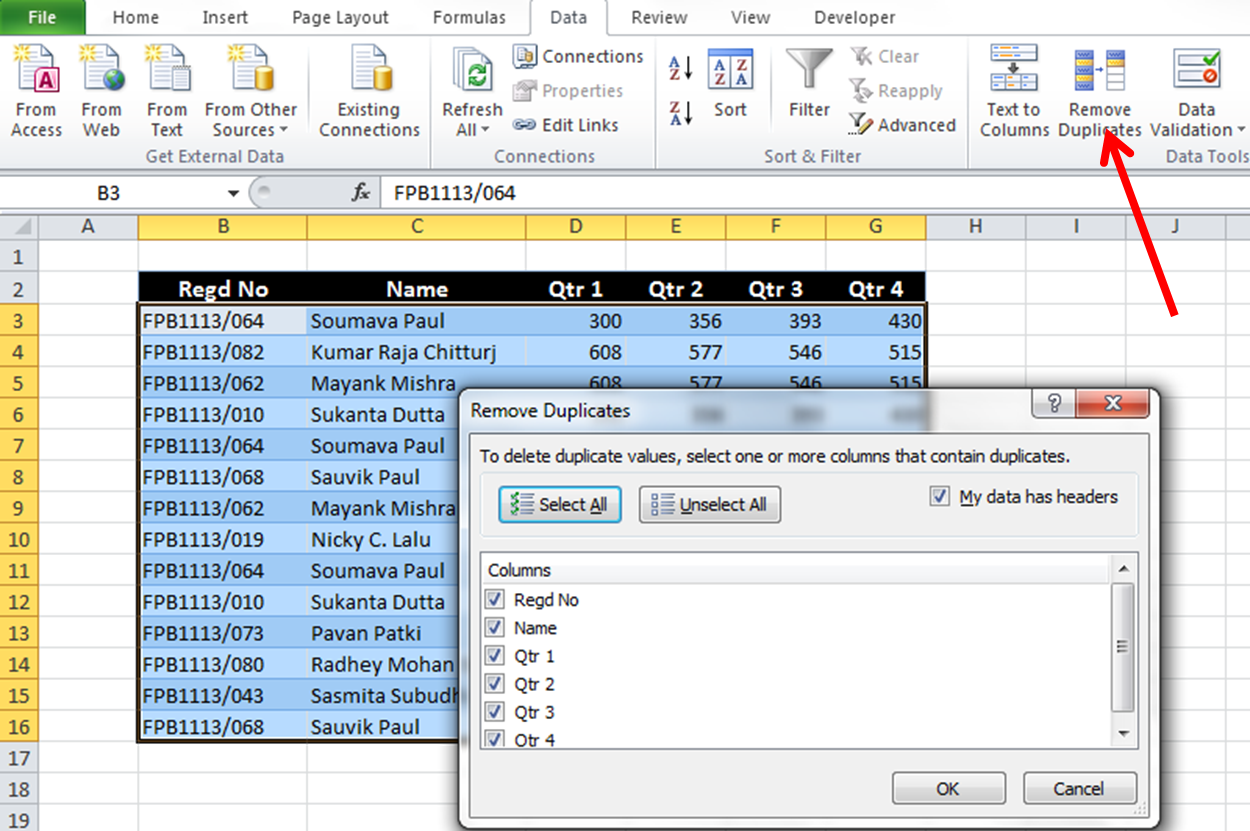 Excel Remove Last Two Characters From String
https://thinkandbegin.files.wordpress.com/2012/05/remove-dup-2.png
Web Aug 28 2012 nbsp 0183 32 Using operators for simple arithmetic 4m 44s creating new database 3m 2s These are the two values in two Excel cells I want to remove the last two words that is 4m 44s from every cell so that the output should be
Pre-crafted templates provide a time-saving solution for developing a varied variety of documents and files. These pre-designed formats and layouts can be utilized for different individual and professional jobs, consisting of resumes, invitations, leaflets, newsletters, reports, presentations, and more, enhancing the content production process.
Excel Remove Last Two Characters From String
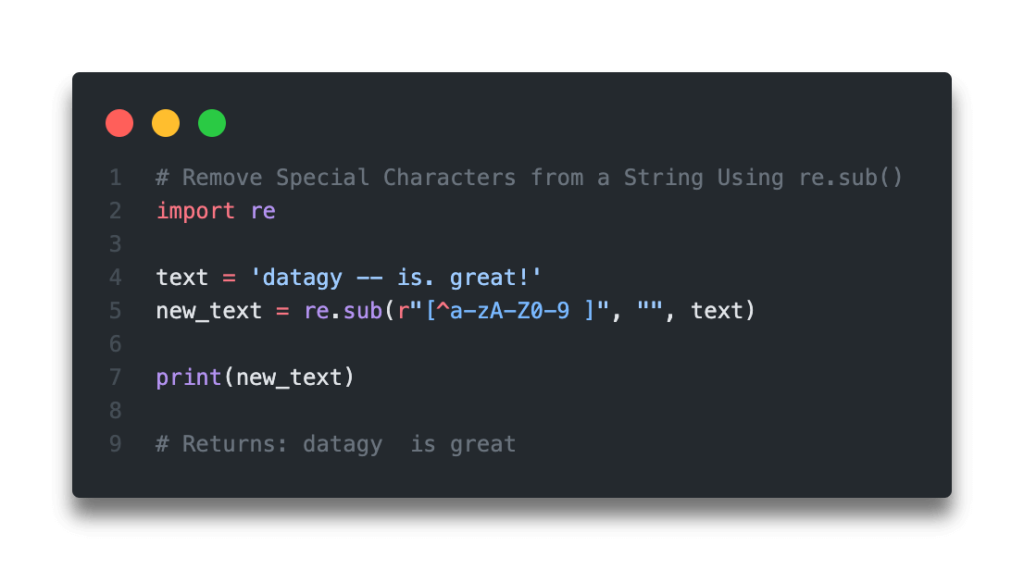
Python Remove Special Characters From A String Datagy

Review Of How To Remove Certain Characters From Excel Cell Ideas Fresh News
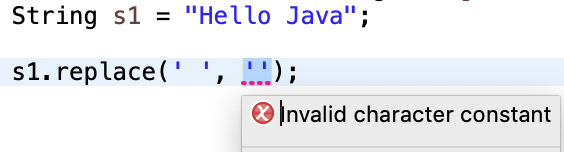
Pod a S visiace Kamera Python Remove All Characters From String Zohn Gr fstva Vyhn

How To Remove First And Last Character From String Using C AspDotnetHelp

Java 8 Remove Duplicate Characters From String JavaProgramTo

Git GitHub Desktop Remove Last Two Commits Stack Overflow

Web Aug 16 2023 nbsp 0183 32 Often you may want to remove the last 2 characters from a string in Excel You can use the LEFT function combined with the LEN function to do so LEFT A2 LEN A2 2 This particular formula removes the last 2 characters from the string in cell A2 The following example shows how to use this formula in practice
Web Jul 30 2016 nbsp 0183 32 1 Assuming your data starts with A1 and apply the below formula in b1 and drag down select B1 to B11 and CTRL D RIGHT A1 2 Share Follow answered Jul 30 2016 at 10 16 Karthick Gunasekaran 2 697 1 15 25 1 i want to remove the last two digits or letter ramon Jul 30 2016 at 10 20 Add a comment 0 This Should do it

Web To remove the last n characters from a text string you can use a formula based on the LEFT and LEN functions You can use a formula like this to strip the last 6 characters of a text string starting on the left In the example shown the formula in E6 is VALUE LEFT D6 LEN D6 6 which trims quot miles quot from each value returning just the

Web Mar 10 2023 nbsp 0183 32 Delete text from multiple cells with Find amp Replace Remove part of text from a cell with a formula Remove Nth occurrence of specific character Delete first character from string Remove last character from string Trim spaces before and after text Special tools to remove characters or text in Excel

Web Example Remove last 2 characters from string in Cell A2 copy and paste the formula LEFT A2 LEN A2 2 press Enter key 2 2 Remove last N characters with user defined function 1 Press Alt F11 keys to enable Microsoft Visual Basic for Applications window click Insert gt Module to create a Module 2 Copy below code and paste them to the
Web Excel makes it easy to remove characters from the left of a string by providing two options Using the REPLACE function and Using the RIGHT function In this section you ll learn how to use both of these functions to strip characters using these two functions How to Use the REPLACE Function to Remove Characters from the Left of a String Web In Excel to remove the last character from a string in a cell you need to create a formula by combining LEFT and LEN functions These functions allow removing the last character right side by trimming it while extracting the string
Web This tutorial explains and provides step by step instructions on how to remove the last character from a string using an Excel and VBA method Both of the methods apply the LEFT and LEN functions to achieve this LEFT string LEN string 1 string The string from which you want to remove the last character