Excel Pivot Table Value Field Settings Default Average Value Field Settings In Pivot Table Pivot Table Tutorials YouTube EXCEL Value Field EXCEL Pivot Table Value Field Excel Office skill Pivot Table Value Field Settings Pivot Table Part 2 Grouping Value Otosection How Do I Add Text To A Pivot Table Value Field Brokeasshome Learn Excel with high quality video training Our videos are quick clean and to the point so you can learn Excel in less time and easily review key topics when needed
Excel for the web is a free lightweight version of Microsoft Excel available as part of Office on the web which also includes web versions of Microsoft Word and Microsoft PowerPoint With Microsoft 365 for the web you can edit and share Word Excel PowerPoint and OneNote files on your devices using a web browser
How Do I Add Text To A Pivot Table Value Field Brokeasshome Excel Pivot Table Difference Between Two Columns 3 Cases Excel Advanced Training Course 308 pivot table value field settings EzyLearn Online Training How To Use Pivot Table Field Settings And Value Field Setting Excel Pivot Table Tutorial Tutorial Iki Rek Do More With Pivot Tables Value Field Settings How To Set Default Number Format In Excel Pivot Table Bpobluesky Formatting A Value Field In Pivot Tables In Microsoft Excel Rotate Resonate Menda City How To Set Pivot In Excel Beside Poison Travel
Excel Pivot Table Value Field Settings Default Average
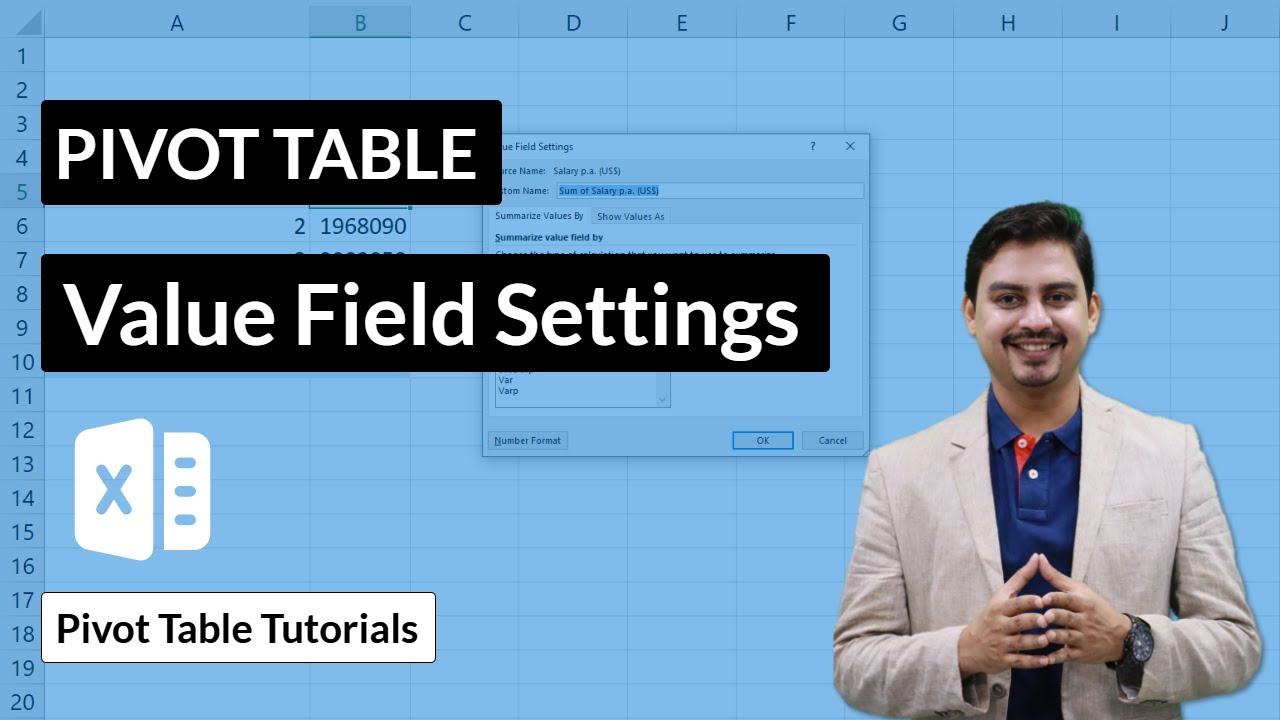 Excel Pivot Table Value Field Settings Default Average
https://i.ytimg.com/vi/lcdOsb-At8k/maxresdefault.jpg
Feb 25 2025 nbsp 0183 32 Microsoft Excel is a software that you can use to organize data for your work and everyday life Learn about formulas functions and more that you can apply when using Excel
Templates are pre-designed documents or files that can be utilized for different functions. They can save effort and time by supplying a ready-made format and design for developing various sort of content. Templates can be utilized for personal or expert tasks, such as resumes, invitations, leaflets, newsletters, reports, discussions, and more.
Excel Pivot Table Value Field Settings Default Average
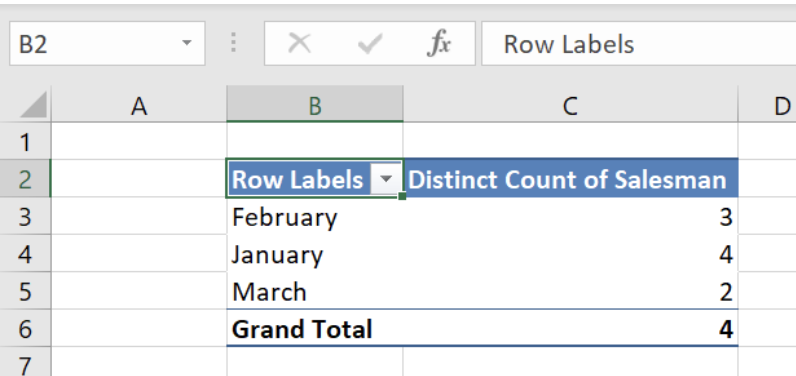
Excel Pivot Table Show Only Unique Values In Column Brokeasshome
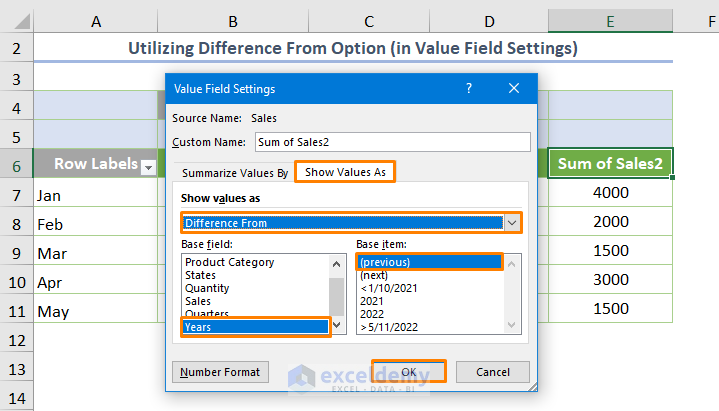
Excel Pivot Table Difference Between Two Columns 3 Cases
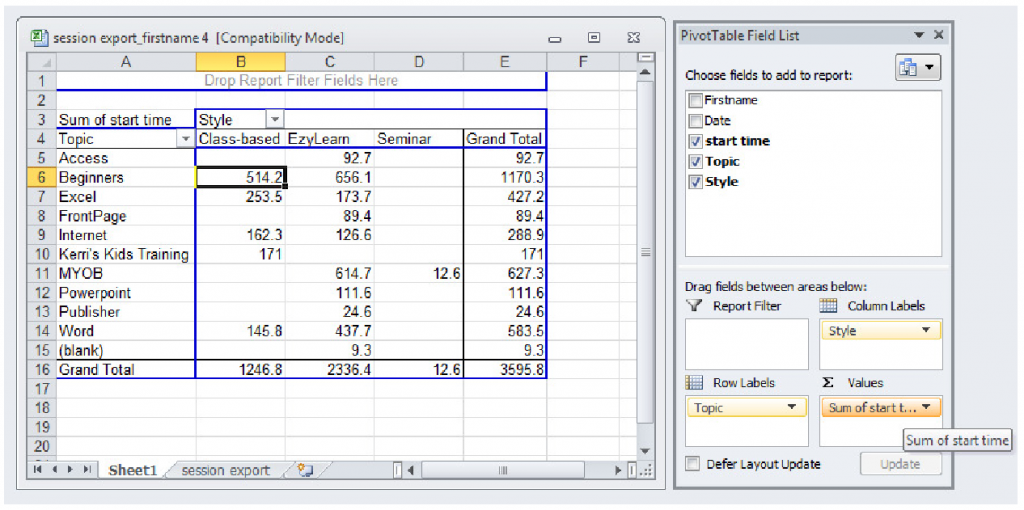
Excel Advanced Training Course 308 pivot table value field settings EzyLearn Online Training
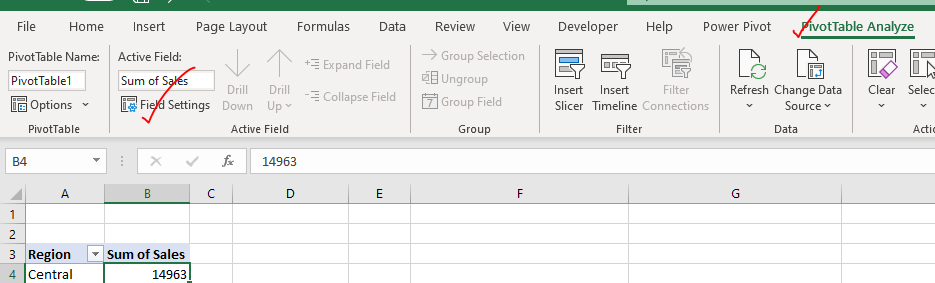
How To Use Pivot Table Field Settings And Value Field Setting

Do More With Pivot Tables Value Field Settings
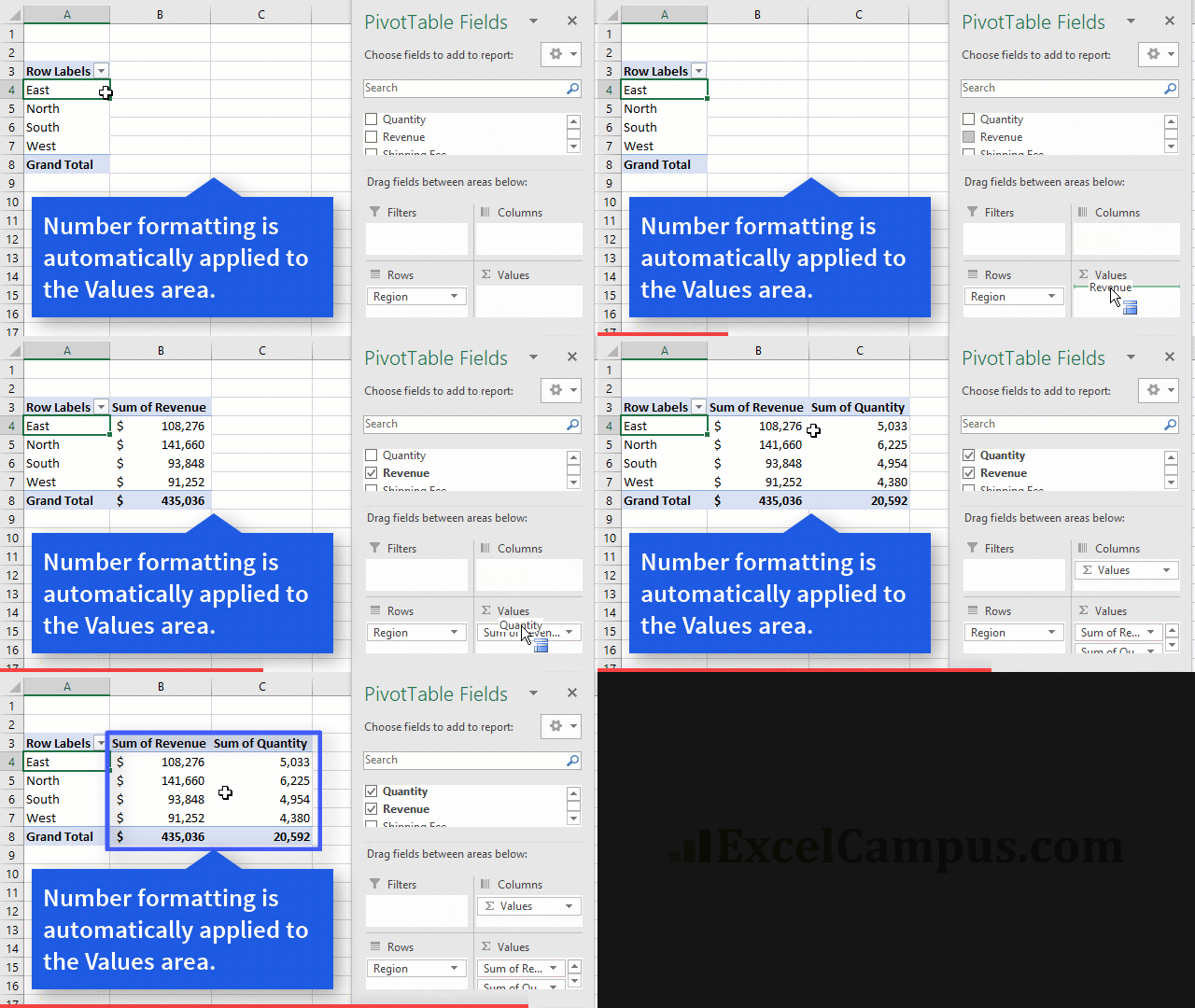
How To Set Default Number Format In Excel Pivot Table Bpobluesky

Microsoft Excel is the industry leading spreadsheet software program a powerful data visualization and analysis tool Take your analytics to the next level with Excel

Dec 2 2024 nbsp 0183 32 Excel is now part of the Microsoft 365 package giving you access to a powerful cloud integrated version with real time collaboration features This means you can work on your spreadsheets from anywhere on any device and always see the latest version

Collaborate for free with online versions of Microsoft Word PowerPoint Excel and OneNote Save documents spreadsheets and presentations online in OneDrive

The Excel spreadsheet and budgeting app lets you create view edit and share files charts and data Excel s built in file editor lets you manage your finances with on the go budget and expense tracking integration We make it easy to review and analyze data edit templates and more
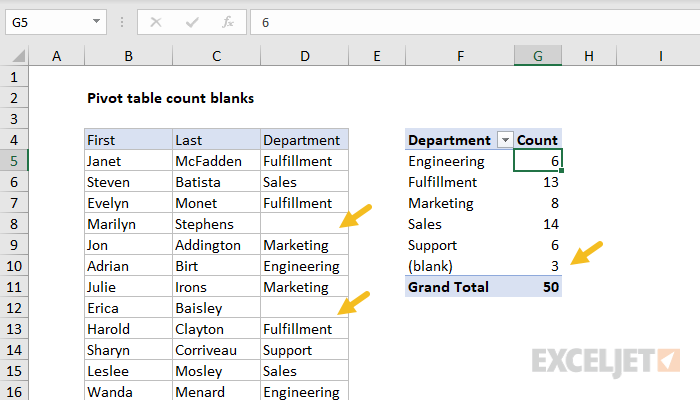
Find Microsoft Excel help and learning resources Explore how to articles guides training videos and tips to efficiently use Excel
[desc-11] [desc-12]
[desc-13]