Excel Paste Text Into Single Cell How To Copy And Paste Values Without Formulas In Excel Ditechcult Airportpasob blogg se Excel Paste Text From Excelrow In Row Above Stack Overflow How To Copy Paste Cell Content Along With Formatting In Excel In Excel How To Insert Multiple Pictures Into Excel Cells Microsoft 365 includes premium Word Excel and PowerPoint apps 1 TB cloud storage in OneDrive advanced security and more all in one convenient subscription With Microsoft 365
4 days ago nbsp 0183 32 Microsoft Excel functions as an extensive data management system that combines spreadsheet capability with data organization and analysis with visualization tools Aug 17 2025 nbsp 0183 32 Learn how to use Excel Online free in your browser Access your spreadsheets anytime anywhere with ease and flexibility
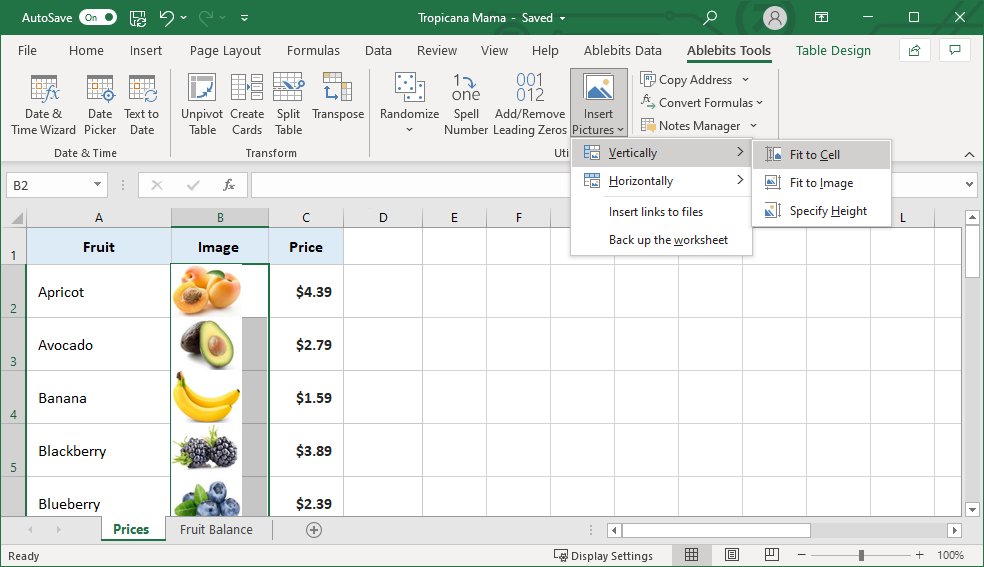
How To Insert Multiple Pictures Into Excel Cells How To Divide A Cell In Excel Into Two Cells Images And Photos Finder How To Copy And Paste Values Without Formula In Excel Formatting Excel Copy And Paste Merged Cells Into Single Cell Format How To Paste List Into Excel All In One Cell Lobond Insert Picture In Excel Cell Automatically Excel Image Assistant SOLVED How To Select Copy And Paste Only The Visible Cells In Excel Paste Cell Formatting Only In Excel Professor Excel Professor Excel How To Insert Image In Ms Excel Mageusi Images
Excel Paste Text Into Single Cell
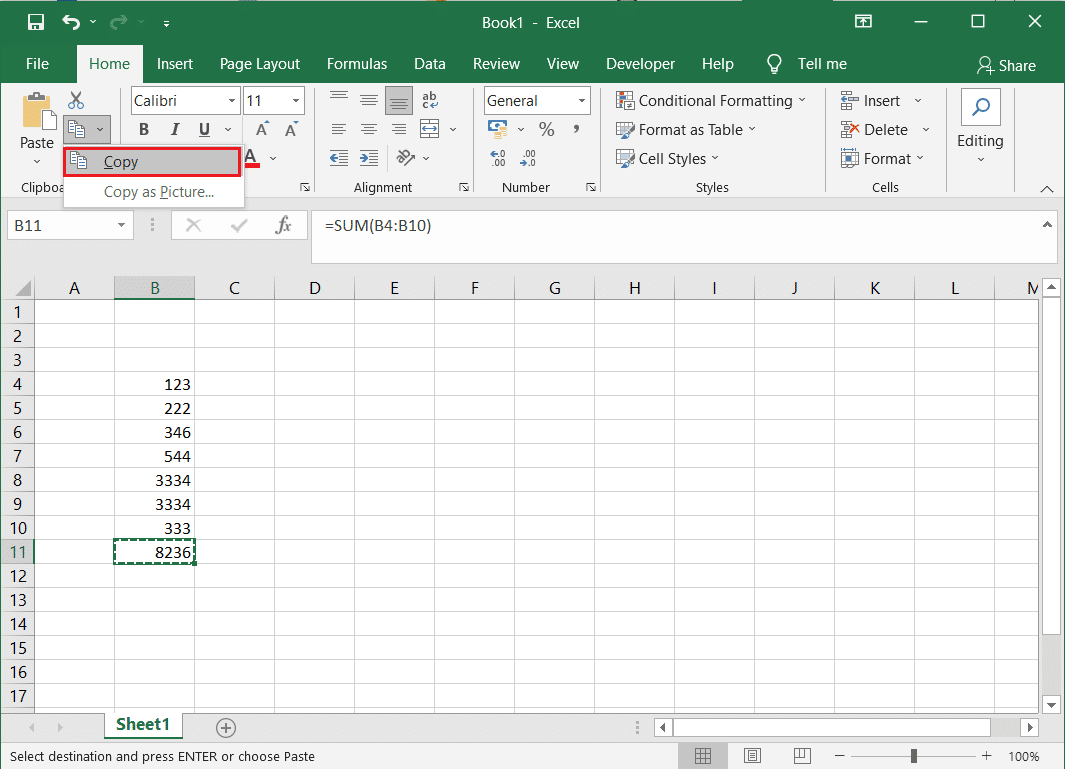 Excel Paste Text Into Single Cell
https://techcult.com/wp-content/uploads/2021/04/Copy-from-excel.png
Create edit and collaborate on spreadsheets with Excel for free on the web
Pre-crafted templates use a time-saving solution for developing a varied variety of files and files. These pre-designed formats and layouts can be made use of for numerous individual and expert projects, consisting of resumes, invites, flyers, newsletters, reports, discussions, and more, improving the content development procedure.
Excel Paste Text Into Single Cell
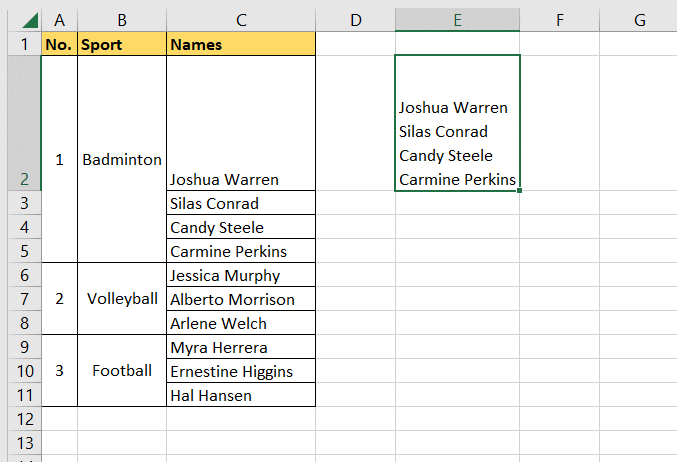
How To Paste Multiple Cells Into One In Excel SpreadCheaters
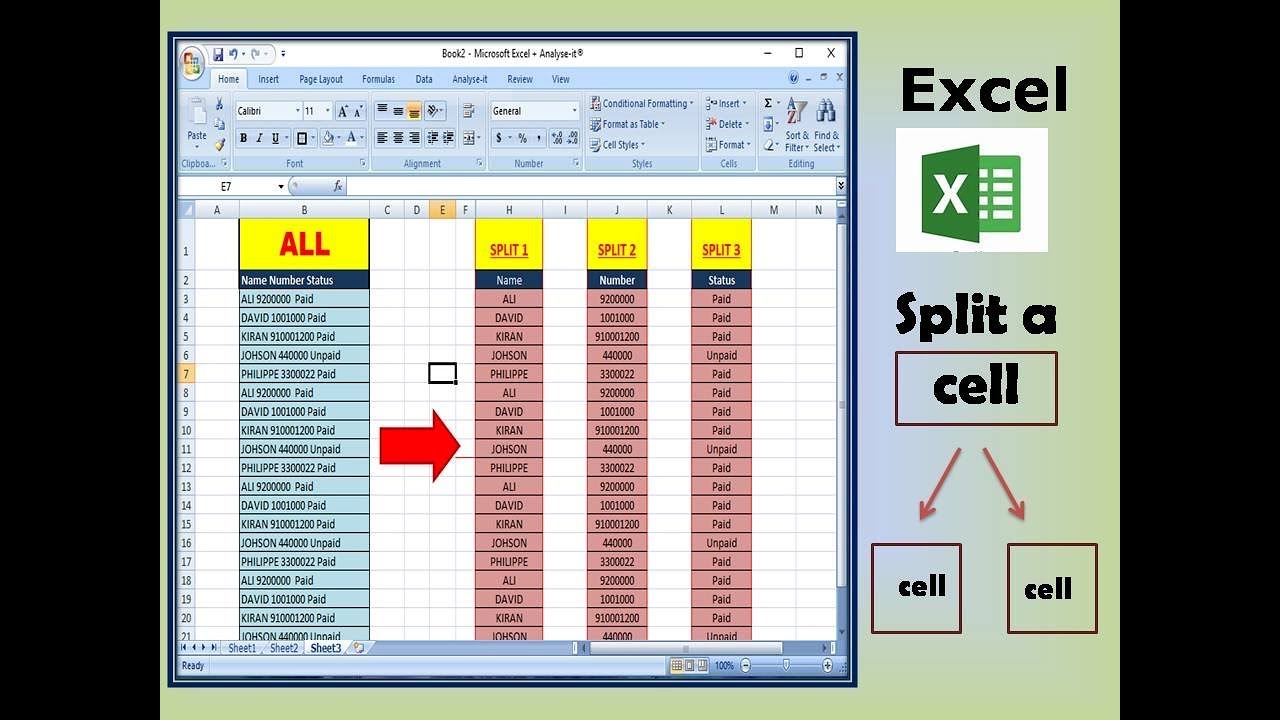
How To Divide A Cell In Excel Into Two Cells Images And Photos Finder
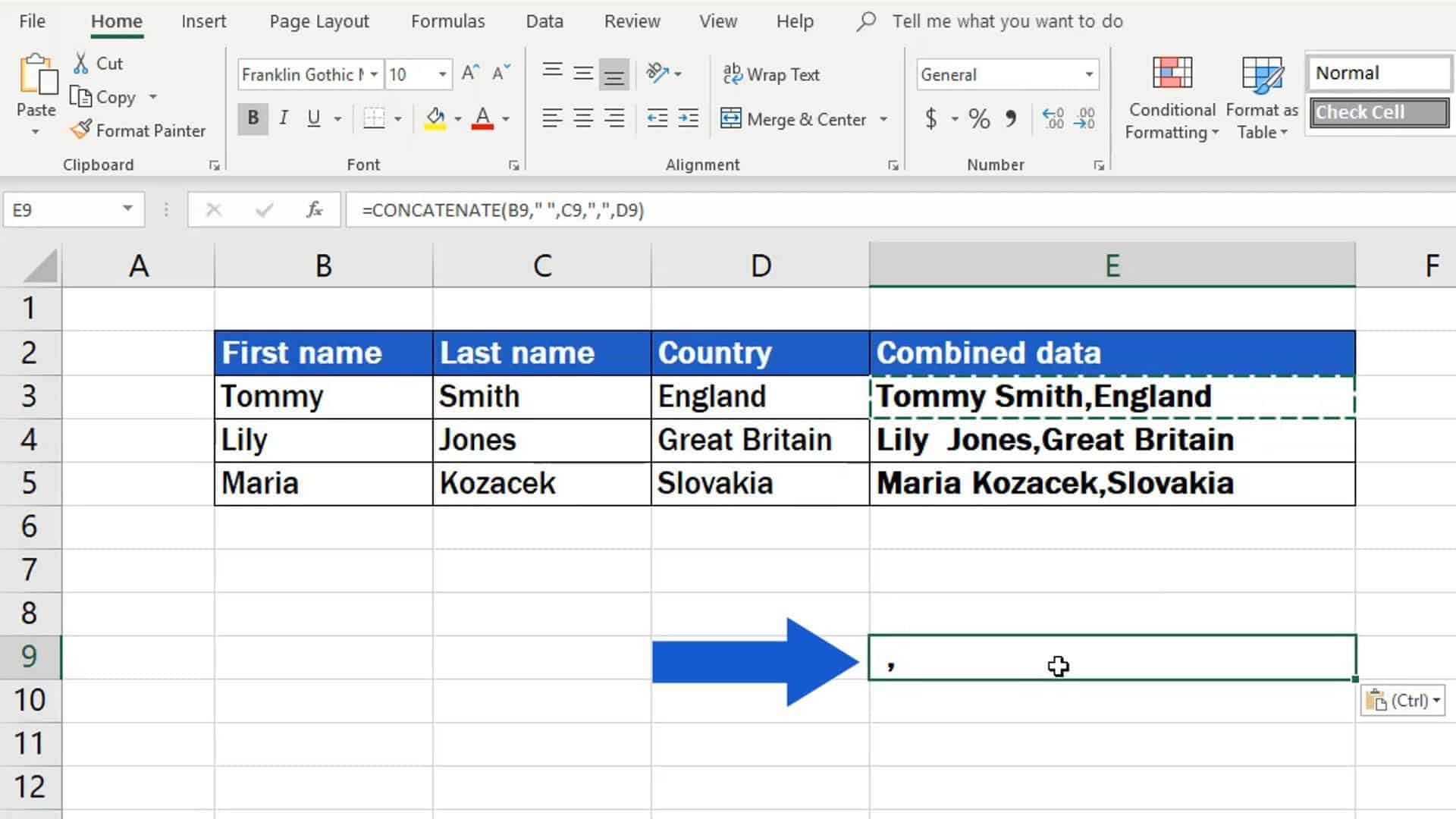
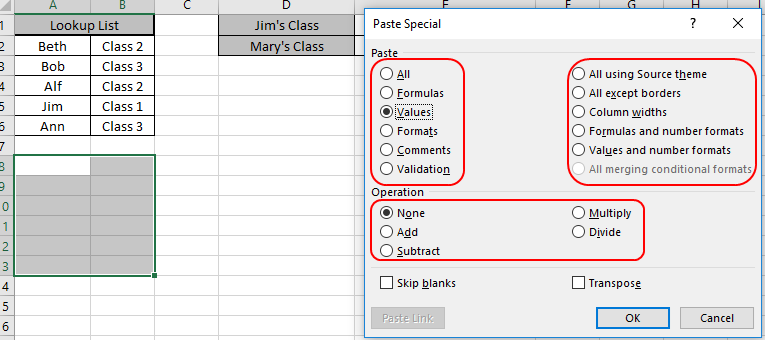
How To Copy And Paste Values Without Formula In Excel

Formatting Excel Copy And Paste Merged Cells Into Single Cell Format
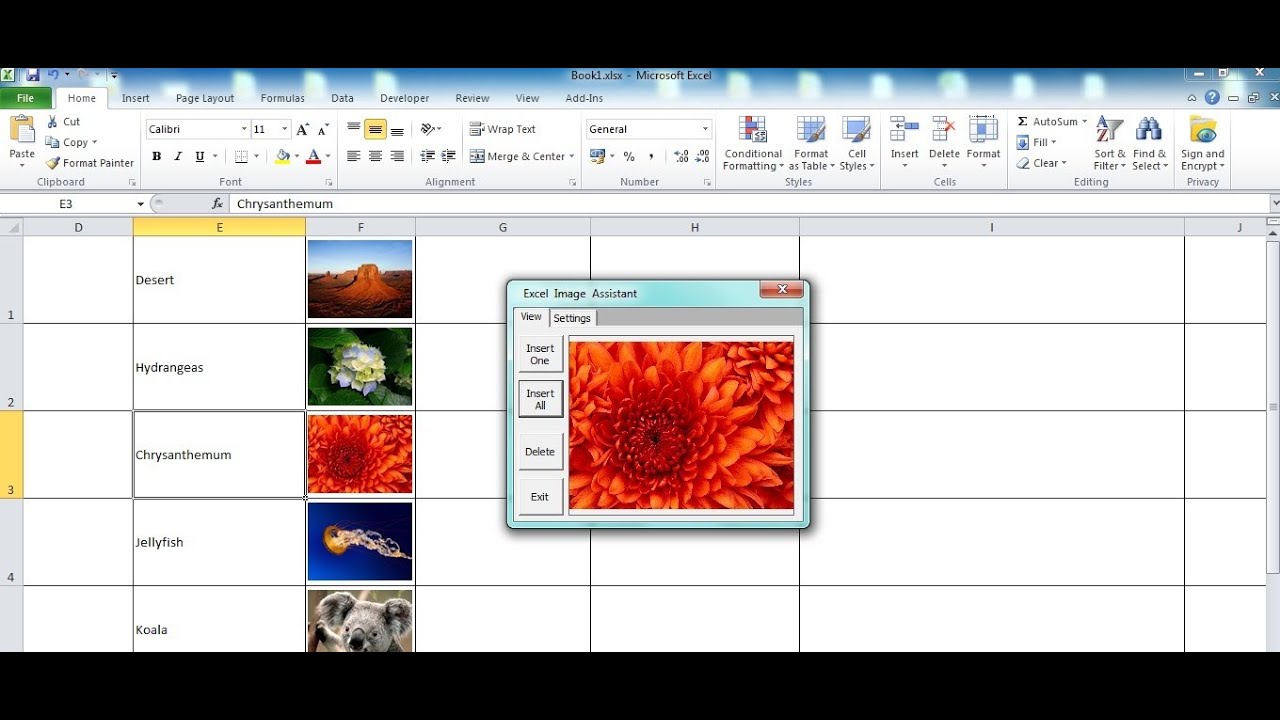
Insert Picture In Excel Cell Automatically Excel Image Assistant

SOLVED How To Select Copy And Paste Only The Visible Cells In Excel

Create and edit spreadsheets online with Microsoft Excel for the web Easy formatting analysis and real time collaboration from any device

Dec 2 2024 nbsp 0183 32 Excel is now part of the Microsoft 365 package giving you access to a powerful cloud integrated version with real time collaboration features This means you can work on

Collaborate for free with online versions of Microsoft Word PowerPoint Excel and OneNote Save documents spreadsheets and presentations online in OneDrive
The Excel spreadsheet and budgeting app lets you create view edit and share files charts and data Excel s built in file editor lets you manage your finances with on the go budget and
Excel for the web is a free lightweight version of Microsoft Excel available as part of Office on the web which also includes web versions of Microsoft Word and Microsoft PowerPoint
[desc-11] [desc-12]
[desc-13]