Excel Not Opening Files 0 Fixed Excel File Not Opening On Double Click 8 Possible Solutions Excel Not Opening Files 5 Easy Ways To Open Files Directly Business Fixed Why Is My Excel Not Opening Files ExcelDemy Double Click Not Opening Files Windows 10 Mozmaine Excel Not Opening YouTube 1 Make Sure You re Using Excel to Open the File 2 Uncheck Excel s Dynamic Data Exchange DDE Option 3 Repair Your Corrupt Excel File 4 Make Sure the File Has the Correct Extension 5 Copy Your Excel File From Your External Storage to Your Local Storage 6 Use Excel s Office Safe Mode on Windows 10 or 11 7
Do one of the following If you are on Windows 11 or Windows 10 choose Start All apps Windows System Run Type Excel safe in the Run box and then click OK If you are on Windows 8 or Windows 8 1 click Run in the Apps menu type Excel safe in the Run box and then click OK It s probably because it s been saved in a file format that this version of Excel doesn t support Check the table to see if that s the case VBA functions won t run Binary interchange file formats Biff2 Biff3 Biff 4 Biff 5 VBA functions won t run VBA functions won t run
Excel Not Opening YouTube Fixed Why Is My Excel Not Opening Files ExcelDemy How To Fix Microsoft Excel App Not Working Microsoft Excel Not Windows 10 Mobile Excel Not Opening Files That Have Form Controls Fixed Why Is My Excel Not Opening Files ExcelDemy Solved Excel Files Not Opening In Separate Windows 4 Solutions In Opening Non Excel Files In Excel Pixelated Works Excel Not Opening Full Screen Lasopaomaha Get Date Format In Excel Using Formula Background Formulas Riset
Excel Not Opening Files 0
 Excel Not Opening Files 0
https://www.exceldemy.com/wp-content/uploads/2022/05/excel-file-not-opening-on-double-click-1-1.png
FIXED Excel file becomes corrupt when opening a file that contains a VBA project or after enabling a macro in an open file FIXED Excel 2016 or 2013 may crash with older versions of GigaTrust software In Office 2016 on Windows 10 open an Office app and click File Feedback
Pre-crafted templates provide a time-saving option for developing a varied series of files and files. These pre-designed formats and layouts can be used for different individual and expert tasks, consisting of resumes, invites, leaflets, newsletters, reports, presentations, and more, enhancing the content production process.
Excel Not Opening Files 0
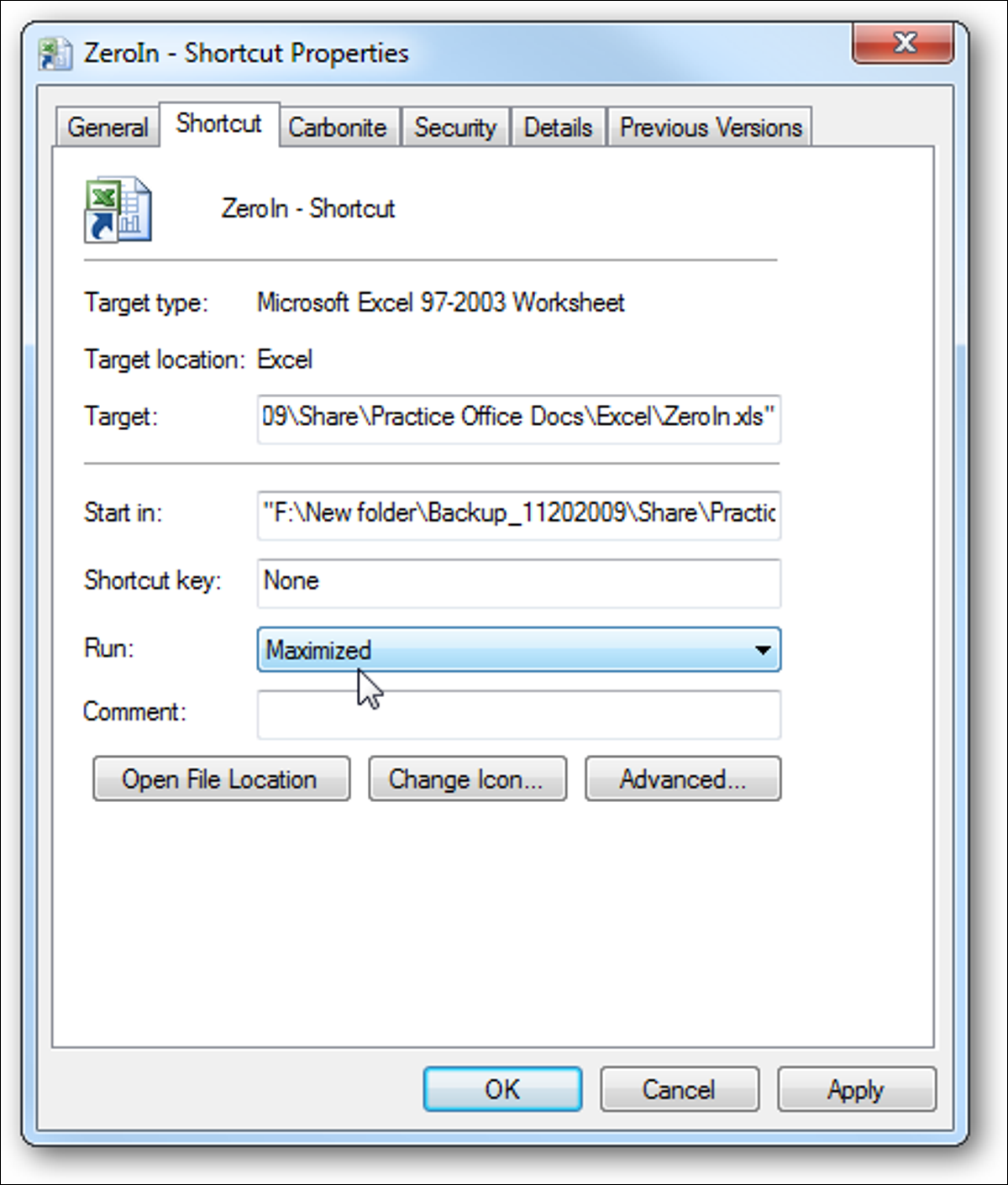
Excel Not Opening Full Screen Psadobt

Fixed Why Is My Excel Not Opening Files ExcelDemy
How To Fix Microsoft Excel App Not Working Microsoft Excel Not

Windows 10 Mobile Excel Not Opening Files That Have Form Controls

Solved Excel Files Not Opening In Separate Windows 4 Solutions In

Opening Non Excel Files In Excel Pixelated Works

One of the reasons why Excel freezes at 0 is that the application is damaged For us to assist you we recommend that you visit this article From there you ll see all the necessary troubleshooting steps needed to resolve Excel issues Let us know how it goes and if you need further assistance feel free to post back

Uncheck the Ignore DDE box The most common and easiest fix is to make sure that the correct setting is enabled for the Dynamic Data Exchange DDE DDE is how Excel interacts with other applications By default the DDE setting is disabled but in case it gets enabled by any chance then it could lead to your Excel files not opening on your system

Restart the PC and once fully loaded Hold the Ctrl key when starting Excel to force safe mode then see if you can open the doc Report abuse Was this reply helpful Yes No Hi I have excel 64 bit and am trying to open an excel file 3 162 709 KB The excel program loads but the screen and option are grayed out How can I access this file
Why My Excel Stuck at Opening File 0 The Excel stuck at opening file 0 error can arise from issues like File Corruption This problem commonly occurs when attempting to open a damaged or corrupt worksheet in MS Excel containing missing components such as a broken header

1 For test purpose create a new workbook xls and store it in OneDrive for business check if you can open the new workbook in cloud 2 Right click OneDrive icon click Settings Office tab check if Use Office 2016 to sync Office files that I open box is checked or not I appreciate your patience and understanding
So do a reboot restart of your computer 1 Right Click on Start Select Installed Apps or Apps and Features 2 Scroll down until you see Microsoft 365 Apps 3 Click the three buttons beside the Microsoft 365 Apps 4 Select Modify 5 Click Online Repair this will take a while to be done 6 Restart the device Click the reference link below 1 Right click on the problematic excel file 2 Now click on Properties 3 At first you have to go to the General tab 4 Now check the option Unblock 5 Then click on Apply and then click on OK The changes will be saved Now try to open the excel file again on your computer
Solution 3 Reset File Associations Try resetting the file associations this worked for many Excel users to fix xlsm file not opening issue Follow the steps Go to Control Panel click Default Programs Reset File Associations 1 Now click on Set your default programs click Excel Reset File Associations 2