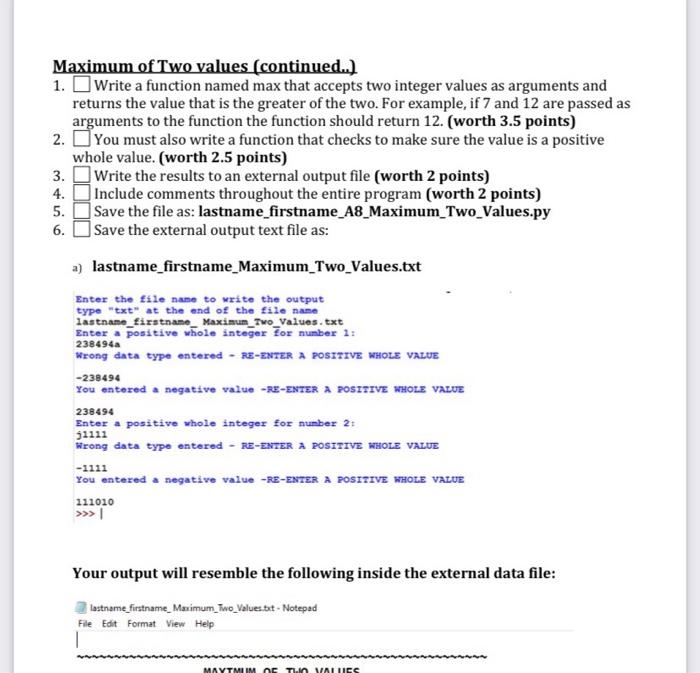
Excel Maximum Of Two Values Solved Maximum Of Two Values continued 1 Write A Chegg Find The Absolute Maximum And Minimum Values Of The Function F x 1x Question Video Finding The Absolute Maximum And Minimum Values Of A How Can You Analyze 1M Rows In Excel Earn Excel How To Get The Average Maximum And Minimum Values In Excel Using Enter this simple formula MIN A2 B2 into a blank cell where you want to return the result and then drag the fill handle down to the cells you want to apply this formula and all smaller values have been extracted from the two cells see screenshot Compare and return larger one of two values
Step 1 Select cell D3 Step 2 Enter the formula MAX B3 C3 Step 3 Press ENTER Step 4 Copy the formula in cell D3 to cells D4 D7 by clicking the icon at the bottom right corner of cell D3 and dragging it down As a result the value in D3 is 2 because 2 is larger than 1 5 Figure 3 Using MAX function to determine larger of two values Steps Firstly choose the E15 cell Then write down the following formula in cell E15 After that press Enter VLOOKUP MAX C5 C13 C5 D13 2 0 Formula Breakdown
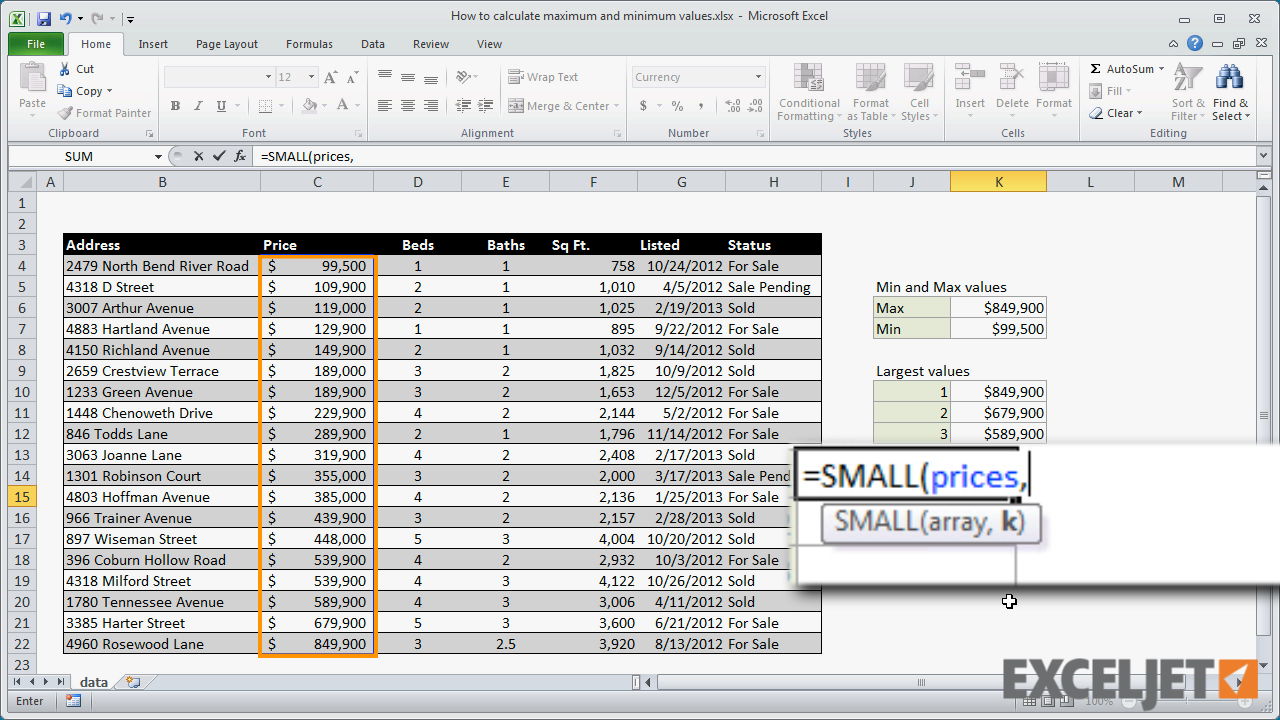
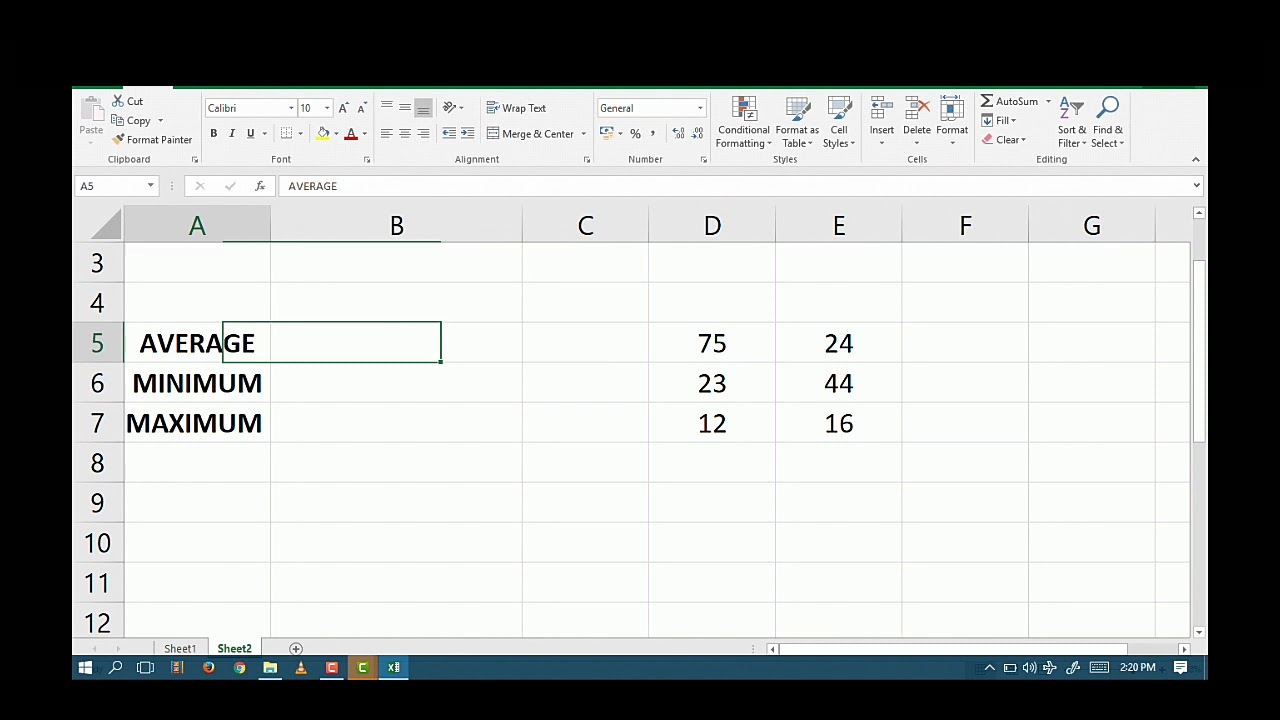
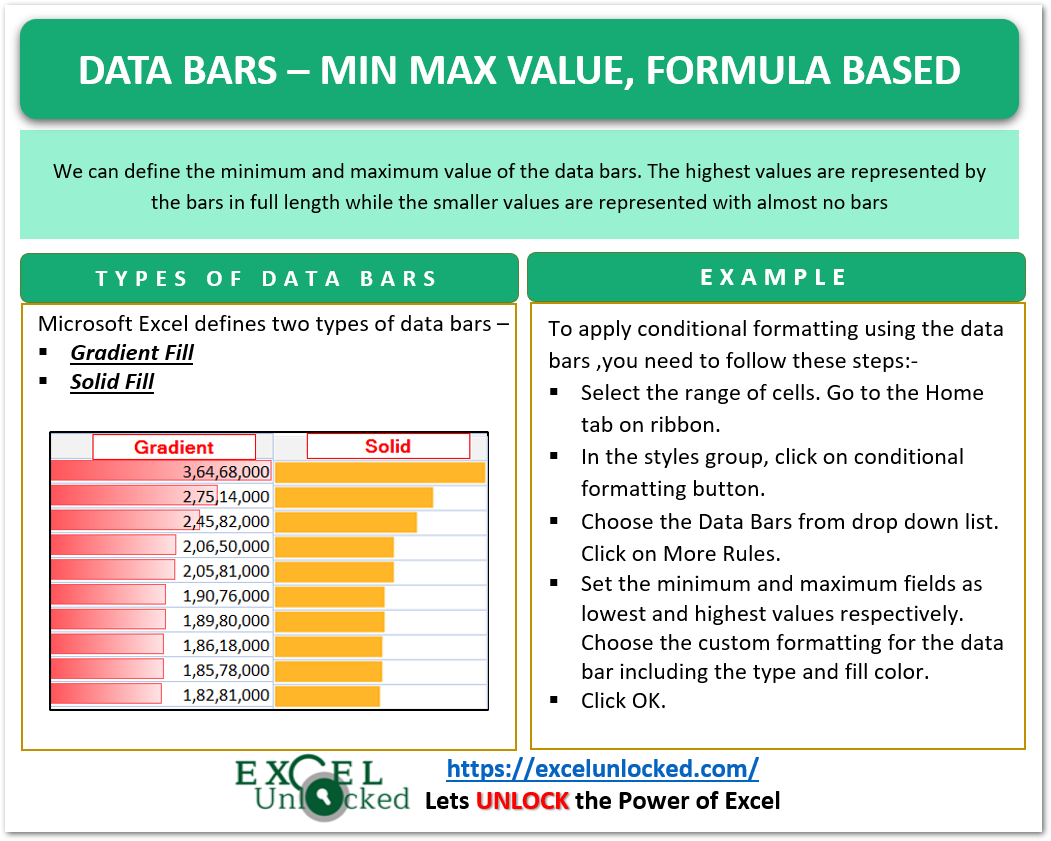
How To Get The Average Maximum And Minimum Values In Excel Using Excel Tutorial How To Calculate Maximum And Minimum Values My XXX Hot Question Video Finding The Local Maximum And Minimum Values Of A USING THE AVERAGE MINIMUM AND MAXIMUM IN EXCEL YouTube Question Video Finding The Local Maximum And Minimum Values Of A Data Bars Excel Min Max Formula Based Bars Excel Unlocked Pin On Access Excel Question Video Finding The Absolute Maximum And Minimum Values Of A 4 Ways To Find The Maximum Or Minimum Value Of A Quadratic Function Easily
Excel Maximum Of Two Values
https://media.cheggcdn.com/study/27a/27a37dfd-bbbe-4aa3-b461-cfca1fd8cea8/image
The syntax for the MAXIFS function is as follows MAXIFS max range criteria range1 criteria1 criteria range2 criteria2 max range the range of cells by which you wish to locate the max value criteria range1 the range of cells to be evaluated for a criterion criteria1 the criterion to be discovered in the defined range
Pre-crafted templates use a time-saving solution for producing a diverse variety of files and files. These pre-designed formats and layouts can be used for various personal and professional tasks, consisting of resumes, invites, flyers, newsletters, reports, discussions, and more, streamlining the material production process.
Excel Maximum Of Two Values

Question Video Finding The Local Maximum And Minimum Values Of A
Excel Tutorial How To Calculate Maximum And Minimum Values My XXX Hot

Question Video Finding The Local Maximum And Minimum Values Of A
USING THE AVERAGE MINIMUM AND MAXIMUM IN EXCEL YouTube
Data Bars Excel Min Max Formula Based Bars Excel Unlocked

Pin On Access Excel
How this formula works In the logical test of the IF function we compare the list of names A2 A10 with the target name F1 The result of this operation is an array of TRUE and FALSE where the TRUE values represent names that match the target name Jacob FALSE FALSE FALSE TRUE TRUE TRUE FALSE FALSE FALSE

The MAX function in Excel returns the highest value in a set of data that you specify The syntax is as follows MAX number1 number2 Where number can be represented by a numeric value array named range a reference to a cell or range containing numbers Number1 is required number2 and subsequent arguments are optional

The MAXIFS function returns the largest numeric value in the specified range based on one or more criteria The syntax of the MAXIFS function is as follows MAXIFS max range criteria range1 criteria1 criteria range2 criteria2 Where Max range required the range of cells where you want to find the maximum value

Syntax MAX number1 number2 The MAX function syntax has the following arguments Number1 number2 Number1 is required subsequent numbers are optional 1 to 255 numbers for which you want to find the maximum value Remarks Arguments can either be numbers or names arrays or references that contain numbers

The MAXIFS function returns the maximum value among cells specified by a given set of conditions or criteria numbers dates text etc This feature is available on Windows or Mac if you have Office 2019 or if you have a Microsoft 365 subscription If you are a Microsoft 365 subscriber make sure you have the latest version of Office
RE Using the highest 2 out of 3 values in a formula Group the reading tests together and the problem solving tests together i e reading E5 E7 and problem solving E8 E10 In F7 enter SUM E5 E7 MIN E5 E7 and copy into F10 This will give you a total mark excluding the lowest in each case 3 1 Combining TEXTJOIN and IF Functions Here we will combine TEXTJOIN and IF Functions to find corresponding multiple cells with Max Value By applying the MAX function we get the maximum value from the Salary range Then IF function picks up the employee names who get the maximum salary After that the TEXTJOIN function adds all the names with a delimiter
To find the maximum value in a range with specific criteria you can use a basic array formula based on the IF function and MAX function In the example shown the formula in cell H8 is MAX IF B5 B9391 H7 E5 E9391 which returns the maximum temperature on the date in H7