Excel Import Csv Special Characters How To Import CSV File Into Excel Excel Learn Programming Can You Save A Csv File In Excel BEST GAMES WALKTHROUGH How To Import CSV Text File Into Excel YouTube How To Import A Csv File Into Mysql Workbench Stack Overflow Riset How To Import CSV And Excel File In R Using Import File Wizard Of Web Aug 12 2021 nbsp 0183 32 The problem is when I go to file gt import gt follow the steps in the box and click finish all the names with special variables die and for example instead of Tarapac 225 it appears Tarapac 176 Does anyone know how can I fix this I have excel version 16 51 in Mac I believe I have the latest version
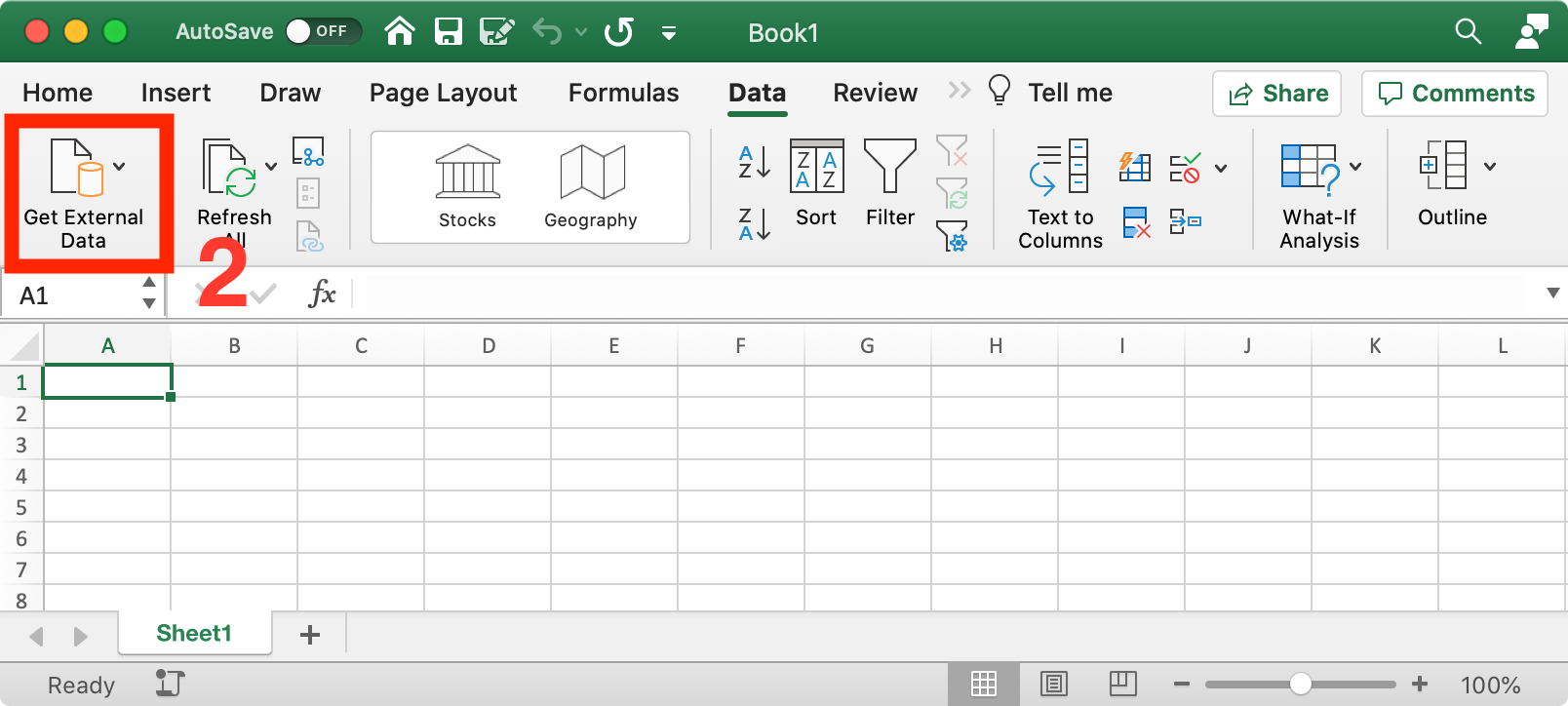
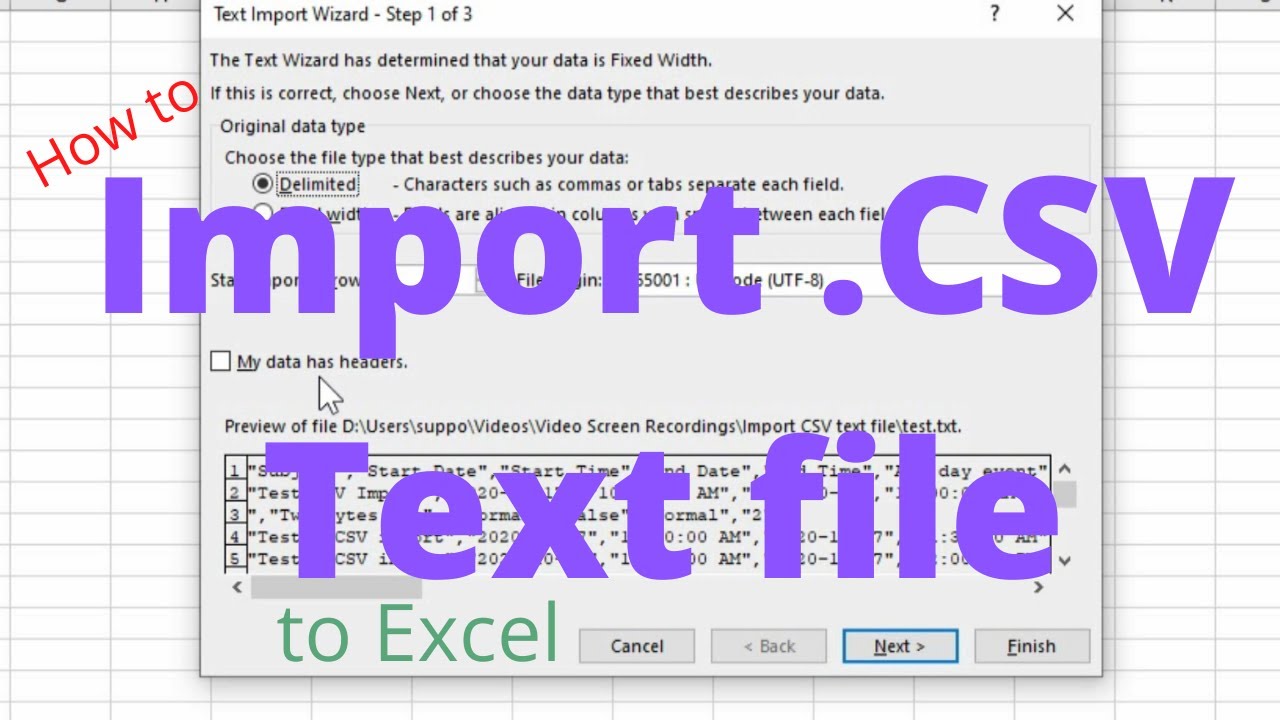
Web Click the cell where you want to put the data from the text file On the Data tab in the Get amp Transform Data group click From Text CSV In the Import Data dialog box locate and double click the text file that you want to import and click Import Follow the instructions in the Text Import Wizard Web To avoid that you need to import CSV files into Excel using the special wizard to display data correctly Go to quot Data quot tab and select quot Get External Data quot Choose quot From Text quot The very first step in the wizard gives you a drop down list to select the quot file origin quot This is where you can specify UTF 8 Google Sheets supports UTF 8 by default
How To Import CSV And Excel File In R Using Import File Wizard Of Problems Reading In Pipe Delimited Csv With Special Characters Into R Solved CSV Files Cant Store Special Characters 9to5Answer Office Anwendungen So Importieren Sie Eine Csv Datei In Excel Ist How Programmers Sample Guide Import A CSV File Into EXCEL Containing What Is A Csv File Excel Nerds Vrogue Solved Can t Import CSV Special Characters To Prestashop 1 5 Github What Is The Symbol In A csv File Stack Overflow Five New Ways To Create Excel Automations Cognifirm
Excel Import Csv Special Characters
 Excel Import Csv Special Characters
https://i.pinimg.com/originals/01/44/f0/0144f0b714f15ba9b682163ba671305b.jpg
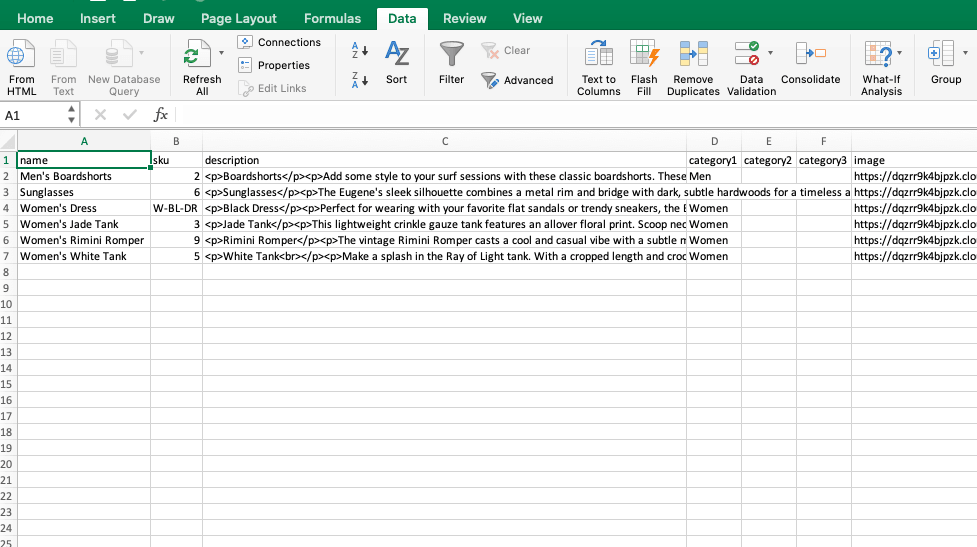
Web Apr 8 2023 nbsp 0183 32 Procedure In a new Worksheet in Excel click Data Click From Text Select the CSV Click Get Data Under File origin select Unicode UTF 8 Select the Delimitated option Click Next Under Delimiters ensure Comma is the only one selected Click Next Click Finish Select field A1 in the spreadsheet Click OK
Pre-crafted templates offer a time-saving service for producing a diverse variety of files and files. These pre-designed formats and designs can be made use of for different individual and professional tasks, including resumes, invites, flyers, newsletters, reports, discussions, and more, simplifying the content production process.
Excel Import Csv Special Characters

Csv Importing Data With Special Characters In R Stack Overflow

Problems Reading In Pipe Delimited Csv With Special Characters Into R

Solved CSV Files Cant Store Special Characters 9to5Answer
Office Anwendungen So Importieren Sie Eine Csv Datei In Excel Ist How
What Is A Csv File Excel Nerds Vrogue
Solved Can t Import CSV Special Characters To Prestashop 1 5

Web Aug 30 2010 nbsp 0183 32 excel is probably trying to open the file using the wrong encoding try opening the file from within Excel and choose a different file encoding those are probably Unicode characters and Excel is probably using iso 8859 15
Web Mar 24 2022 nbsp 0183 32 In Excel I tried to import using Data gt Import a CSV file with Chinese characters The characters are represented as Unicode numeric character references NCR for example Although I have set the quot File Origin quot to quot 65001 Unicode UTF 8 quot but seems like it doesn t do anything Please note that
Web Aug 24 2012 nbsp 0183 32 The problem is whenever the client saves the excel spreadsheet as an MS DOS csv file many of the special characters get converted to question marks quot quot symbols such as quot However if we then open the CSV file and manually replace each with the right character it works fine
Web Jul 1 2010 nbsp 0183 32 Special characters will not open correctly from CSV A CSV datasource contains special characters 241 243 224 244 232 When the CSV file is opened in Excel the characters are replaced with 195 168 169 177 195 180 Is there a way to correct this in Excel so the characters appear correctly

Web Mar 9 2011 nbsp 0183 32 1 Open Excel gt click on Data and then click the From Text button in the Get External Data menu gt Double click the CSV file to open it The Excel import wizard will appears now 2 Set the following options in the wizard 183 Delimited Select Delimited 183 File origin Select Unicode UTF 8 183 Delimiters Select Comma 3 Click Finish 4
Web Nov 3 2018 nbsp 0183 32 The solution given on this post works only for some of the special characters When i save the file with Utf 8 some characters are saved as question marks in the CSV file For example this character is saved as mark in the csv file Is there another encoding method that I should use Web Do this when you are saving naming your CSV file by navigating to quot Tools quot and then quot Web options quot Choose the encoding tab and then from the dropdown select UTF 8 If you take care to encode your file correctly you shouldn t run into any bumps in the road when dealing with special characters within your data Previous Back to the road
Web Jun 13 2023 nbsp 0183 32 When it comes into the export CSV file the name looks like this D 211 167 rte when it should be D 246 rte Any thoughts on how to fix this Manually editing the CSV file every time we export is not an ideal solution as we get more names in the file with special characters we will be more likely to miss the manual edit