Excel If Text Is Bold How To Bold Part Of Text In Css PELAJARAN Java Check If Text Is Bold Stack Overflow Count If Text Is Bold In Google Sheet Tutorial Text Be Bold How To Use Formula To Find Bold Text In Excel ExcelDemy Excel Magic Trick 1401 Conditionally Format Row For BOLD Date YouTube Answer RI Rich M Replied on November 23 2020 Report abuse Hi Jobhub I am an Excel user like you and will be glad to help The article that Arck referred to will give you more information but the simple answer is yes Highlight all
1 Is it possible to create an If statement where if a cell contains bold text the answer is 1 and if not the answer is 0 Excel Facts Return population for a City Click here to reveal answer Sort by date Sort by votes Tazguy37 MrExcel MVP Joined May 28 2004 Messages 4 237 Aug 17 2005 2 When rules don t conflict For example if one rule formats a cell with a bold font and another rule formats the same cell with a red color the cell is formatted with both a bold font and a red color Because there is no conflict between the two formats both rules are applied
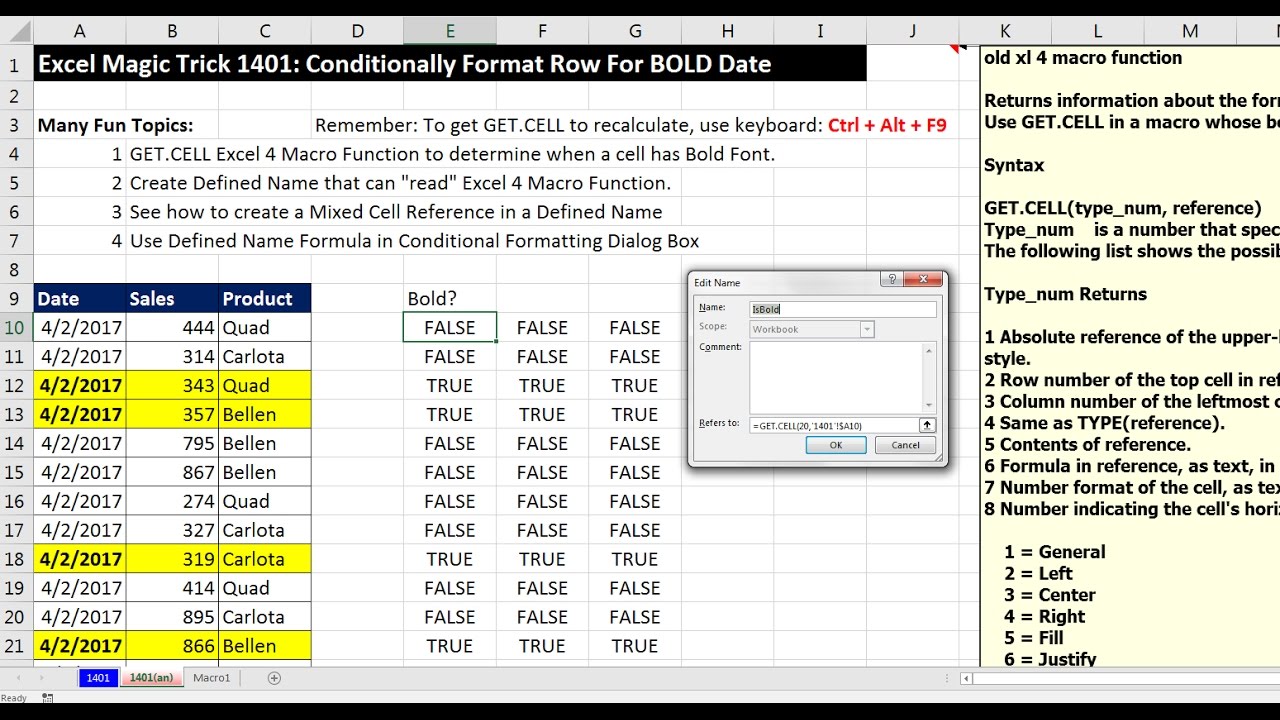
Excel Magic Trick 1401 Conditionally Format Row For BOLD Date YouTube How To Remove Bold From Pivot Table Excel Brokeasshome How To Bold Text Using VBA In Excel How To Bold Text In Excel Tips Tricks Tutorials YouTube How To Bold Part Of Text String In A Cell In Excel Version 2 YouTube Find Text In Excel Cell Printable Templates Free Insert Text In Certain Cell In Excel Based On Conditions YouTube How To Format Text In Excel CustomGuide How To Convert Text Files Into Excel Using Vba Step By Step Guide Riset
Excel If Text Is Bold
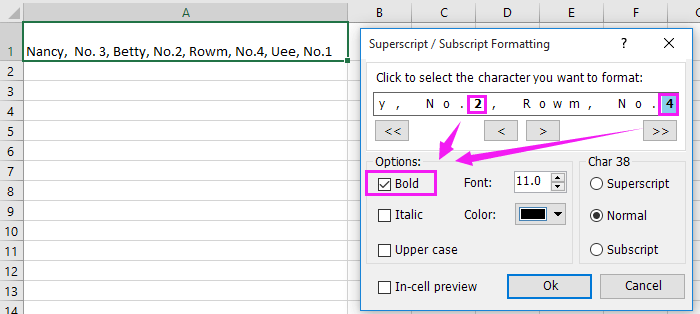 Excel If Text Is Bold
https://cdn.extendoffice.com/images/stories/doc-excel/bold-part-text/doc-bold-part-text-7.png
Excel Conditional Formatting Bold Text I want to be able to format the text in a cell based on the format in another cell So if the text in column A is bold I want the text in column B to be bold as well If the text in column A is regular I want the text in column B to be regular also
Templates are pre-designed files or files that can be used for different functions. They can conserve effort and time by providing a ready-made format and layout for developing various kinds of content. Templates can be utilized for individual or expert jobs, such as resumes, invitations, flyers, newsletters, reports, presentations, and more.
Excel If Text Is Bold
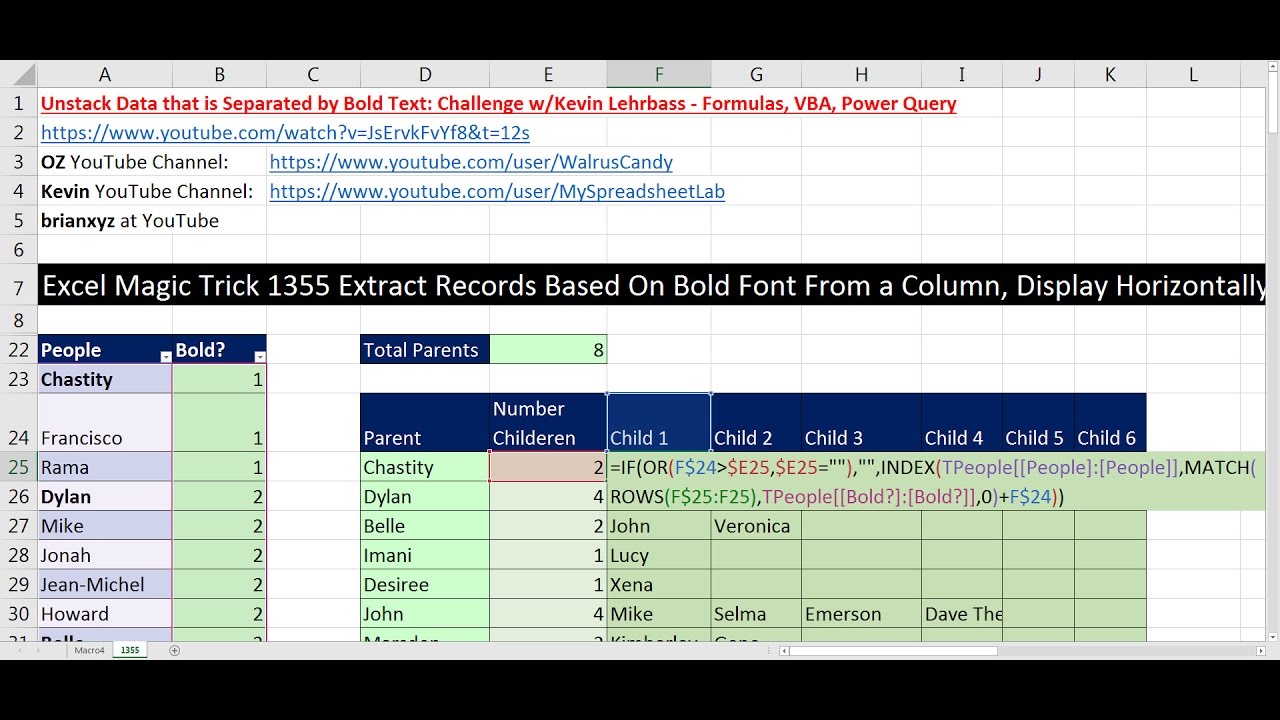
Excel Magic Trick 1355 Extract Data At Each Bold Font Display
How To Remove Bold From Pivot Table Excel Brokeasshome

How To Bold Text Using VBA In Excel
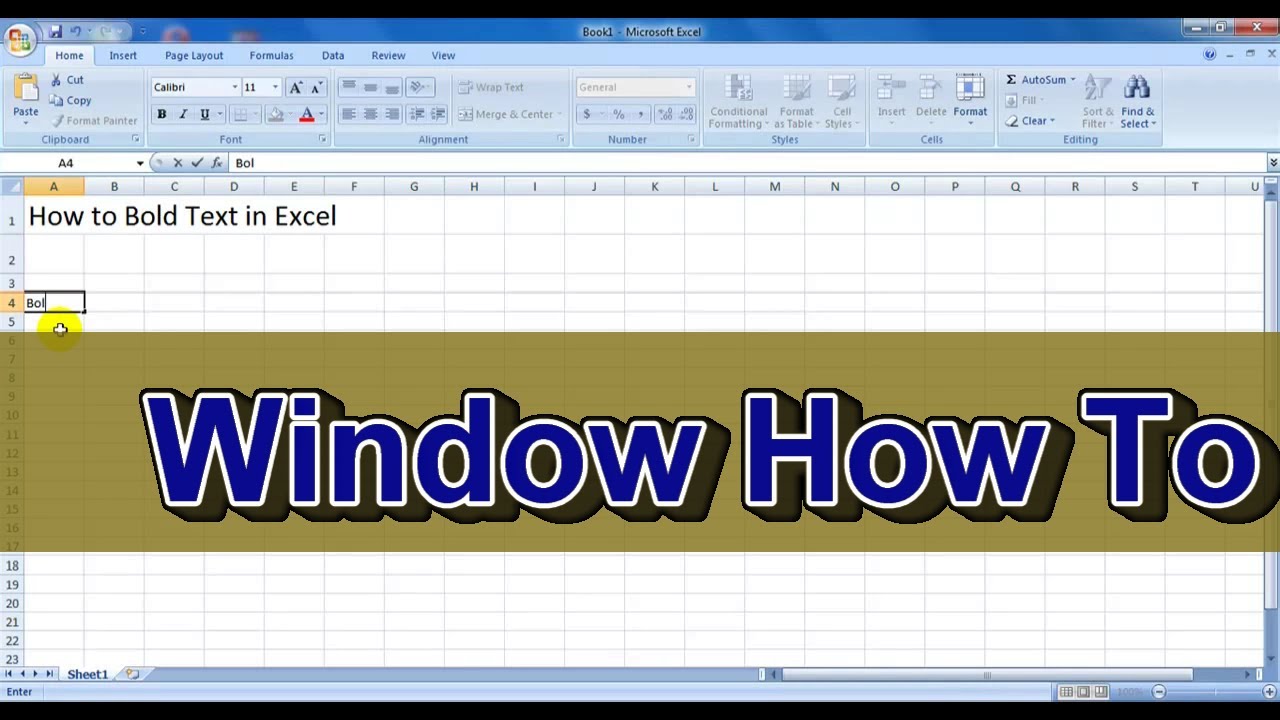
How To Bold Text In Excel Tips Tricks Tutorials YouTube

Find Text In Excel Cell Printable Templates Free
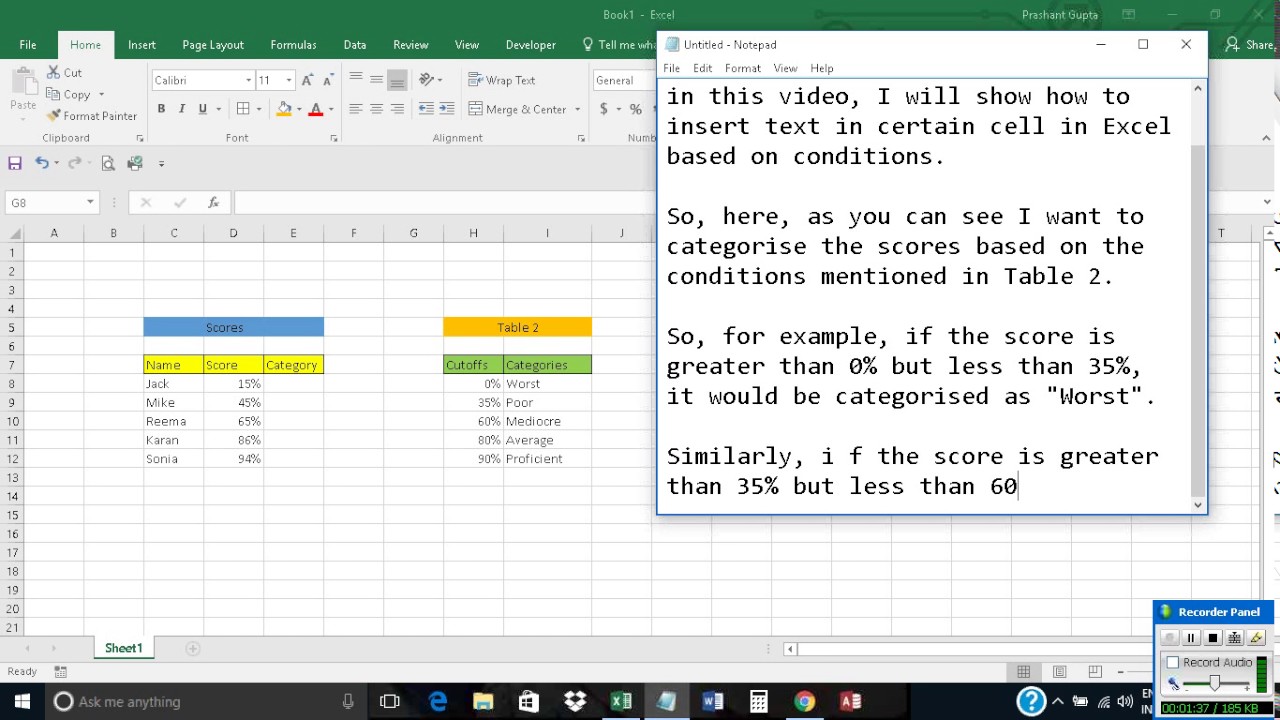
Insert Text In Certain Cell In Excel Based On Conditions YouTube

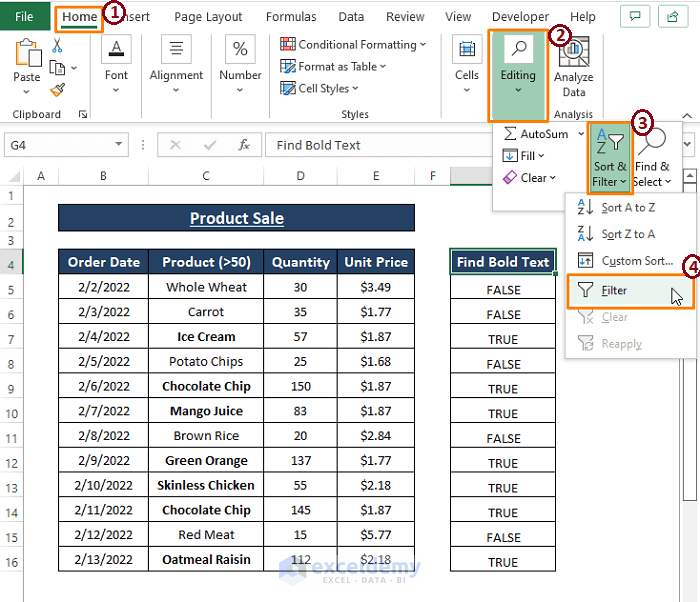
Method 1 Using Find Feature to Find Bold Text in Excel Step 1 Select the entire range can be rows or columns then Go to the Home tab Choose Find Select from Editing Step 2 The Find and Replace dialog box appears Keep other options as it is Just Click on Format Step 3 In

Here are the steps Right click on the worksheet tab and select View Code or use the keyboard shortcut ALT F11 This opens the VB Editor In the VB Editor window there would be the Project Explorer pane If it is not there go to View and select Project In the Project Explorer pane right

I would like to conditional format a particular cel depending on whether or not the contents of that cel are in BOLD Is this possible I looked into the CELL functiobn but it only returns what format the cel is which does not

I do not believe it could be possible to detect BOLD with a formula Because it is font formatting I don t think ASCII is used to create bold characters and I am not sure what else would come close to detecting it You could write a macro that detects BOLD print and highlights the row
I am trying to make the text of cell A1 bold if the value of B1 is a Is there a formula that can achieve this or do I have to write a macro that can perform this task Alternatively can I use conditional formatting to convert the text to BOLD Edit
1 Make a backup of your workbook 2 Open your workbook and ALT F11 3 Locate your Workbook name in Project Explorer Window Excel IF function with text Commonly you write an IF statement for text values using either equal to or not equal to operator For example the following formula checks the Delivery Status in B2 to determine whether an action is required or not IF B2 delivered No Yes
Formulas to compare values numbers and text As you know Microsoft Excel provides a handful of ready to use rules to format cells with values greater than less than or equal to the value you specify Conditional Formatting Highlight Cells Rules However these rules do not work if you want to conditionally format certain