Excel If Statement Not Working Solved IF Statement Not Working As Expected Issue With Power If Statement Not Working Help UiPath Community Forum If Statement Not Working As Expected Logstash Discuss The Elastic Stack Solved Patch In If Statement Not Working Power Platform Community Solved DAX Simple IF Statement Not Working Microsoft Power BI Community The formula would be as below IF B2 90 S IF B2 80 S IF B2 70 A IF B2 60 B IF B2 50 C IF B2 40 D IF B2 30 E F The initial logical test in this formula is to check if the score is higher than 90 If it is the function returns the value S
The IF function in Excel is not working Ask Question Asked 8 years 1 month ago Modified 8 years 1 month ago Viewed 4k times 0 For example D1 3 D2 5 D3 3 5 I type the formula D1 Following are examples of some common nested IF AND IF OR and IF NOT statements The AND and OR functions can support up to 255 individual conditions but it s not good practice to use more than a few because complex nested formulas can get very difficult to build test and maintain
Solved DAX Simple IF Statement Not Working Microsoft Power BI Community If Statement Not Working Power Platform Community Billing Statement Simple Template In Excel Download xlsx Solved IF Statement Not Working As Expected Issue With Power Using Excel If Statements With Multiple Conditions Range And Or Solved If Statement Not Working Alteryx Community Solved IF Statement Not Working As Expected Issue With Power Solved If Statement Not Working Alteryx Community If Statement Not Working With Get Text Studio UiPath Community Forum
Excel If Statement Not Working

https://powerusers.microsoft.com/t5/image/serverpage/image-id/522085i751D5B80654B02AC?v=v2
When there is a cell reference to an error value IF displays the VALUE error Solution You can use any of the error handling formulas such as ISERROR ISERR or IFERROR along with IF The following topics explain how to use IF ISERROR and ISERR or IFERROR in a formula when your argument refers to error values
Templates are pre-designed documents or files that can be used for numerous functions. They can save effort and time by providing a ready-made format and layout for producing various sort of content. Templates can be used for personal or expert jobs, such as resumes, invites, leaflets, newsletters, reports, presentations, and more.
Excel If Statement Not Working

Excel IF Statement Microsoft Community Hub

If Statement Not Working Power Platform Community
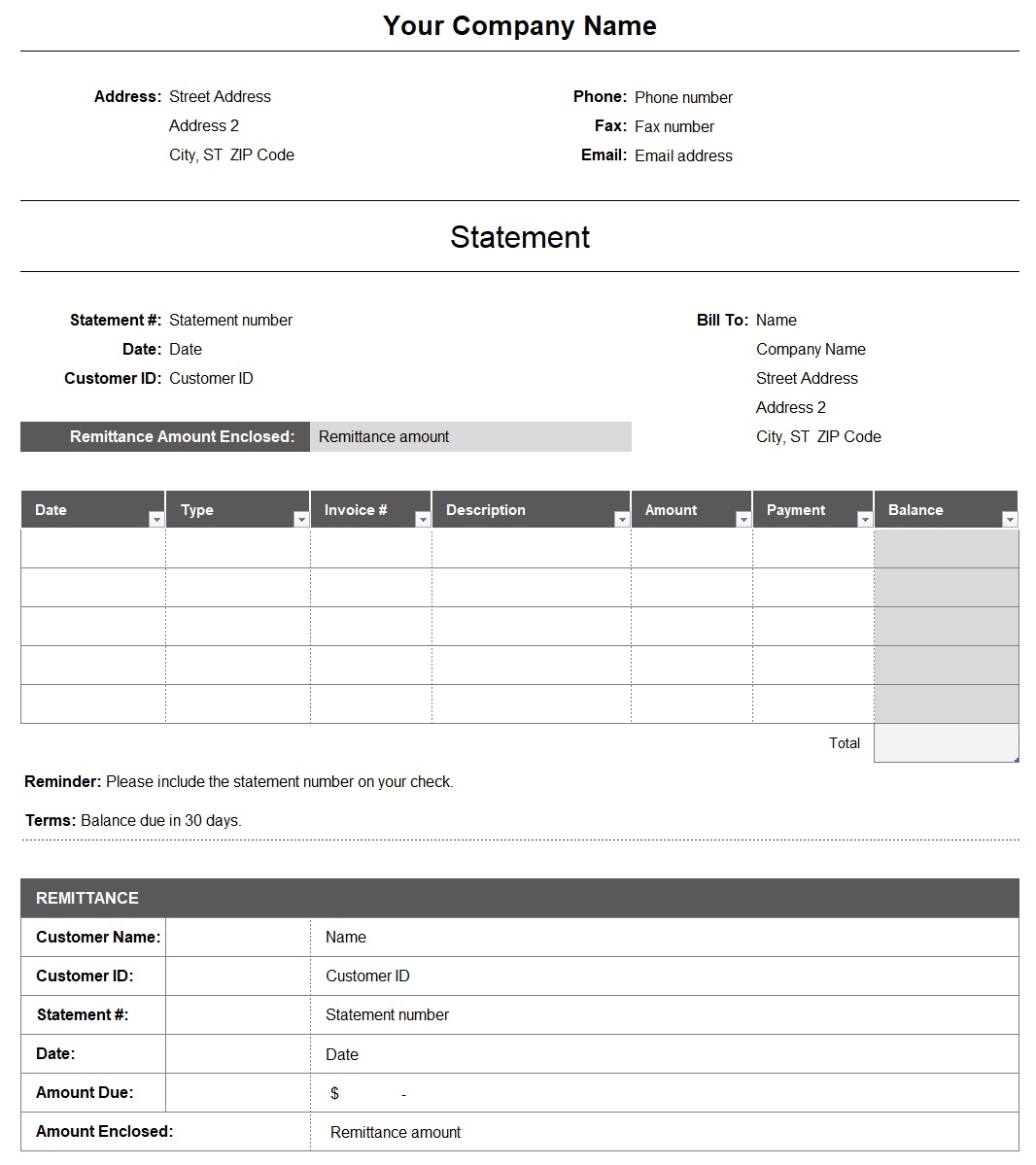
Billing Statement Simple Template In Excel Download xlsx

Solved IF Statement Not Working As Expected Issue With Power

Solved If Statement Not Working Alteryx Community

Solved IF Statement Not Working As Expected Issue With Power

1 Remove Leading Space Leading space is the most common reason for which some formula doesn t work properly It can affect the IF function too Have a look at the dataset we applied the IF function to return Yes for Males and No for Females But the second output is returning the wrong result

Hi I was trying to use the IF function and it wasn t working so i tried to make it as simple as possible to see what the problem was Still it gave me an error even though I just copied and pasted the formula from windows support page so I

Excel IF Statement not working I have a workbook with 2 worksheets I want the IF statement to look at the second worksheet and if a certain number is in the list to return a yes if not a no what I have is IF Direct Bills 4 16 17 A A B6 Yes No Am I using the wrong function

IF function in Excel doesn t work properly Hi I have put a simple IF function in my spreadsheet checking if the cell value is less or equal than 0 1 if true return PASS otherwise return FAIL But the equal condition doesn t seem to take effect

The IF function is one of the most popular functions in Excel and it allows you to make logical comparisons between a value and what you expect So an IF statement can have two results The first result is if your comparison is
[desc-11] [desc-12]
[desc-13]