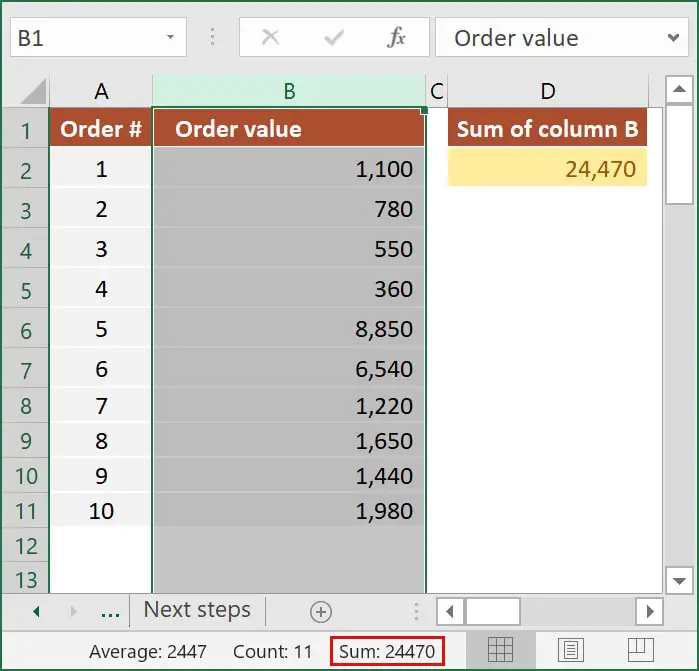
Excel Formula Whole Column How To Make Excel 2010 Formulas For Columns YouTube How To Apply A Formula To An Entire Column In Excel WinCope Sum An Entire Column Or A Row Excel Formula How To Apply A Formula To An Entire Column In Excel WinCope How To Multiply Columns In Excel YouTube Full column references Excel supports full column like this SUM A A sum all of column A SUM C C sum all of column C SUM A C sum all of columns A C You can see how this works yourself by typing A A or C C into the name box left of the formula bar and hitting return You will see Excel select the entire column
Excel will apply the formula to the entire selected column Copy Pasting the Cell If you have a formula in one cell that you want to apply to an entire column you can simply copy and paste it Here s how Select the cell with the formula Copy the cell by pressing Ctrl C The easiest way to apply a formula to the entire column in all adjacent cells is by double clicking the fill handle by selecting the formula cell In this example we need to select the cell F2 and double click on the bottom right corner Excel applies the same formula to all the adjacent cells in the entire column F Figure 4
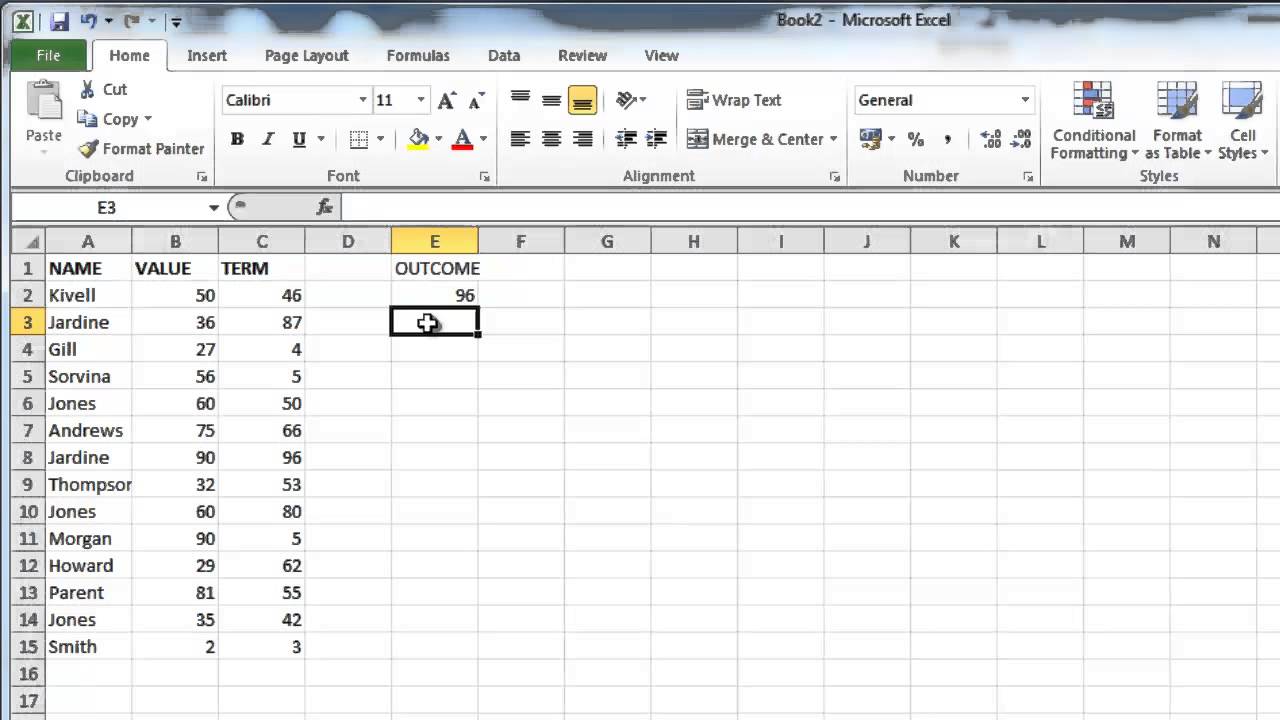
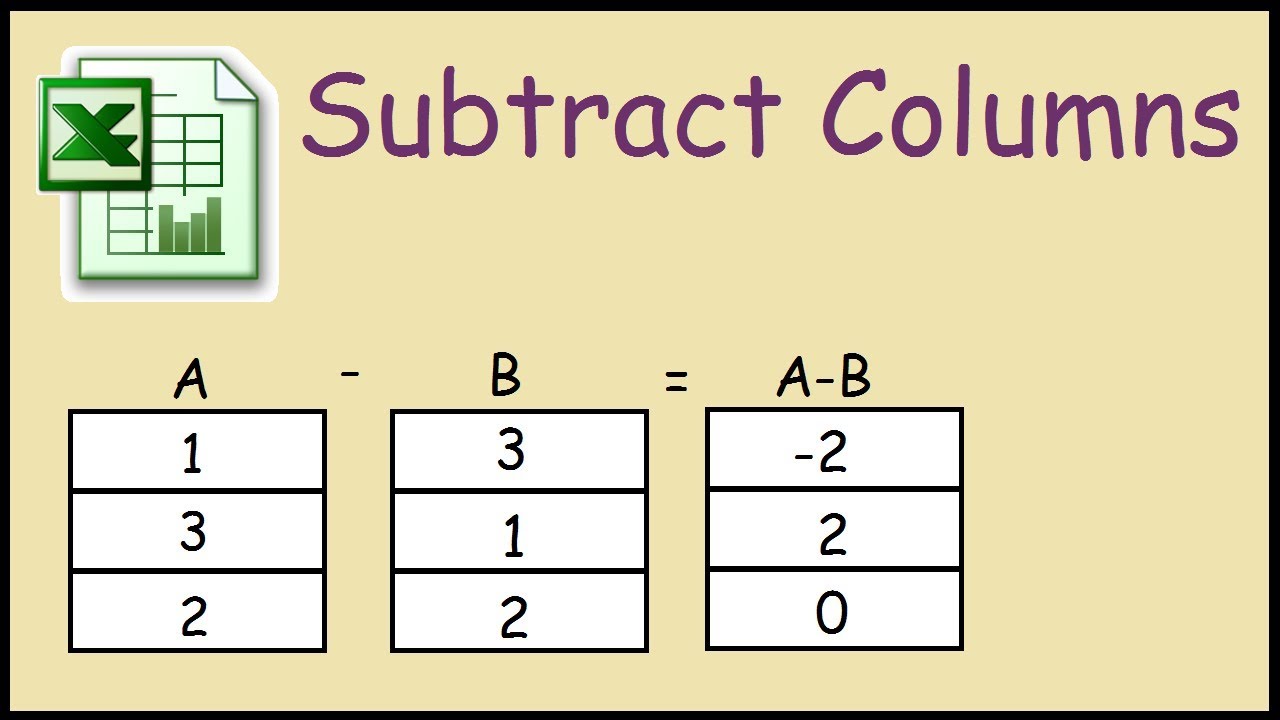
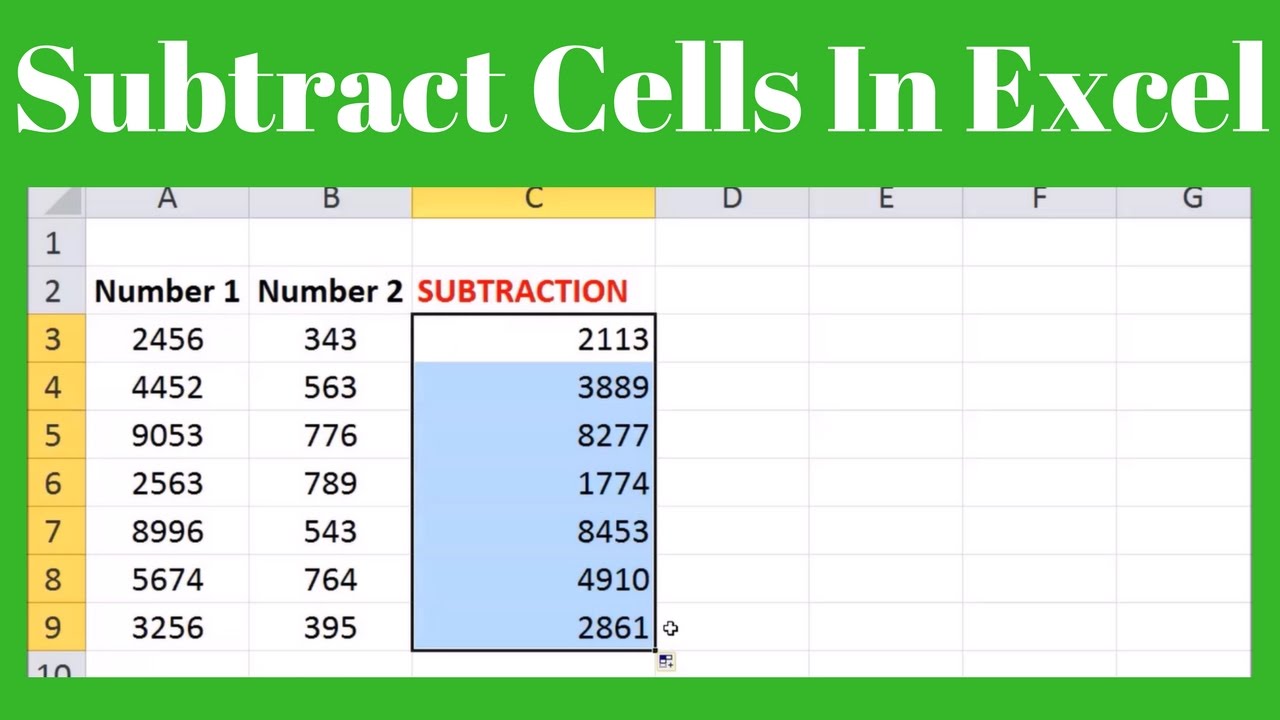
How To Multiply Columns In Excel YouTube How To Subtract One Column From Another In Excel YouTube How To Subtract Cells In Microsoft Excel 2017 YouTube How To Add Numbers In A Column In Microsoft Excel YouTube MS Excel Shortcut Key Select Whole Column Row Do Sum Easy YouTube How To Select Entire Column In Excel Or Row Using Keyboard Shortcuts Microsoft Excel Fill Column With Formula Bettalasvegas How To Apply A Formula To An Entire Column In Excel WinCope Adding Subtracting Vertical Columns In Excel MS Excel Tips YouTube
Excel Formula Whole Column
 Excel Formula Whole Column
http://i.ytimg.com/vi/gLWkaXv-eVQ/maxresdefault.jpg
Using the Shortcut Key Another way to apply the formula for the entire column is to use the Ctrl D shortcut key It pretty much works like the drag method But instead of using the fill handle you first drag downwards below the formula applied cell across the whole column Then press the shortcut key
Pre-crafted templates offer a time-saving solution for producing a varied range of files and files. These pre-designed formats and layouts can be used for different individual and expert jobs, including resumes, invitations, flyers, newsletters, reports, presentations, and more, simplifying the content development procedure.
Excel Formula Whole Column
How To Add A Whole Column In Excel step By Step Guide Excel Explained
How To Subtract One Column From Another In Excel YouTube
How To Subtract Cells In Microsoft Excel 2017 YouTube
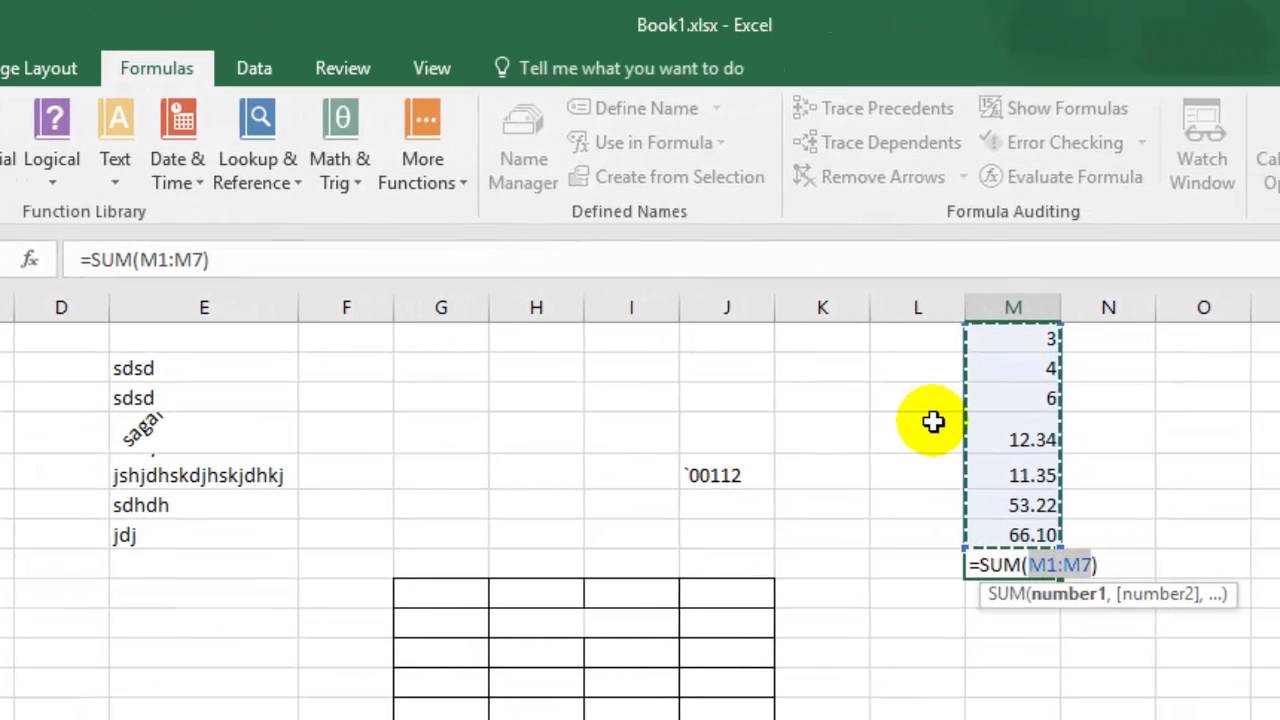
How To Add Numbers In A Column In Microsoft Excel YouTube
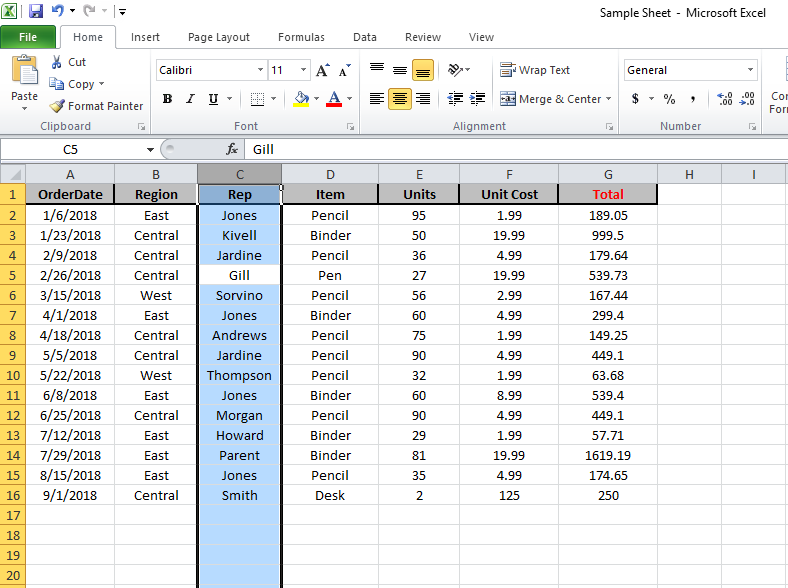
How To Select Entire Column In Excel Or Row Using Keyboard Shortcuts
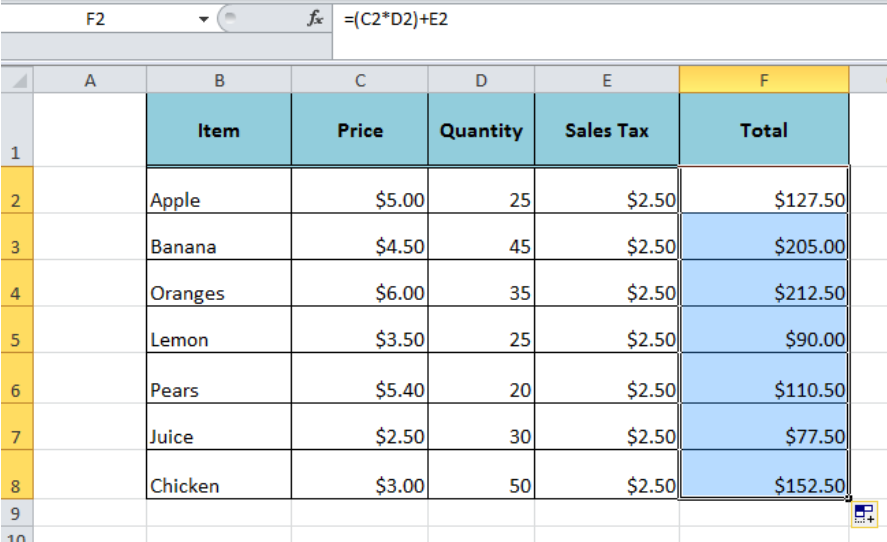
Microsoft Excel Fill Column With Formula Bettalasvegas

Steps Type SUM or AVERAGE in a cell where you want the result to appear followed by an open parenthesis To create the argument click near the column letter known as the column heading This way the entire column is selected If you clicked on Column C for example you would notice that C C has been added to your formula

This tutorial demonstrates how to apply a formula to an entire column in Excel and Google Sheets Fill Formula Down Entire Column Drag Fill Handle Say you have a formula in cell D2 that sums values from Columns B and C To apply the same formula to the entire column through Row 8 position the cursor in the bottom right

Applying Formula to Entire Column with Excel VBA You can insert formulas for entire columns in Excel with the click of a button using VBA code It s simple and easy so just these steps Let s follow the instructions below to apply the Formula to the entire column using Excel VBA

Applying a formula to an entire column Excel shall copy and calculate the formula in all the cells of the target column Using Excel VBA So far you ve learned all the techniques to apply one formula to the whole column using various Excel command buttons and shortcuts
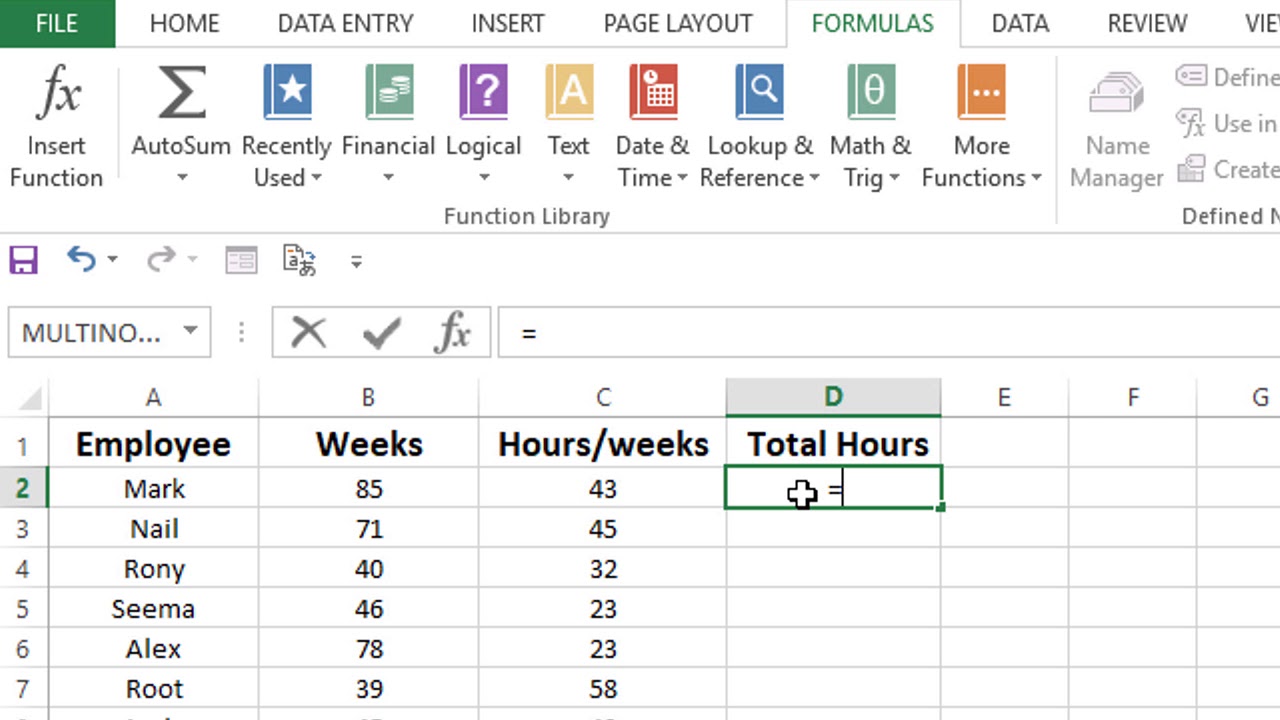
Suppose you have a dataset that requires the same formula in an entire column Laboriously entering the formula in one cell at a time wastes time and effort This tutorial shows you 7 time saving techniques for applying a
Here s how to apply a formula to an entire column by double clicking the autofill handle Select the first cell where you want your formula to appear and enter your formula Press Enter To use the fill down keyboard shortcut to copy formulas select the range of cells that you want to copy formulas into where the top cell of your selection contains the formula to be copied Then press the keys Ctrl D This will copy down the formula that is in the top cell of the selection through the whole range column selected
Click anywhere in your data and Format it as Table Excel 2010 Home Tab Format as Table Insert the column Change the Title to what ever Type the formula in the first cell under that You ll see a lighting icon appear click it and it will apply it to the entire column