Excel Formula To Delete Empty Cells Plutitor Atribui Medical Pivot Table Don t Show Blank A Planta Copaci Maiestuos Entitate Delete Empty Cells In Excel Excelnays How To Delete Blank Cells In Excel Vba Printable Forms Free Online How To Unhide Rows In Excel TechFloppy Cara Hapus Kolom Di Excel Caraseru The fastest way to remove all empty rows Delete Blanks tool Video How to remove blank rows in Excel Never remove blank rows by selecting blank cells All over the Internet you can see the following tip to remove blank lines Highlight your data from the 1st to the last cell Press F5 to bring the Go to dialog
Easy Ways to Remove Blank or Empty Rows in Excel by Avantix Learning Team Updated September 14 2023 Applies to Microsoft Excel 2010 2013 2016 2019 2021 and 365 Windows You can delete blank rows in Excel using several tricks and shortcuts Check out these 5 fast ways to remove blank or empty rows in your Option 1 Right Click and Delete Once you ve identified the empty cells right click on one of the selected cells and choose Delete In the Delete dialog box select Shift cells up or Shift cells left and click OK This will remove the empty cells and shift the content of the adjacent cells to fill the gap
Cara Hapus Kolom Di Excel Caraseru How To Quickly And Easily Delete Blank Rows And Columns In Excel How Do You Delete Certain Rows In Excel 2019 Spplora Blank Rows Hot Sex Picture Cara Menghapus Row Kosong Di Excel Secara Otomatis How To Delete Blank Rows In Excel YouTube How To Delete All Blank Rows At Once In Excel Tip DotTech Boomn Blog How To Get Rid Of Empty Rows In Excel Numberimprovement23
Excel Formula To Delete Empty Cells
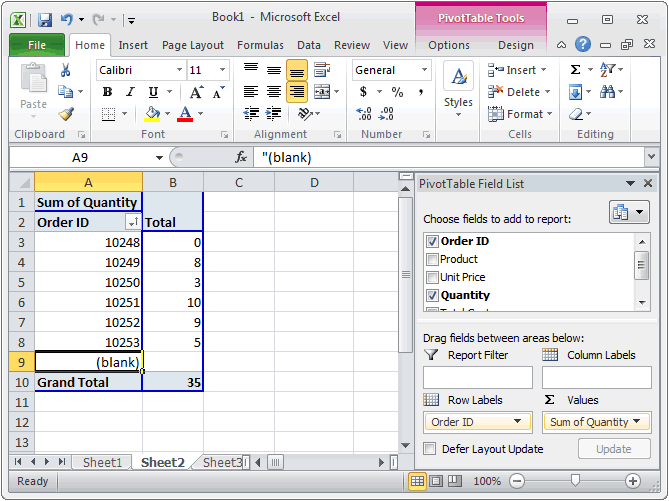 Excel Formula To Delete Empty Cells
https://www.techonthenet.com/excel/pivottbls/images/hide_empty2010_001.gif
Click on the Find Select button in the Editing group Choose Go To Special from the dropdown menu In the Go To Special dialog box select Blanks and click OK This will select all the empty cells within the range you specified allowing you to easily delete them or fill them with data
Pre-crafted templates provide a time-saving solution for creating a varied range of documents and files. These pre-designed formats and designs can be used for numerous personal and professional projects, including resumes, invites, leaflets, newsletters, reports, discussions, and more, simplifying the material development procedure.
Excel Formula To Delete Empty Cells
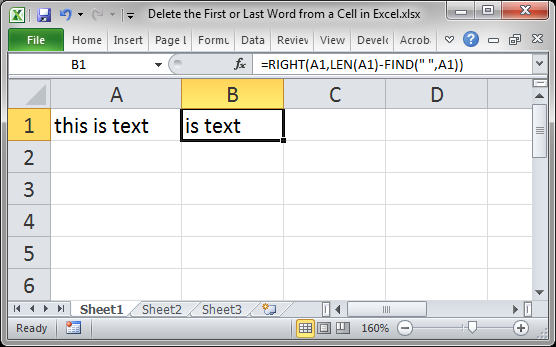
How To Remove Words In Excel Reuter Wroke1951

How To Quickly And Easily Delete Blank Rows And Columns In Excel
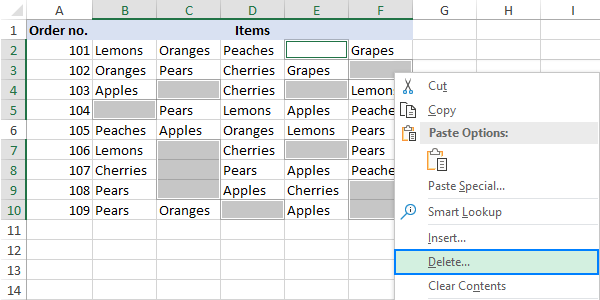
How Do You Delete Certain Rows In Excel 2019 Spplora
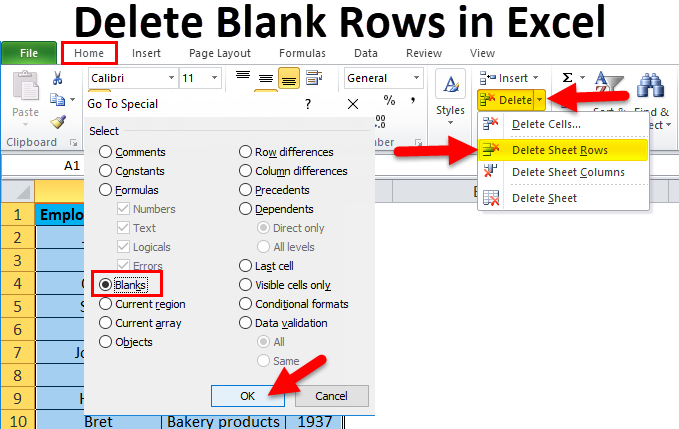
Blank Rows Hot Sex Picture
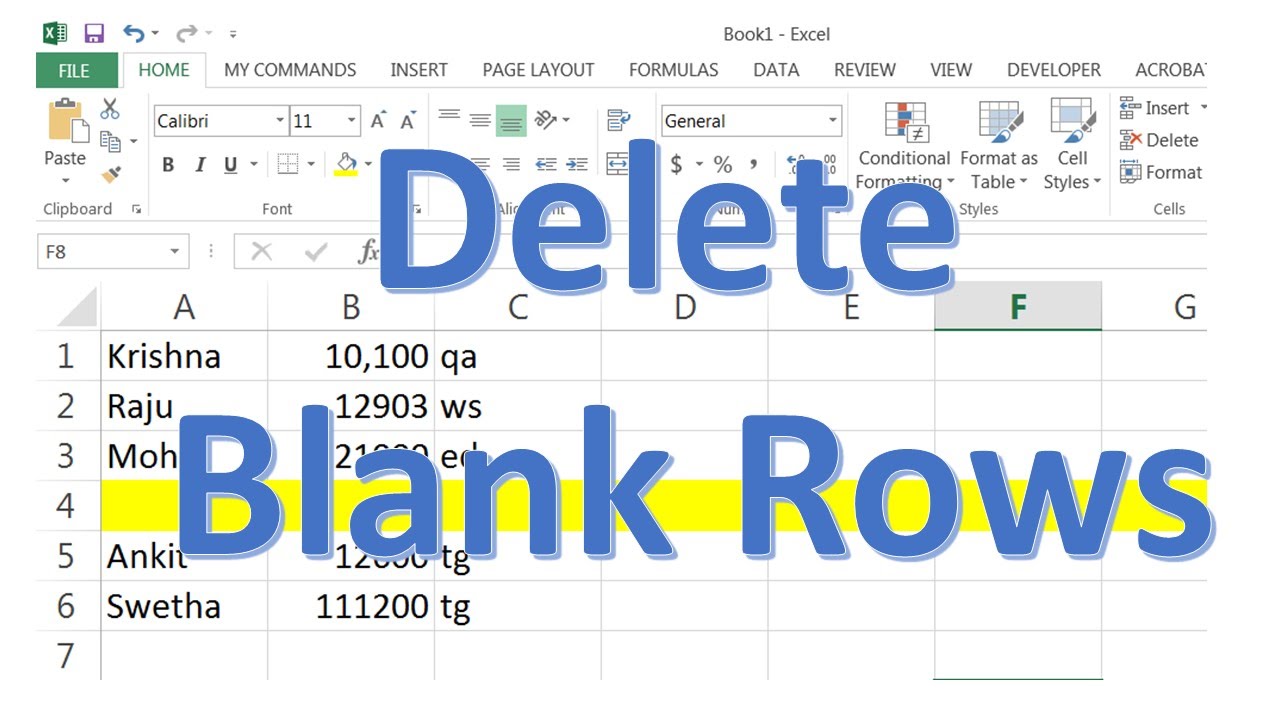
How To Delete Blank Rows In Excel YouTube
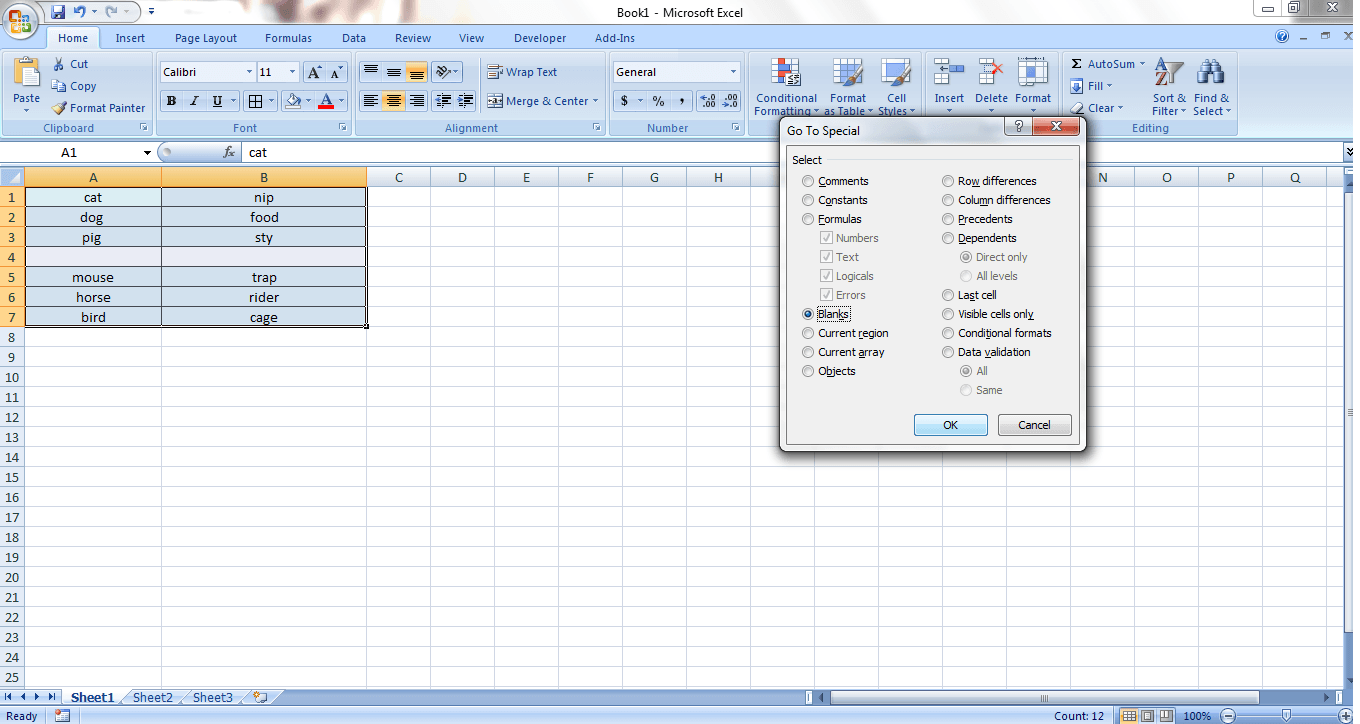
How To Delete All Blank Rows At Once In Excel Tip DotTech

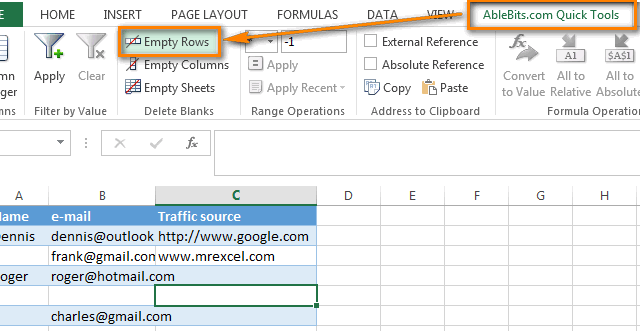
See how to remove blanks in Excel quickly and safely delete empty cells from a selected range remove blank rows and columns after the last cell with data extract a list of data ignoring blanks Ablebits blog
Steps First select the empty cells you want to delete Then press CTRL and Minus to delete them Then select an option according to your need from the dialog box Hence Excel will delete the empty cells from the worksheet Read More How to Remove Blanks from List Using Formula in Excel 4 Methods 2
Step 1 First we will write down the below formula in cell D5 INDEX B 5 B 14 SMALL IF ISBLANK B 5 B 14 ROW B 5 B 14 MIN ROW B 5 B 14 1 ROW A1 Note This is an array formula So you must press CTRL SHIFT ENTER together to insert the formula in a cell It will put two curly braces

Steps First select the range B4 E12 of data and press F5 or Ctrl G to bring the Go To dialog box Next press Special from the dialog box As a result the Go To Special dialog box appears Choose Blanks from the available options and press OK After you press OK all the blank cells in the range are highlighted

Click on the Special button in the dialog In the Go To Special dialog select Blanks and click OK The blank cells within the selected range will be highlighted Right click on any highlighted cell choose Delete and select the option to shift cells to the left or up
Using FILTER Function 2 Utilizing COUNTBLANK Function 3 Combining IF AND and ISBLANK Functions 4 Recreate Datasets with COUNTA INDEX and ROW Functions 5 Recreate Using IFERROR INDEX and ROW Functions How to Delete Rows in Excel Without Formula How to Delete Rows That Go on Forever in Excel Important Look at the range A2 A10 and return the first value if it is text i e not blank and not a number If this formula returns an error just enter nothing as denoted by the This is an array formula so it needs to be entered by pressing CTRL SHIFT ENTER then copy down to remaining rows SMALL s Big Role
Generate Filter for Blanks A safer way to delete rows with blanks is to use filters First select the data Then in the Ribbon go to Data Filter Click on the arrow in the column header the Product column and check the Blanks box Click OK Select all the filtered rows by pressing CTRL HOME on the keyboard