Excel Formula If Before A Date Excel IF Formula Using Before Or After Date And Amount Super User How To Get Difference Date In Excel Haiper Learning Excel Formula Riset How To Calculate Due Date In Excel Haiper Date Formula In Excel How To Use Date Formula In Excel First select cell D5 Type the following formula in that cell IF C5
IF A2 C 1 Before After Check If a Date is Before a Date You can also write a formula where you test for a date if that date is before today s date or not For this you need to write the formula in the following way IF A2 TODAY Before After In this formula you need to use the TODAY function to get the date to check the test Start date End date Formula Description Result 1 1 2001 1 1 2003 DATEDIF Start date End date Y Two complete years in the period 2 6 1 2001 8 15 2002 DATEDIF Start date End date D 440 days between June 1 2001 and August 15 2002 440 6 1 2001 8 15 2002 DATEDIF Start date End date YD
Date Formula In Excel How To Use Date Formula In Excel MS Excel How To Use The DATE Function WS Excel Countif Function Multiple Conditions Riset How To Calculate Days Between Date And Today In Excel Haiper Excel Course Formula Calculations And Functions Riset Excel Formulas Myexcelonline Riset What Is Excel Formula How To Calculate Date In Excel Formula Haiper How To Use The IF THEN Function In Excel
Excel Formula If Before A Date
 Excel Formula If Before A Date
https://i.stack.imgur.com/ABLrv.png
IF A2
Templates are pre-designed files or files that can be utilized for numerous functions. They can conserve time and effort by offering a ready-made format and design for producing different kinds of content. Templates can be used for personal or expert jobs, such as resumes, invites, leaflets, newsletters, reports, presentations, and more.
Excel Formula If Before A Date
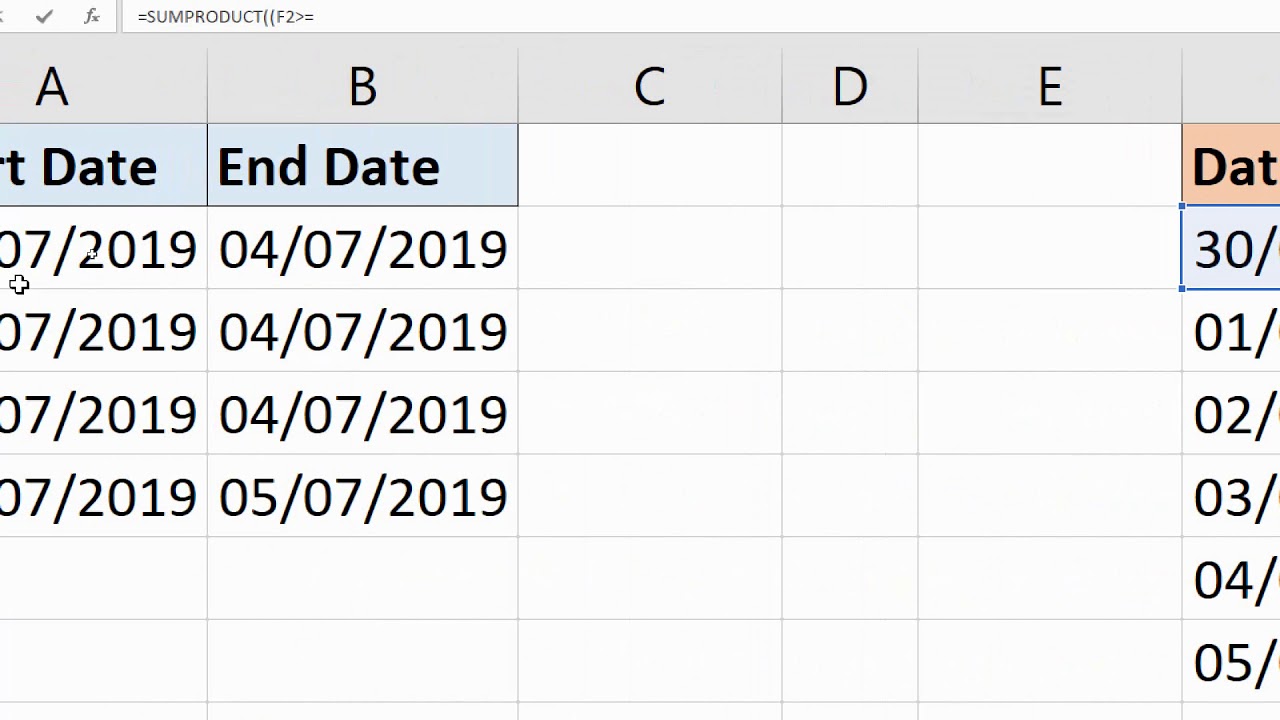
Count Occurrences Of A Date In Date Ranges Excel Formula YouTube

MS Excel How To Use The DATE Function WS

Excel Countif Function Multiple Conditions Riset
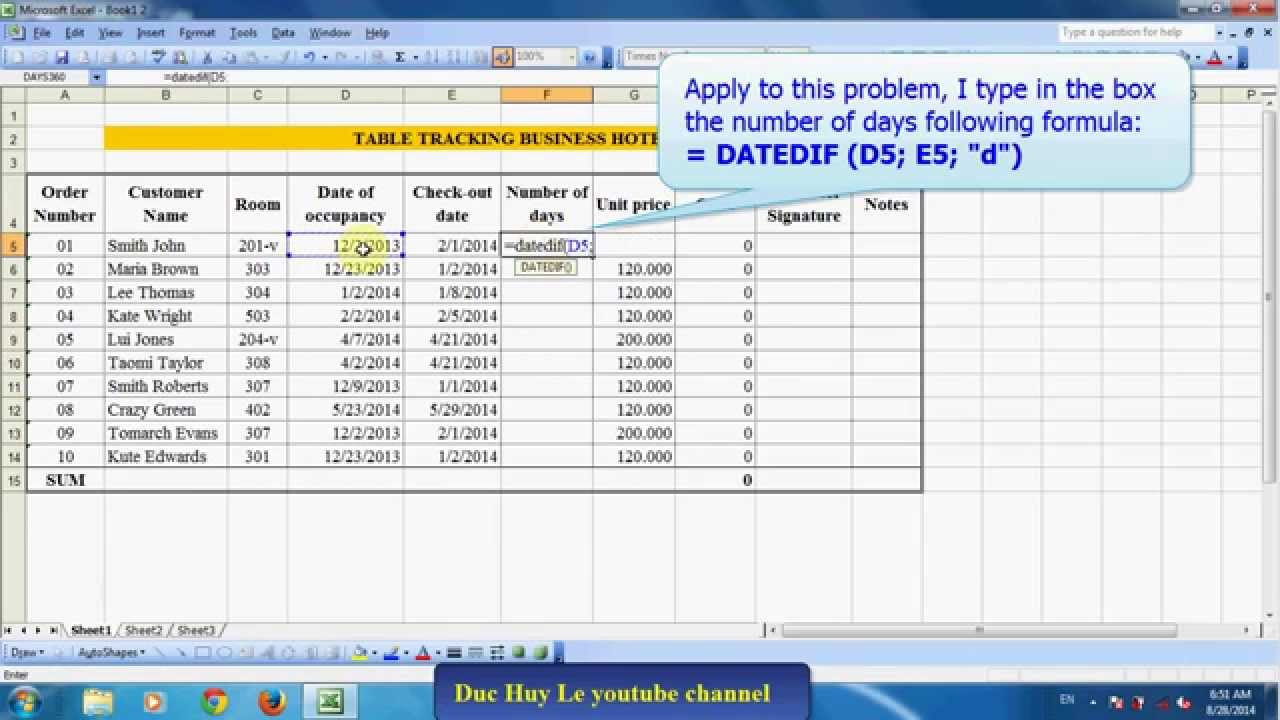
How To Calculate Days Between Date And Today In Excel Haiper
Excel Formulas Myexcelonline Riset

What Is Excel Formula

You can use one of the following formulas in Excel to check if one date is before another date Method 1 Use Cell Reference IF B2

Let us say you have a date in cell A2 and you want cell B2 to display the value done if the date comes before or on the same date as 05 07 2021 and display not done otherwise You can use the IF function along with DATEVALUE in cell B2 as follows IF A2
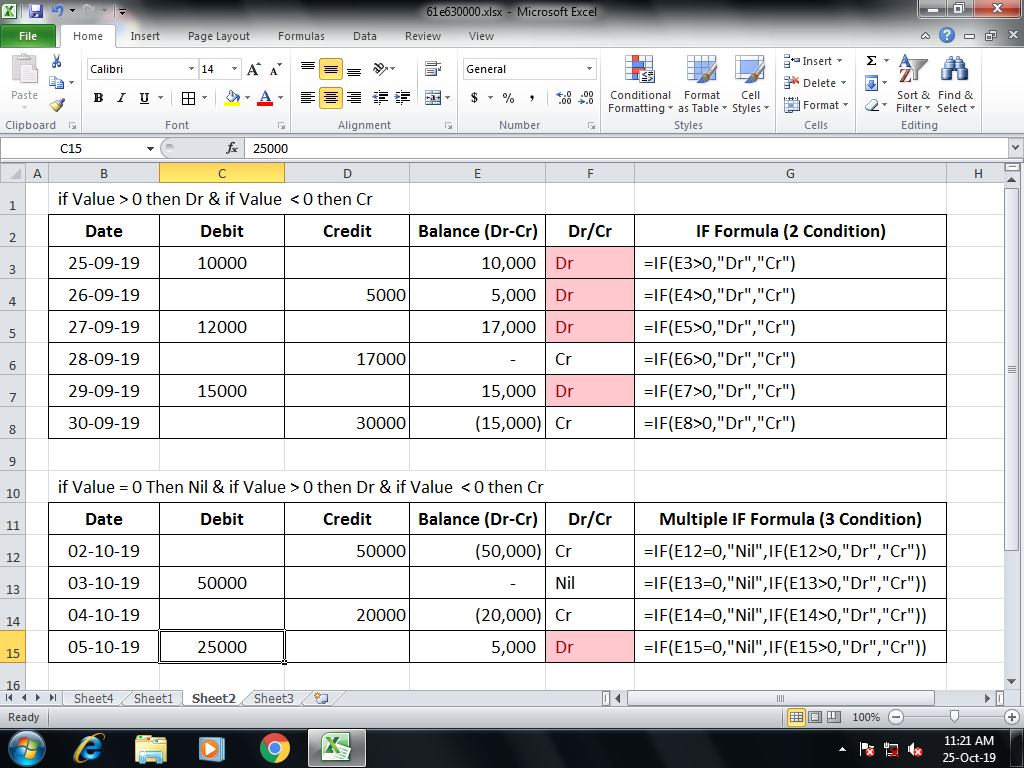
To find out if a date is on or after another date use the greater than or equal to comparison operator Example IF formula to find out if a date is on or after another date IF C3 B3 On time Not on time where C3 is the submission deadline and B3 is the date submitted Writing Dates Directly in the IF Formula

The formula below will help you to check if a date comes before the current date while dealing with missing dates IF ISBLANK E5 IF E5 TODAY Late Now we have geared up the formula to return an empty text string upon finding a blank cell in column E indicating a missing date
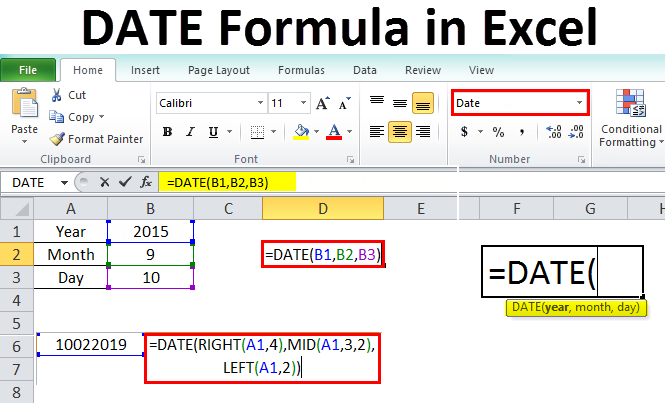
Use a Formula to Compare If a Date Is Before Another Date With a simple mathematical formula you can compare if the date is before another date Follow the steps below Steps Select a cell to write a formula Here I have selected cell E5 Apply the following formula C5
To use dates within IF Functions you can use the DATE Function to define a date IF B3 DATE 2020 1 1 Delay Ontime One example of this formula is to calculate if a payment is over due Payment Over Due IF D3 B3 C3 OVERDUE ONTIME Try our AI Formula Generator If Function D5 C 2 We can also use the DATEVALUE function to convert a string to a valid date For example if we want to determine whether a date comes before January 1st 2023 we can use the following formula D5 DATEVALUE 2023 01 01 Do you want to take a closer look at our examples
1 Answer Sorted by 0 If you use 180 days as 6 months you can use the following formulas B C D 1 01 12 2019 B1 180 C1 30