Excel Fill Days Without Weekends How To Drag A Formula In Excel For Mac Without Mouse Vietnamjawer Excel Fill Dates Except Sunday 2 Solutions YouTube How To 50X Your Email List In 7 Days Without Spending A Dime On Ads Db Circuit Chart Template Wiring Diagram WEEKDAY Excel The function WORKDAY needs 2 arguments a third one optional for the holidays Your date Simply write your initial date as the first argument The number of days to add Write the number of days you want to add to your date The function will automatically exclude the weekends optinal Holidays or Public holidays
To add or subtract workdays days to a date respecting holidays but assuming a 7 day workweek you can you can use the WORKDAY INTL function In the example the formula in D6 is WORKDAY INTL B6 C6 0000000 holidays This formula adds 7 workdays days to Tuesday Dec 22 Three holidays are supplied using the named range holidays B9 B11 and weekends are set using the special syntax Enter the initial date in the first cell Select that cell right click the fill handle drag it through as many cells as needed and then release In the pop up menu choose Series the last item In the Series dialog box select the Date unit of interest and set the Step value Click OK
WEEKDAY Excel 365 Days Usage Ticket RobPathRec App Robpathrec Highlight Dates That Are Weekends Excel Formula Exceljet Countdown Without Weekends Calendar For Planning Learn Excel Hindi How To Create A List Of Numbers In Excel In Hindi 13 Pivot Table Date Range Weekday Brokeasshome Remarkable Countdown Clock Without Weekends And Holidays Printable How To Calculate Working Days In Excel Excluding Weekends And Holidays How Many Days Are There In A Month Without Weekends Update New
Excel Fill Days Without Weekends
 Excel Fill Days Without Weekends
https://vietnamjawer.weebly.com/uploads/1/3/3/2/133223041/336597354_orig.jpg
To add days to a date while excluding specific days i e exclude Tuesdays and Thursdays Wednesdays only etc you can use the WORKDAY INTL function with a special pattern code In the example shown the formula in C7 is WORKDAY INTL B7 7 0101000 This formula adds 7 days to the date in B7 excluding Tuesdays and Thursdays
Pre-crafted templates provide a time-saving solution for developing a varied range of documents and files. These pre-designed formats and layouts can be made use of for various personal and expert tasks, consisting of resumes, invitations, leaflets, newsletters, reports, presentations, and more, streamlining the material production procedure.
Excel Fill Days Without Weekends

How To Fill In WEEKDAYS In EXCEL Including And EXCLUDING Weekends

365 Days Usage Ticket RobPathRec App Robpathrec
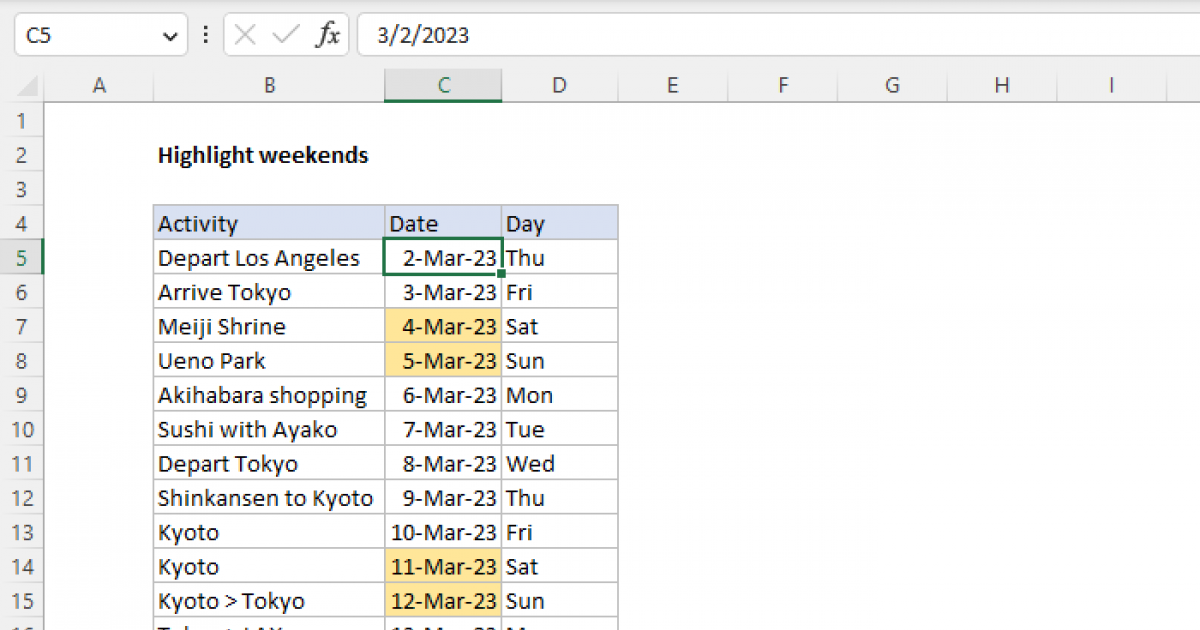
Highlight Dates That Are Weekends Excel Formula Exceljet
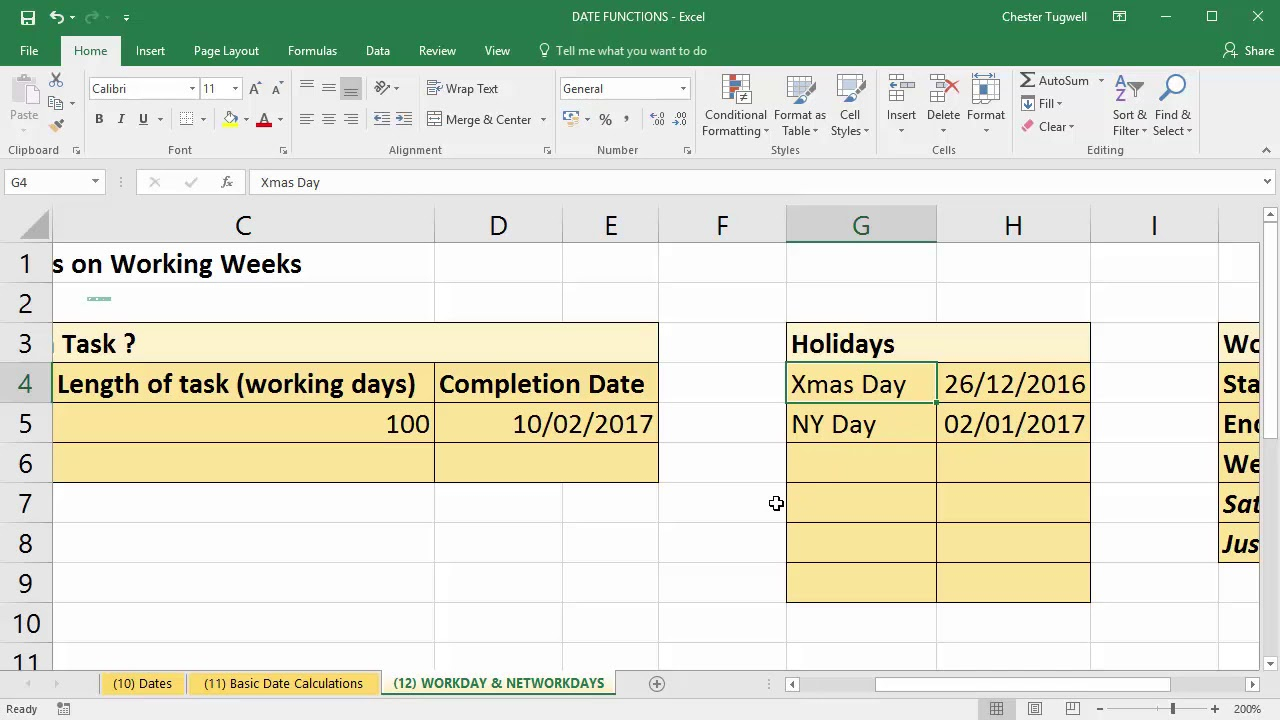
Countdown Without Weekends Calendar For Planning
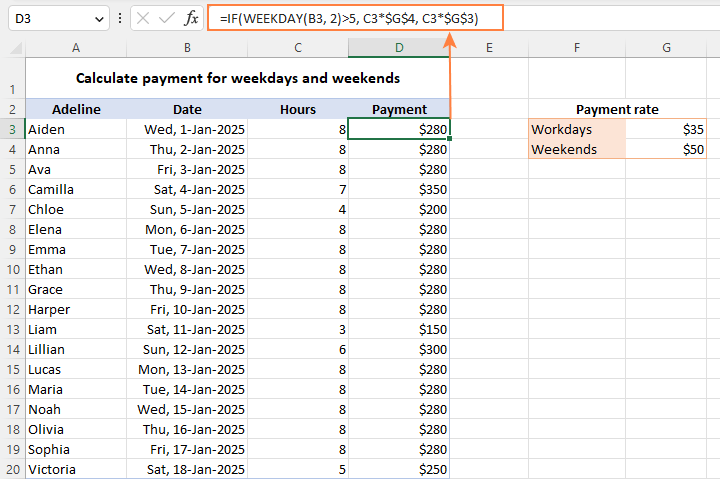
Pivot Table Date Range Weekday Brokeasshome

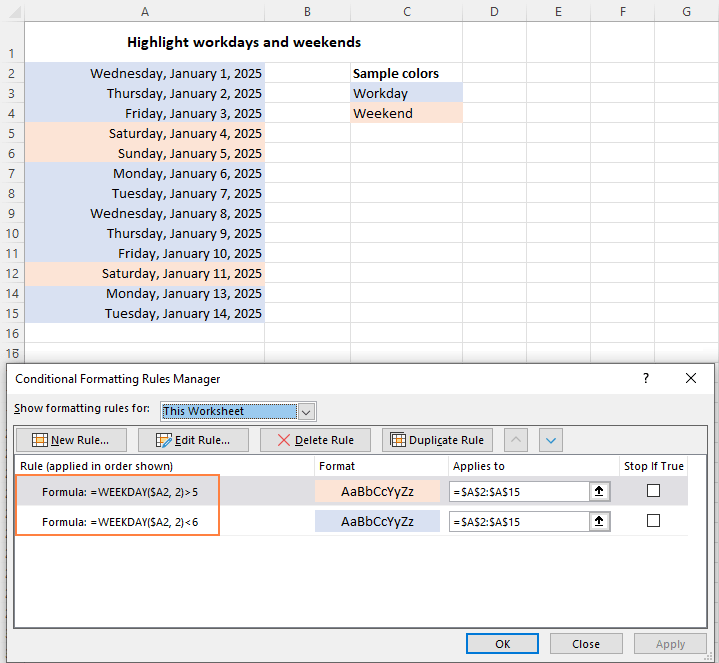
Remarkable Countdown Clock Without Weekends And Holidays Printable

Here is a basic way to do it Fill the dates for the first week in the first six rows say A2 to A7 In the seventh row insert the following formula A2 7 And populate down Another way is to insert the first day in A2 then use the following formula IF WEEKDAY A2 1 1 A2 2 A2 1 and again populate down Share

In Excel worksheet you can apply the Fill handle feature to fill sequence dates as quickly as you can But if you need to fill sequence dates ignoring the weekends and specific holidays How could you solve this job in Excel Fill sequence dates without weekends and holidays with formula

To exclude Weekends when using auto fill please try the following 1 Enter a starting date in A1 drag down click the auto fill options and select fill weekdays 2 when you have set the dates click the fill button and select Series Select the options as the following picture shows and click OK Regards

Note 5 denotes the number of working days in the week 3 denotes the number of days on weekends 1 last denotes the number of days after the working date 3 Finally select cells A4 A8 and then drag drown for furthur dates The formula will skip Saturday Sunday in the dates
Hold the left mouse key and drag the fill handle down to auto populate the cells in the column Click on the Auto Fill option icon that appears at the bottom right of the selected cells Click on the Fill Weekdays option The above steps would instantly fill the column with a sequence of dates and occur on weekdays only
To add days excluding weekends you can do as below Select a blank cell and type this formula WORKDAY A2 B2 and press Enter key to get result Tip In the formula A2 is the start date B2 is the days you want to add Now the end date which add 45 business days excluding weekends has been shown Note If the calculated result is a 5 digit The Excel WORKDAY Function There are 3 parts to the WORKDAY function the start day the number of days you want to add and the holidays you want to exclude This last argument is optional WORKDAY start date days holidays If you d like to exclude holidays in addition to weekends create a range of holidays to refer to in the formula
STEPS First select cell C5 and right click on the mouse Then select Format Cells As a result the Format Cells dialog box will pop out Here under the Number tab select Custom After that select dddd in the Type box and press OK NOTE dddd denotes the full name of the day of the week