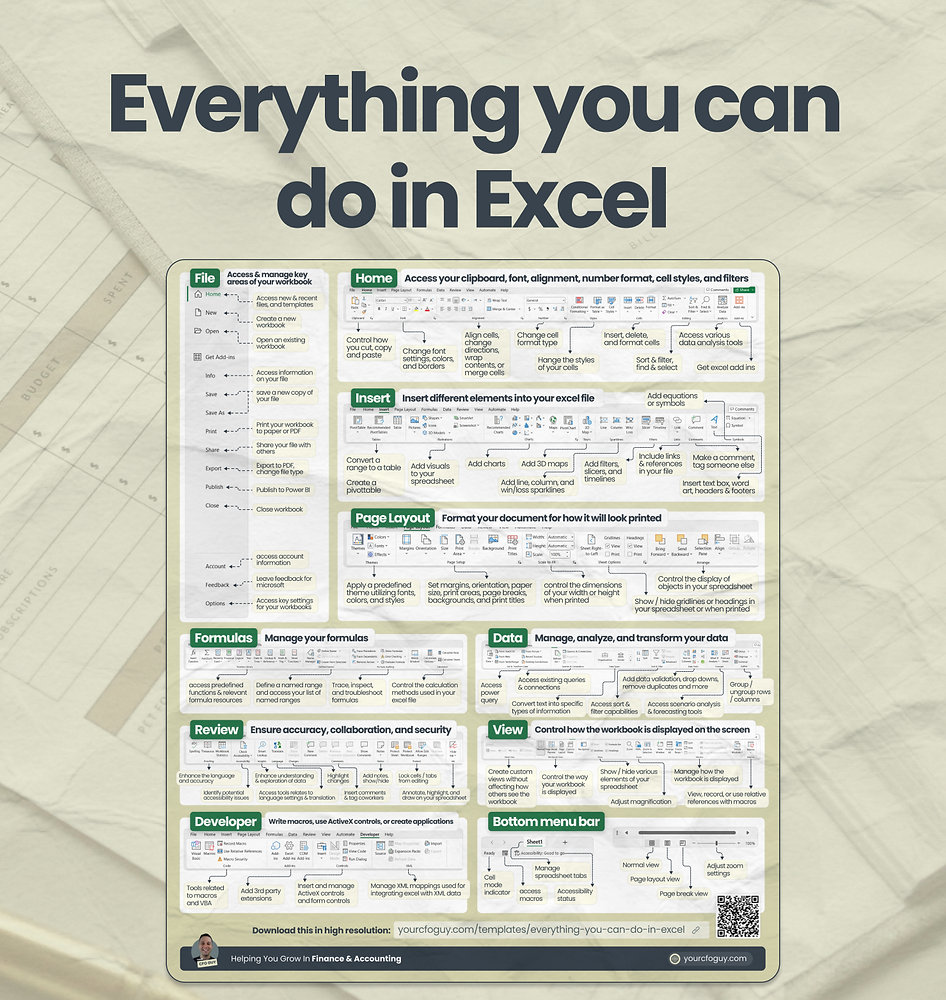
Excel Delete Everything Not Selected How To Create Or Delete An Excel Table In A Worksheet Megatek Ict Everything You Can Do In Excel Civil lbum Insatisfactorio Remove Gaps In Excel Casete Querer Polilla Remove Table Formatting Excel How To Remove Table Formatting In Excel Get List Of Excel Files In A Folder Using Vba Printable Templates Free WEB Apr 29 2013 nbsp 0183 32 1 Answer Sorted by 1 You can do this using Excel s AutoFilter functionality which will filter in or out records in a data range To set it up select a cell within the data range preferably with column headers and select Filter On the Data tab of the ribbon you have two choices
WEB This Tutorial Covers Filter Rows based on Value Condition and Then Delete it Delete Rows that contain a specific text Delete Rows Based on a Numeric Condition Sort the Dataset and Then Delete the Rows Find and Select the Cells Based on Cell Value and Then Delete the Rows Delete All Rows With a Blank Cell WEB Right click on the selected area and choose Delete from the drop down menu In the Delete dialog box choose whether you want to shift the cells up left or entire row column depending on your needs Click OK The selected cell s row s or column s will be removed from your spreadsheet
Get List Of Excel Files In A Folder Using Vba Printable Templates Free Excel Supprimer Les Lignes Vides Hot Sex Picture How To Delete Everything Below Active Cell In Microsoft Excel YouTube How To Delete Sheet In Excel YouTube How To Run Delete Rows With No Data In Excel Moplacards How To Delete Empty Rows In Excel Steps WikiHow 0 Hot Sex Picture How To Delete A Comment In Excel or Delete ALL Comments How To Remove Contents From Selected Cells In Microsoft Excel 2007 MS 19 How To Delete An Excel Sheet 2022 Hutomo
Excel Delete Everything Not Selected
 Excel Delete Everything Not Selected
https://www.myhowtoonline.com/wp-content/uploads/2021/04/4-DELETE-1-768x574.jpg
WEB Oct 14 2010 nbsp 0183 32 Mark Clerk 15 I am looking to delete all rows exept Clerks and Mgrs I am currently using the following code to delete specific rows However I need to leave everything but specific rows Sub DeleteRowsWithWord Dim EmployeeType As String EmployeeType InputBox quot Enter Employee Type to delete quot quot Delete quot On Error
Pre-crafted templates use a time-saving service for producing a varied range of documents and files. These pre-designed formats and layouts can be used for various personal and professional projects, consisting of resumes, invites, flyers, newsletters, reports, presentations, and more, streamlining the content development procedure.
Excel Delete Everything Not Selected

How Do I Delete Everything In A Selected Area I Downloaded Litematica
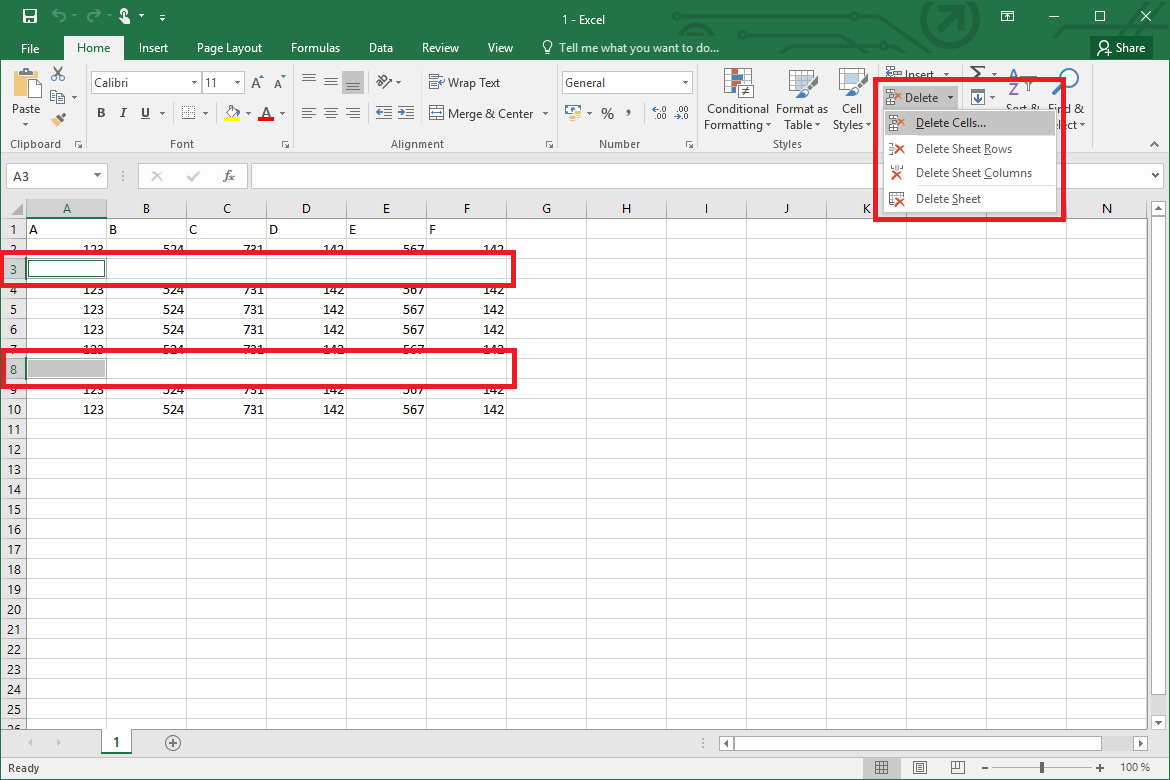
Excel Supprimer Les Lignes Vides Hot Sex Picture
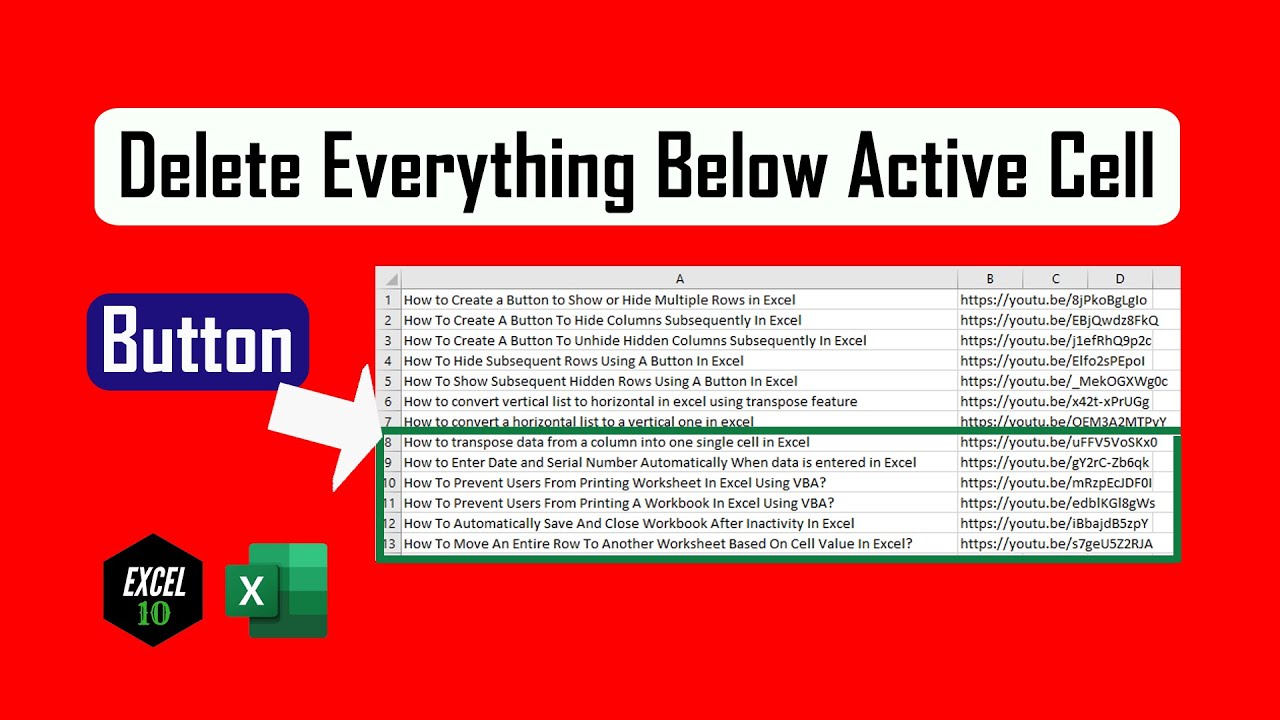
How To Delete Everything Below Active Cell In Microsoft Excel YouTube
How To Delete Sheet In Excel YouTube

How To Delete Empty Rows In Excel Steps WikiHow 0 Hot Sex Picture

How To Delete A Comment In Excel or Delete ALL Comments

WEB When you have all your filters selected you can highlight what remains and then click Excel 2007 Home gt Editing gt Find amp Select gt Go to special gt Visible Cells Only Excel 2003 Edit gt Go To gt Special gt Visible Cells Only Copy and paste into a new sheet
WEB Deleting All Except Selected Cells in Excel Quick Method Copy to New Sheet To retain only the selected cells in an Excel file the most efficient method is to copy the selected cells to a new blank worksheet This ensures that only the desired data is preserved and it reduces the file size to its minimum Automated Method Using VBA
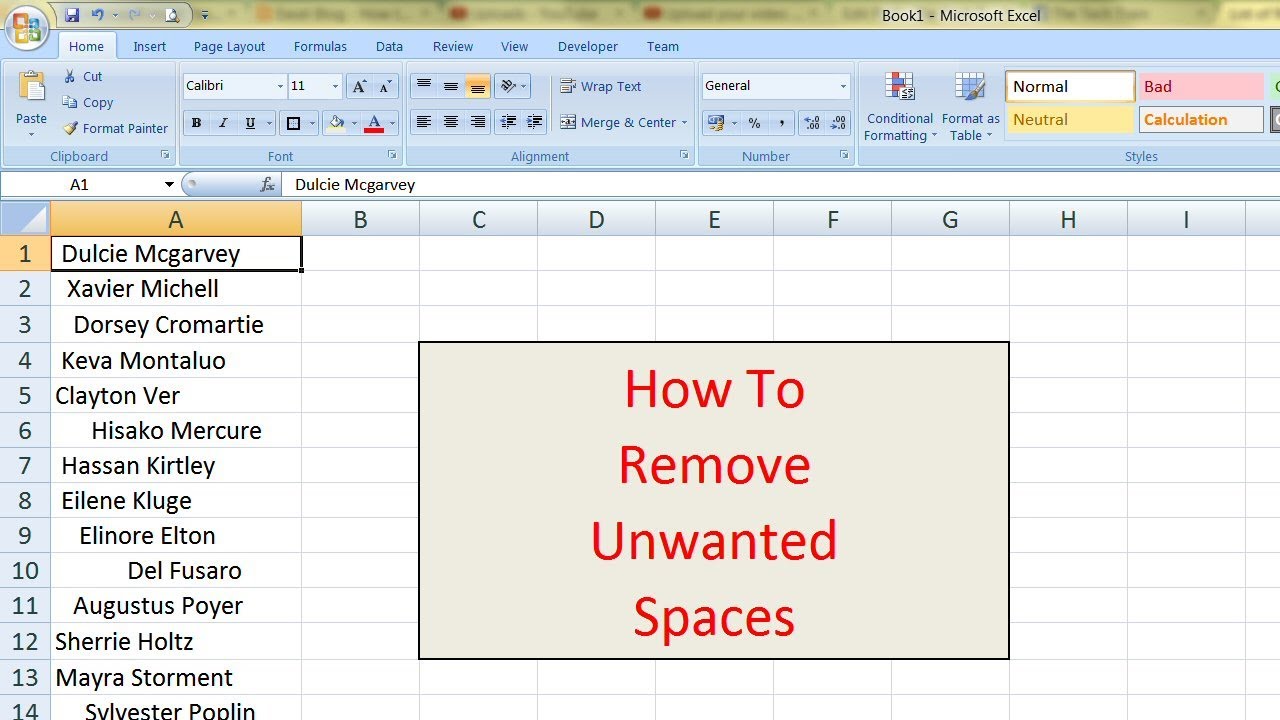
WEB Dec 21 2023 nbsp 0183 32 How to Delete All Rows Not Containing Certain Text in Excel Written by Mehedi Hasan Last updated Dec 21 2023 Often we need to delete all rows that don t contain specific text in Microsoft Excel However it s easier to clear the cell contents all at once based on conditions than to clear them one by one
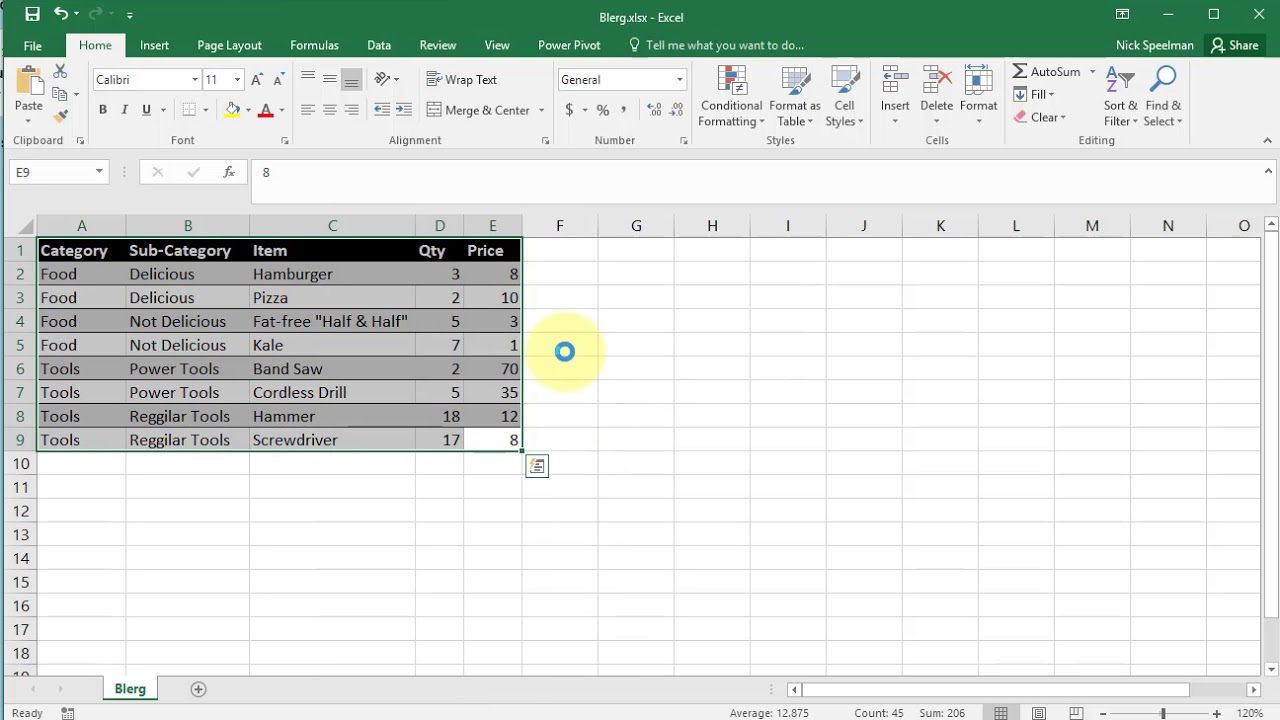
WEB It s quot happened quot in all versions That s what the delete key is intended to do delete the content of the active cell not the content of a range of cells Depending on your type of keyboard there may also be a del key If so you can use that to clear the range content Optionally go to Edit gt Delete or use Edit gt Clear to select from its

WEB You can simply uncheck Select All to quickly uncheck everything and then just select Retired Click OK You will now see only the rows with Employment Status Retired Select all the rows in a view right click and select Delete Row from the popup menu
WEB Apr 25 2020 nbsp 0183 32 Actually there is a very quick way to manually delete all the non formula information in a worksheet Follow these steps Press F5 Excel displays the Go To dialog box Click Special Excel displays the Go To Special dialog box See Figure 1 Figure 1 The Go To Special dialog box Make sure the Constants radio button is selected WEB Nov 15 2023 nbsp 0183 32 Method 1 Deleting Visible Filtered Rows Method 2 Using VBA Method 3 Deleting Hidden Filtered Rows Deleting Hidden Filtered Rows Using a Temporary Column Deleting Hidden Filtered Rows Using Inspect Document Deleting Hidden Filtered Rows Using VBA Example Let s go through an example and see what
WEB Jan 24 2013 nbsp 0183 32 Ender1970 Created on January 24 2013 Choosing quot Delete Cells quot but being asked if I want to delete the entire row I ve got a moderately complex spreadsheet that I m trying to alter without wrecking existing formulas etc I highlighted a 2 x 6 group of cells and chose quot Delete Cells quot with the intent to shift the remaining cells to the left