Excel Delete All Letters How To Delete Blank Rows In Excel YouTube How To Delete All Rows Below A Certain Row Using Button In Excel How To Delete All Rows Not Containing Certain Text In Excel Ogenj Stout Prileganje Excel Remove Empty Lines Mlin Redno Sko iti Remove Blank Rows In Excel Examples How To Delete Blank Rows WEB Jun 27 2023 nbsp 0183 32 For example if you want to remove all instances of the letter a from a cell you can use the following formula SUBSTITUTE A1 quot a quot quot quot This formula will replace all instances of the letter a with an empty string effectively
WEB Apr 12 2023 nbsp 0183 32 See how to strip special characters from a text string using Excel formulas and remove unwanted characters from multiple cells with custom LAMBDA or VBA user defined functions WEB Jun 21 2024 nbsp 0183 32 Removing letters from a cell in Excel can be a breeze if you know the right steps Whether you re dealing with a small dataset or a massive spreadsheet the methods outlined above will help you clean up your data quickly and efficiently
Remove Blank Rows In Excel Examples How To Delete Blank Rows Cara Menghapus Row Kosong Di Excel Secara Otomatis How To Delete All Data But Keep Formulas In Excel How To Delete Empty Rows In Excel 9 Steps WikiHow How To Delete Columns In Excel 2007 YouTube Excel Delete All Comments In Workbook With And Without VBA Excel Tool Delete Blank Hidden Rows Columns Sheets Business Excel Delete Worksheet In Excel Tutorial Desk Excel Delete Row Shortcut LaptrinhX
Excel Delete All Letters
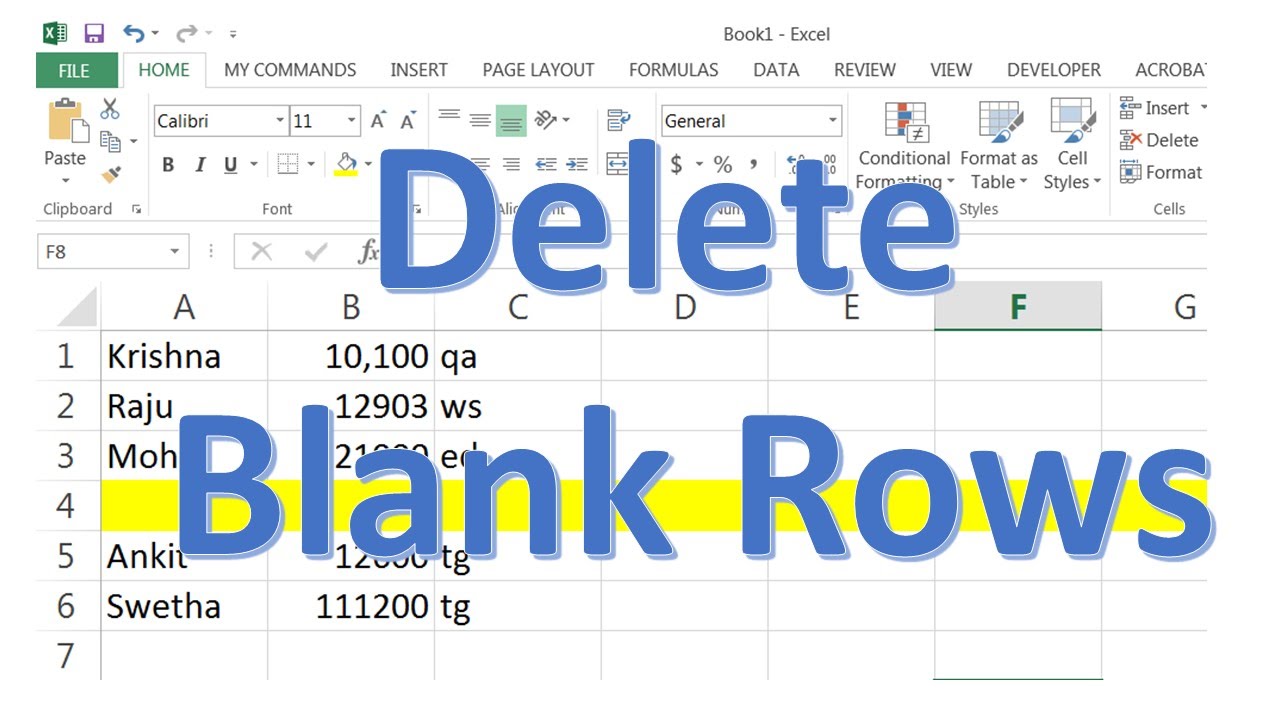 Excel Delete All Letters
https://i.ytimg.com/vi/33a1Q0zf_WQ/maxresdefault.jpg
WEB Remove Text Using Flash Fill Remove Text Using VBA Custom Function Remove Text After a Character Using Find and Replace If you want to quickly remove all the text after a specific text string or before a text string you can do that using Find and Replace and wild card characters
Pre-crafted templates provide a time-saving solution for creating a varied variety of documents and files. These pre-designed formats and layouts can be used for various individual and professional tasks, consisting of resumes, invitations, flyers, newsletters, reports, presentations, and more, improving the material development process.
Excel Delete All Letters
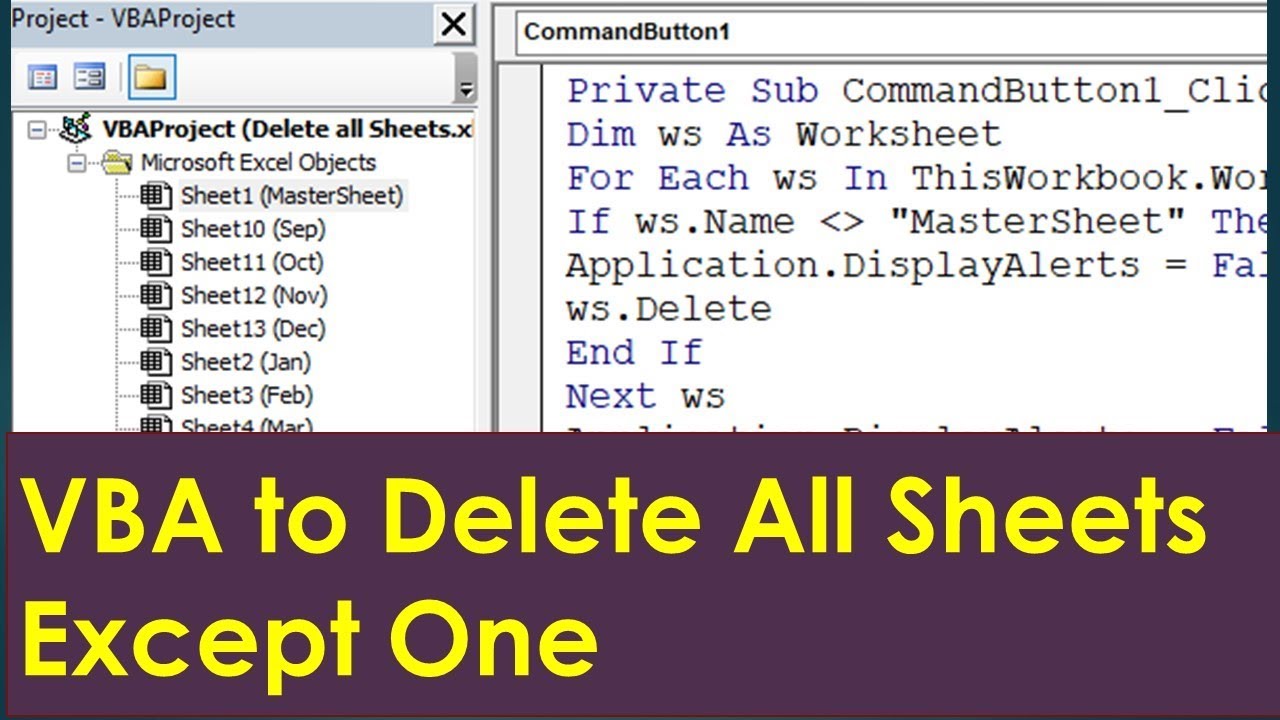
VBA To Delete All Sheets Except Specific Sheet Excel VBA Tutorial

Cara Menghapus Row Kosong Di Excel Secara Otomatis
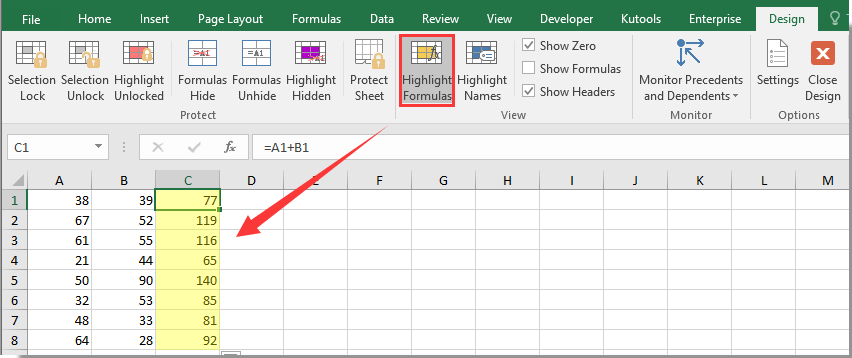
How To Delete All Data But Keep Formulas In Excel

How To Delete Empty Rows In Excel 9 Steps WikiHow

Excel Delete All Comments In Workbook With And Without VBA
Excel Tool Delete Blank Hidden Rows Columns Sheets Business
WEB Mar 10 2023 nbsp 0183 32 See how to quickly remove characters from Excel cells using formulas or Find amp Replace feature delete certain text from multiple cells at once strip off first or last character remove spaces before text and more

WEB Mar 13 2023 nbsp 0183 32 The tutorial looks at how to delete everything before after a specific character or between two characters by using Excel formulas custom function Find and Replace or a special tool

WEB Apr 19 2024 nbsp 0183 32 Method 1 Using Find and Replace Tool to Remove Text from a Cell in Excel Steps Click Ctrl H to open the Find and Replace dialog box Write ID in the Find what Leave the Replace with box empty Press Replace All Click OK in the notification box The text ID has been removed from all the cells including the header
WEB May 21 2023 nbsp 0183 32 The easiest method to remove letters from a cell in Excel is by using the SUBSTITUTE function This function replaces one text or substring with another in a cell Here s how to use it
WEB Jun 21 2024 nbsp 0183 32 In this article you will get the easiest ways to remove specific text from cell in Excel effectively Download the workbook and practice
WEB Remove All Text from the Left and keep the numbers Sometimes you may get a data set where you have the text and numbers together in one single cell as shown below and you want to remove all the text but keep the numbers only WEB Dec 12 2022 nbsp 0183 32 This article introduces different methods of removing texts before or after a specific character or the nth occurrence character from cells in Excel Method A Delete texts before or after specific character by Find and Replace Method B Delete texts before or after the first or last specific character by formula
WEB Jul 6 2024 nbsp 0183 32 This article explained six methods to remove characters in Excel by using Excel features functions and formulas