Excel Day And Time Format Date Time Formatting And Conversions In ASP NET DotNetXP Templates In Excel Customizing Date And Time Format In WordPress Qode Interactive Format Date And Time In Excel With VBA YouTube Excel Date And Time Formatting My Online Training Hub Do one of the following To insert the current date press Ctrl semi colon To insert the current time press Ctrl Shift semi colon To insert the current date and time press
There are two date format options to choose from in this menu Short Date 1 17 2021 and Long Date Sunday January 17 2021 You can select either of those or if that s not the format you re looking You can use the DATE function in Excel The syntax for the function is DATE year month day with all three arguments required Enter the year in four digits the month as a number from 1 to 12 and the day
Excel Date And Time Formatting My Online Training Hub Day Function In Excel Examples How To Use Excel Day Function Availability Template Excel Database Daily Schedule Template In Excel Daily Calendar Templates To Plan Your Day Calendar Tricks How To Add A Day To A Schedule In Excel YouTube Datetime Excel Merge Cell Date And Time Stack Overflow 17 Create Fully Automatic Day Book In Excel DAY BOOK Accounting Do I Have To Have Time Sheets For My Hourly Employees Greenwald
Excel Day And Time Format
 Excel Day And Time Format
https://i0.wp.com/www.dotnetxp.com/wp-content/uploads/2017/04/date-time-conversions.png
Step 1 Select the cells in an Excel sheet where you wish to apply or alter the time format On the Home Tab press Ctrl 1 to open the Format Cells dialog box Step 2 Choose Time from the category list in
Pre-crafted templates provide a time-saving solution for developing a varied range of files and files. These pre-designed formats and layouts can be used for different individual and expert projects, including resumes, invitations, flyers, newsletters, reports, discussions, and more, simplifying the material production procedure.
Excel Day And Time Format
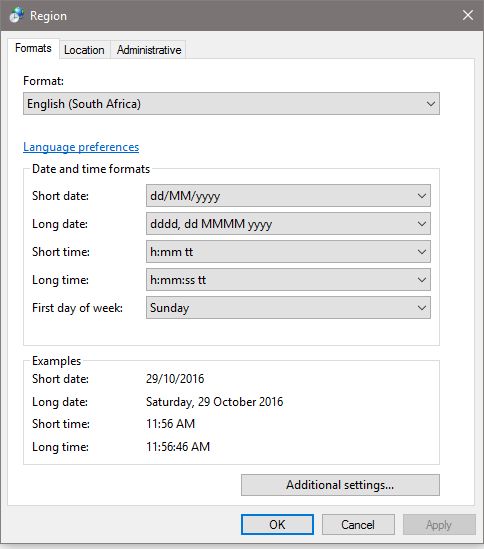
Excel Date And Time Format Technoview

Day Function In Excel Examples How To Use Excel Day Function
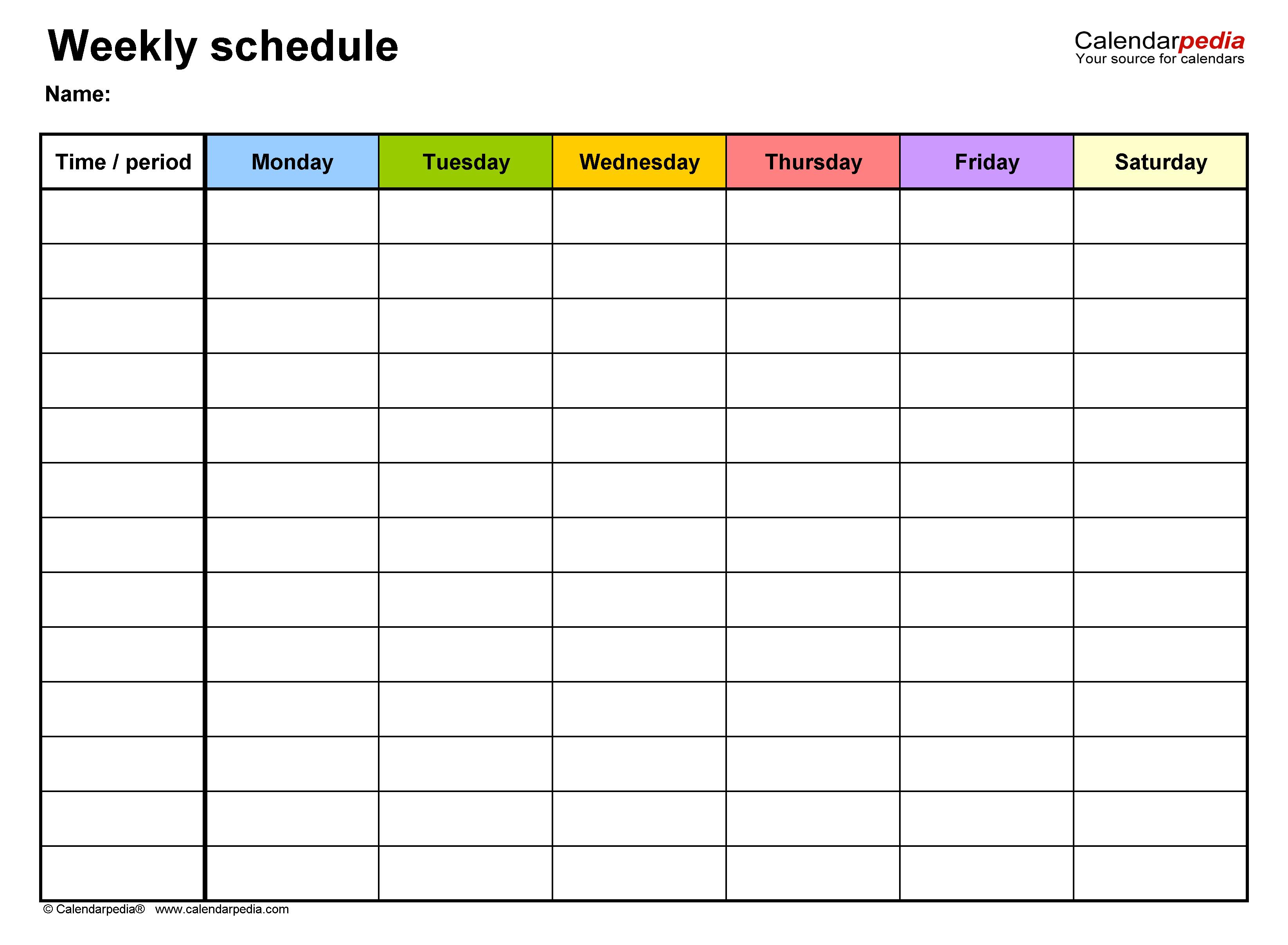
Availability Template Excel Database
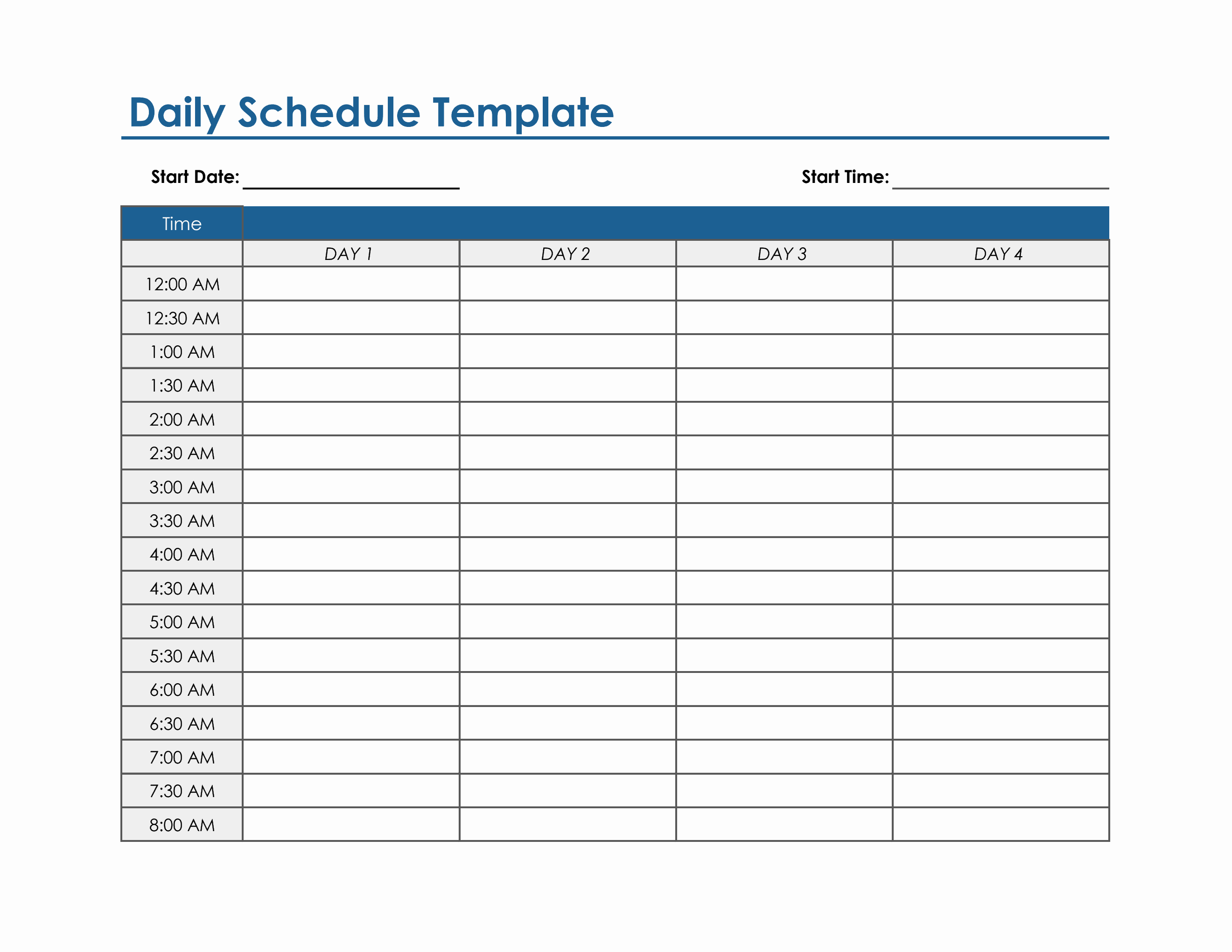
Daily Schedule Template In Excel
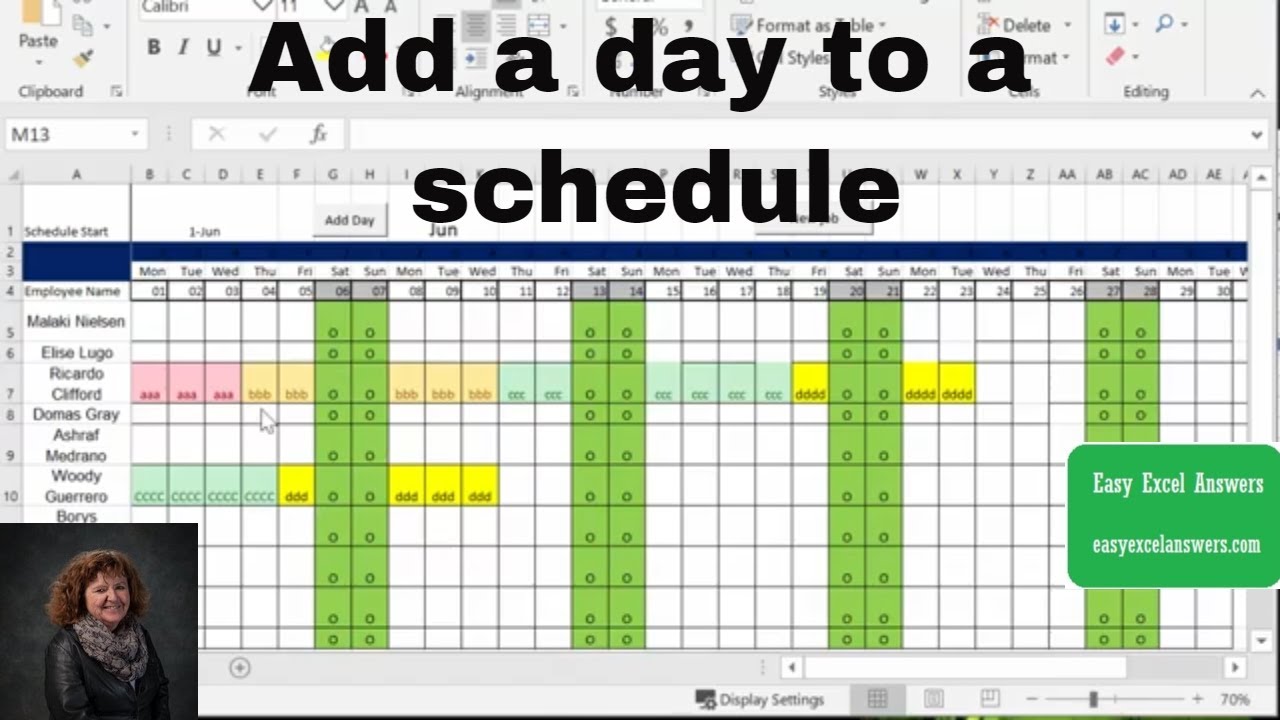
How To Add A Day To A Schedule In Excel YouTube

Datetime Excel Merge Cell Date And Time Stack Overflow

1 Select cell A1 2 Right click and then click Format Cells 3 In the Category list select Date and select a Date format 4 Click OK Note to apply a Time format in the Category list select Time 5 Dates are
Everything you need to know about formatting time in Excel how to change time to 12 hour or 24 hour format apply custom formatting format date time values

Microsoft Excel processes time entries as a decimal fraction of a day The integer part of the decimal represents the number of days and the fractional part

If you change your date setting in Control Panel the default date format in Excel will change accordingly If you don t like the default date format you can choose another date format in Excel such as
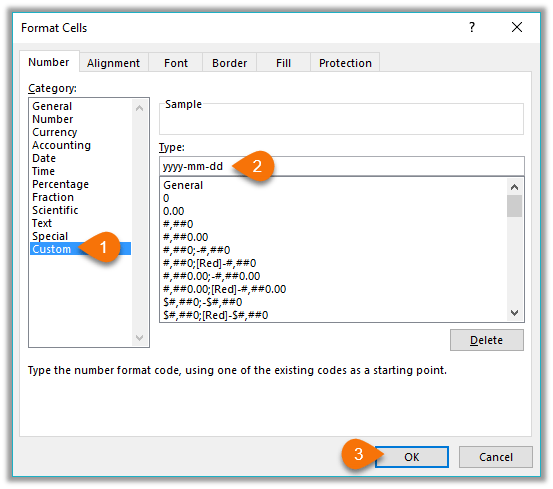
Press CTRL 1 or right click Format Cells to open the Format Cells dialog box On the Number tab select Date in the Categories list This brings up a list of default date formats you can select from in
For example if your Windows 10 or 11 PC shows the Country or region as the United States in the Time Language Region section of the Settings app Excel Using SpreadsheetGear for NET you can do this worksheet Cells A1 Value DateTime Now This will convert the DateTime to a double which is the
Dates and times with a format that begins with an asterisk automatically update based on your PC s regional settings You can see an example in the Format