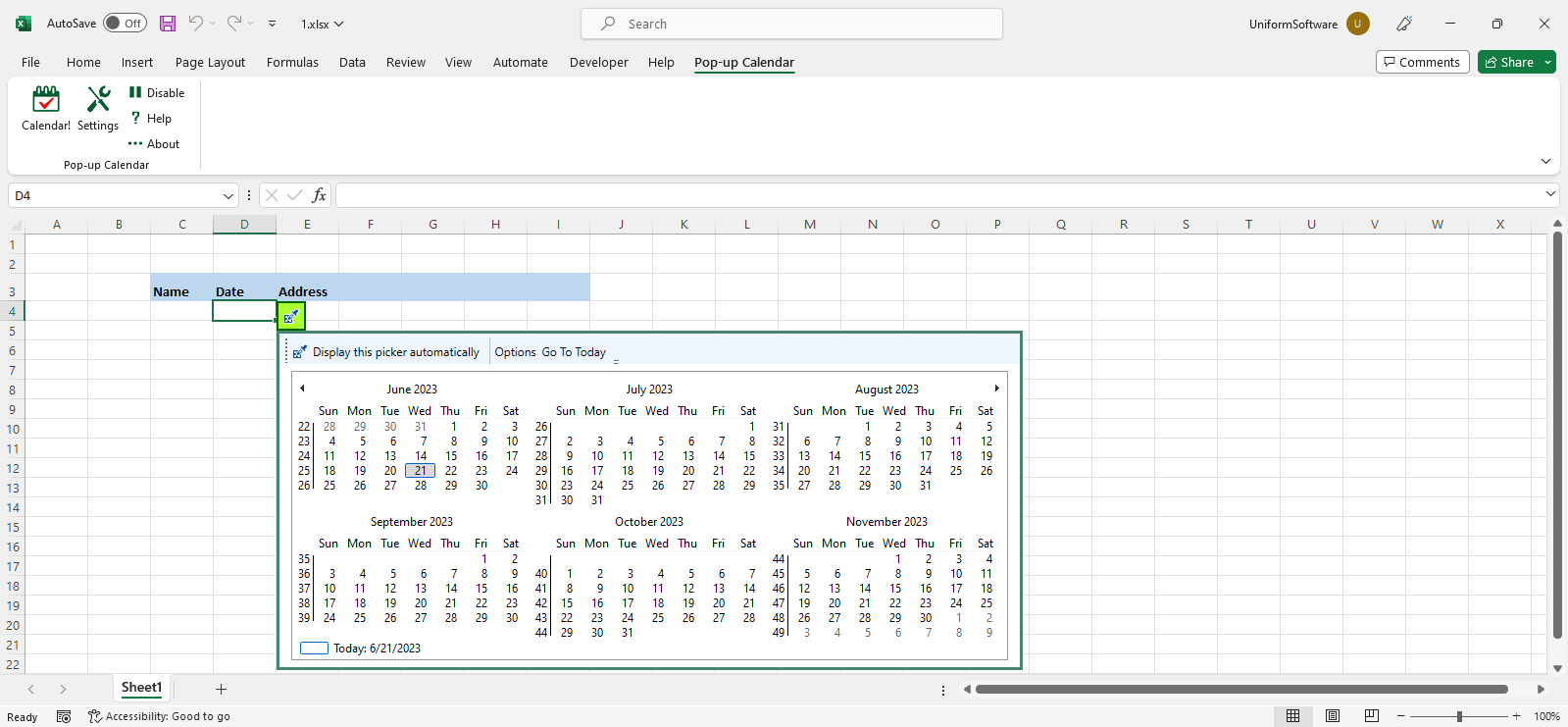
Excel Date Picker Control Excel Date Picker How To Insert Step By Step Examples How To Add A DatePicker Calendar To Excel Cells How To Insert Calendar In Excel Date Picker Printable Calendar Template Insert Date Picker Drop Down Menu In Excel 2020 Calendar Template 2023 How To Insert Calendar In Excel Date Picker Printable Calendar Web The date picker window will open with today s date selected if there is no date in the active cell You can navigate to different months and years by using the controls above the calendar view Click the Month or Year name to open a
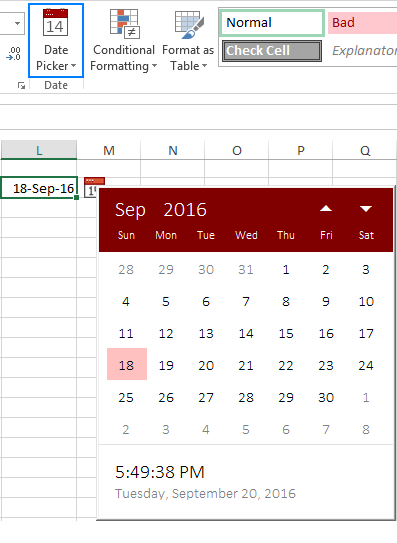
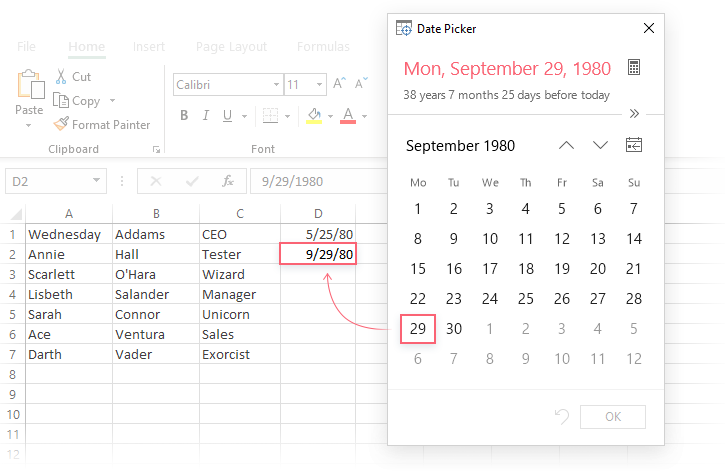
Web Date Picker is a dropdown calendar that helps enter dates in Excel Just run the tool and click the date that you want to insert into the selected cell With Date Picker you can also change a date by adding or subtracting years months weeks and days Video How to use Date Picker How to turn Date Picker on and off Web Aug 24 2019 nbsp 0183 32 Step 1 Enable Developer Mode in Excel File Options Customize Ribbon Ensure Developer checkbox is enabled sibwp form id 100 Step 2 Setup DateTime Control box Microsoft Date and Time Picker Control Click on random cell to place control box Edit or remember the name box of the DateTime Picker in this case we will leave it
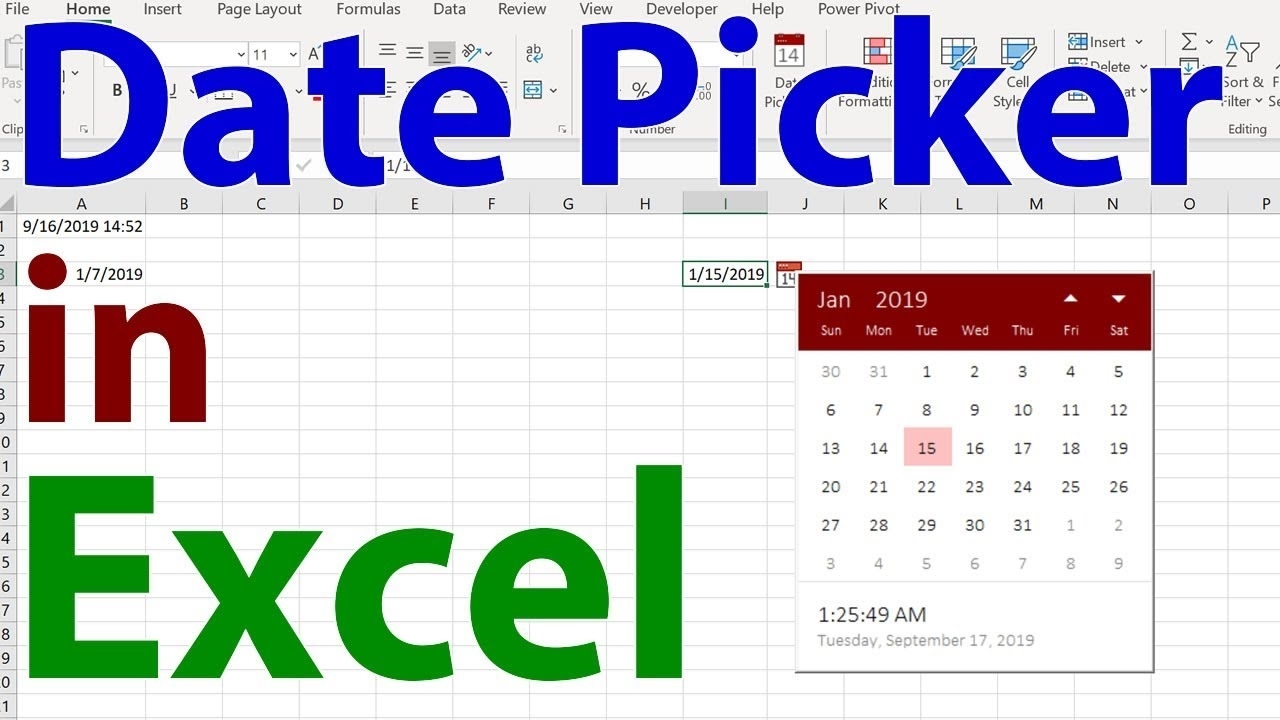
How To Insert Calendar In Excel Date Picker Printable Calendar Date Picker Popup Calendar For Excel YouTube Date Picker In Excel The Coolest Little Helper In Excel By Haris Excel Date Picker How To Insert Step By Step Examples Microsoft excel Date Picker Control Porcoupons Time Picker And Date Time Picker Control In VBA PK An Excel Expert Add Date Picker To Excel Column Newbermo Calendar Design In Excel VBA Date Picker YouTube Free Date Picker For Excel Neurolokasin
Excel Date Picker Control
 Excel Date Picker Control
https://www.wallstreetmojo.com/wp-content/uploads/2019/09/Excel-Date-Picker.png
Web Jun 30 2023 nbsp 0183 32 This tutorial demonstrates how to insert a drop down calendar with the date picker control in Excel There are numerous ActiveX controls available to be used in Excel but they are not obviously available and many
Pre-crafted templates offer a time-saving service for producing a diverse variety of documents and files. These pre-designed formats and designs can be utilized for various personal and professional jobs, including resumes, invites, flyers, newsletters, reports, presentations, and more, improving the content development procedure.
Excel Date Picker Control
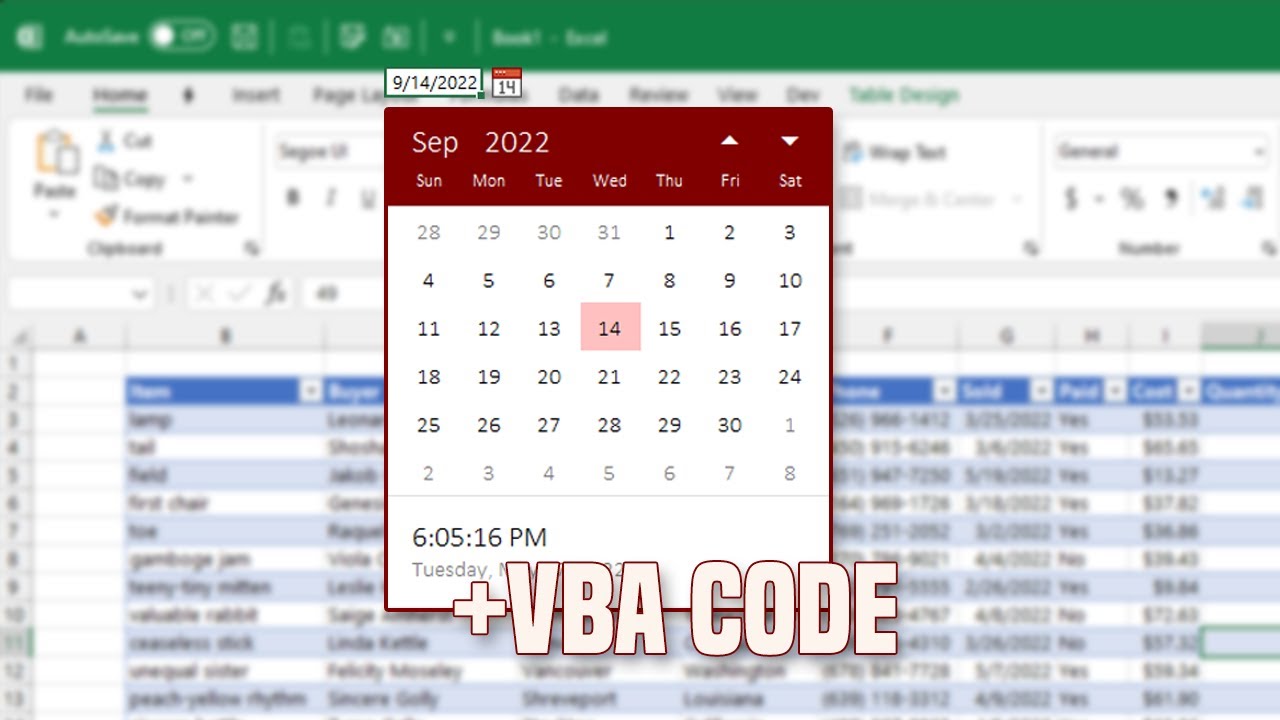
Date Picker For Excel With VBA Code YouTube

Date Picker Popup Calendar For Excel YouTube
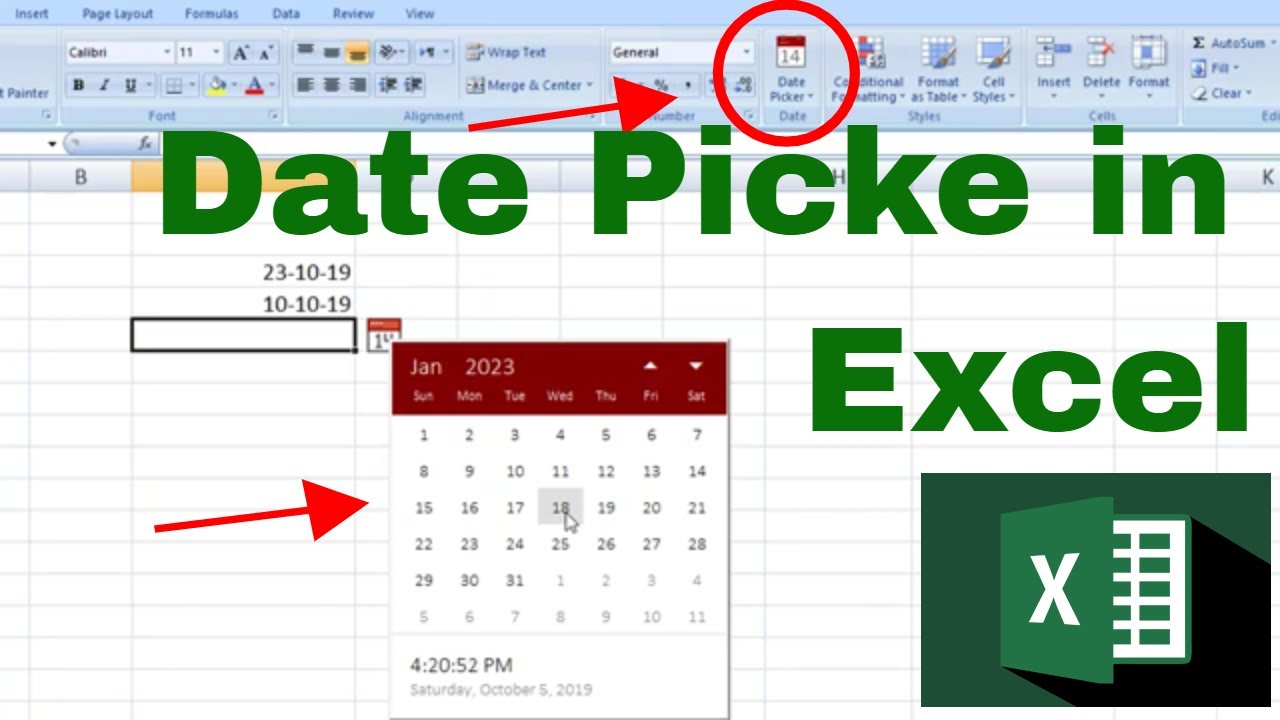
Date Picker In Excel The Coolest Little Helper In Excel By Haris
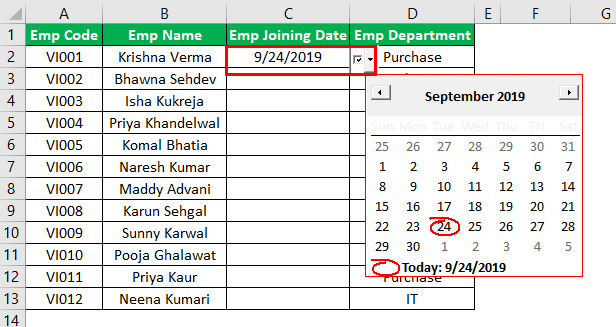
Excel Date Picker How To Insert Step By Step Examples
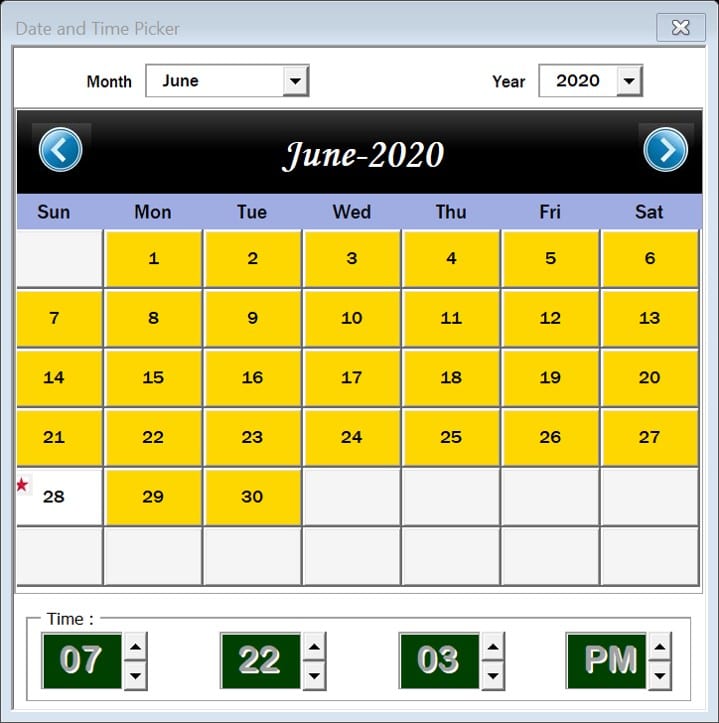
Time Picker And Date Time Picker Control In VBA PK An Excel Expert
Add Date Picker To Excel Column Newbermo

Web A date picker is a control that lets users quickly enter dates in a Microsoft Office InfoPath form by clicking a small pop up calendar For example you can use a date picker to collect birth dates from people on an insurance form

Web For a workaround we also found an Office add in called Mini Calendar and Date Picker via Insert gt Get add ins please try to check if it could meet your need as shown below You can also refer to the workaround Waqas provided in this thread Adding a
Web Jul 18 2022 nbsp 0183 32 Go to the Developer tab on the main menu Click on the Insert icon which will open a dropdown menu Under ActiveX Controls click on the More Controls icon which looks like a spanner TIP Hover with your mouse over each icon to see its name
Web The drop down calendar is technically known as Microsoft Date and Time Picker Control in Excel The Microsoft date picker does not work on the 64 bit version of Excel The drop down calendar is inserted with the help of ActiveX
Web Mar 20 2023 nbsp 0183 32 1 Show the Developer tab on the ribbon The datepicker control belongs to a family of ActiveX controls which reside on the Developer tab By default the Developer tab is hidden in Excel but you can force it to appear in no time Right click anywhere on the ribbon and then click Customize the Ribbon
Web Jan 9 2019 nbsp 0183 32 Open Excel Open VB Editor Activate Control Tools gt References Select quot Microsoft Windows Common Controls 2 6 0 SP6 quot Userform Controls Select any userform in VB project Tools gt Additional Controls Select quot Microsoft Monthview Control 6 0 SP6 quot Use DatePicker control for VBA UserForm Web I need to create an in cell date picker for a excel worksheet I m creating I m trying to follow this tutorial However i cant understand how the example is supposed to place a calendar picker in cell A1 C1
Web Jul 9 2018 nbsp 0183 32 1 Answer Sorted by 1 I m going to make the assumption you re using this add in If that s the case the installation is fairly easy It depends on what OS you re using though Here s what the website states 1 Download the RDB Date Picker add in 2 Copy WinDatePicker xlam to a unprotected directory on your system