Excel Convert Pivot Table To Text How To Use Pivot Table In Microsoft Excel YouTube Excel How To Create And Use Pivot Tables Skill Success Convert Tabular Data From PDF To Sheets And Excel Screenshots Microsoft Excel Text Values In A Pivot Table Super User Fast Tip Friday Create Excel Pivot Table To Count Values In A Column Make sure your data is Formatted as Table by choosing one cell in the data and pressing Ctrl T Make a note of the table name as shown on the Table Tools tab of the ribbon Insert Pivot Table Choose Add This Data to the Data Model while creating the pivot table The Data Model unlocks many features
Usually you can only show numbers in a pivot table values area even if you add a text field there By default Excel shows a count for text data and a sum for numerical data This video shows how to display numeric values as text by applying conditional formatting with a custom number format The written instructions are below the video Just insert a row and enter the text In addition you want to add a column that shows sales by region and product group that is not in the original PivotTable Just insert a column add a formula to get the results that you want and then fill the column down to get the results for each row Use multiple data sources
Fast Tip Friday Create Excel Pivot Table To Count Values In A Column MS Excel Pivot Table Deleted Items Remain Excel And Access LLC Advanced Excel Creating Pivot Tables In Excel YouTube How To Convert A Pivot Table To A Standard List YouTube How To Use Ranges In Pivot Tables Elcho Table Convert A Summary Table In Excel Into A Pivot Table HowtoExcel Working With Pivot Tables In Excel 2010 Part 3 YouTube Pivot Table Date Format Only Shows Month And Year From Today Excel Pivot Tables Using A Data Table To Create A Pivot Table ZOHAL
Excel Convert Pivot Table To Text
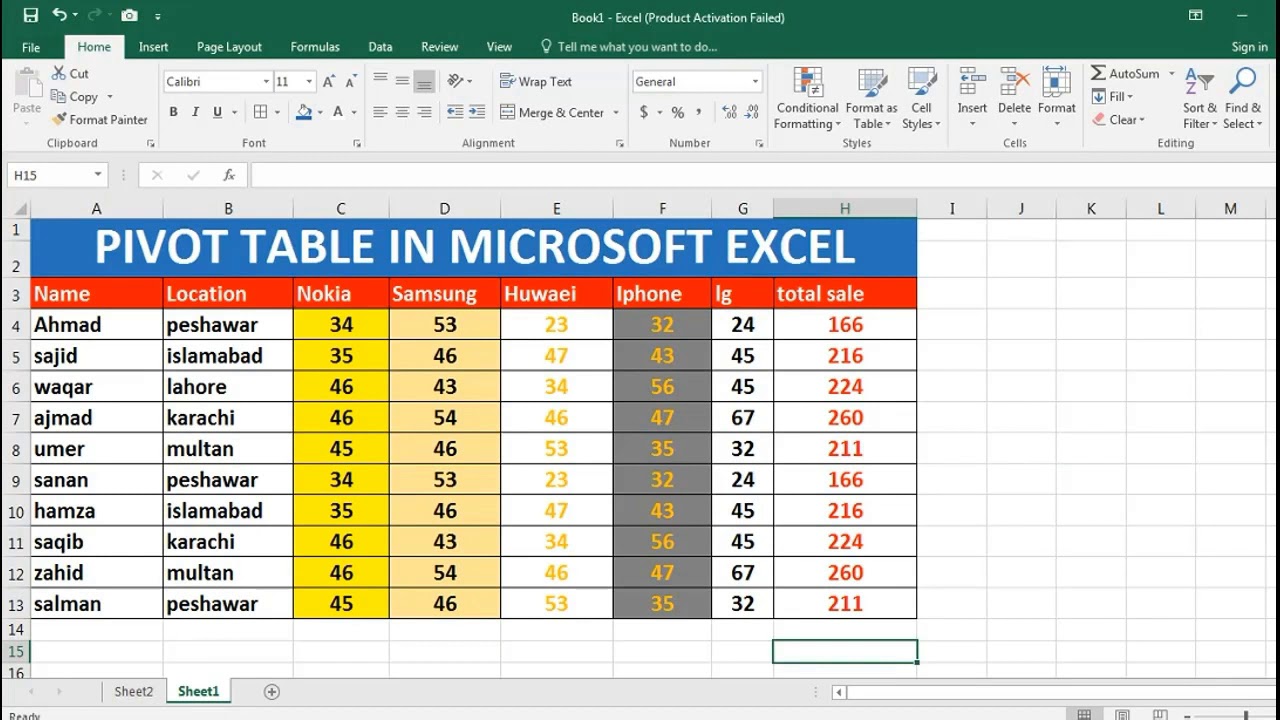 Excel Convert Pivot Table To Text
https://i.ytimg.com/vi/J1cFL9Fl9ZE/maxresdefault.jpg
In the Power Pivot window select the column for which you want to change the data type On the Home tab in the Formatting group choose a data type from the Data Type list Columns that contain both numbers and text values cannot be converted to a numeric data type If you need to modify data values in order to use the data type you want you
Templates are pre-designed files or files that can be utilized for numerous purposes. They can conserve time and effort by providing a ready-made format and layout for developing different sort of material. Templates can be utilized for personal or expert jobs, such as resumes, invites, leaflets, newsletters, reports, discussions, and more.
Excel Convert Pivot Table To Text
How To Display All Values In Pivot Table Printable Templates
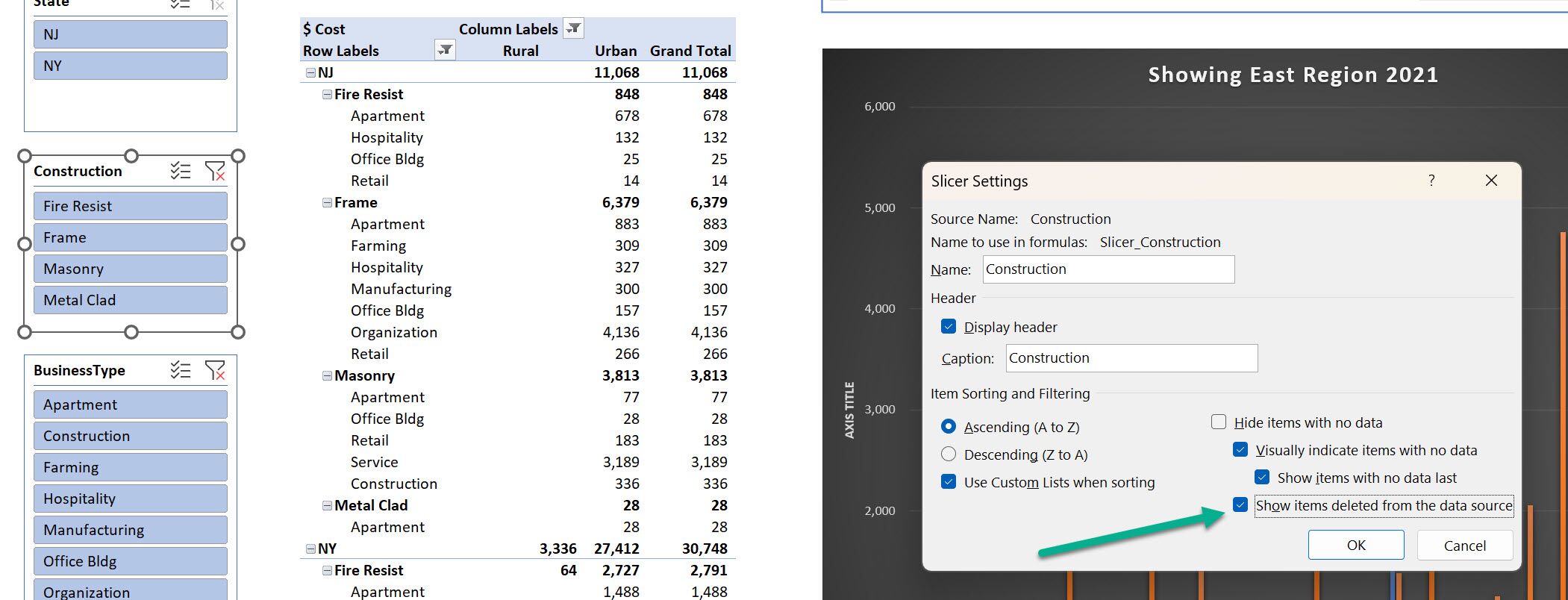
MS Excel Pivot Table Deleted Items Remain Excel And Access LLC
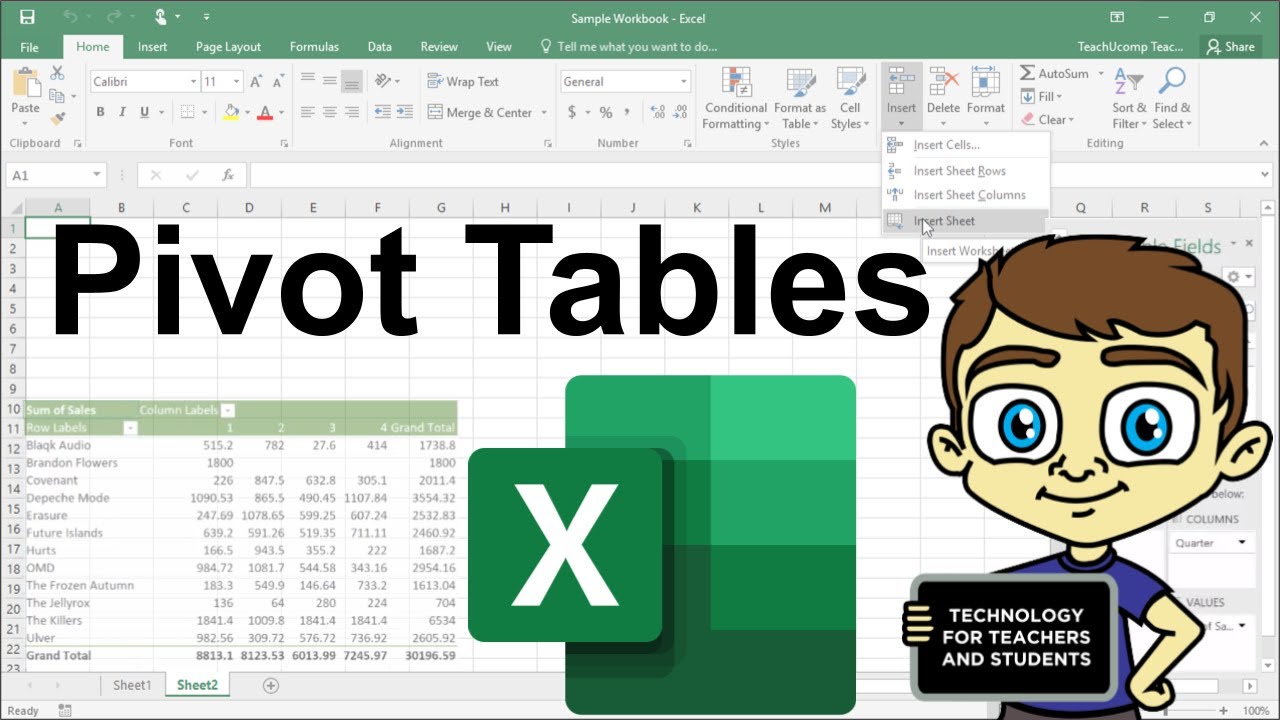
Advanced Excel Creating Pivot Tables In Excel YouTube
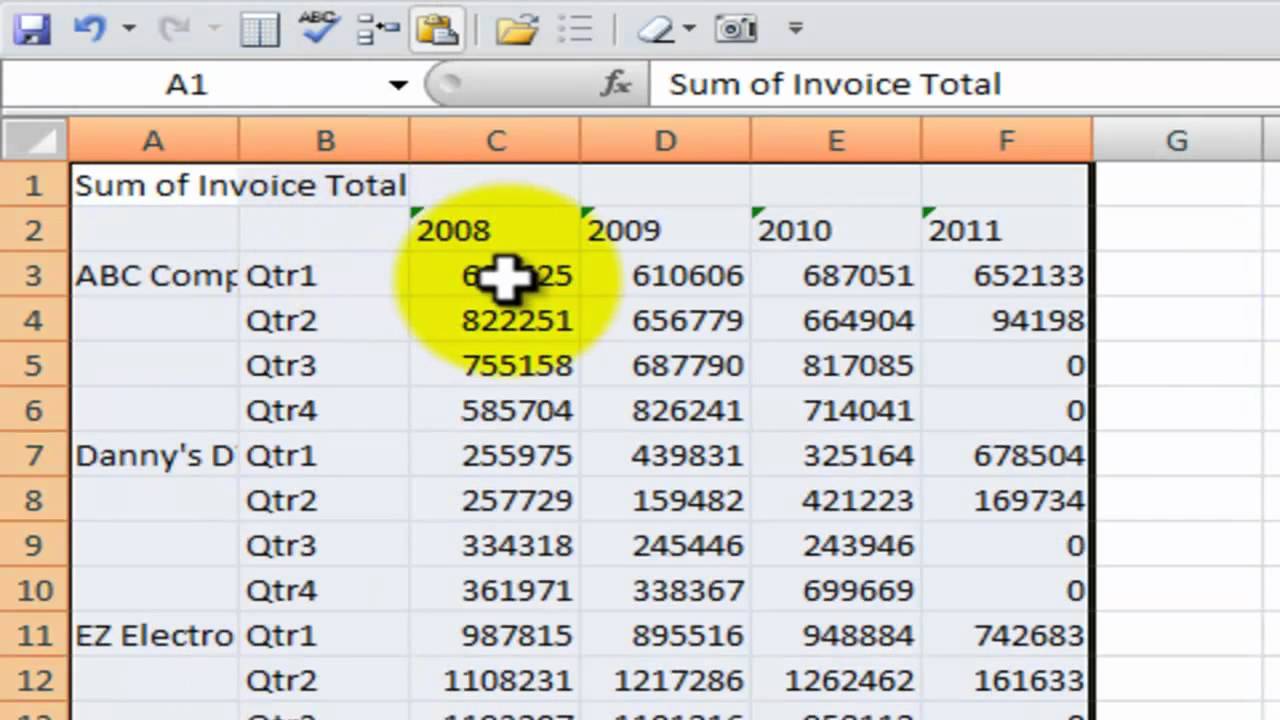
How To Convert A Pivot Table To A Standard List YouTube

Convert A Summary Table In Excel Into A Pivot Table HowtoExcel
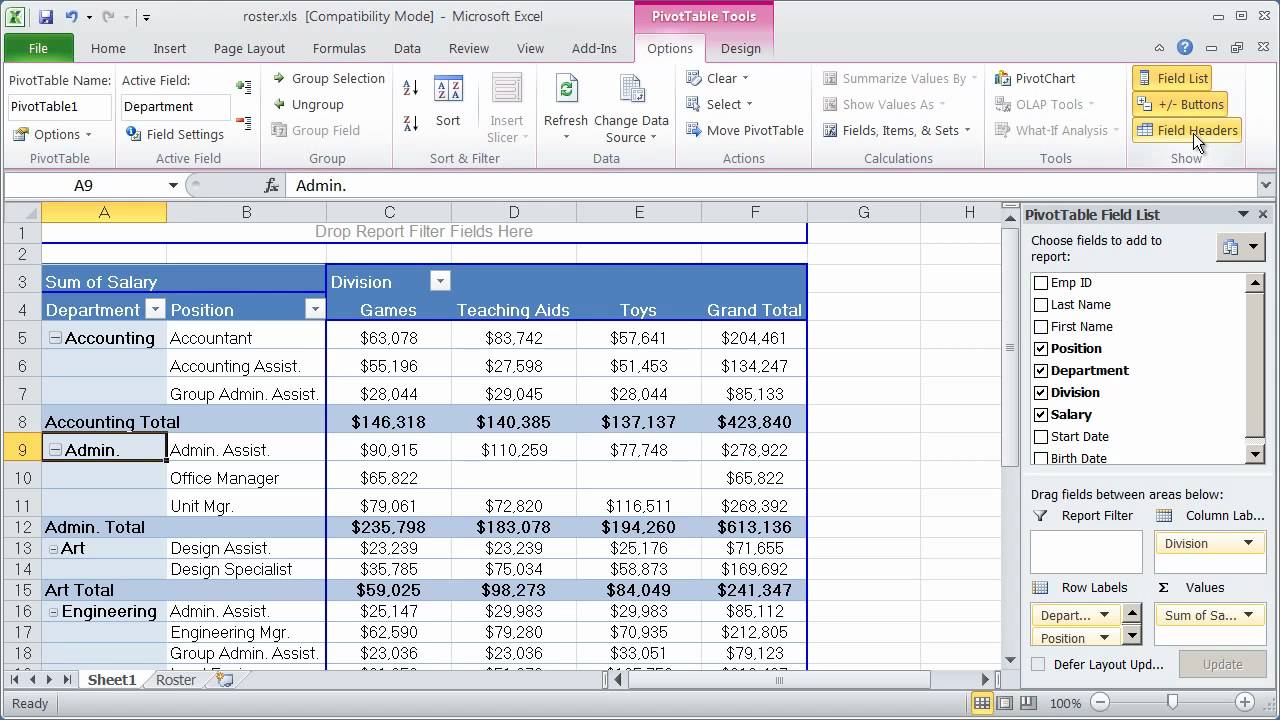
Working With Pivot Tables In Excel 2010 Part 3 YouTube
Converting Table to Text I have a table in Excel which I want to convert to text I know there used to be a button on one of the table contextual ribbons that allowed this but now I only have a TABLE DESIGN ribbon and the TABLE TOOLS ribbon has gone Two questions 1 how do I convert my table to text 2 where s the table tools ribbon gone

To convert this pivot table to an ordinary data table simply select the entire pivot table in this case we select the range E1 I6 and press Ctrl C to copy the data Then right click the cell where you d like to paste the data we ll choose cell E8 and click the option titled Paste Values
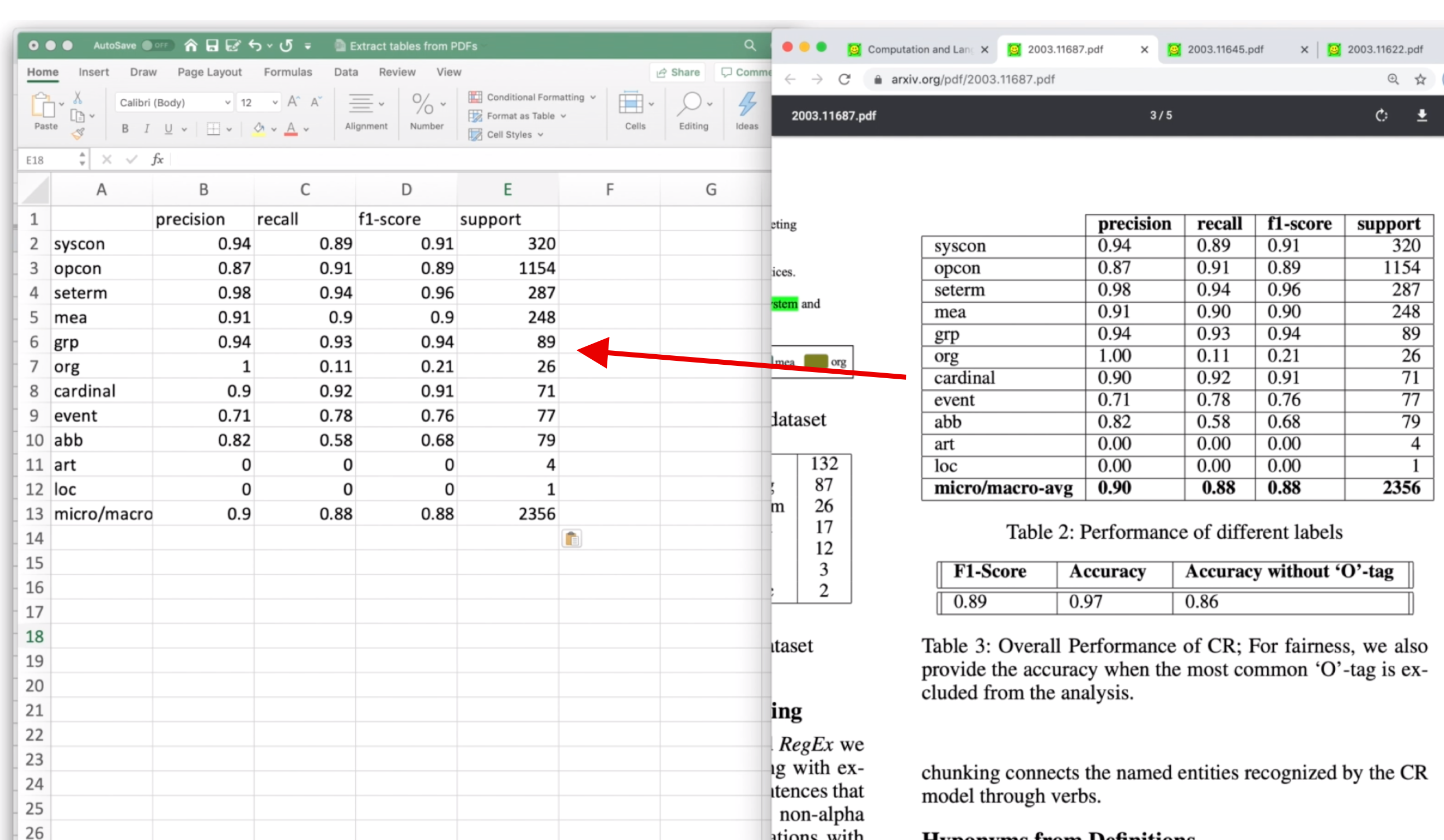
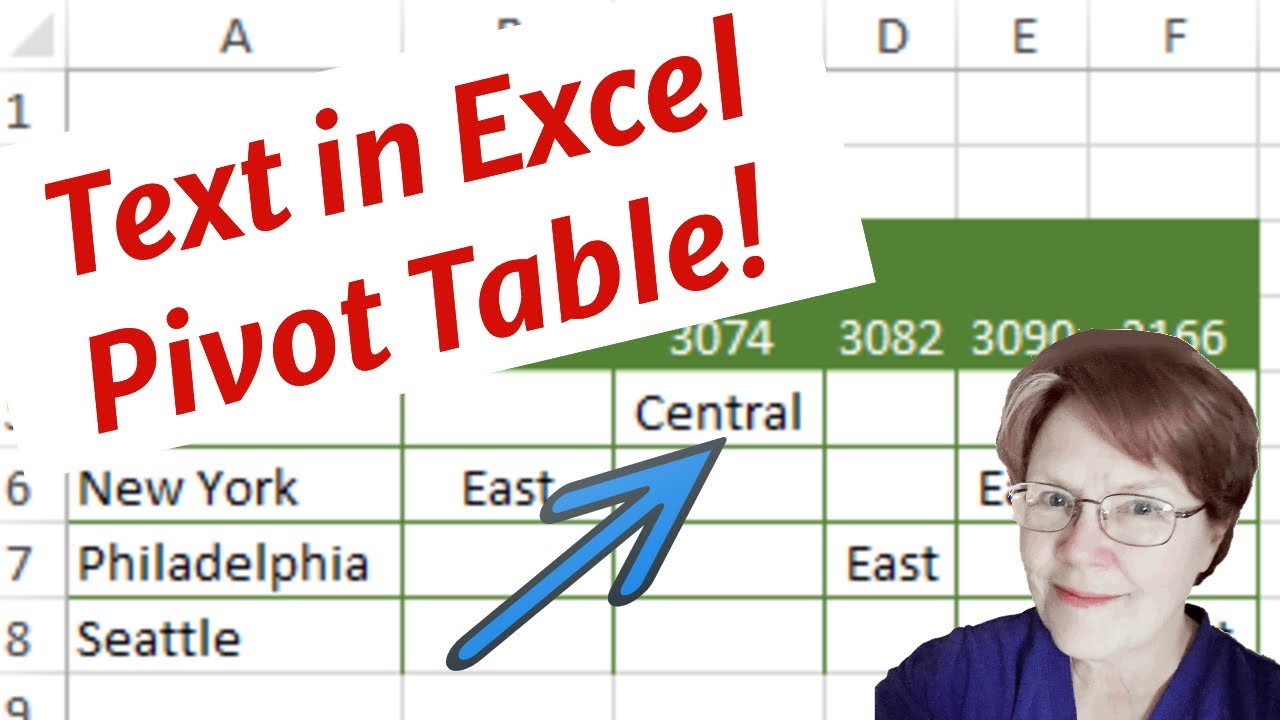
1 East 2 Central 3 West A pivot table was created from that data with City in the Row area Store in the Column area and Region ID in the Values area NOTE Grand Totals have been turned off Show Region Numbers

Click anywhere in the table and then go to Table Tools Design on the Ribbon In the Tools group click Convert to Range OR Right click the table then in the shortcut menu click Table Convert to Range Note Table features are no longer available after you convert the table back to a range

1 Force your ID number to be treated as text in the source data To do this reliably select the column in your data source with ID number Data Text To Columns Next Next
After creating a PivotTable and adding the fields that you want to analyze you may want to enhance the report layout and format to make the data easier to read and scan for details To change the layout of a PivotTable you can change the PivotTable form and the way that fields columns rows subtotals empty cells and lines are displayed Right Click Add Measure Write DAX measure as CONCATENATEX Range quantities Range UOM Returns
Insert A Pivot Table First we will need to insert a pivot table This is done in the usual manner Select a cell inside the data go to the Insert tab then press the Pivot Table button In order to use DAX formulas we will need to select the Add this to the Data Model option