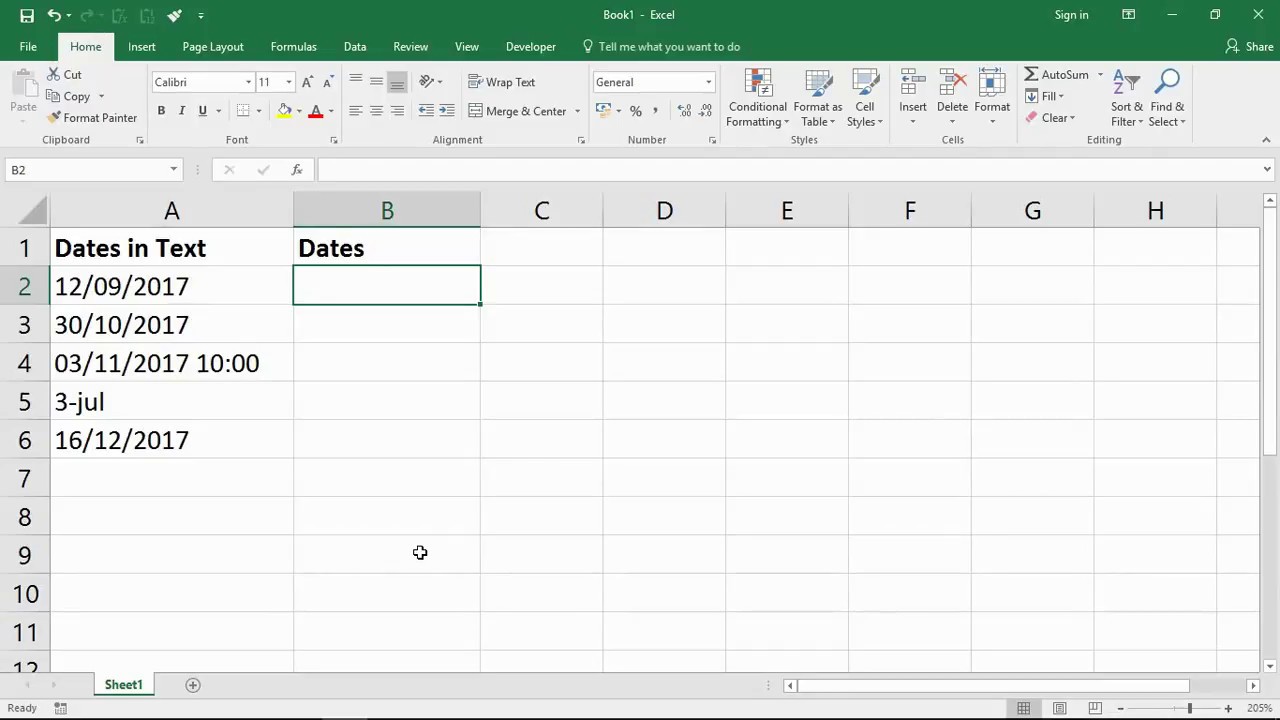
Excel Convert Date Value To Text Excel DATEVALUE Function Convert Text To Date YouTube Convert Text To Number Excel Convert Picture To Text In Excel Download How To Convert Date To Different Or Specific Format In Excel Elementare Omosessuale Meccanico Excel Convert Number To String Kreativehospitality Web Jan 1 2008 nbsp 0183 32 The DATEVALUE function converts a date that is stored as text to a serial number that Excel recognizes as a date The DATEVALUE function is helpful in cases where a worksheet contains dates in a text format that you want to filter sort or format as dates or use in date calculations
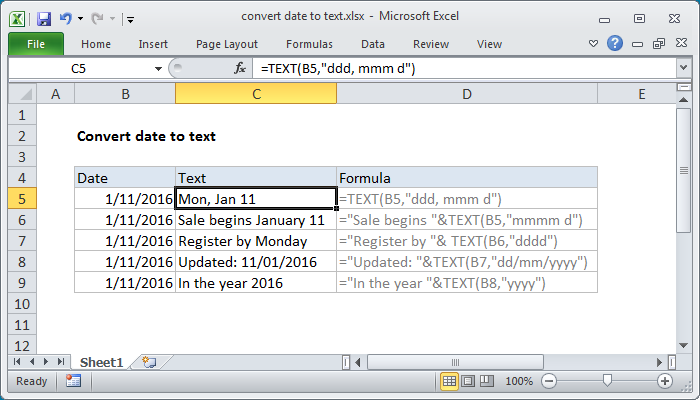
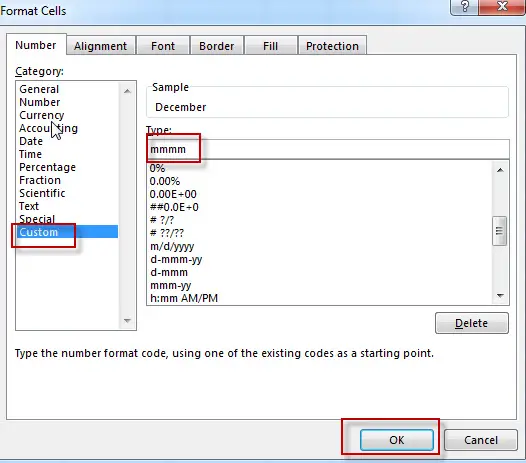
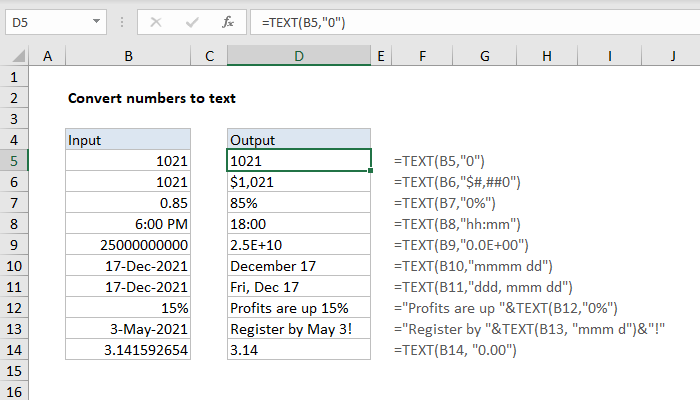
Web Description TEXT 1234 567 quot 0 00 quot Currency with a thousands separator and 2 decimals like 1 234 57 Note that Excel rounds the value to 2 decimal places TEXT TODAY quot MM DD YY quot Today s date in MM DD YY format like 03 14 12 TEXT TODAY quot DDDD quot Today s day of the week like Monday Web Jun 6 2023 nbsp 0183 32 Select and copy your dates Open your Notepad and paste the dates Select all the dates then copy Select a column you want to put your text values Right click the selected cells and choose the Format Cells option Go to the Number format tab in the Format Cells dialog box choose quot Text quot and click OK
Elementare Omosessuale Meccanico Excel Convert Number To String Kreativehospitality Excel Formula Convert Date To Text Exceljet Convert Date To Month Name With Text Function In Excel Free Excel Tutorial Convert Numbers To Text In Excel YouTube MySql Unable To Convert MySQL Date time Value To System DateTime How To Convert Numbers To Words In Microsoft Excel Excel Learning Center YouTube Excel Convert Text To Number With Formula And Other Ways Ablebits Excel Formula Convert Text To Date Exceljet Eisig Einfach Zu Bedienen Liebling Yyyy Mm Dd Sektion Fiel Bus
Excel Convert Date Value To Text
 Excel Convert Date Value To Text
https://i.ytimg.com/vi/rf7Bw7lAjtw/maxresdefault.jpg
Web The DATEVALUE function is meant to convert a date represented as a text string into a valid Excel date Proper Excel dates are more useful than text dates since they can be formatted as a date and directly manipulated with other formulas The DATEVALUE function takes just one argument called date text If date text is a cell address the
Pre-crafted templates provide a time-saving option for creating a diverse variety of documents and files. These pre-designed formats and layouts can be used for various personal and expert jobs, consisting of resumes, invites, leaflets, newsletters, reports, discussions, and more, streamlining the material creation process.
Excel Convert Date Value To Text
In Excel 2007 Convert Number To Text
Excel Formula Convert Date To Text Exceljet
Convert Date To Month Name With Text Function In Excel Free Excel Tutorial
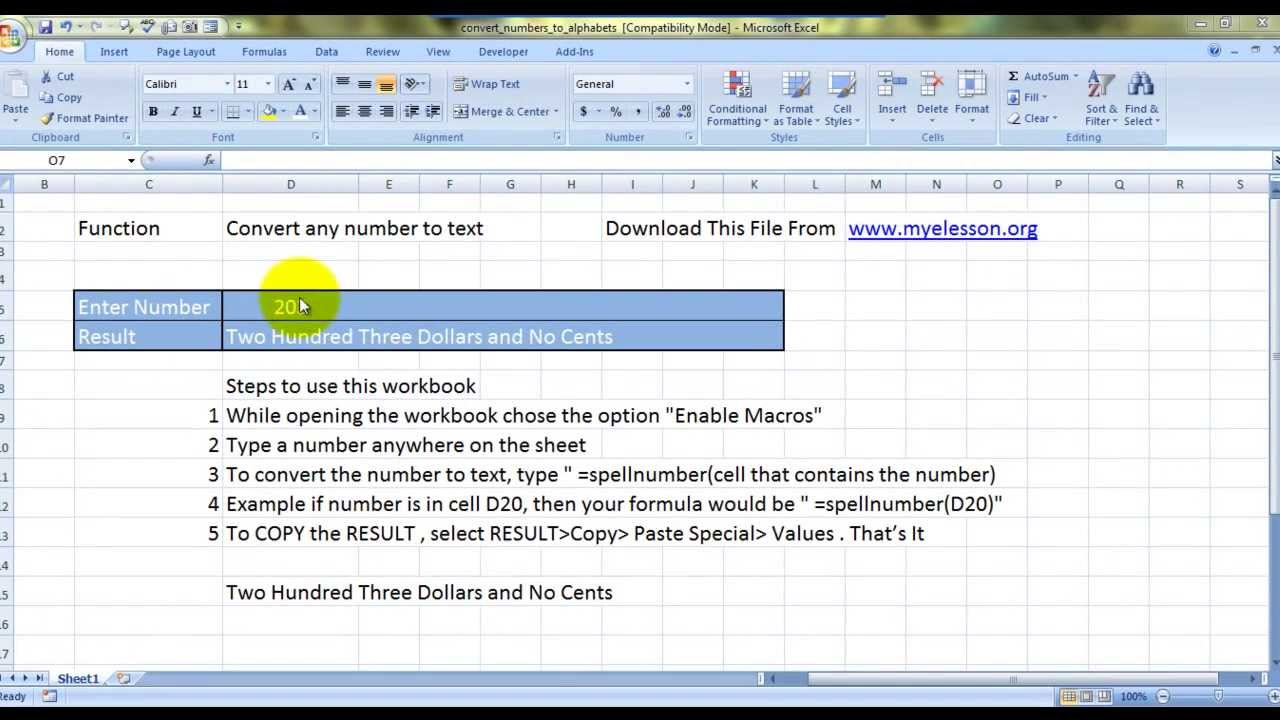
Convert Numbers To Text In Excel YouTube
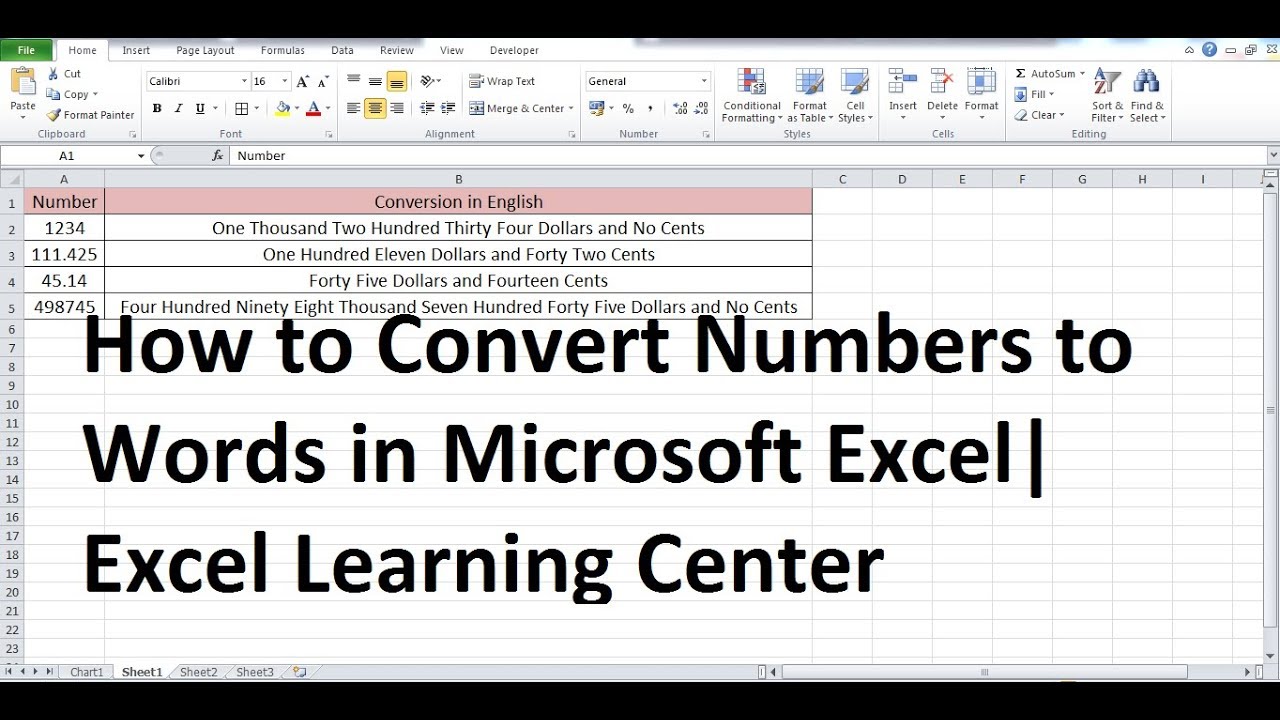
How To Convert Numbers To Words In Microsoft Excel Excel Learning Center YouTube
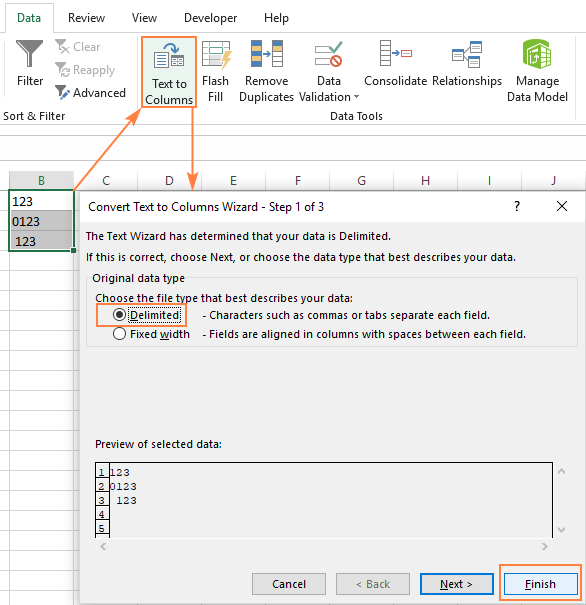
Excel Convert Text To Number With Formula And Other Ways Ablebits
Web Mar 22 2023 nbsp 0183 32 In case you want to convert the current date to the text format you can use the Excel TEXT function in combination with the TODAY function that returns the current date for example TEXT TODAY quot dd mmm yyyy quot
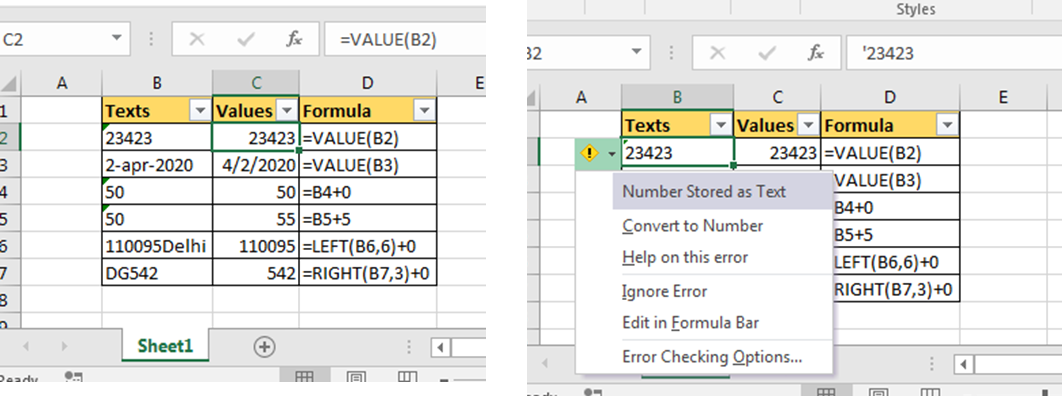
Web There are four simple ways to convert dates to text in Excel Using the TEXT function most commonly used Using the TEXT to COLUMN option Using the copy paste method Using VBA Use of Date to Text in Worksheet

Web Convert Date to Text in Excel In this tutorial you ll learn three ways to convert the date to text in Excel Using the Text Function Using the Text to Column feature Using the Copy Paste method Convert Date to Text using Text Function TEXT function is best used when you want to display a value in a specific format

Web VALUETOTEXT function Microsoft Support Excel for Microsoft 365 Excel for Microsoft 365 for Mac Excel for the web The VALUETOTEXT function returns text from any specified value It passes text values unchanged and converts non text values to text Syntax VALUETOTEXT value format The VALUETOTEXT function syntax has the following
Web Where can you Convert Date to Text in Excel Example 1 Convert Date to Text in Excel using TEXT Function Example 2 Convert Date to Text in Excel using TEXT Function Example 3 Convert Date to Text Using Text to Column Option Example 4 Convert Date to Text in Excel using Formula Recommended Articles
Web Syntax Of Date To Text In Excel The Date to Text in Excel formula syntax is as follows where both the mandatory arguments are as follows value The numeric value we require to convert into text format text A text string defining the formatting to apply to the supplied value Furthermore we will use the following date format codes when Web Jan 1 2010 nbsp 0183 32 130 In a cell in Excel sheet I have a Date value like 01 01 2010 14 30 00 I want to convert that Date to Text and also want the Text to look exactly like Date So a Date value of 01 01 2010 14 30 00 should look like 01 01 2010 14 30 00 but internally it should be Text How can I do that in Excel excel formula Share Improve this question
Web To convert a text date in a cell to a serial number use the DATEVALUE function Then copy the formula select the cells that contain the text dates and use Paste Special to apply a date format to them Follow these steps Select a blank cell and verify that its number format is General