Excel Convert Date Range To Week Number Pivot Table Date Range Week Number Only Brokeasshome How To Convert Date To Number In Excel 4 Methods ExcelDemy How To Convert Numbers To Dates In Excel TurboFuture How To Convert Number To Date In Excel ExcelDemy How To Convert Dates To Days Of The Week In Excel TurboFuture To determine how many weeks elapsed between two dates we can use a simple formula to find the number of days between the dates then divide by 7 B2 A2 7 The formula will return a decimal number We can change the number format to a Fraction to display the number of days
The WEEKNUM function takes a date and returns a number between 1 and 54 that corresponds to the week of the year By default the WEEKNUM function starts counting on the week that contains January 1 and increments week numbers on Sunday Typically the last week number in a year is 53 Well Excel dates are under the hood just numbers You don t really need to know exactly what number a date is although you can change the cell formatting to Number when a date is displayed and you will see the number But if you think about it if you divide a date by 14 it s going to have a remainder between 1 and 13
How To Convert Dates To Days Of The Week In Excel TurboFuture How To Convert Date To Week Number Of Month In Excel 5 Ways Get Week Number From Date Excel Formula Exceljet How To Convert Date To Month In Excel 6 Easy Methods Week Numbers In Excel WEEKNUM And ISOWEEKNUM Function Use Excel To Convert Date To Week Number Using WEEKNUM And ISOWEEKNUM Excel Week Number From Date Ninestorm Excel Formula Convert Number To Date Convert Tabular Data From PDF To Sheets And Excel Screenshots
Excel Convert Date Range To Week Number
 Excel Convert Date Range To Week Number
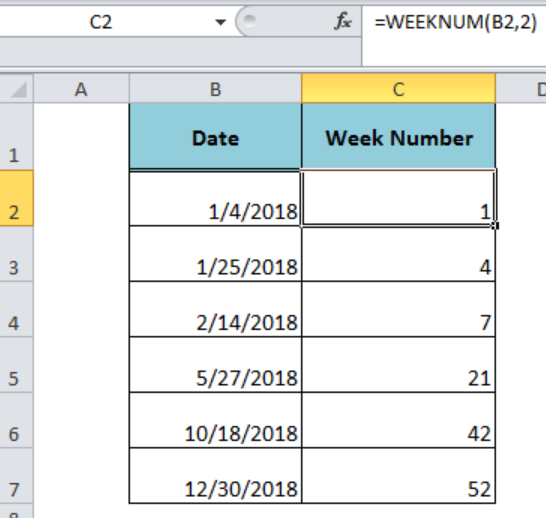
https://www.got-it.ai/solutions/excel-chat/wp-content/uploads/2018/10/Figure-1.-Getting-Week-Number-From-Date.png
How can I convert 20110114 YYYYMMDD to week eg WK02 11 in excel Thanks Stack Overflow About Products For Teams Stack Overflow Public questions answers How to convert date to week number Ask Question Asked 12 years 10 months ago Modified 9 years 11 months ago Viewed 40k times
Pre-crafted templates provide a time-saving option for producing a varied series of documents and files. These pre-designed formats and designs can be made use of for different personal and expert projects, including resumes, invites, flyers, newsletters, reports, discussions, and more, streamlining the content creation procedure.
Excel Convert Date Range To Week Number
Convert Date To Week Number In Excel YouTube

How To Convert Date To Week Number Of Month In Excel 5 Ways
Get Week Number From Date Excel Formula Exceljet

How To Convert Date To Month In Excel 6 Easy Methods
Use Excel To Convert Date To Week Number Using WEEKNUM And ISOWEEKNUM
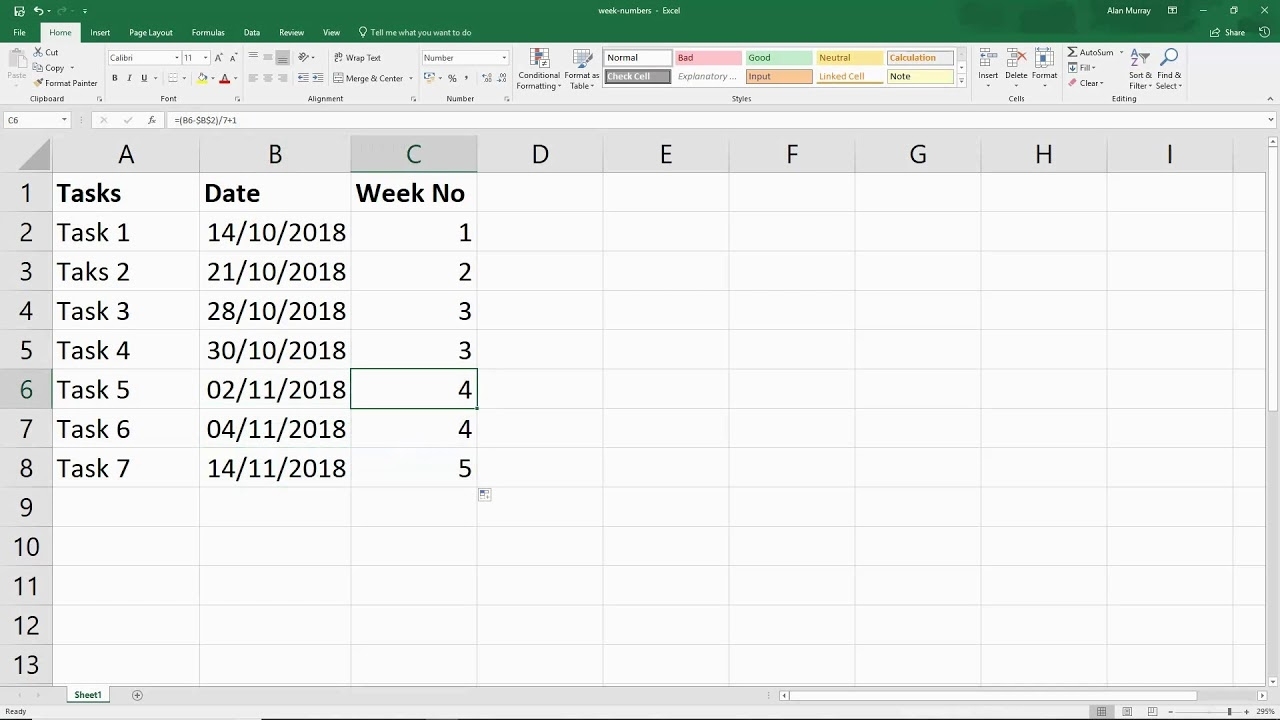
Excel Week Number From Date Ninestorm

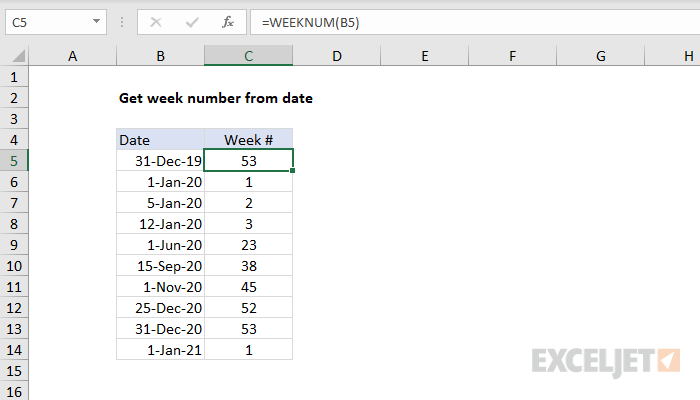
The WEEKNUM function takes a date and returns a week number 1 54 that corresponds to the week of year The WEEKNUM function starts counting with the week that contains January 1 WEEKNUM takes two arguments a date and optionally return type which controls the scheme used to calculate the week number By default the WEEKNUM function uses a scheme where week 1 begins on January 1 and

The WEEKNUM function syntax has the following arguments Serial number Required A date within the week Dates should be entered by using the DATE function or as results of other formulas or functions For example use DATE 2008 5 23 for the 23rd day of May 2008 Problems can occur if dates are entered as text
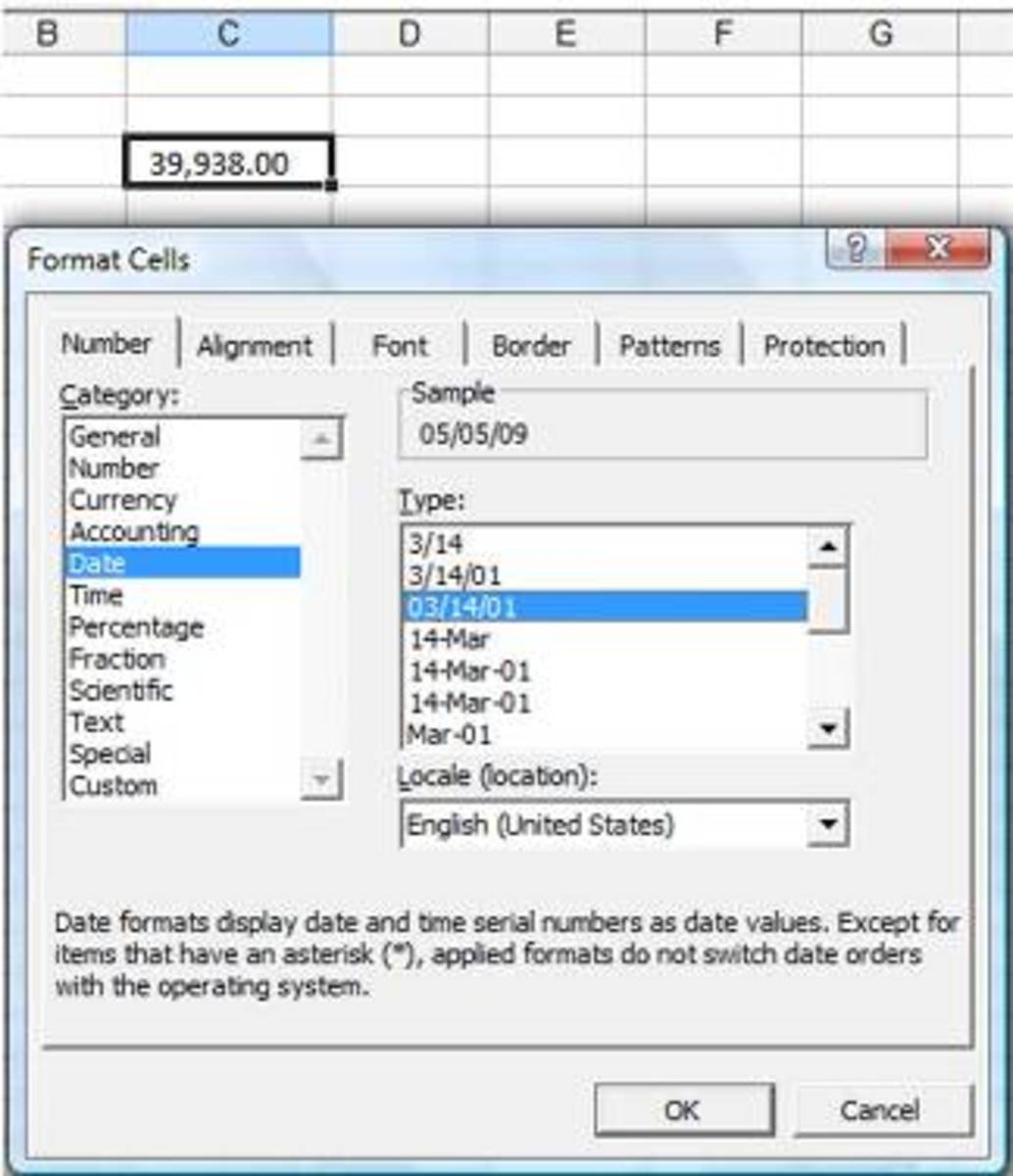
Step 1 Select the cell where you want the week number to appear Step 2 Enter the formula WEEKNUM date return type into the selected cell replacing date with the cell reference or date value you want to convert Step 3 Press Enter to see the week number for the specified date

Now the first week date range has been created If you want to create the next week date range Please use below formula in cell C7 to get the first date of the second week D6 1 Then select cell D6 and E6 drag auto fill handle down to cell E7 to fill the formulas then the end date and the weekly date range of the second week have been created
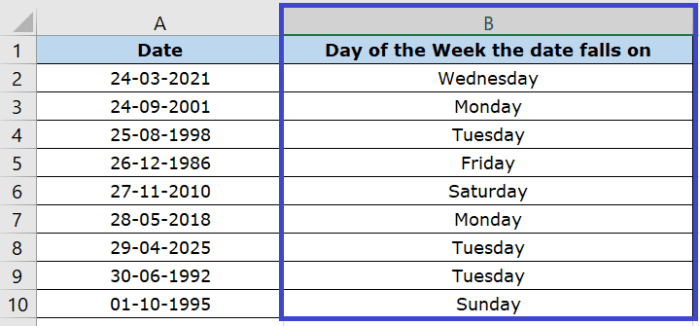
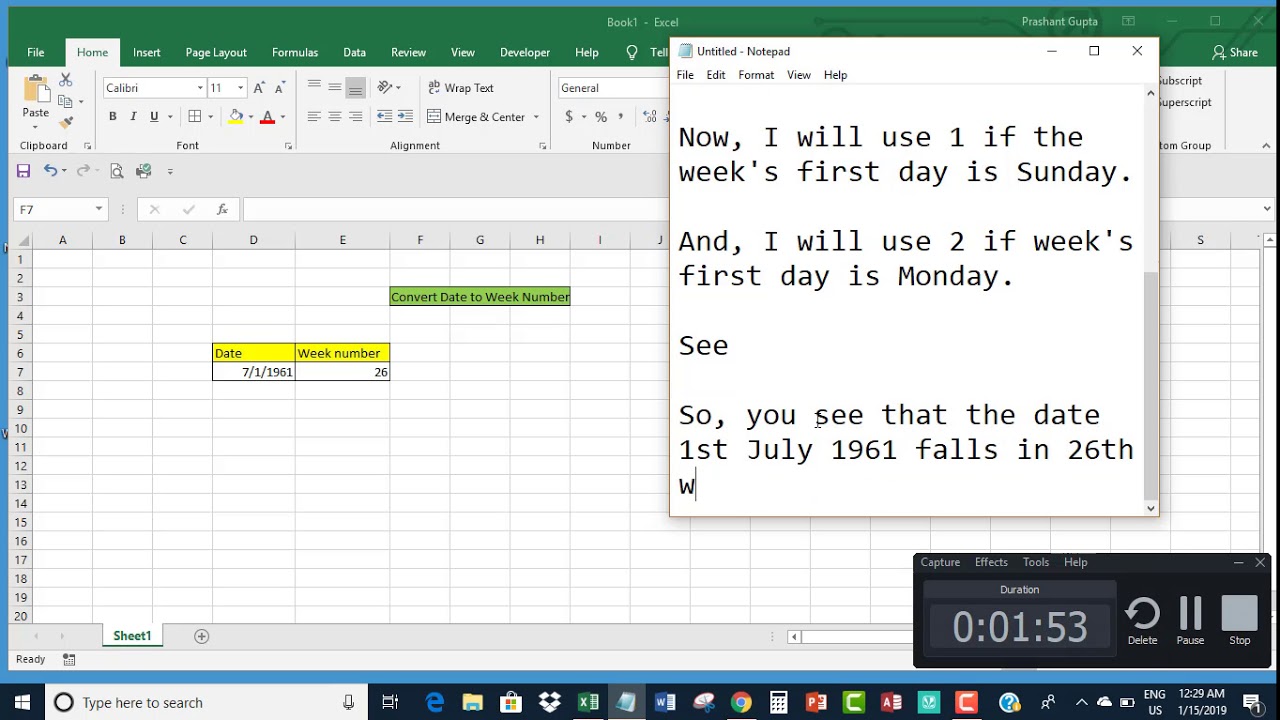
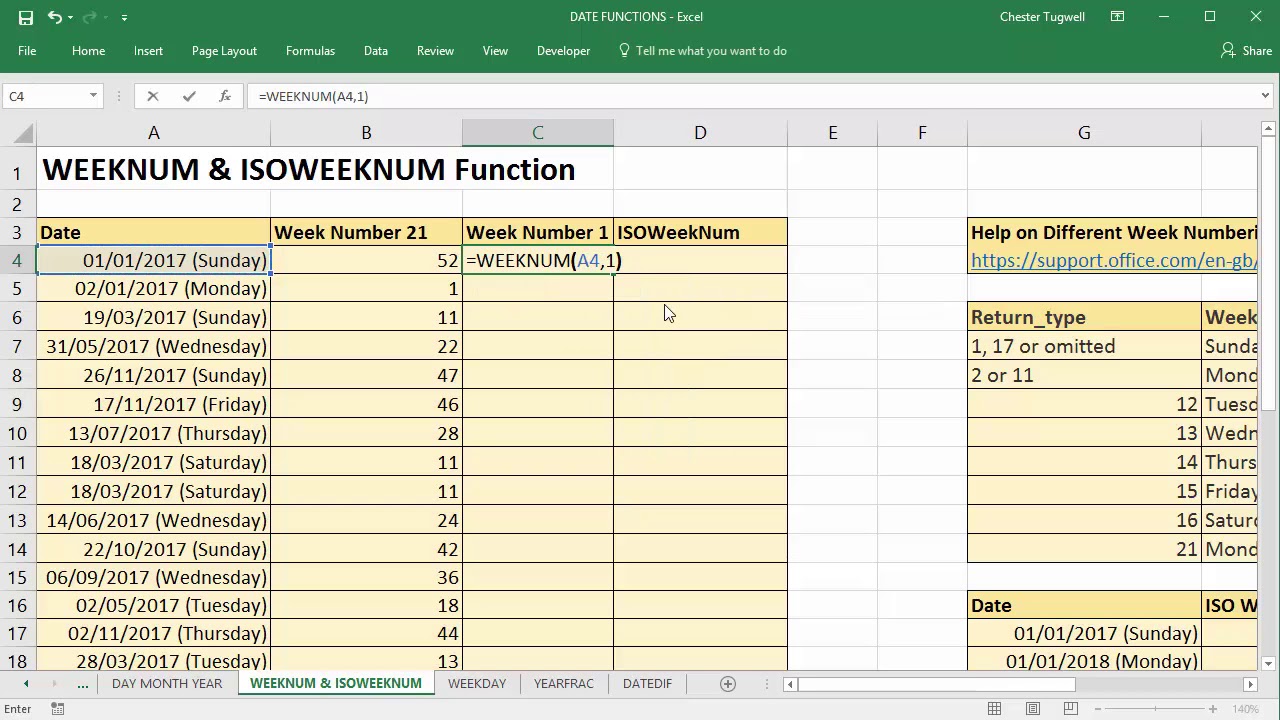
This video demonstrates how to use Excel s WEEKNUM and ISOWEEKNUM functions to convert a date into its week number
How to get the week number from a date To get the ISO week number 1 53 for a date in cell A1 use ISOWEEKNUM A1 The is supported in Excel 2024 and later and Excel 2011 for Mac and later To get the corresponding year use YEAR A1 WEEKDAY A1 2 4 Read more about ISOWEEKNUM and WEEKDAY in the Excel Help Center The start day of week 14 in 2023 is 4 2 2023 Note If the formula returns a number instead make sure to change the cell format to Date If you would instead like to assume that the week starts on a Monday you can use the following formula to get the date from the week number DATE B2 1 1 A2 1 7 WEEKDAY DATE B2 1 1 2 The following
Then we will subtract the values and add 1 Press ENTER Drag down the Fill Handle tool to copy the formula for the rest of the cells You will get the dates converted to the week number of the month using the WEEKNUM function 2 Use of ISOWEEKNUM Function to Convert Date to Week Number of Month