Excel Convert Date Format To Number Excel Formula Convert Date To Text Exceljet Riset How To Convert Numbers To Dates In Excel TurboFuture Learn New Things How To Stop Numbers Converting Into Dates In MS Excel How To Get Difference Date In Excel Haiper How To Convert Serial Number To Date Format In Excel Download Free First select the cell where you want to convert the date into a number Next open the custom formatting by using the keyboard shortcut Ctrl 1 Now from the category options select the number format Last specify the decimals to zero and click OK Once you change the formatting you will get the number just like the following where you have
0 541655093 is 12 59 59 PM Dates Times in Excel Excel stores dates and times as decimal numbers comprised of an integer representing the date and a decimal portion representing the time For example 1 25 is January 1 1900 6 00 AM 42005 5 is January 1 2015 12 00 PM How to convert date to number in Excel To apply a format other than default then select the cells with serial numbers and press Ctrl 1 to open the Format Cells dialog On the Number tab choose Date select the desired date format under Type and click OK Yep it s that easy
How To Convert Serial Number To Date Format In Excel Download Free 30 Excel Formula Convert Text To Number Transparant Formulas Riset Convert TEXT To DATE In Excel YouTube How To Convert Numbers To Words In Microsoft Excel Excel Learning Text To Number Format Formula In Excel Excel Quickie 77 YouTube Convert Date From Yyyymmdd Format To Normal Date Format In Excel YouTube Use Excel To Convert Date To Day Of Week Using WEEKDAY YouTube Convert Numbers To Text In Excel YouTube Excel Date Conversion YouTube
Excel Convert Date Format To Number
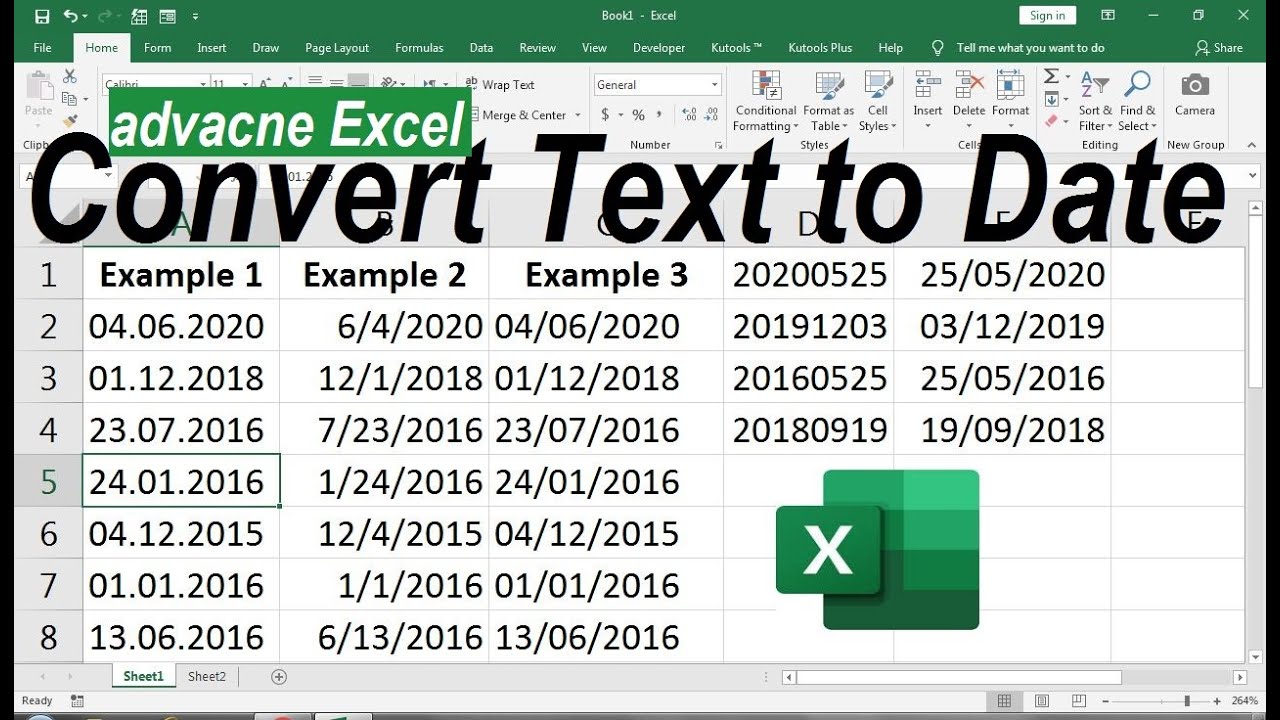 Excel Convert Date Format To Number
https://i.ytimg.com/vi/8yM7rh7GsxU/maxresdefault.jpg
1 Convert date to text 1 1 Convert date to text in mm dd yyyy format 1 2 Convert date to text in mmddyyyy format 1 3 Convert date to text in other formats 2 Convert date to number 2 1 Convert date to number in 5 digit format 2 2 Convert date to number in mmddyyyy format 3 Convert date to month day year or other date formats with clicks 4
Templates are pre-designed documents or files that can be used for different functions. They can save effort and time by offering a ready-made format and design for creating different kinds of material. Templates can be utilized for personal or expert tasks, such as resumes, invites, flyers, newsletters, reports, presentations, and more.
Excel Convert Date Format To Number
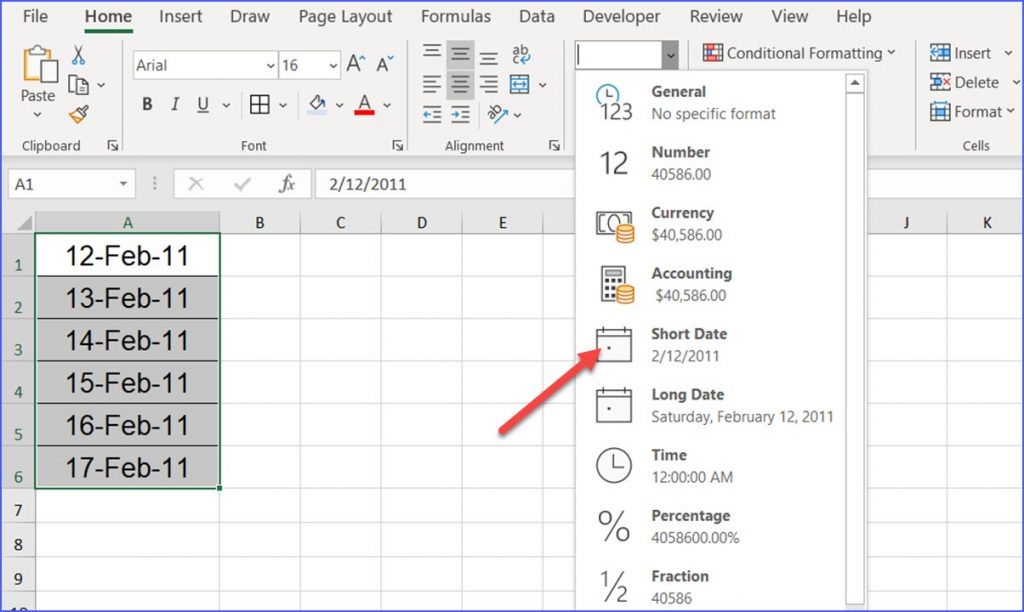
How To Change A Date To Short Date Format In Excel ExcelNotes
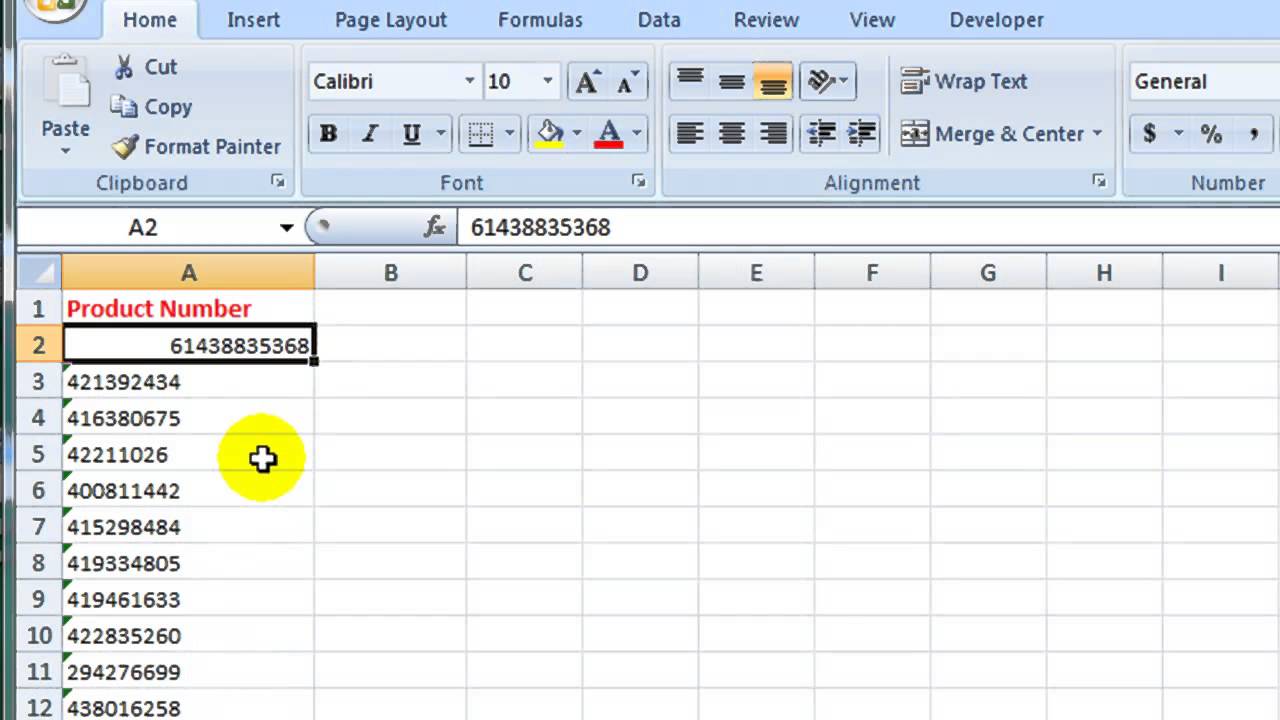
30 Excel Formula Convert Text To Number Transparant Formulas Riset
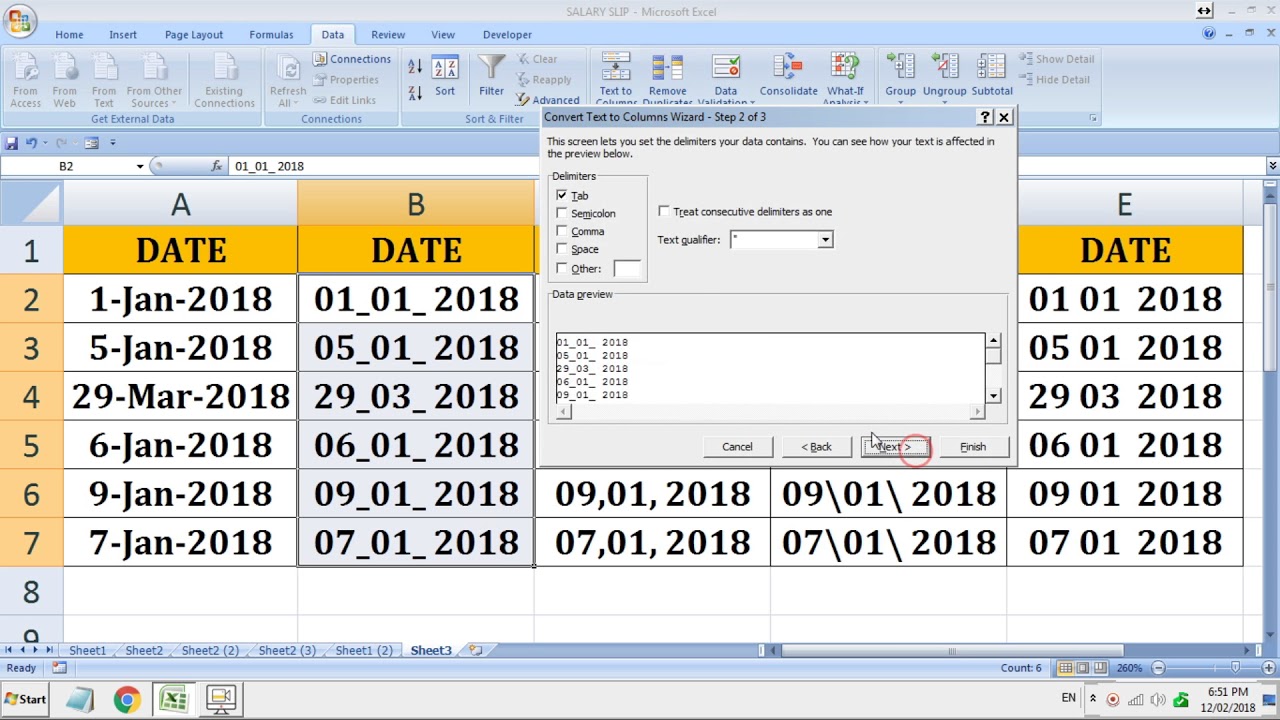
Convert TEXT To DATE In Excel YouTube
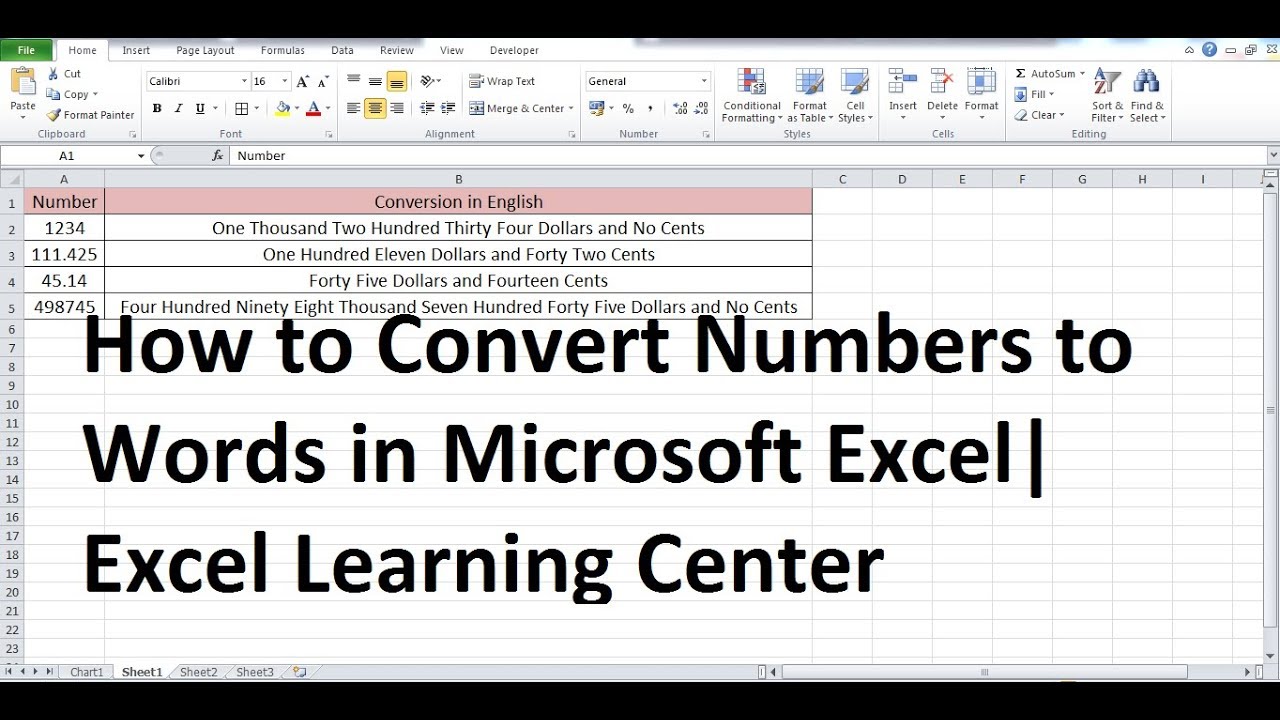
How To Convert Numbers To Words In Microsoft Excel Excel Learning
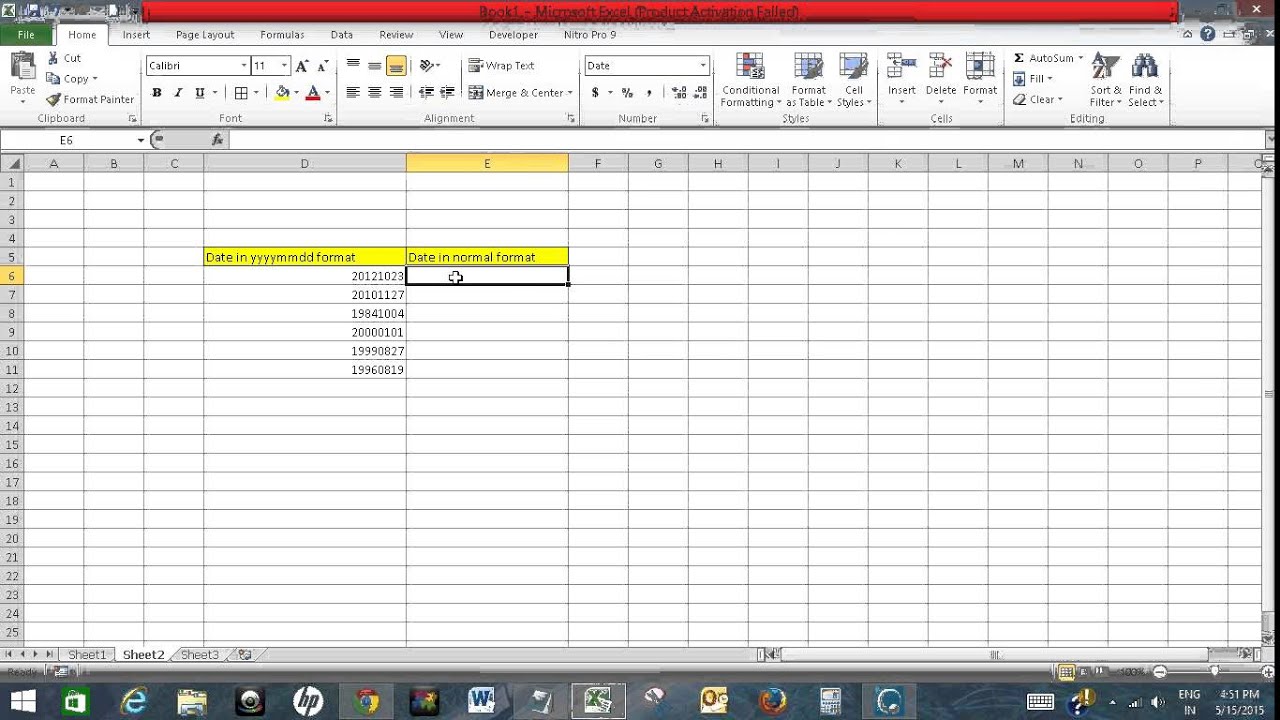
Convert Date From Yyyymmdd Format To Normal Date Format In Excel YouTube
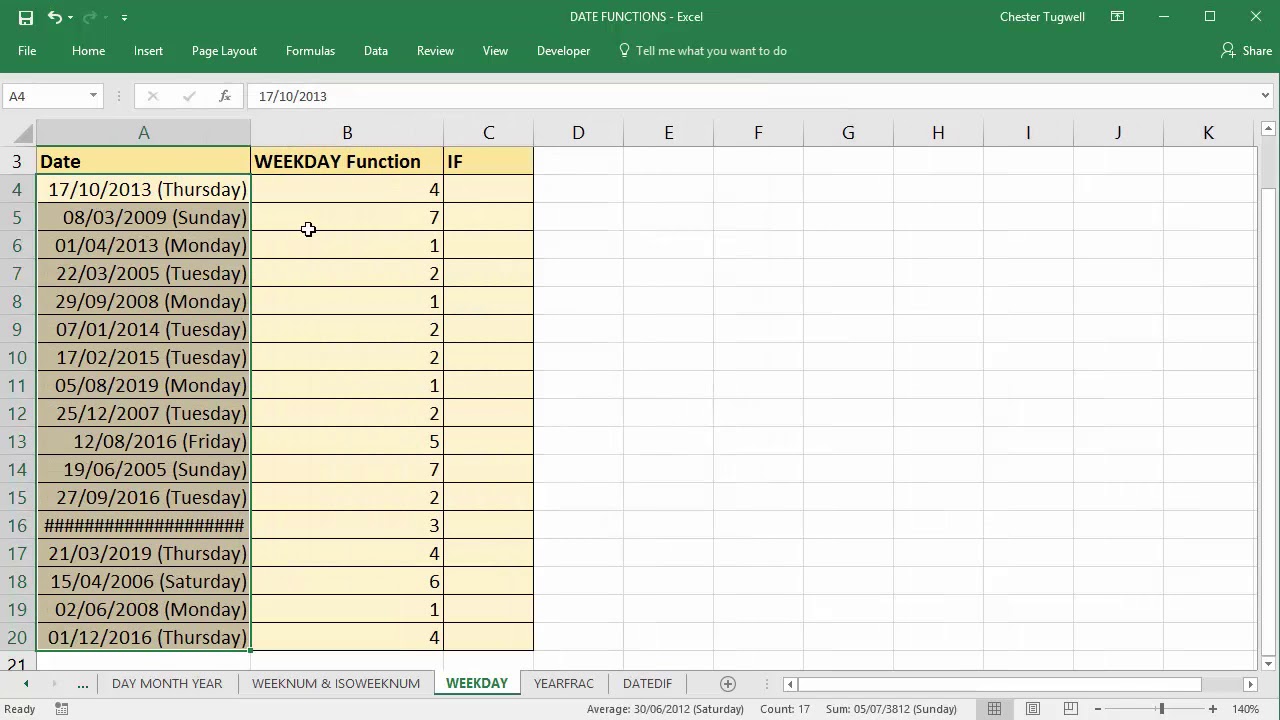
Use Excel To Convert Date To Day Of Week Using WEEKDAY YouTube
Description The DATEVALUE function converts a date that is stored as text to a serial number that Excel recognizes as a date For example the formula DATEVALUE 1 1 2008 returns 39448 the serial number of the date 1 1 2008
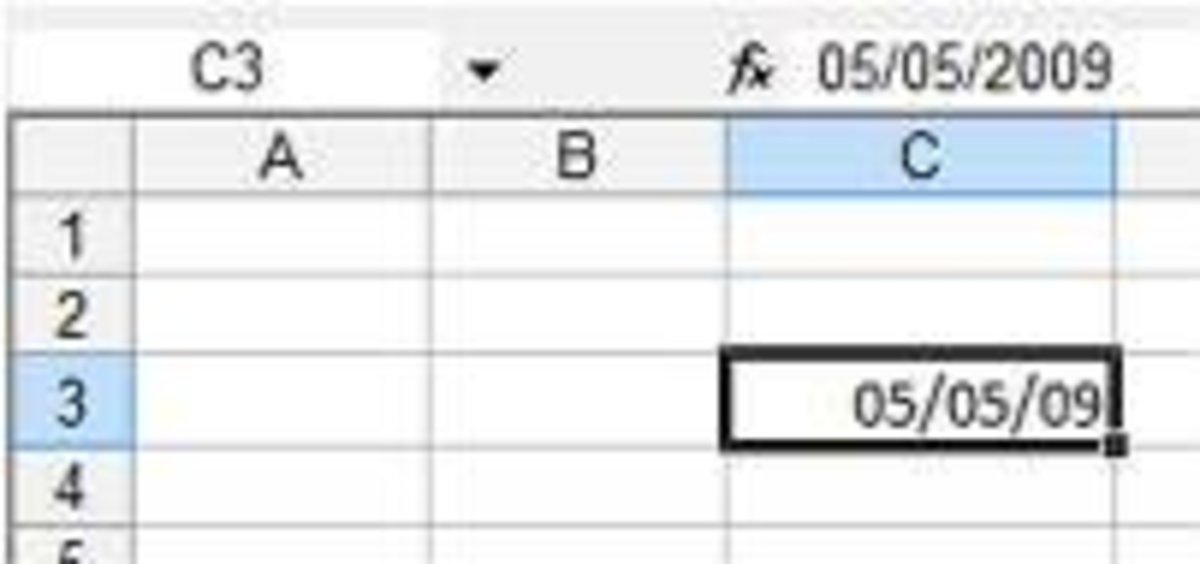
Convert dates stored as text to dates Microsoft Support Convert dates stored as text to dates Excel for Microsoft 365 Excel for the web Excel 2021 Excel 2019 Excel 2016 More Windows Web Occasionally dates may become formatted and stored in cells as text
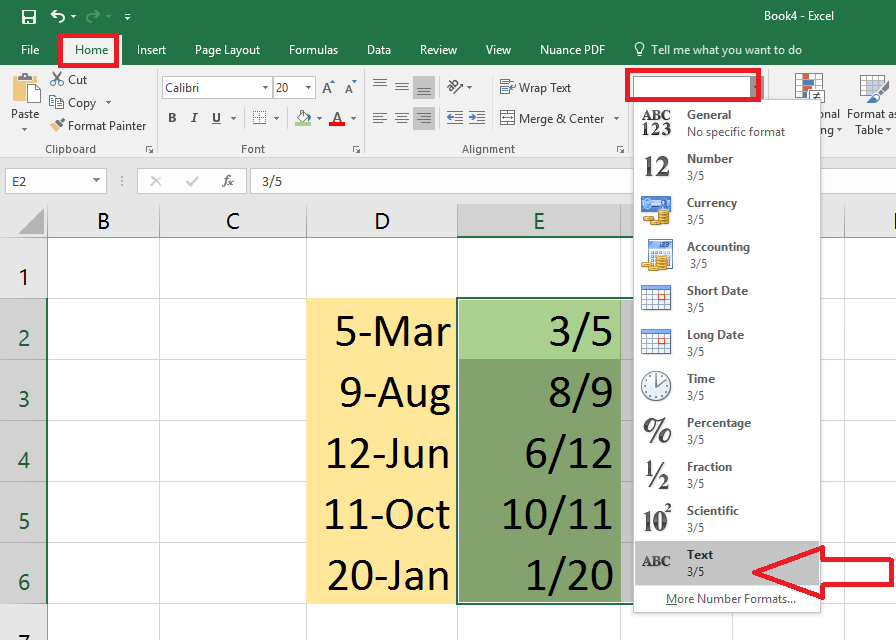
The DATEVALUE function in Excel converts a text formatted date to a serial number that is recognizable as a date to Excel Syntax of the DATEVALUE function DATEVALUE date text where date text is the only argument Let s follow the example Example 1 DATEVALUE Function Argument in the Date Format

To convert a date to a serial number all you need to do is change the formatting to General However this won t work if the date is stored as text Date Stored as Text to Number If the date is stored as text you can use DATEVALUE convert it to an Excel date DATEVALUE B3 Then you can change the formatting to general to see the serial number

Enter and format data Format data Format numbers as dates or times Format numbers as dates or times Excel for Microsoft 365 Excel for Microsoft 365 for Mac Excel for the web More When you type a date or time in a cell it appears in a default date and time format
There are two date format options to choose from in this menu Short Date 1 17 2021 and Long Date Sunday January 17 2021 You can select either of those or if that s not the format you re looking for click More Number Formats at the bottom of the menu This opens the Format Cells window Country or region formatting in your PC For example if your Windows 10 or 11 PC shows the Country or region as the United States in the Time Language Region section of the Settings app Excel will format valid dates as DD MM YYYY like 7 4 2023
Alternatively you can press Ctrl 1 to open the Format Cells dialog Select the Date category In the Format Cells dialog navigate to the Number tab and select Date from the Category list Choose the desired date format From the Type list choose the date format that best suits your needs You can preview the changes in the Sample section