Excel Conditional Formatting Formula Is Not Blank Excel Conditional Formatting Formula Greater Than And Less Than Riset 43 Formula For Conditional Formatting Excel Full Formulas Riset Excel Conditional Formatting Formulas List Riset Excel Conditional Formatting Formula If Cell Is Blank Riset Conditional Formatting Charts In Excel Riset WEB Use the IF function and an empty string in Excel to check if a cell is blank Use IF and ISBLANK to produce the exact same result
WEB Aug 24 2023 nbsp 0183 32 If you use some Excel function that returns an empty string e g if false quot OK quot quot quot and you don t want such cells to be treated as blanks use the WEB Nov 2 2023 nbsp 0183 32 End to end tutorial will teach you how to use Conditional Formatting in Excel apply preset rules and create new ones copy existing formatting to other data do conditional formatting based on another
Conditional Formatting Charts In Excel Riset Excel Formula Between Two Numbers Conditional Formatting Beinyu Conditional Formatting For Excel 2010 Pdffasr Bank2home Excel Conditional Formatting Formulas Funny Dating Memes Dating Excel Conditional Formatting Icon Sets Formula For Dates Riset Excel Conditional Formatting Using An Formula To Format Based On Images Excel Tutorial How To Use Scientific Formatting In Excel Riset Conditional Formatting In Excel Explanation And Examples Ionos Riset ICON SETS In Conditional Formatting Excel Help
Excel Conditional Formatting Formula Is Not Blank
 Excel Conditional Formatting Formula Is Not Blank
https://www.lifewire.com/thmb/8AItg0QaRgDaLMcs6A5XwfA_kv4=/818x0/filters:no_upscale():max_bytes(150000):strip_icc()/ApplyingMultipleRulesinExcel-5bf0518846e0fb0058244268.jpg
WEB 1 Quickly Identify Duplicates 2 Highlight Cells with Value Greater Less than a Number 3 Highlighting Top Bottom 10 or 10 4 Highlighting Errors Blanks 5 Creating Heat
Templates are pre-designed files or files that can be used for numerous purposes. They can save time and effort by offering a ready-made format and design for developing different kinds of content. Templates can be utilized for individual or professional tasks, such as resumes, invites, leaflets, newsletters, reports, discussions, and more.
Excel Conditional Formatting Formula Is Not Blank
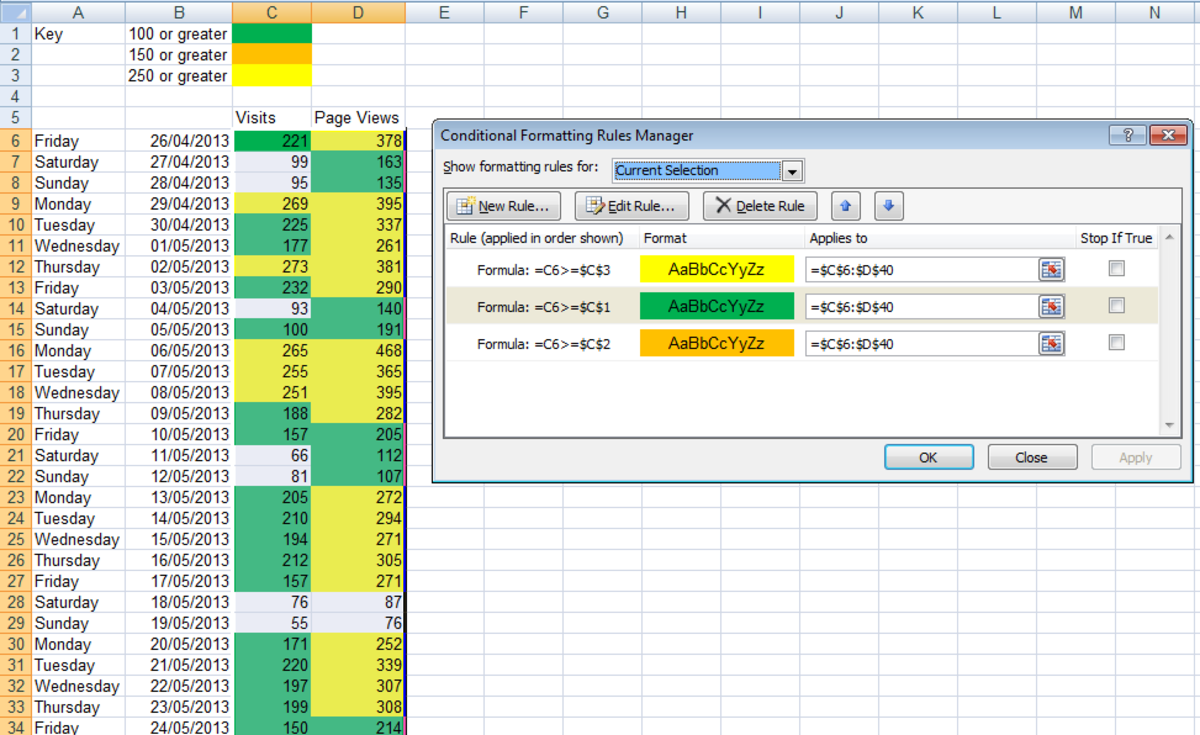
Excel Conditional Formatting Formula Range Riset
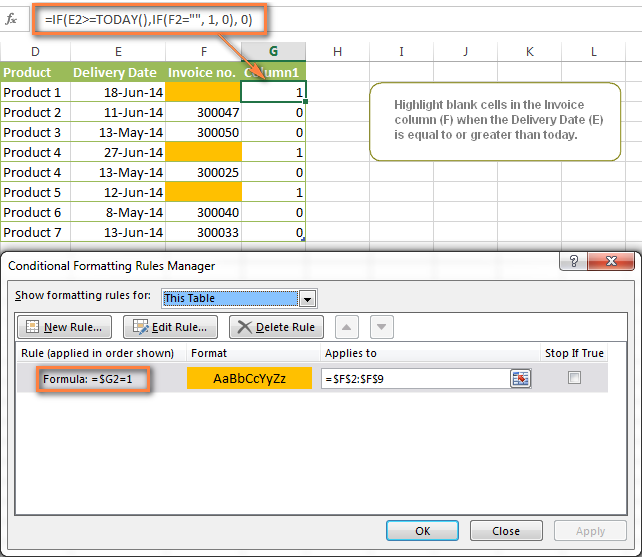
Excel Formula Between Two Numbers Conditional Formatting Beinyu
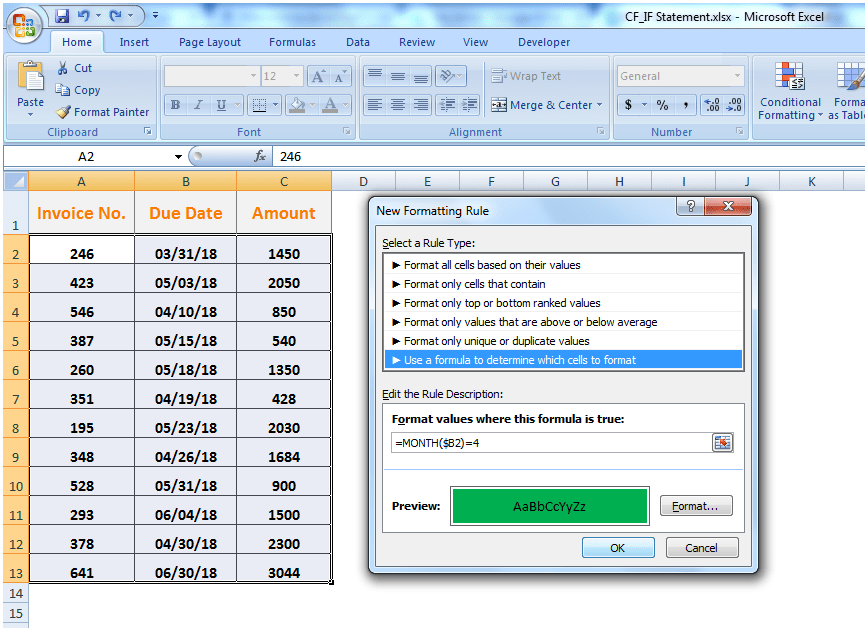
Conditional Formatting For Excel 2010 Pdffasr Bank2home

Excel Conditional Formatting Formulas Funny Dating Memes Dating

Excel Conditional Formatting Using An Formula To Format Based On Images
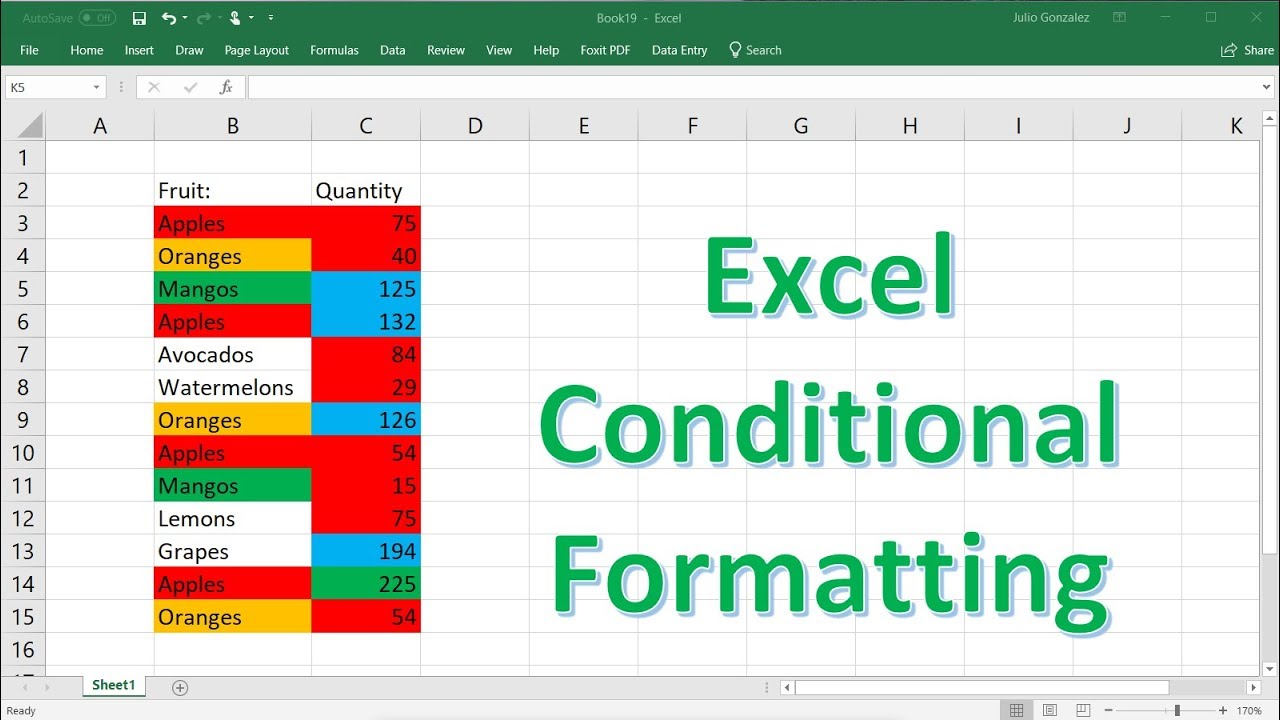
Excel Tutorial How To Use Scientific Formatting In Excel Riset

WEB Oct 19 2015 nbsp 0183 32 You can use Conditional formatting with the option quot Formula Is quot One possible formula is NOT ISBLANK B1 Another possible
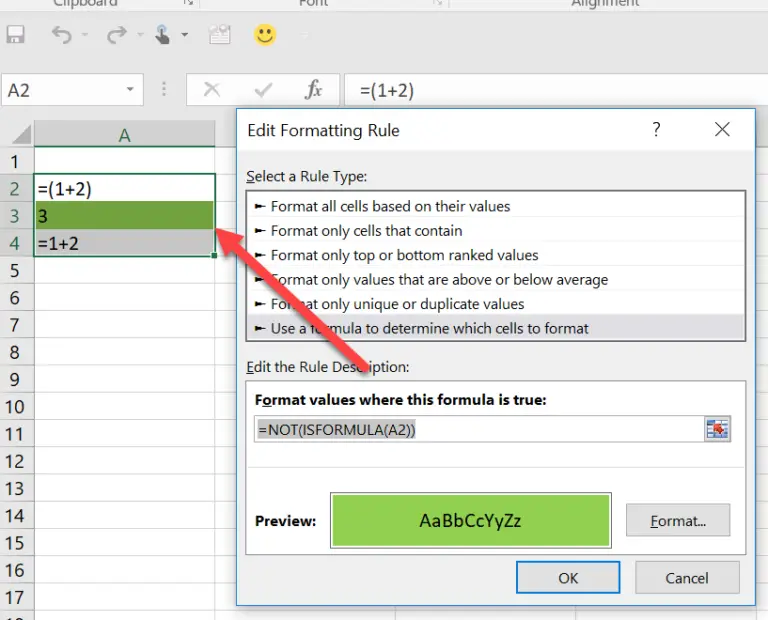
WEB Jan 16 2023 nbsp 0183 32 To apply conditional formatting to cells in Excel if another specific cell is not empty you can use the New Rule option under the Conditional Formatting dropdown menu within the Home tab The
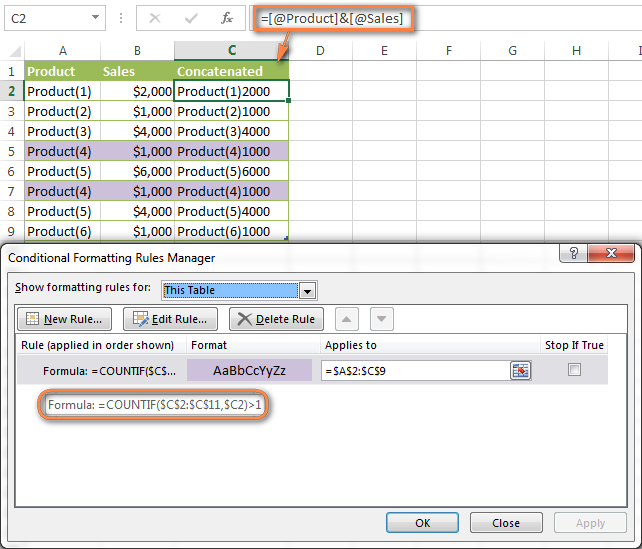
WEB To test if a cell is not blank i e has content you can use a formula based on the IF function In the example shown the formula in cell E5 is IF D5 quot quot quot Done quot quot quot As the formula is copied down it returns quot Done quot
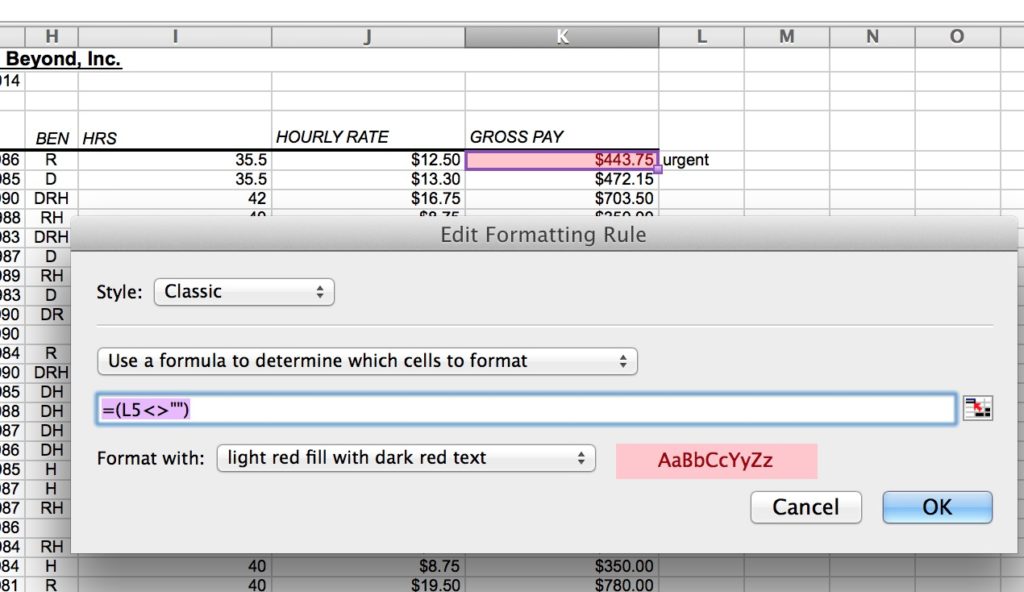
WEB Jan 31 2023 nbsp 0183 32 How to do Excel conditional formatting for empty cell highlight blank cells stop conditional formatting if cell is blank highlight entire row if cell is blank or not blank
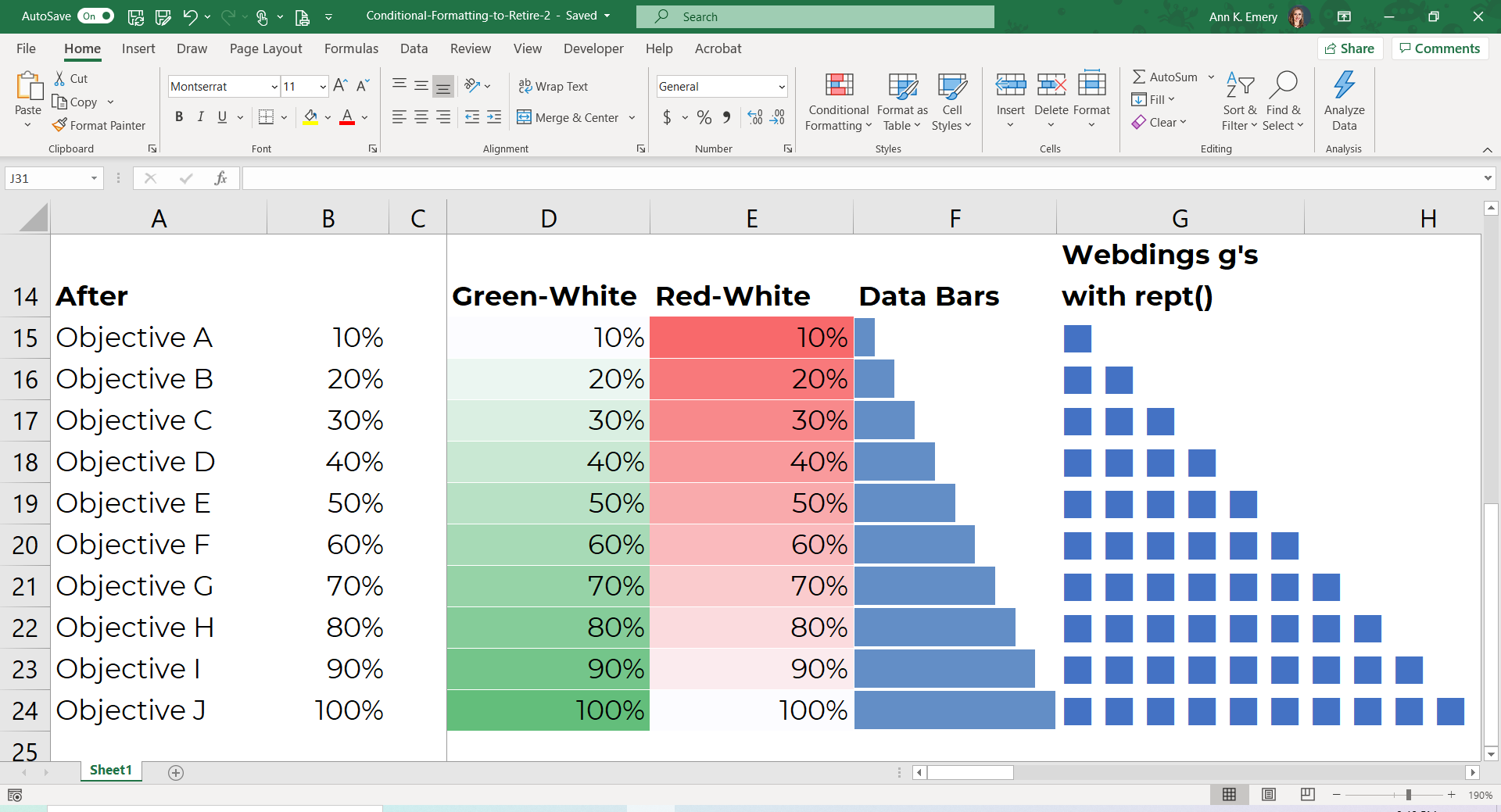
WEB The ISBLANK formula should serve your purpose well Create a new rule in the conditional formatting menu Set the range of your rule to D2 D so that the formatting
WEB To highlight values in one column when values in one or more other columns are blank you can use the OR function and a basic logical expression to test for blank or empty WEB Learn to create and add conditional formatting rules including using formulas with this workbook full of examples
WEB You can create a formula based conditional formatting rule in four easy steps 1 Select the cells you want to format 2 Create a conditional formatting rule and select the