Excel Conditional Formatting Best Practices Exception Formula In Conditional Formatting Excel Riset Excel Conditional Formatting Office Tutorial Riset How To Set Up Multiple Conditional Formatting Rules In Google Sheets Conditional Formatting Charts In Excel Riset Excel Conditional Formatting Tutorial With Examples How to use conditional formatting in Excel to visually explore analyze and identify patterns and trends
Jul 7 2024 nbsp 0183 32 Conditional formatting is a technique that allows you to modify cell formatting based on specific conditions For instance if you have an Excel worksheet with numerical values you can apply formatting rules to highlight cells with values less than three thousand 1 day ago nbsp 0183 32 Conditional Formatting in Excel is a feature that changes the display of cells whose values meet the Conditional Formatting rule s criterion At its basic this feature makes it very easy to make note of important data whether numerical or non numerical
Excel Conditional Formatting Tutorial With Examples How To Use Color Scales In Excel Conditional Formatting Conditional Formatting Based On Date In Excel And How To Make It Excel Conditional Formatting Youtube Riset Microsoft Excel Conditional Formatting Issue Super User 08 Best Examples How To Use Excel Conditional Formatting Excel More Than A Digital Table Division Of Information Technology Blog Excel Conditional Formatting Definition Tidemetrix Ramadanict EXCEL Conditional Formatting
Excel Conditional Formatting Best Practices
 Excel Conditional Formatting Best Practices
https://www.lifewire.com/thmb/63BR8YIMIS_ZnOsirVW9u8IR3iI=/1543x1029/filters:no_upscale():max_bytes(150000):strip_icc()/OrderofPrecedenceforConditionalFormatting-5bf051f046e0fb0051ab848a.jpg
May 2 2024 nbsp 0183 32 Conditional formatting in Excel is formatting that changes with the cell content That means you don t have to change it when the cell content changes You use conditional formatting to make it easier for the user to identify key points of interest
Pre-crafted templates provide a time-saving service for producing a varied range of documents and files. These pre-designed formats and designs can be used for numerous individual and expert projects, consisting of resumes, invites, leaflets, newsletters, reports, presentations, and more, enhancing the material production process.
Excel Conditional Formatting Best Practices

08 Best Examples How To Use Excel Conditional Formatting
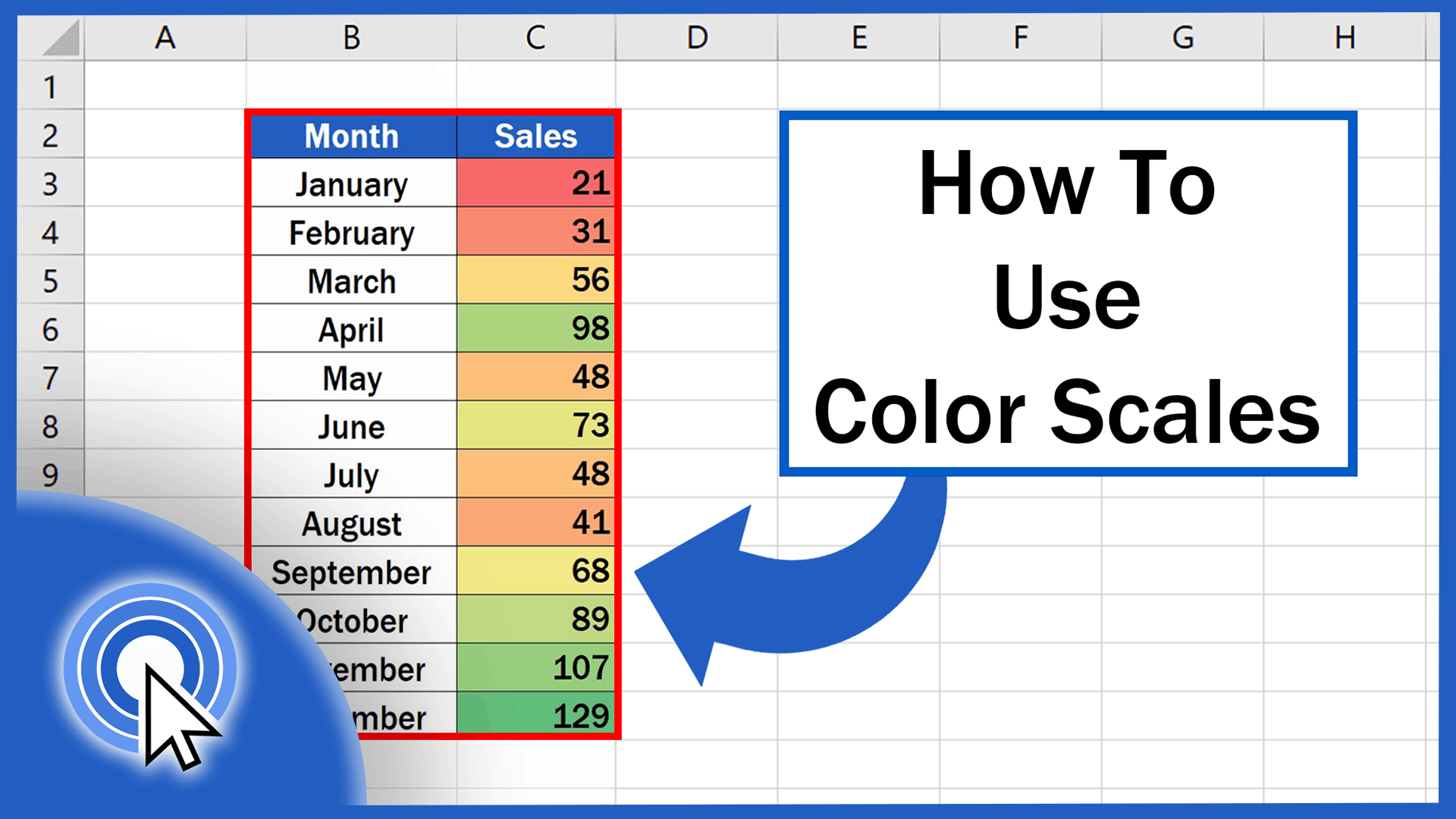
How To Use Color Scales In Excel Conditional Formatting
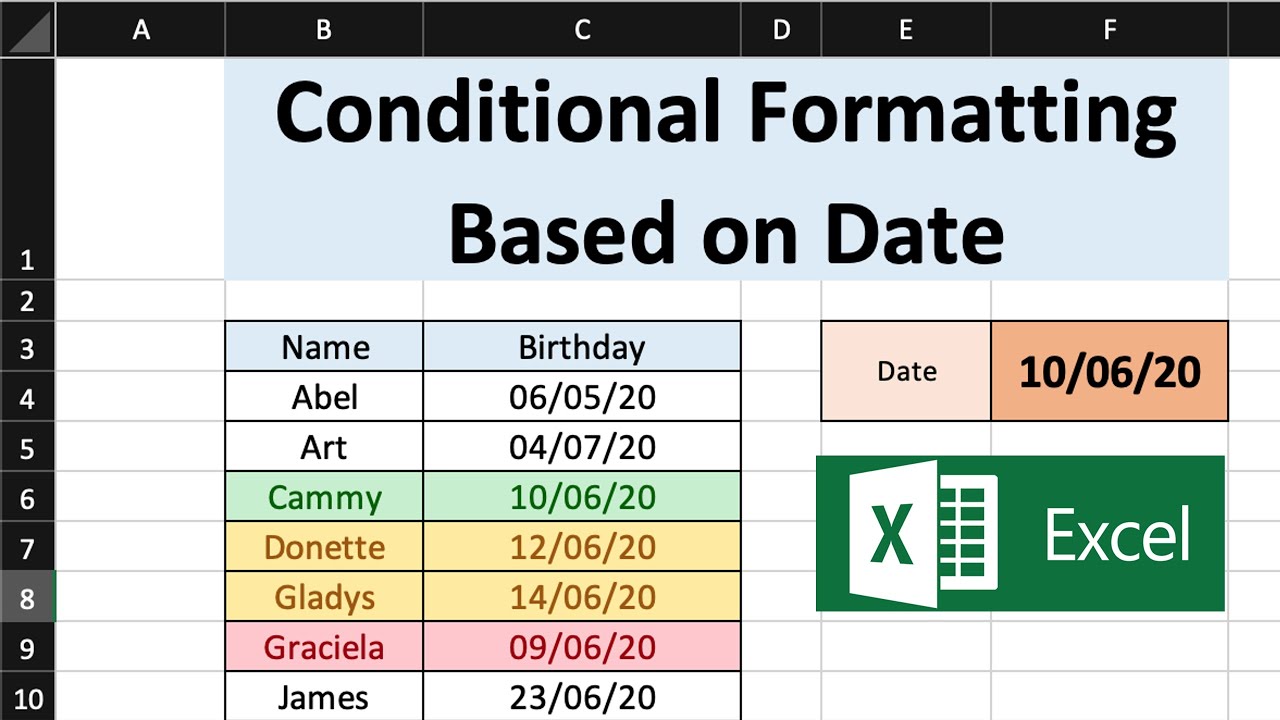
Conditional Formatting Based On Date In Excel And How To Make It
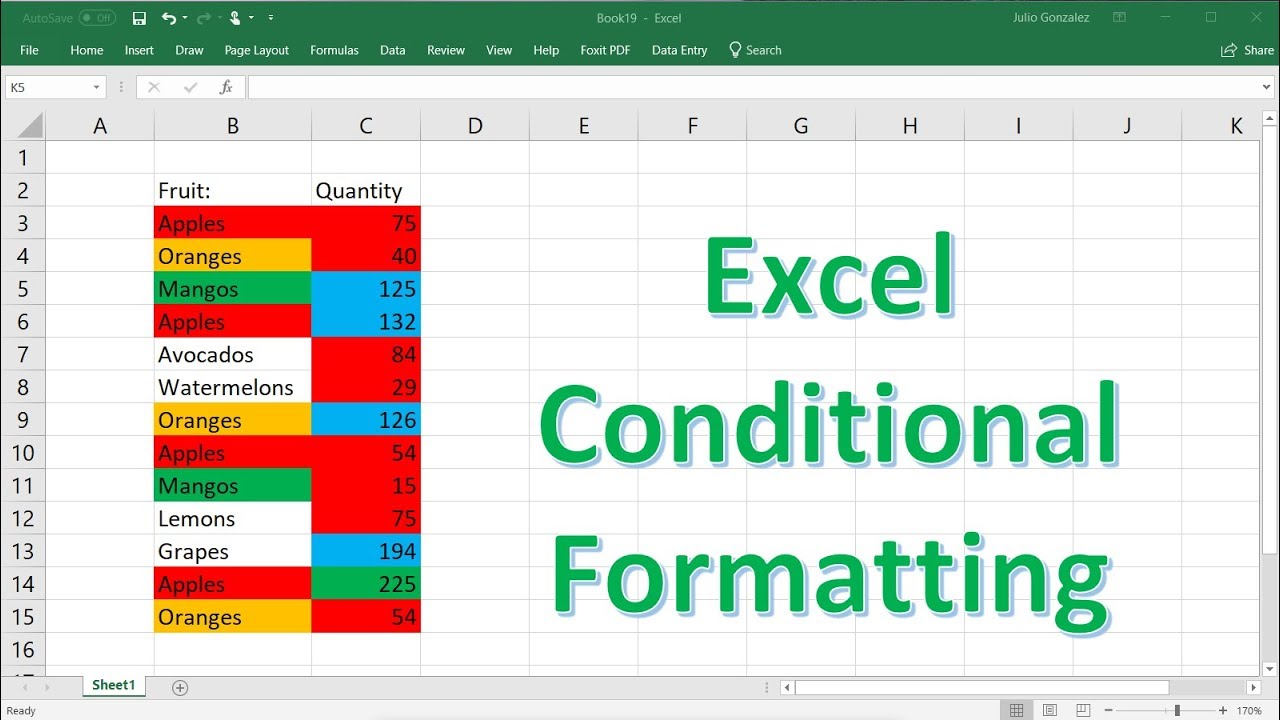
Excel Conditional Formatting Youtube Riset

08 Best Examples How To Use Excel Conditional Formatting
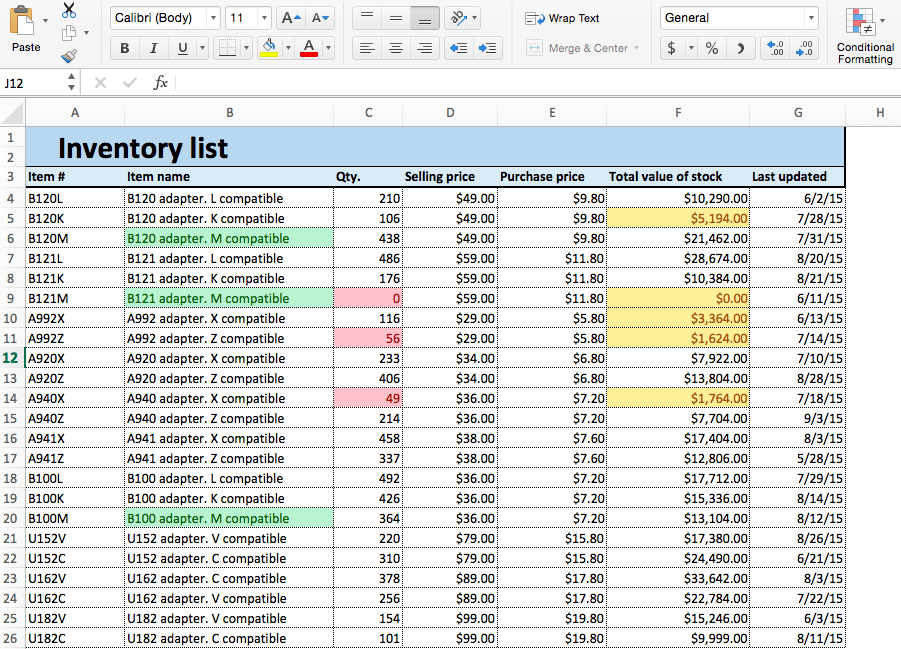
Excel More Than A Digital Table Division Of Information Technology Blog

Nov 9 2019 nbsp 0183 32 Conditional Formatting lets the user apply formatting to a cell or a range of cells based on specific criteria There are various conditions that can be tested in order to apply the formatting Format cells based on their values Format cells that contain a certain text Format top bottom ranked cells in a range Format duplicates
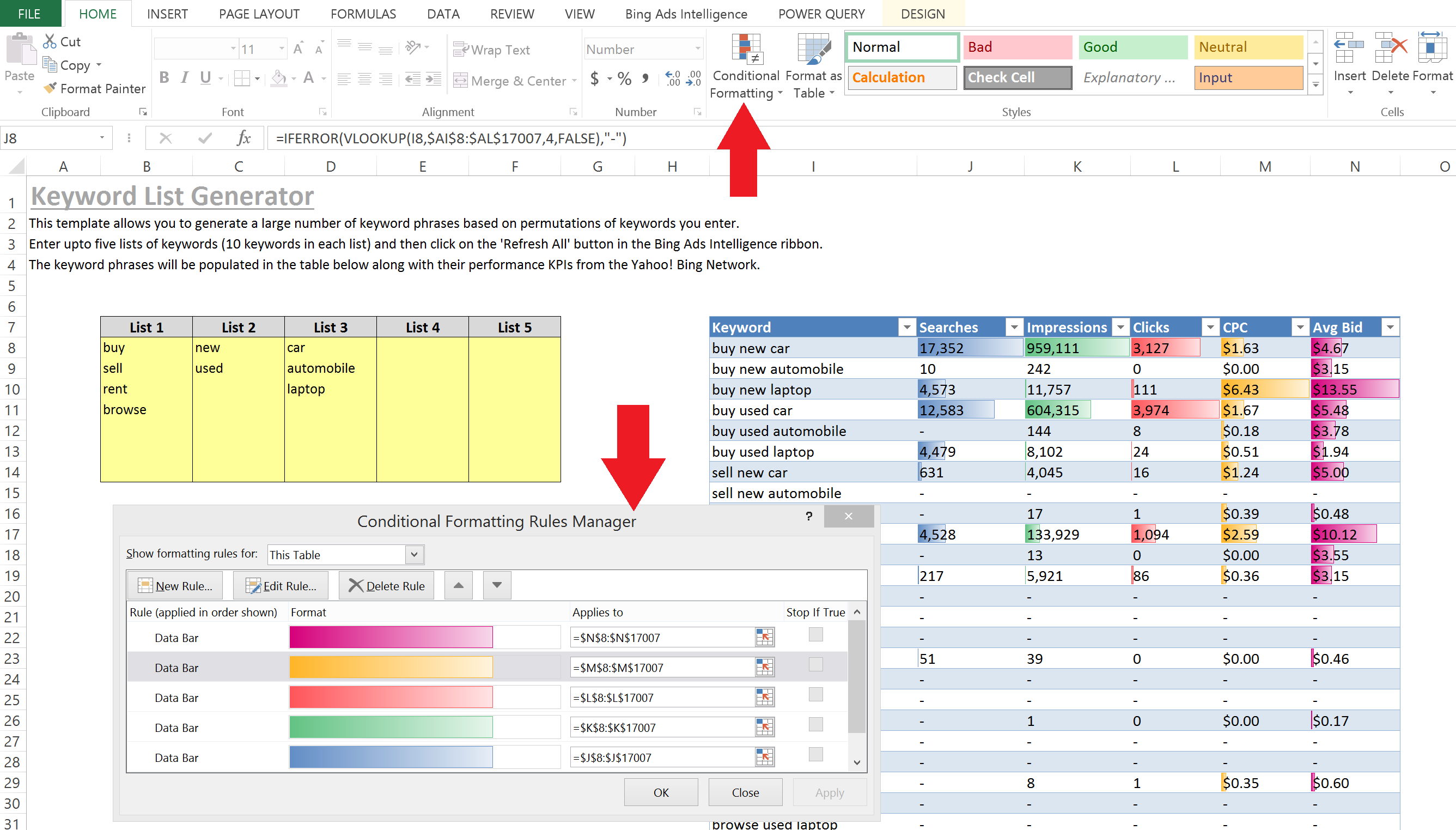
You can use conditional formatting in Excel to quickly highlight cells that contain values greater less than a specified value For example highlighting all cells with sales value less than 100 million or highlighting cells with marks less than the passing threshold

Conditional formatting in Excel is a feature that allows you to automatically apply formatting like colors icons or data bars to cells based on their values This makes it easier to quickly identify trends patterns or outliers in your data
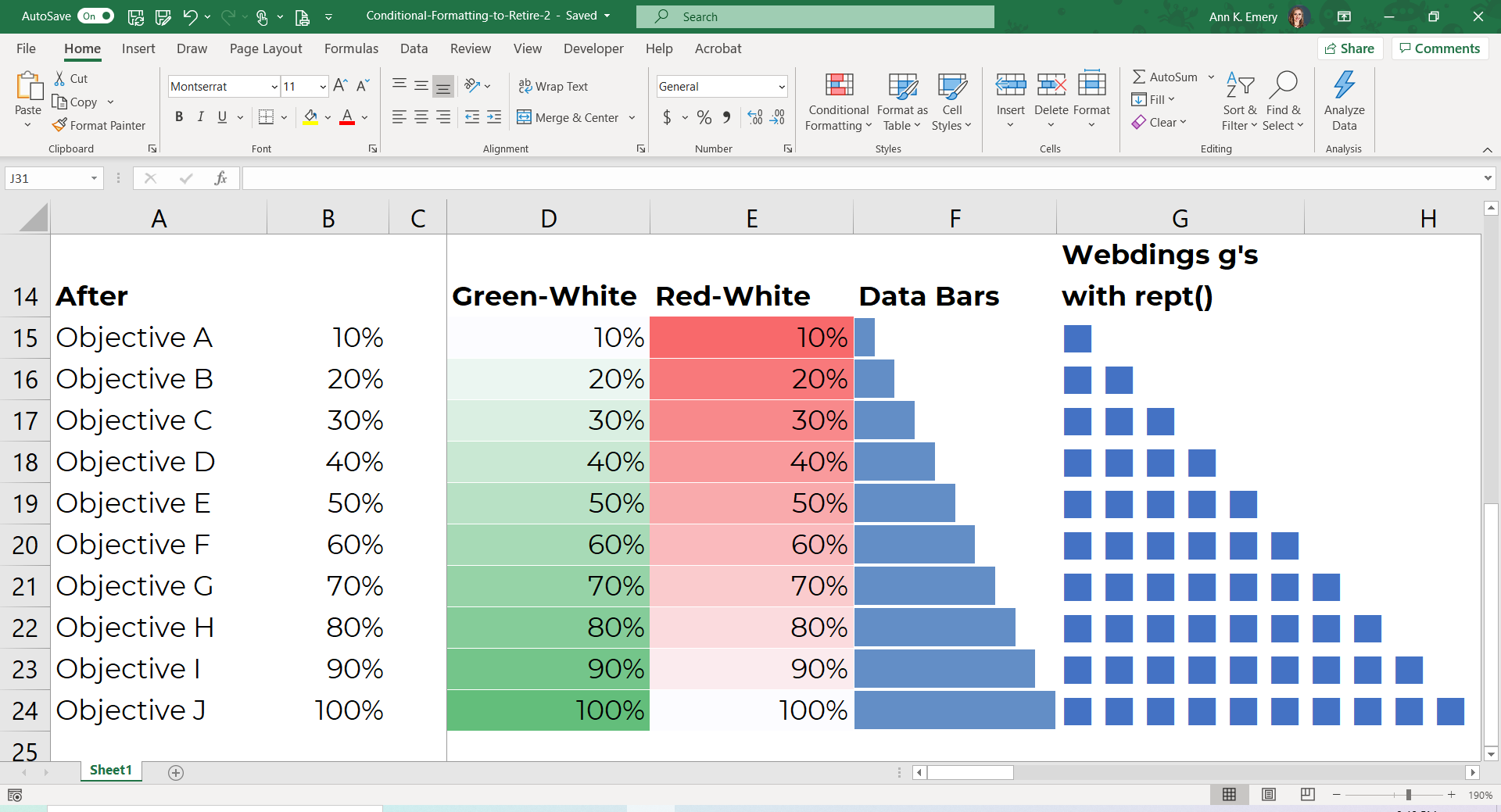
May 20 2023 nbsp 0183 32 Some best practices for using conditional formatting in Excel include thinking carefully about the criteria for your formatting rules using conditional formatting sparingly using consistent formatting rules across your spreadsheet and adjusting your formatting rules as
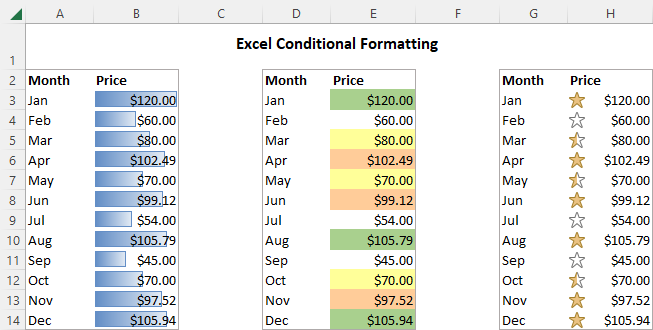
Nov 2 2023 nbsp 0183 32 You will learn how to do conditional formatting in any version of Excel efficiently use preset rules or create new ones edit copy and clear formatting Excel conditional formatting is a really powerful feature when it comes to applying different formats to data that meets certain conditions
Conditional formatting is a powerful feature in Microsoft Excel that allows users to apply formatting to cells based on specified conditions It is a useful tool for highlighting important information identifying trends and making data more visually appealing and easier to interpret Aug 24 2023 nbsp 0183 32 If you want to apply conditional formatting based on another cell or format an entire row based on a single cell s value then you will need to use formulas So let s see how you can make a rule using a formula and after discuss formula examples for specific tasks
Conditional formatting s various forms can help us highlight the most significant points in our pivot table whether it s top values or relative data point differences Here are three versions of conditional formatting and how to apply them