Excel Change Text To Number Function How To Change Text Direction In Excel My Microsoft Office Tips Converting Forced Text To Numbers In Excel ManyCoders Change Case In Excel Change Text To Upper Lower And Proper Case In How To Convert Text To Number In Excel YouTube Convert Text To Number In Excel Value Function In 2022 Math Quick clean and to the point Videos and resources to help you work faster in Excel
Jun 20 2025 nbsp 0183 32 The Excel spreadsheet and budgeting app lets you create view edit and share files charts and data Excel s built in file editor lets you manage your finances with on the go Want to learn Excel quickly Looking for a fully illustrated Excel tutorial Using Excel 2024 2007 Looking for free Excel training
Convert Text To Number In Excel Value Function In 2022 Math Excel TEXT Function Exceljet How To Keep Excel From Changing Numbers In Formula VALUE Function Kazam Raza Text To Number Format Formula In Excel Excel Quickie 77 YouTube Number To Words In Excel Without VBA How To Convert Number To Text In MS Excel 2016 YouTube How To Convert Text To Number In Excel 4 Methods Itechguides How To Convert Text To Number In Excel
Excel Change Text To Number Function
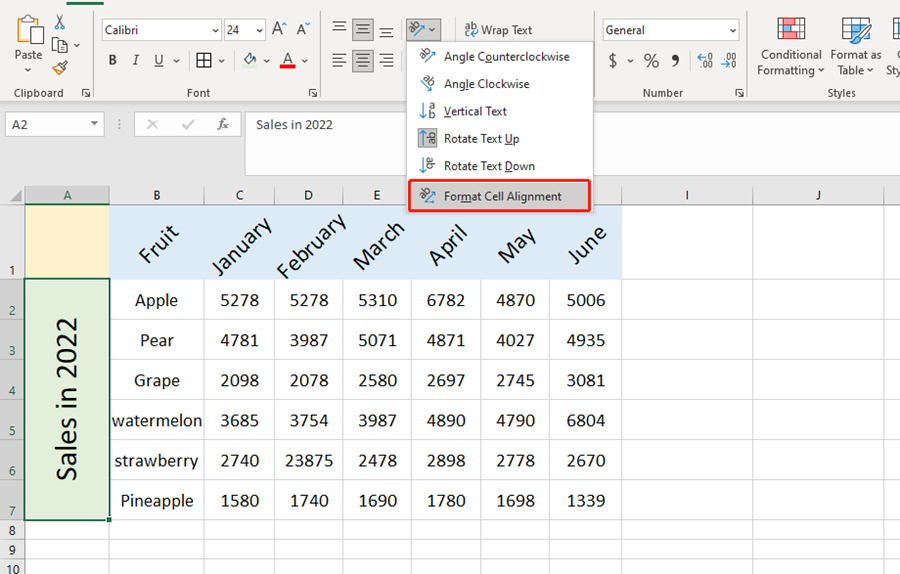 Excel Change Text To Number Function
https://www.myofficetricks.com/wp-content/uploads/2022/07/image-44.png
Feb 25 2025 nbsp 0183 32 What is Excel and what is it used for Excel is part of Microsoft s 365 suite of software alongside Word PowerPoint Teams Outlook and more Microsoft Excel is a
Templates are pre-designed files or files that can be utilized for various purposes. They can conserve effort and time by providing a ready-made format and layout for creating various type of material. Templates can be used for individual or expert projects, such as resumes, invitations, leaflets, newsletters, reports, presentations, and more.
Excel Change Text To Number Function
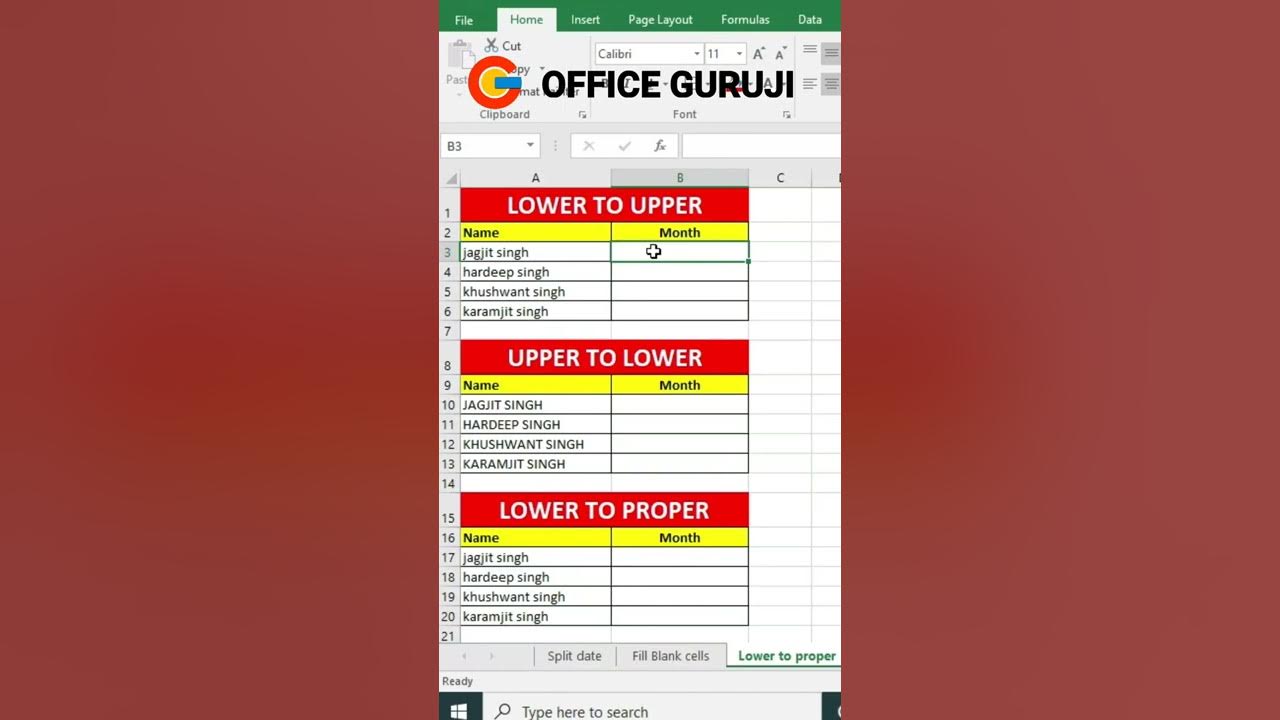
Change Case In Excel Change Text To Upper Lower And Proper Case In
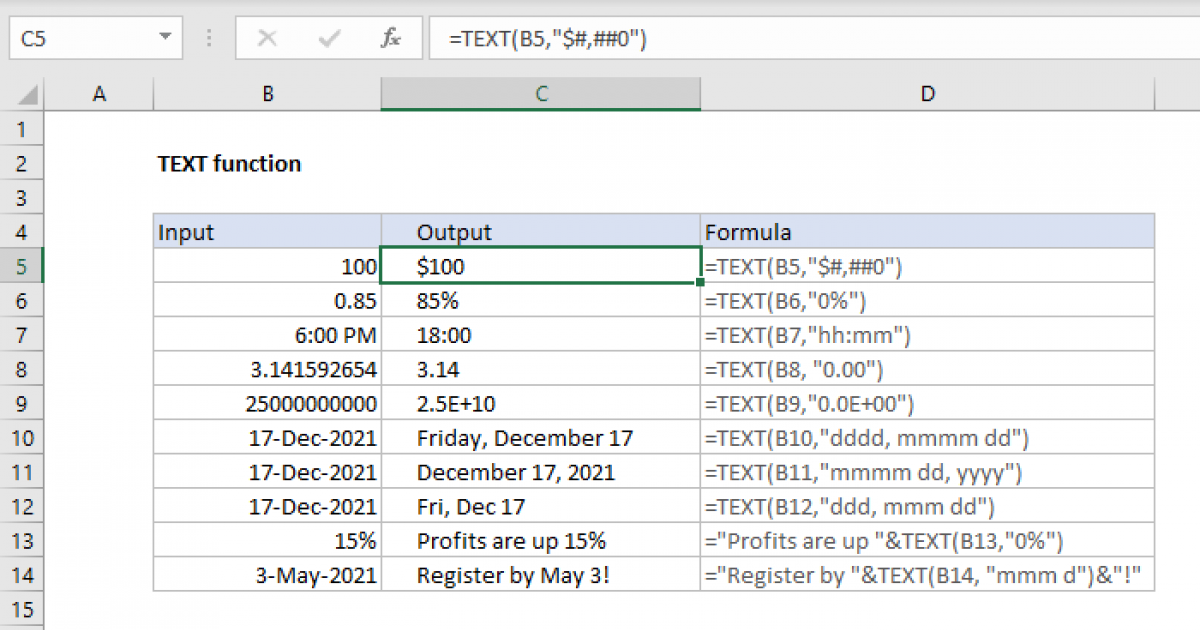
Excel TEXT Function Exceljet
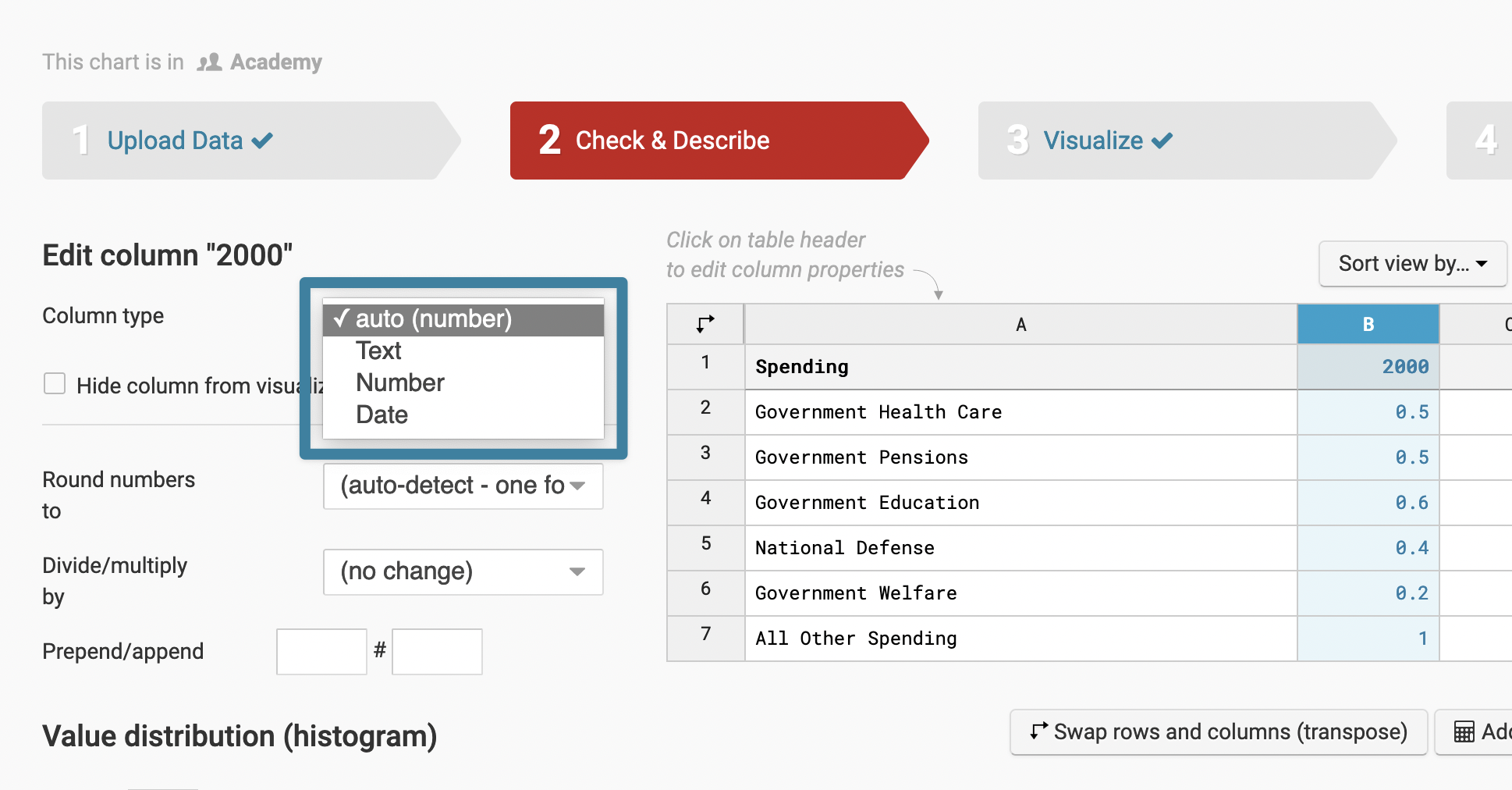
How To Keep Excel From Changing Numbers In Formula

VALUE Function Kazam Raza
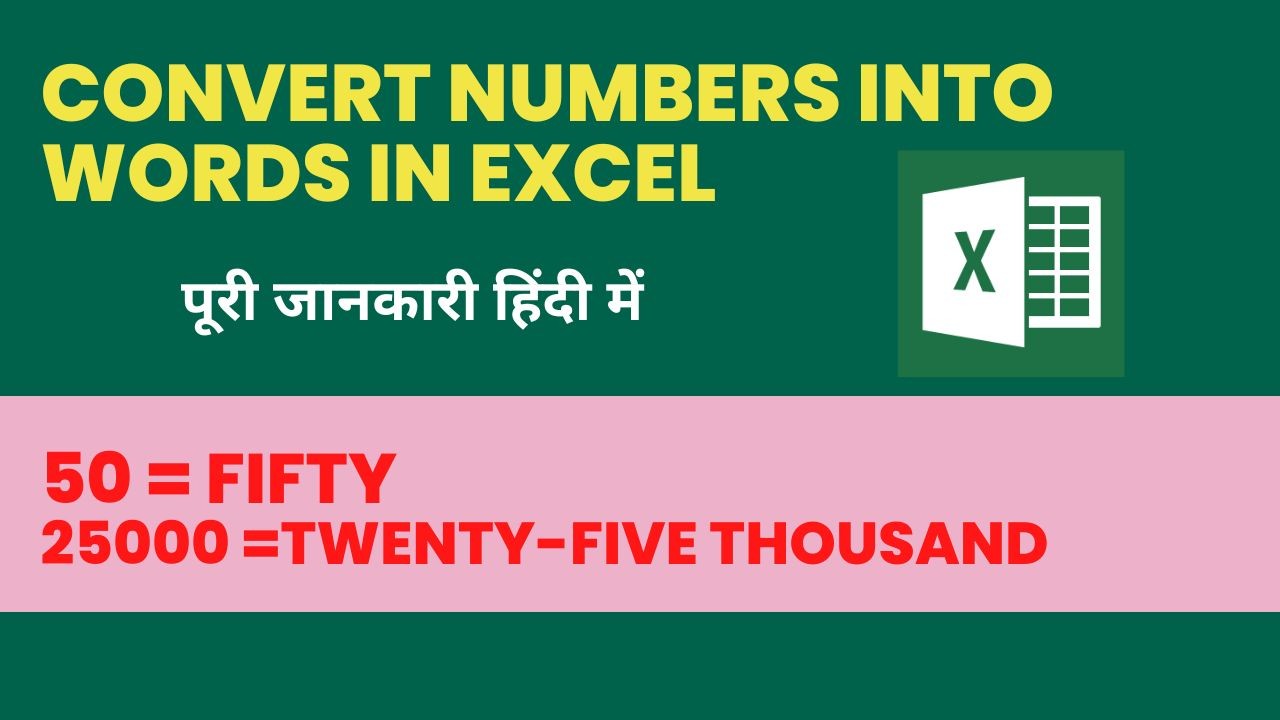
Number To Words In Excel Without VBA
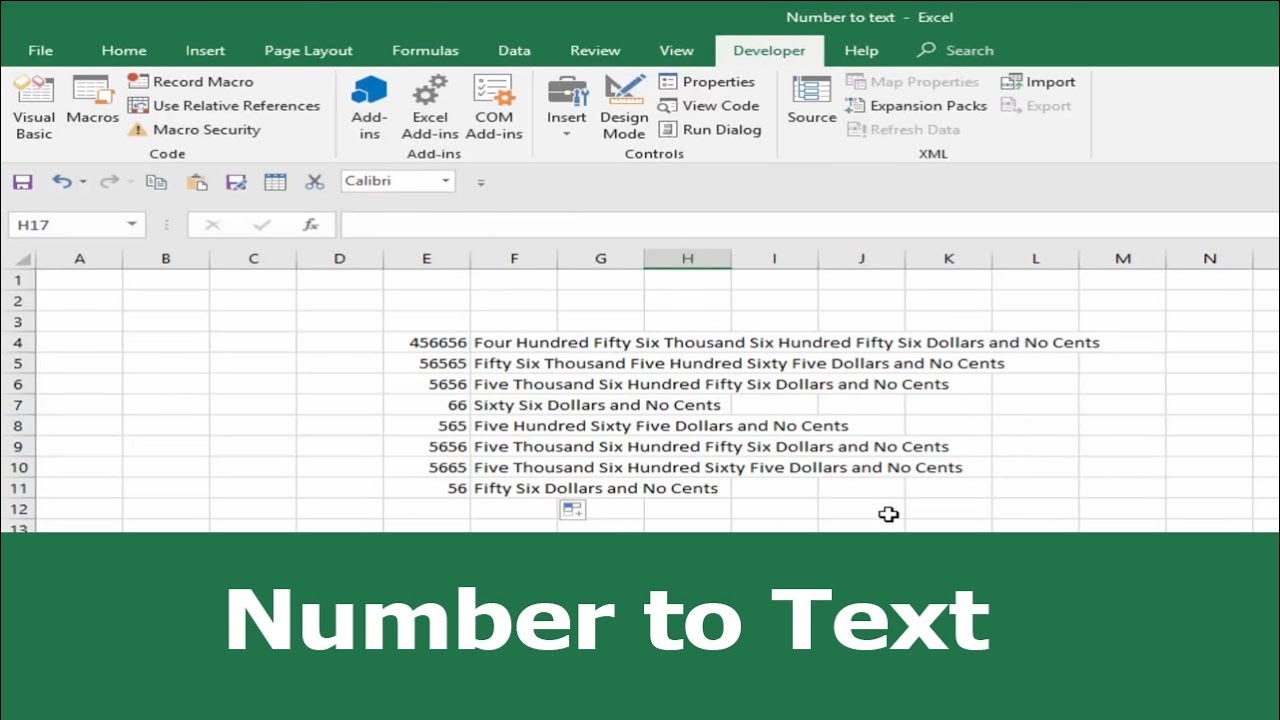
How To Convert Number To Text In MS Excel 2016 YouTube
Microsoft Excel is the industry leading spreadsheet software program a powerful data visualization and analysis tool Take your analytics to the next level with Excel

Collaborate for free with online versions of Microsoft Word PowerPoint Excel and OneNote Save documents spreadsheets and presentations online in OneDrive

Dec 2 2024 nbsp 0183 32 Microsoft Excel for Windows in Microsoft 365 offers an all in one solution for managing and analyzing data with access across multiple platforms for collaboration
Excel for the web is a free lightweight version of Microsoft Excel available as part of Office on the web which also includes web versions of Microsoft Word and Microsoft PowerPoint

Find Microsoft Excel help and learning resources Explore how to articles guides training videos and tips to efficiently use Excel
online Microsoft Excel web Jul 2 2025 nbsp 0183 32 In this section you will learn basics of Excel to professionally manage workbooks organize data and perform basic operations that form the foundation for advanced Excel
What is Excel Excel makes it easy to crunch numbers With Excel you can streamline data entry with AutoFill Then get chart recommendations based on your data and create them with one