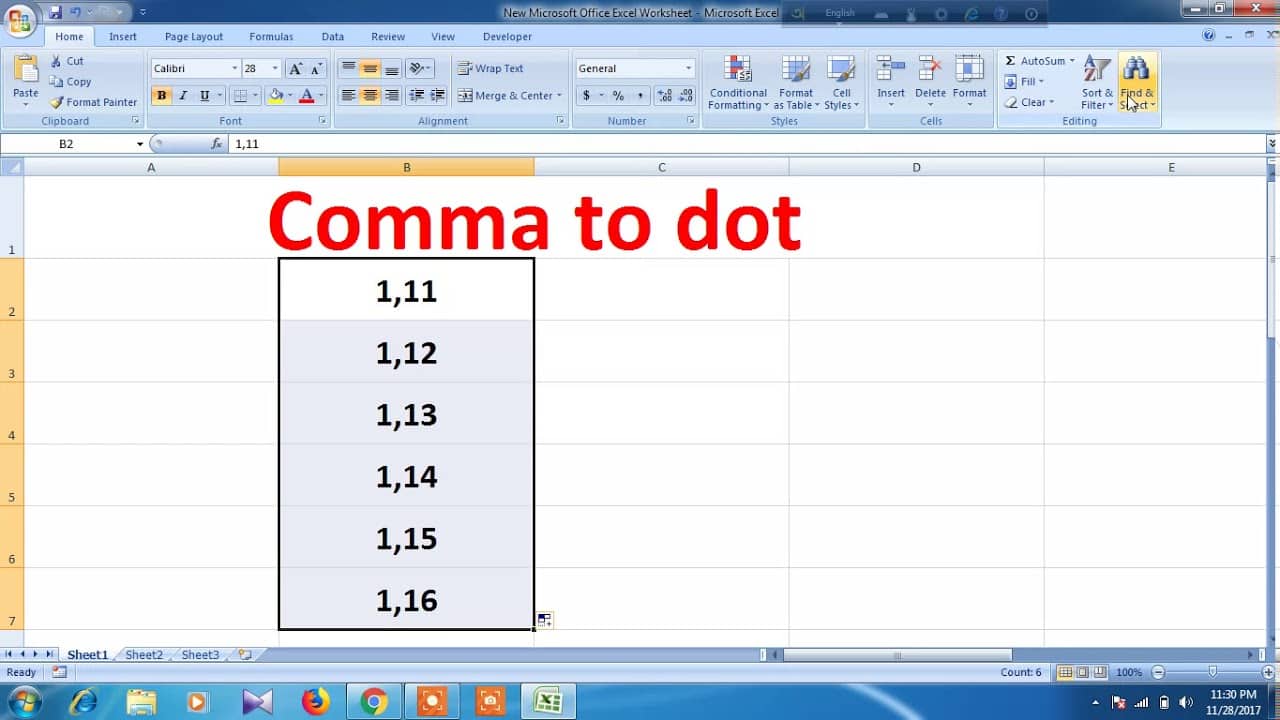
Excel Change Comma With Dot How To Replace Dots With Commas In Excel YouTube Changing Comma Into Dot When Data Transfer IFS Community Excel Converting A Dot Into A Comma This Is How It Works Practical Convert Dot To Comma Excel YouTube Change Comma To Dot In EXCEL 18 YouTube To convert Excel file to CSV semicolon delimited set the default decimal separator to a comma This will get Excel to use a semicolon for the List separator CSV delimiter Set Decimal separator to comma Set Thousands separator to period To save Excel file as CSV comma delimited set the decimal separator to a period dot
It is usually expressed with the dot symbol Besides some countries use comma as the decimal separator This separator is also known as the radix character We will use a sample dataset overview as an example in Excel to understand easily In most of the examples we will try to use this dataset 4 Let each user set their preferred decimal separator for Excel using File Options Advanced Untick Use system separator and set the desired separator symbols This way User A can use a decimal point with a number and User B who prefers decimal comma can open the same file and will see the same numbers with decimal commas
Change Comma To Dot In EXCEL 18 YouTube Easy Ways To Change A Comma To Dot In Excel 11 Steps How To Insert Comma In Excel Youtube Riset How To Change Comma To Dot In Excel 4 Handy Ways How To Insert Comma In Excel Youtube Riset Easy Ways To Change A Comma To Dot In Excel 11 Steps How To Change Excel CSV Delimiter To Comma Or Semicolon Excel Change Comma To Dot For Decimal Place Googlesheets Stack How To Change Number Format From Comma To Dot In Excel 5 Ways
Excel Change Comma With Dot
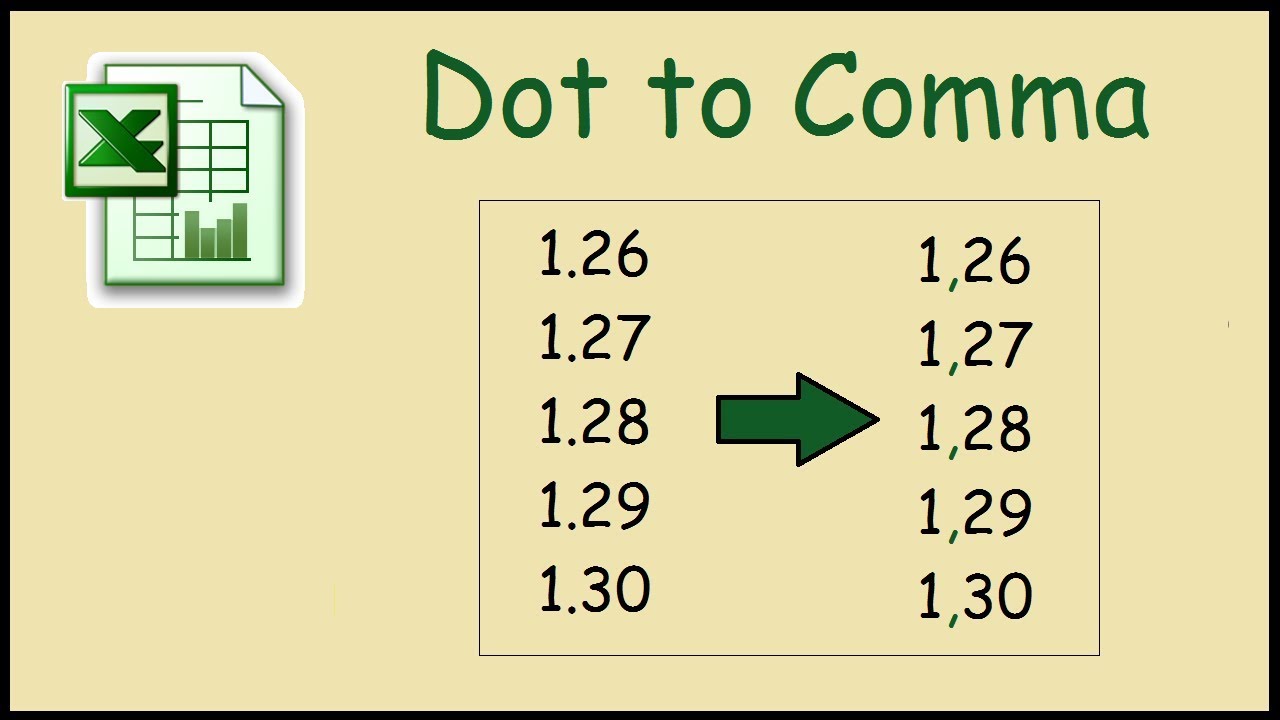 Excel Change Comma With Dot
https://i.ytimg.com/vi/lSv-WAPIVFM/maxresdefault.jpg
How to change decimal point to comma in Excel Highlight and copy data from the spreadsheet given below Now go to the worksheet and right click cell A1 Select Paste Special option in the appeared shortcut menu In the dialog box select Unicode Text and click OK
Templates are pre-designed files or files that can be utilized for numerous purposes. They can save effort and time by offering a ready-made format and design for producing different kinds of material. Templates can be used for individual or professional tasks, such as resumes, invites, leaflets, newsletters, reports, discussions, and more.
Excel Change Comma With Dot

Easy Ways To Change A Comma To Dot In Excel 11 Steps

Easy Ways To Change A Comma To Dot In Excel 11 Steps
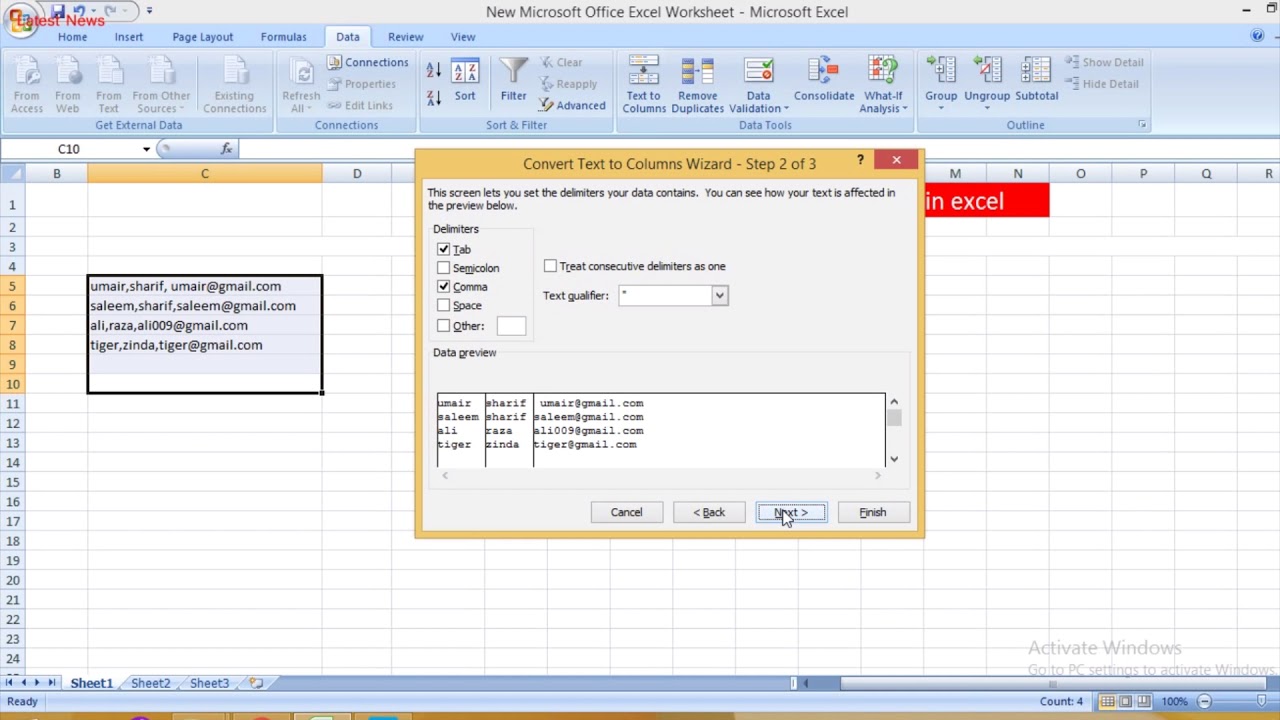
How To Insert Comma In Excel Youtube Riset

How To Change Comma To Dot In Excel 4 Handy Ways

Easy Ways To Change A Comma To Dot In Excel 11 Steps
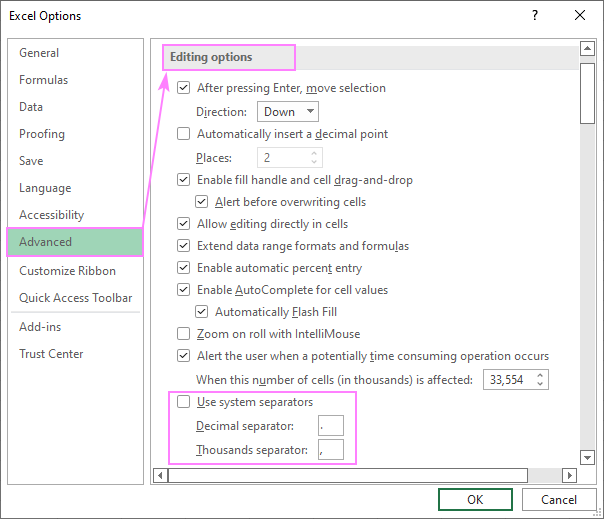
How To Change Excel CSV Delimiter To Comma Or Semicolon
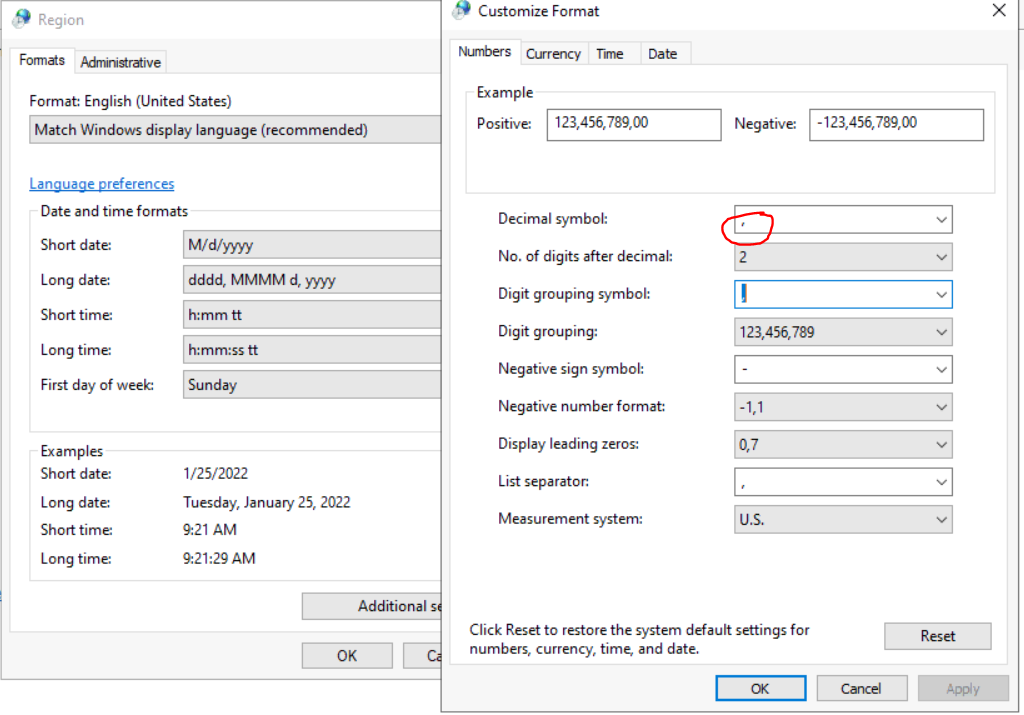
Click the Numbers tab Select the desired options in Decimal symbol and Digit grouping symbol You can also change other options in this dialog box such as the format of negatives Click OK twice Below is the Customize Format dialog box
Steps Type Notepad in the search box of the Windows operating system Paste the data range from Excel to Notepad Now go to Edit Replace Type in the box of Find What Comma and Replace With Dot and finally click Replace All Finally Dot replaced Comma in the Comma to Dot Notepad
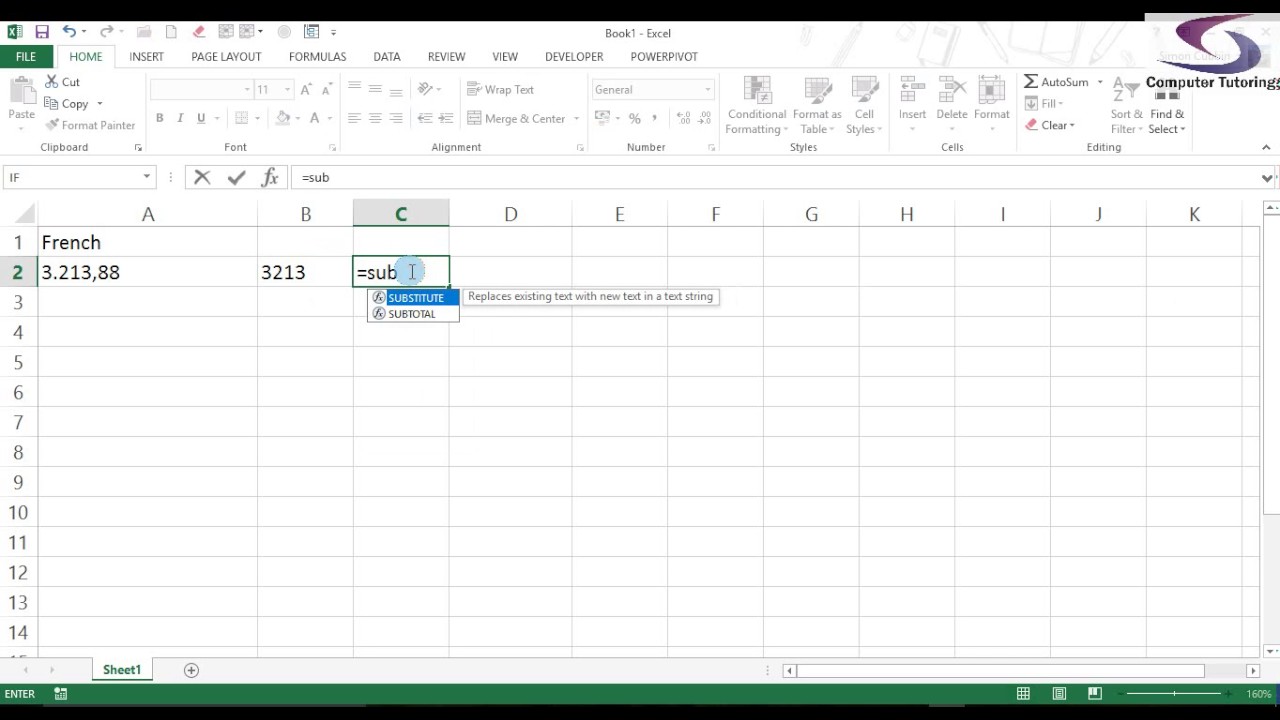
Excel changes dot of my keyboard to comma Excel always interpret the of my keyboard as My regional setting are correct is the decimal separator and my keyboard layout is correct FR BE I don t find how to change the behavior specific to Excel and Powerpoint only
Click File Options On the Advanced tab under Editing options clear the Use system separators check box Type new separators in the Decimal separator and Thousands separator boxes Tip When you want to use the system separators again select the Use system separators check box

1 I have a problem when I sum decimal numbers in the online excel office 365 I discovered that it s because of the decimal separator The default separator is comma but I want it to be dot instead
To change the global settings for using commas instead of decimal points and vice versa see Change the decimal point to a comma or vice versa in Excel To replace commas to dots or any other symbol that you use as a decimal point separator in the Excel spreadsheet do the following 1 You can t use a comma for both fields The English speaking countries like the U S the U K and Australia decimal separators are different from the European countries decimal delimiters The first ones use period point or dot as a decimal separator 17 96 and comma as a thousand groups delimiter 1 017 96
Method 1 Text to Columns The first method uses Text to Columns To use this method follow these steps Select the cells that contain the values you want to convert Select the Data tab on the Ribbon Click the Text to Columns button in the Data Tools group In step 1 of the wizard select Fixed Width Click Next