Excel Bar Formula Microsoft Excel Quick Tip Expand The Formula Bar Excel How To Extract Each Color Bar And Copy Them In A Table Stack Formula Bar Is Missing In Excel How Can I Get It Back Professor Formula Bar Excel Definition DEFINITION HWK Formula Bar Excel Hot Sex Picture Verkko 8 syysk 2021 nbsp 0183 32 Enter data into any cell Select the cell where you want to enter your data and start typing As you type the data notice the data also appear in the Formula Bar To accept the data either click the Check
Verkko Excel Formula Bar is a thin bar below the ribbon that displays the selected cell s content and displays the cell address of the selected cell on the left side You can also enter a value into the cell from the Verkko When you enter a formula in a cell the formula also appears in the formula bar Use the shortcuts in the formula bar to help you create formulas Select to check your formula
Formula Bar Excel Hot Sex Picture Cara Menampilkan Kolom Formula Bar Di Excel Yang Hilang Kusnendar Formula Bar Excel Cara Menampilkan Dan Menghilangkannya Excel Formula Bar Javatpoint Formula Bar In Microsoft Excel Standard Error Bars In Excel Fixed Formula Bar Is Not Showing In Excel 4 Solutions ExcelDemy Excel Formula Bar Exceljet BASIC THE FORMULA BAR EXCEL YouTube
Excel Bar Formula
 Excel Bar Formula
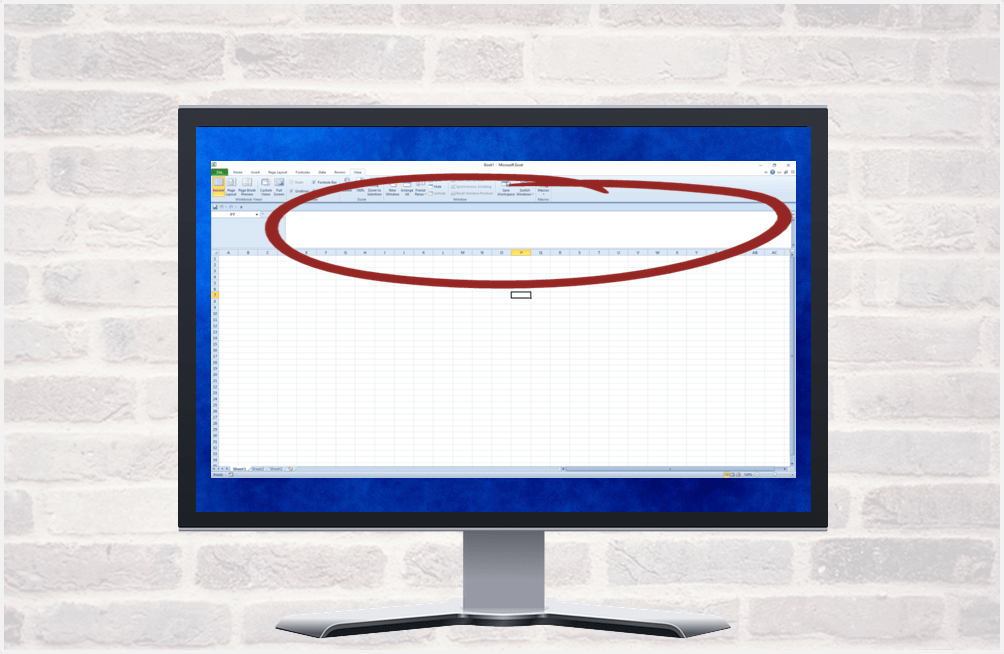
http://www.avantixlearning.ca/wp-content/uploads/2016/08/MicrosoftExcelExpandedFormulabarFeatured3.png
Verkko Expand or collapse the formula bar Ctrl Shift U Cancel an entry in the cell or formula bar Esc Complete an entry in the formula bar and select the cell below Enter Move the cursor to the end of the text when in
Templates are pre-designed documents or files that can be utilized for various functions. They can save time and effort by providing a ready-made format and design for creating different sort of content. Templates can be utilized for individual or expert projects, such as resumes, invites, flyers, newsletters, reports, presentations, and more.
Excel Bar Formula
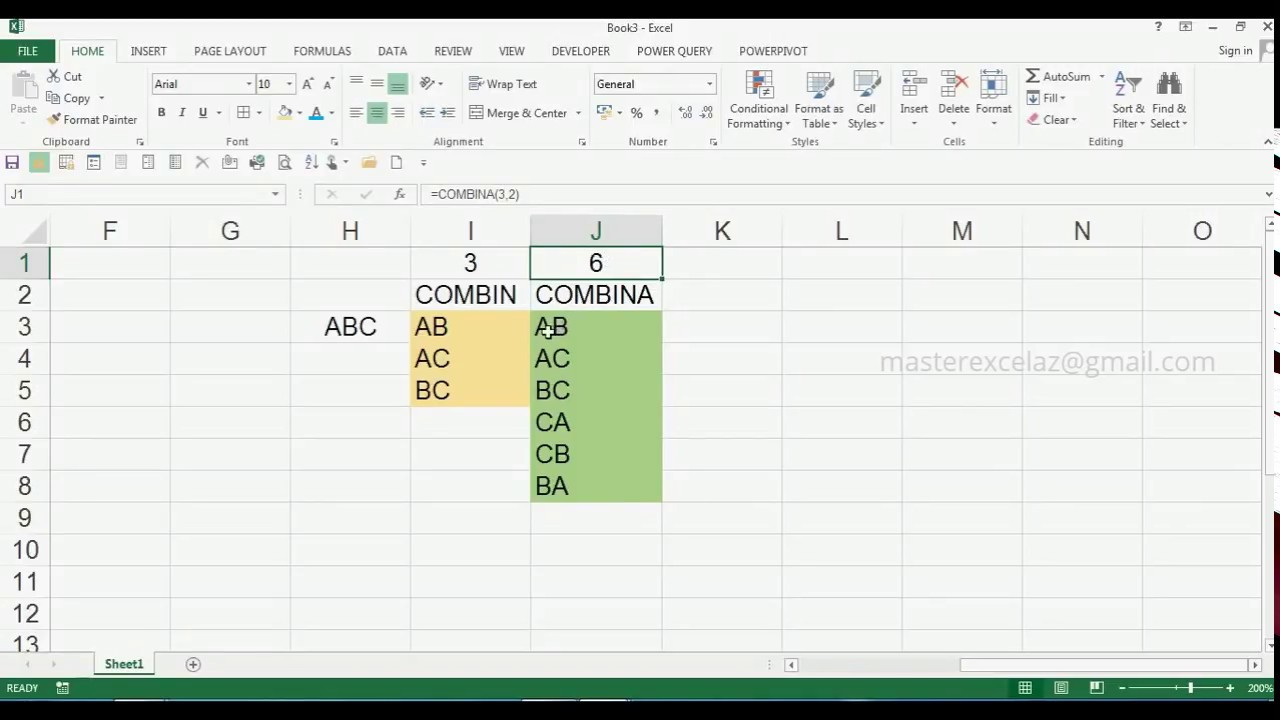
Combina Formula Example In MS Excel Spreadsheet 2013 YouTube

Cara Menampilkan Kolom Formula Bar Di Excel Yang Hilang Kusnendar

Formula Bar Excel Cara Menampilkan Dan Menghilangkannya
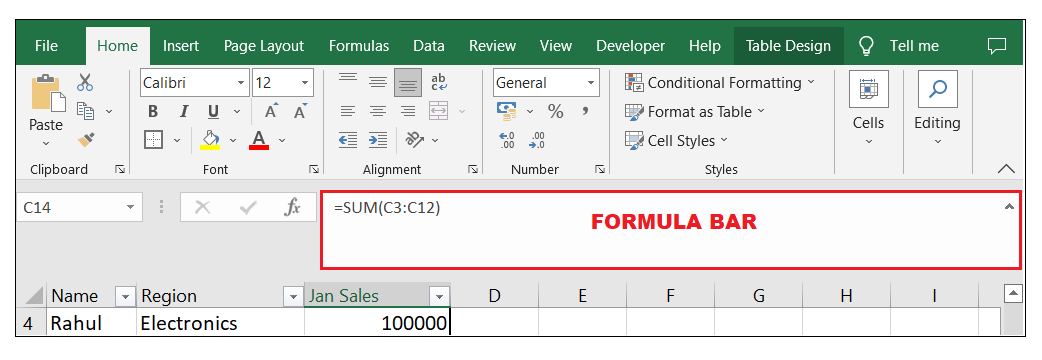
Excel Formula Bar Javatpoint
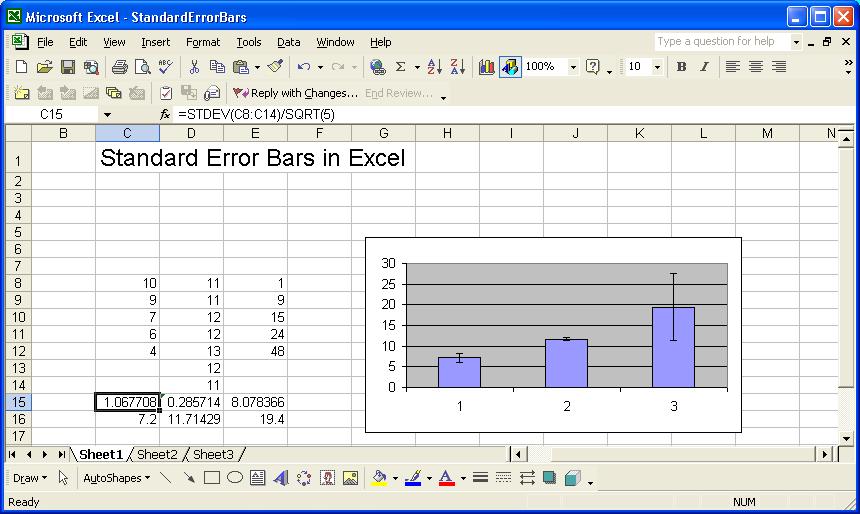
Standard Error Bars In Excel
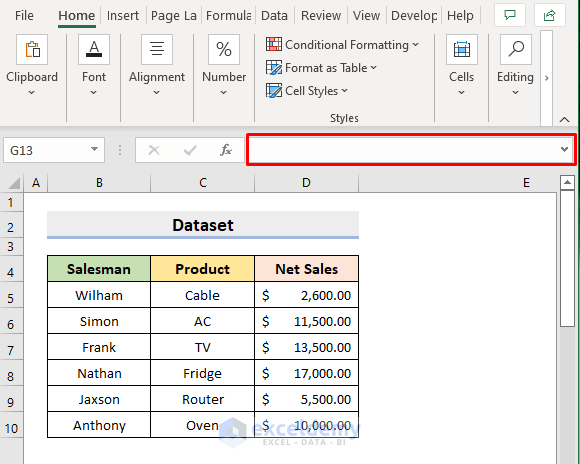
Fixed Formula Bar Is Not Showing In Excel 4 Solutions ExcelDemy
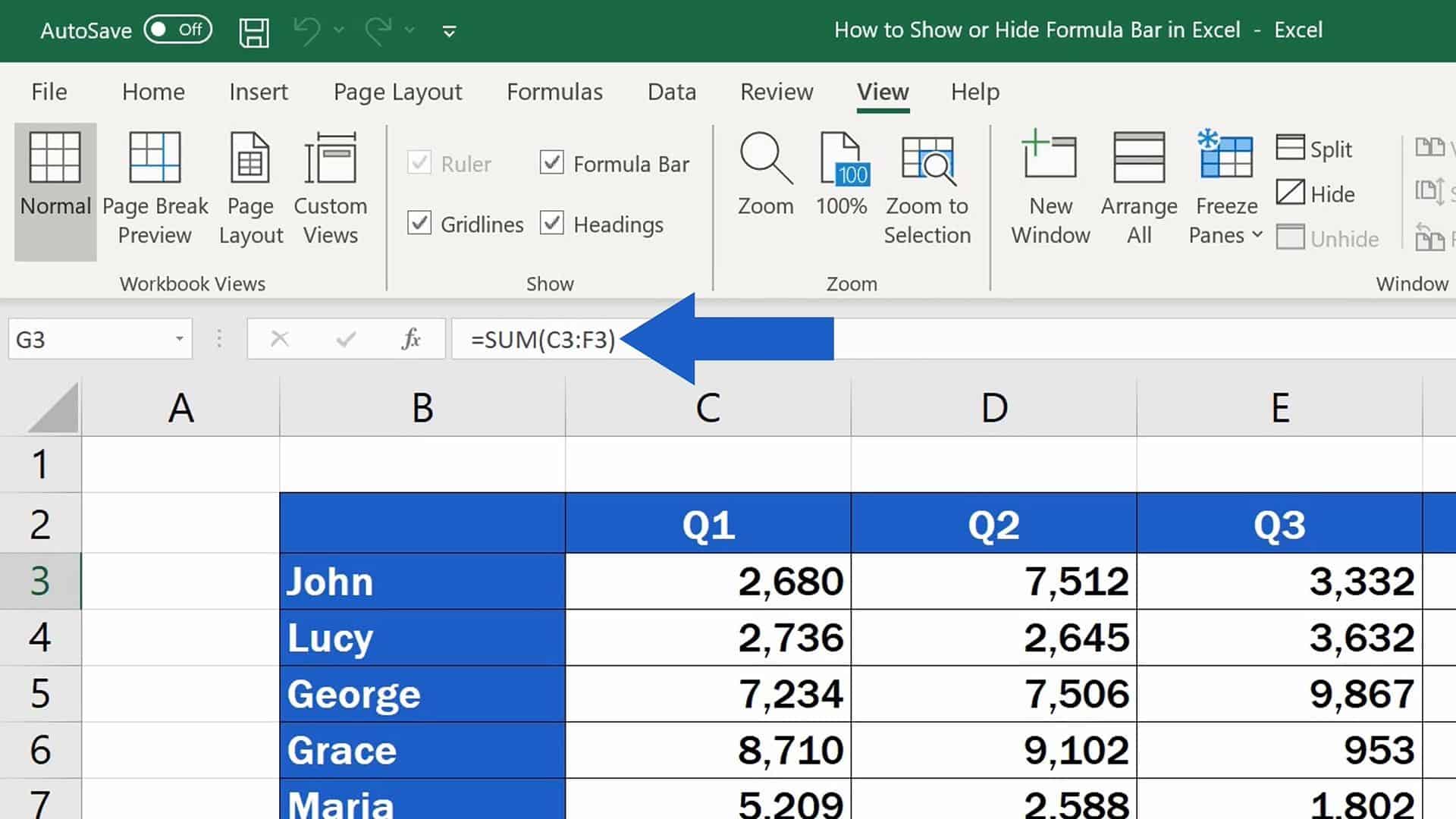
Verkko This keyboard shortcut takes the route of the View tab to hide the Formula Bar The keyboard shortcut for hiding the Formula Bar in Excel is Alt W V F Enter the keys

Verkko To see a formula in the formula bar select a cell Enter a formula that contains a built in function Select an empty cell Type an equal sign and then type a function For

Verkko 27 lokak 2019 nbsp 0183 32 The formula bar is a toolbar that appears at the top of Microsoft Excel and Google Sheets spreadsheets it is also

Verkko The formula bar can be used to edit the content of any cell and can be expanded to show multiple lines for the same formula example shortcut for toggling For an example of editing a long formula in an
Verkko 5 lokak 2022 nbsp 0183 32 To insert data bars in Excel carry out these steps Select the range of cells On the Home tab in the Styles group click Conditional Formatting Point to Data Bars and choose the style you want
Verkko 11 lokak 2023 nbsp 0183 32 What is the Formula Bar in Excel The Formula Bar is the place where you can edit data or formulas in the selected cell For example if you want to Verkko You can also see the formula in the formula bar at the top of the Excel window Notes To sum a column of numbers select the cell immediately below the last number in the
Verkko Generally there are three formula bar functions in excel The formula bar Helps to see and edit a formula in a cell especially if the formula is very long Activates the