Excel Background Image Not Showing Full Hd Wallpaper Excel Background Image Hd 2991179 HD Wallpaper Solved Background Image Not Showing CSS Tricks CSS Tricks Css Background Image Not Showing In Microsoft Edge Stack Overflow How To Insert A Background Image In Excel 2010 YouTube How To Fix CSS Background image Not Working HTML CSS Coder Coder Click on Background and see the three options from a file Bing Image Search and OneDrive Personal Let s start by selecting the first option From a file and choose an image from your computer Select an image and then click Insert See the background chosen behind your data in the screenshot below
To insert a picture from a collection of stock images follow these steps Click the location in your worksheet where you want to insert a picture On the Insert ribbon click Pictures Select Stock Images Browse to the picture you want to insert select it and then click Open The picture will be inserted in your worksheet To print an Excel spreadsheet with a background image follow these steps Finish editing your spreadsheet in Excel Insert a shape covering your data Add an image from Picture or texture fill
How To Fix CSS Background image Not Working HTML CSS Coder Coder How To Add Excel Background Pictures Intermediate 2 YouTube How To Change The Background Color In MS Excel MIcrosoft Excel Tips Free Download Excel Background Images Posted By Ryan Peltier 1680x1050 How To Add Picture In Excel Background PictureMeta Adding Pictures And Backgrounds Into Excel YouTube Microsoft Office Club Applying Background To An Excel Worksheet Excel Wallpaper For Free Download Professor Excel Professor Excel Css Background Image Not Showing I Have Included My Relevant Part Of
Excel Background Image Not Showing
 Excel Background Image Not Showing
https://www.itl.cat/pngfile/big/299-2991179_full-hd-wallpaper-excel-background-image-hd.jpg
Background set to Excel sheets in Windows 10 desktop disappears on both Android and ios mobile devices when these are saved in OneDrve and shared with others This is also the case for other platforms like Google drive This is especially annoying for styled dashboards that lose a lot of their functionality on account of this
Templates are pre-designed files or files that can be utilized for various purposes. They can conserve effort and time by offering a ready-made format and design for developing different kinds of content. Templates can be utilized for individual or expert jobs, such as resumes, invites, flyers, newsletters, reports, presentations, and more.
Excel Background Image Not Showing
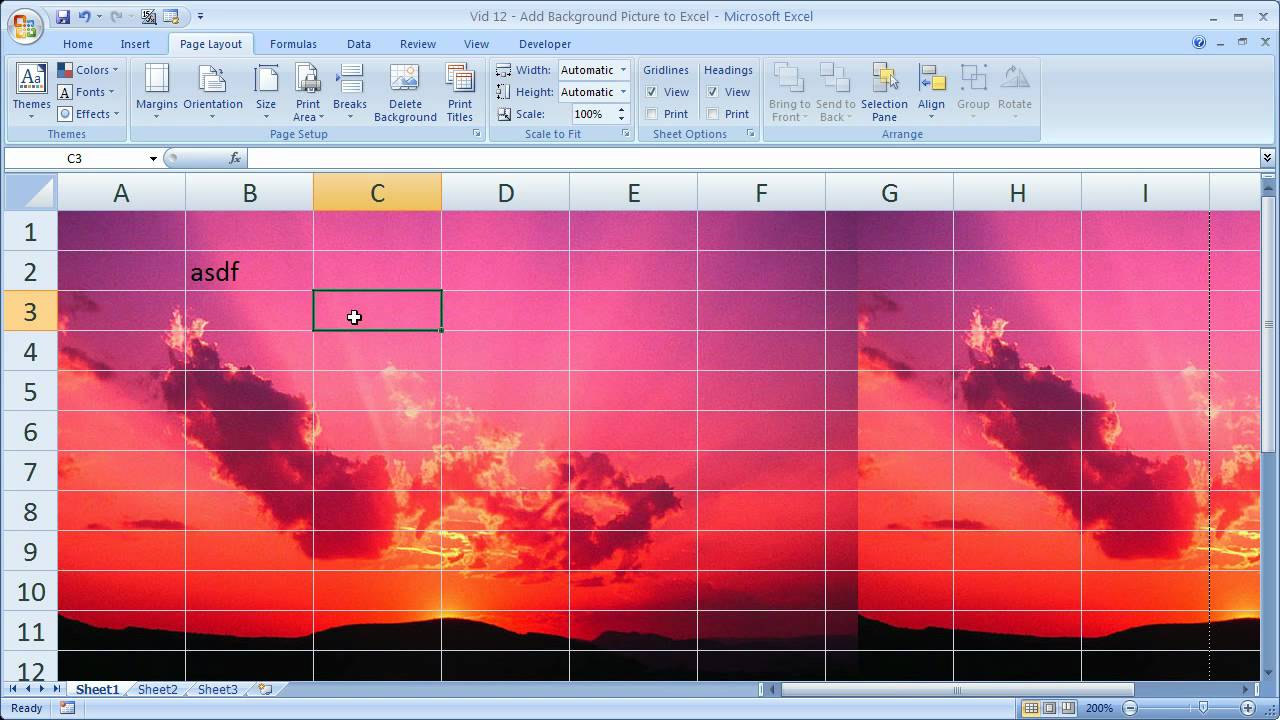
Free Download Excel Tips 12 Add Background Pictures To Excel

How To Add Excel Background Pictures Intermediate 2 YouTube
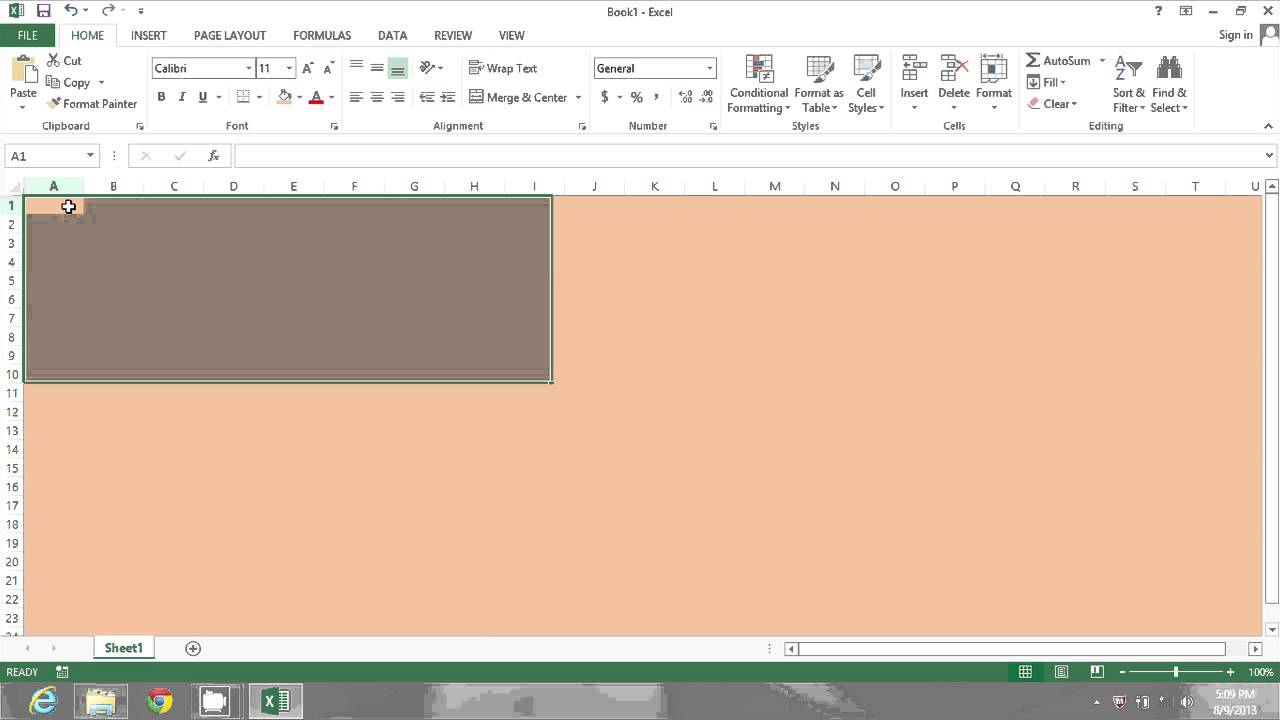
How To Change The Background Color In MS Excel MIcrosoft Excel Tips

Free Download Excel Background Images Posted By Ryan Peltier 1680x1050
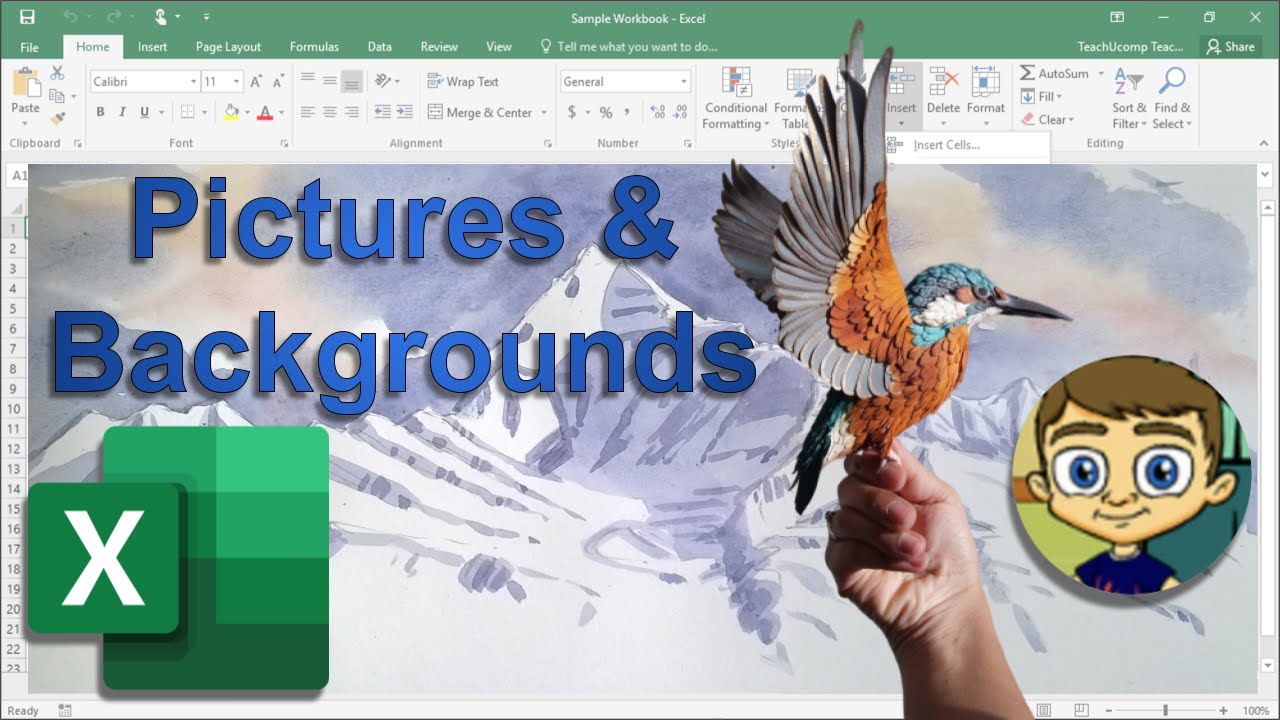
Adding Pictures And Backgrounds Into Excel YouTube

Microsoft Office Club Applying Background To An Excel Worksheet
In Microsoft Excel you can use a picture as a sheet background for display purposes only A sheet background is not printed and it is not retained in an individual worksheet or in an item that you save as a Web page Because a sheet background is not printed it cannot be used as a watermark

Cause This issue occurs because background graphics cannot be printed in Excel More Information To add a graphic to the background of an Excel worksheet follow these steps Open the worksheet in Excel On the Format menu click Sheet and then click Background

While you can use the background option Page Layout Background to add a background image to your spreadsheet Excel won t allow you to print backgrounds that are applied this way You have to use shapes images or cell colors as a work around to achieve the same effect
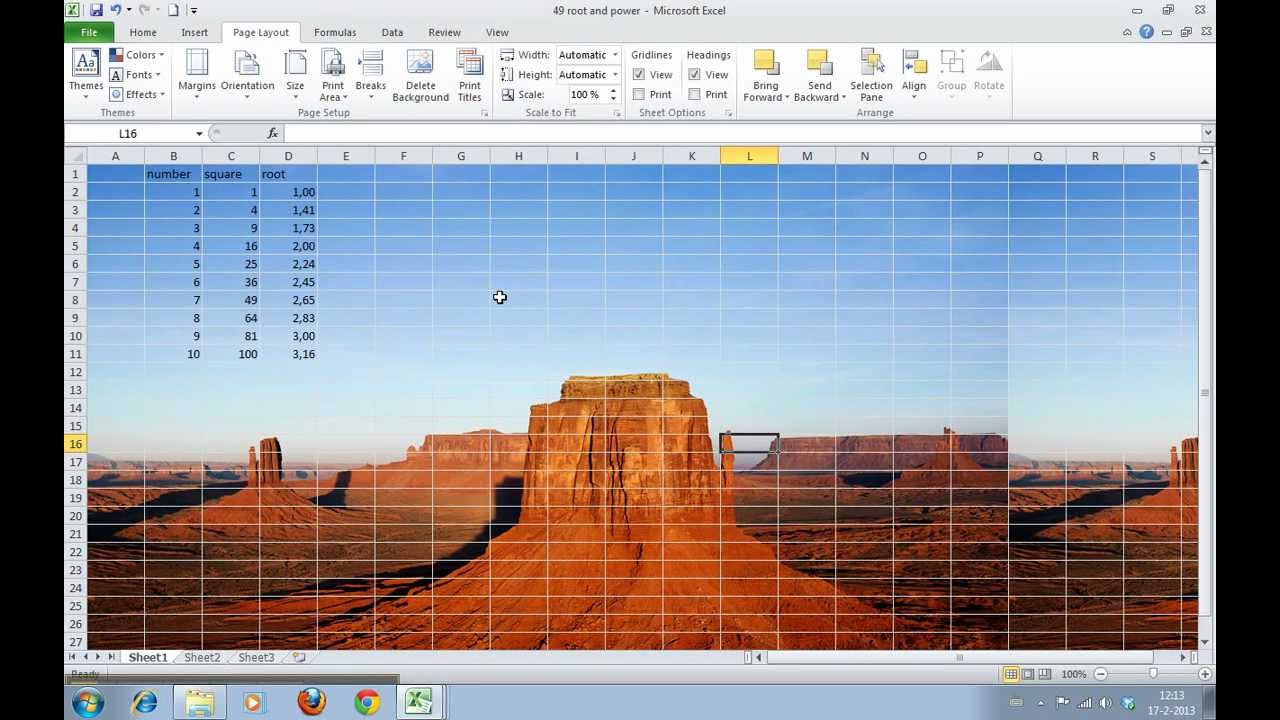
Go to the folder and choose a picture Then click Insert As a result you can see the background image across all cells in the worksheet as shown in the picture below Tip To display the image on visible cells only first resize or crop the image in Paint or a similar program for picture editing Now add data to the cells and see how it

On the Tools menu click Options Click the General tab Under General select the Print background colors and pictures check box and then click OK On the File menu click Print
The graphic can even have text in it Here is a screenshot of a PDF showing a spreadsheet with a blue 8 x10 EMF graphic that contains text If you do an EMF vector image not a PNG bitmap image the quality of any text you put in the background will be excellent Here are the detailed steps To create an EMF graphic MS Mohan Suryanarayan Replied on May 28 2014 Report abuse Hi Andy I understand that the images and charts inserted in Excel workbooks do not display on some sheets but display fine on other sheets Have you inserted these images differently on different sheets
1 Utilizing the Insert Tab to Insert Picture in Excel Cell Background For the first method we re going to insert resize and lower the transparency of images to Insert pictures in Excel cell background We ll input the images in the Color column Steps Firstly from the Insert tab Pictures click on Stock Images