Excel Application Object Properties And Methods Microsoft Excel Easy Guide For Beginners With Formulas And More An Overview Of Microsoft Excel Excel Getting Started With Excel Learn Microsoft Excel Free Excel Tutorial Part 1 YouTube Microsoft Excel Spreadsheet Template Db Excel Com Riset The Excel VBA Application object is one of the most commonly utilized objects when using VBA to automate any task It uses several Excel programs and runs various operations on Excel Workbooks To work with the Excel Application Object it has many Properties and Methods Below is a brief description of each of the most useful Properties and
The Excel application itself is an object as are workbooks worksheets cell ranges and shapes Every object has associated properties and methods Objects can also contain other objects and the collections object is used to refer to a group of the same Excel objects In this tutorial we are going to look at some commonly used Excel Objects For more information about using a single Workbook object see the Workbook object Example Use the Workbooks property of the Application object to return the Workbooks collection The following example closes all open workbooks Workbooks Close Use the Add method to create a new empty workbook and add it to the collection The following
Microsoft Excel Spreadsheet Template Db Excel Com Riset Microsoft Excel Wikip dia Microsoft Excel 365 16 0 12827 20336 Download Per PC Gratis How To Select The Format In Which Microsoft Excel Spreadsheets Are Screenshot Excel Online Professor Excel Professor Excel Microsoft Excel Introduction To Microsoft Excel Microsoft Excel Tutorial Lesson 01 Microsoft Excel Fundamentals Online Microsoft Excel Beginner To Intermediate Course Earn Excel
Excel Application Object Properties And Methods
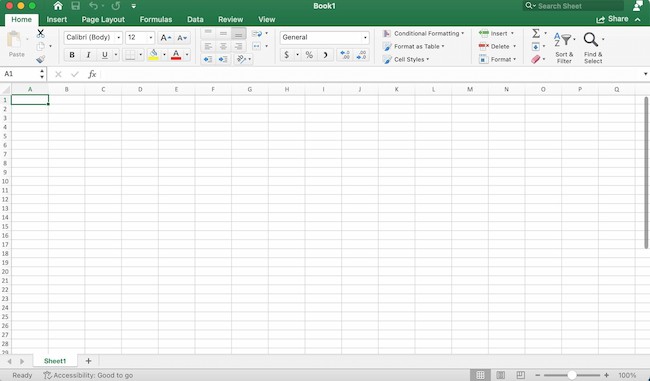 Excel Application Object Properties And Methods
https://blog.hubspot.com/hs-fs/hubfs/what-is-microsoft-excel.jpg?width=650&height=381&name=what-is-microsoft-excel.jpg
Since the Application object is the top member object in the Excel interface to use any Excel Application object property or method you don t need to explicitly reference the Application object in your code Although if you reference it and insert the dot character VBA will open a quick list with all the object interfaces and your code will become easier to understand
Templates are pre-designed files or files that can be utilized for different purposes. They can save effort and time by offering a ready-made format and layout for developing various type of material. Templates can be utilized for personal or professional tasks, such as resumes, invites, leaflets, newsletters, reports, discussions, and more.
Excel Application Object Properties And Methods
Microsoft Excel Advanced Online SETA Accredited ILearn

Microsoft Excel Wikip dia
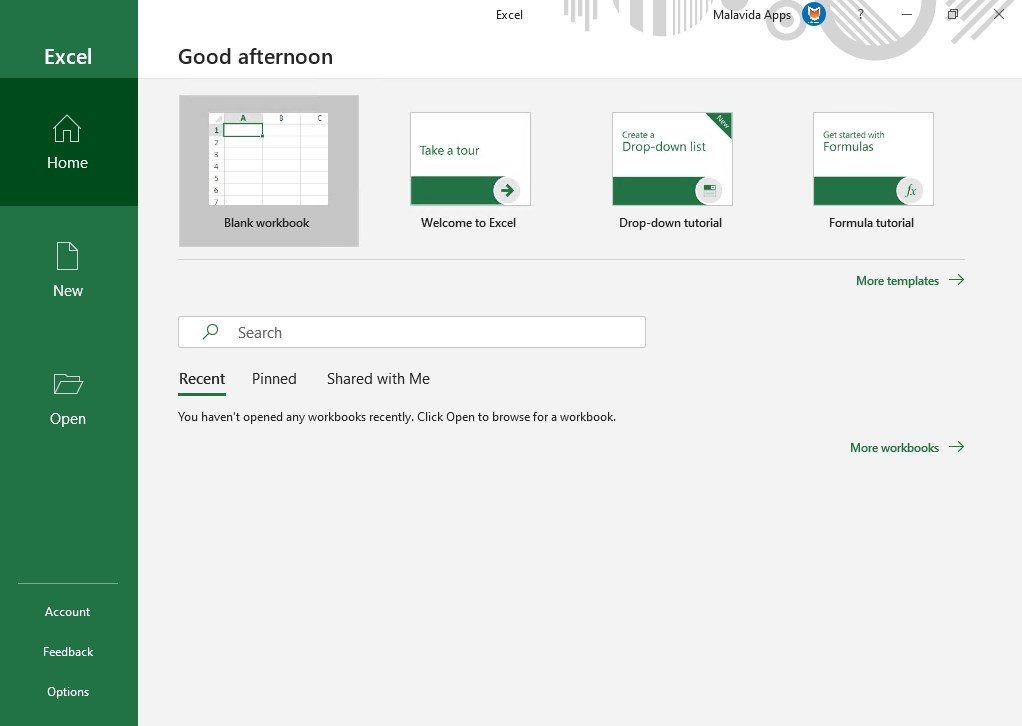
Microsoft Excel 365 16 0 12827 20336 Download Per PC Gratis
How To Select The Format In Which Microsoft Excel Spreadsheets Are
Microsoft Excel
Introduction To Microsoft Excel

A collection is an object that contains several other objects usually but not always of the same type In Microsoft Excel for example the Workbooks object contains all the open Workbook objects In Visual Basic the Forms collection contains all the Form objects in an application Items in a collection can be identified by number or by name
Object model Excel Article 07 11 2022 7 contributors Feedback This section of the Excel VBA Reference contains documentation for all the objects properties methods and events contained in the Excel object model Use the table of contents in the left navigation to view the topics in this section
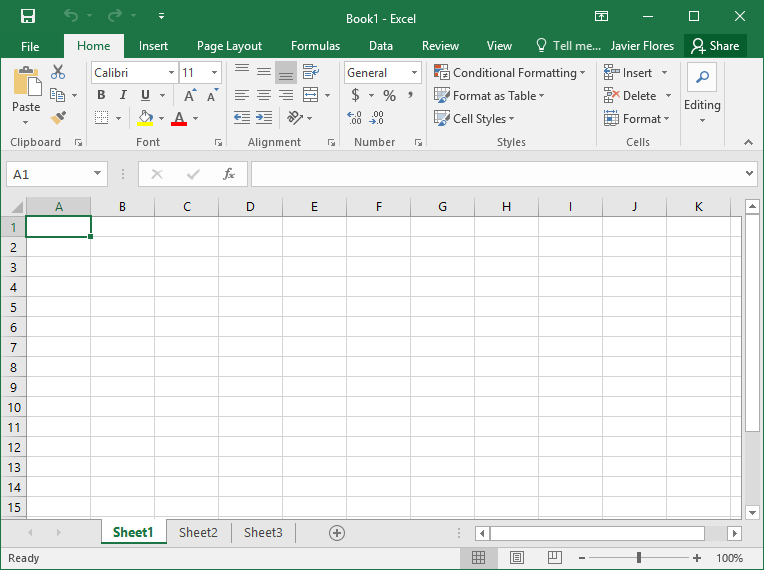
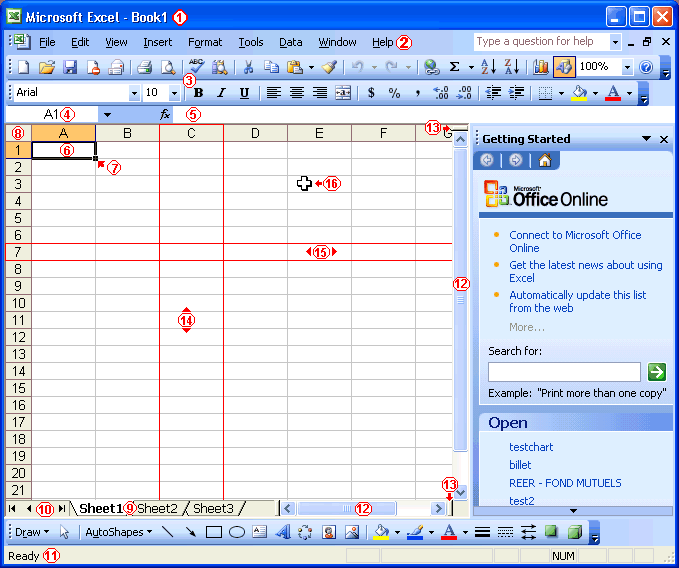
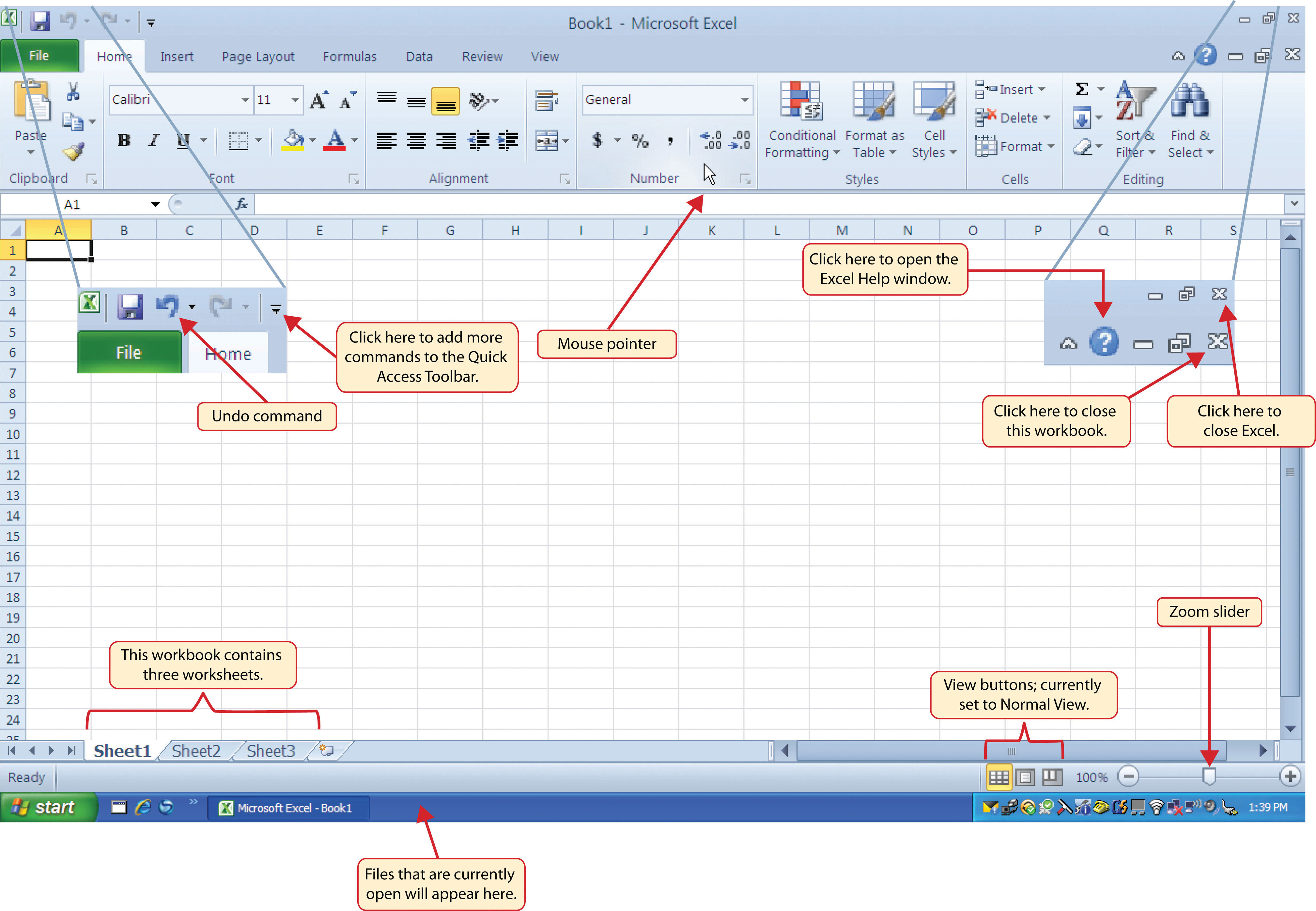
The object model closely follows the user interface The Application object represents the entire application and each Workbook object contains a collection of Worksheet objects From there the major abstraction that represents cells is the Range object which enables you to work with individual cells or groups of cells In addition to the Excel object model Office projects in Visual

Object properties Object methods To be more precise In order to become great in VBA you actually need to understand and master both properties and methods This Excel tutorial covers 1 of these topics Object properties More particularly in this blog post you ll read about the following topics

The Excel object model is fully documented on MSDN Here is the Excel 2010 Application object Use the links in the left navigator to view properties and members
Understanding Objects Properties and Methods in VBA is really important if you d like to write your own Excel VBA code from scratch or update the VBA code you find on forums This Excel VBA tutorial for beginners includes two lectures from my Unlock Excel VBA and Macros course I cover objects and the Object library in detail inside These objects are not physical things we can see in real life but virtual ones existing in the computer memory In the following lessons I will write about things associated with objects such as properties methods events and hierarchy Application object and object hierarchy The Application object represents the entire Excel application
The VBA Application Object is a cornerstone for developers working with Microsoft Office automation This article breaks down its functionalities properties and methods offering practical insights for efficient coding and automation in Excel and beyond