Excel Access Database Vba IThunar Access Database Expert IThunar Services VBA To Load Millions Of Records To Access Database In Seconds YouTube Subhas Singha Senior Quality Assurance Analyst Credit Suisse James A Wichita Kansas United States Professional Profile LinkedIn Update Excel Spreadsheet From Access Database For Excel Access Database 1 I am trying to store the values inside an access database from excel using vba I have a form in Excel where I get the Inputs from the User On VBA In the Locals window I could see the values assigned to the object as below Name Mike Age 23 Occupation Student
5 Answers Sorted by 2 xlFilepath Application ThisWorkbook FullName Sql INSERT INTO tblSales SELECT FROM Excel 12 0 Macro HDR YES DATABASE xlFilepath datasheet A1 AK10011 cnn Execute Sql Warning in your Datasheet Table The first 8 rows Remarks Use the TransferSpreadsheet method to import or export data between the current Access database or Access project adp and a spreadsheet file You can also link the data in an Excel spreadsheet to the current Access database With a linked spreadsheet you can view and edit the spreadsheet data with Access while still allowing complete access to the data from your Excel spreadsheet
Update Excel Spreadsheet From Access Database For Excel Access Database IThunar Google Sheets Expert IThunar Services Subhas Singha Senior Quality Assurance Analyst Credit Suisse How To Export MS Access Table Data To Excel Spreadsheet Office 365 Freelancing Course IThunar Course Excel Vba Tutorial Access Sbstashok Multi Page Userform VBA Code For The Employee Database YouTube Excel Userform Excel Address Book Excel Tutorials Excel Address Act Reviews Demo Pricing 2021
Excel Access Database Vba
 Excel Access Database Vba
https://ithunar.com/wp-content/uploads/2022/02/Access-Database-Expert.jpg
open the acces project Call appAccess OpenCurrentDatabase D StuffBusinessTempNewDB accdb appAccess Visible True End Sub Early Binding In early binding you will need to add reference to the Access Object Library before running the code This can be done in the VBA editor Tools Reference
Pre-crafted templates provide a time-saving option for developing a varied variety of documents and files. These pre-designed formats and layouts can be made use of for numerous personal and professional projects, including resumes, invites, flyers, newsletters, reports, presentations, and more, simplifying the content production procedure.
Excel Access Database Vba

Microsoft Access Database VBA

IThunar Google Sheets Expert IThunar Services

Subhas Singha Senior Quality Assurance Analyst Credit Suisse
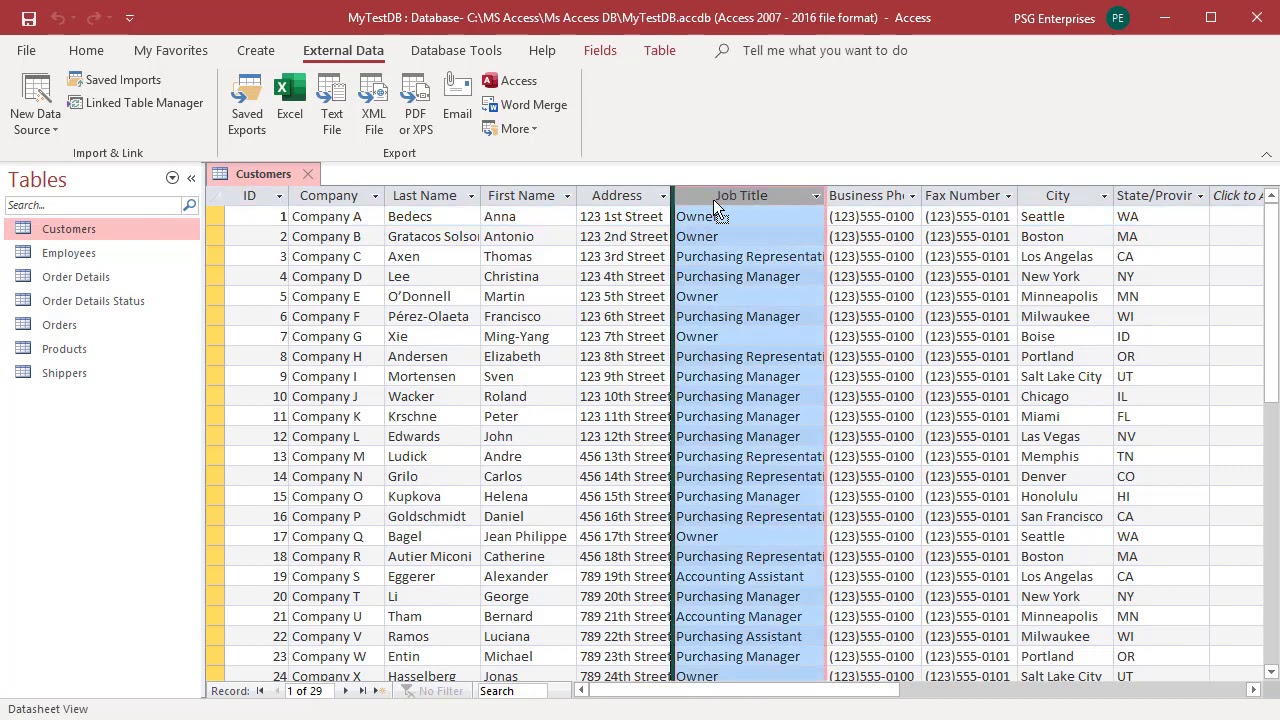
How To Export MS Access Table Data To Excel Spreadsheet Office 365
Excel Vba Tutorial Access Sbstashok
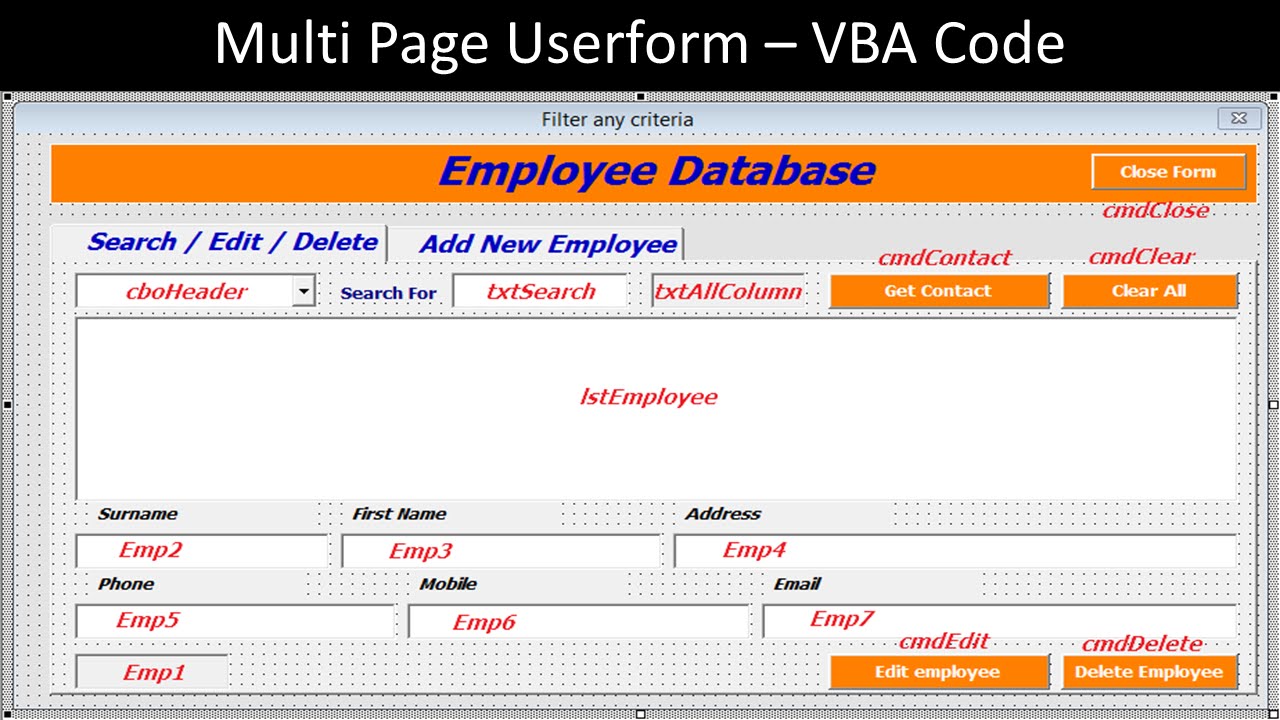
Multi Page Userform VBA Code For The Employee Database YouTube

Sub getDataFromAccess Dim DBFullName As String Dim Connect As String Source As String Dim Connection As ADODB Connection Dim Recordset As ADODB Recordset Dim Col As Integer Dim startdt As String Dim stopdt As String Dim refresh refresh MsgBox Start New Query vbYesNo If refresh vbYes Then Sheet1 Cells Clear startdt Application

1 Connecting to Microsoft Access Database from Excel VBA using DAO Object Model 2 Microsoft Access DAO Object Model Create an Index Create Relationship between Fields Create and Execute a Query 3 Microsoft Access DAO Object Model Import or Export Data from Access to Excel Also Read

In Access programming is the process of adding functionality to your database by using Access macros or Visual Basic for Applications VBA code For example suppose that you have created a form and a report and you want to add a command button to the form that when clicked opens the report

Expression OpenCurrentDatabase filepath Exclusive bstrPassword expression A variable that represents an Application object Parameters Expand table Return value Nothing Remarks Use this method to open a database from another application that is controlling Microsoft Access through Automation formerly called OLE Automation

2 Answers Sorted by 2 I ve tried using below connection string and it throws runtime error 438 Run time error 438 means that the Object doesn t support this property or method You are getting that error because you are mixing VB Net with VBA This
VBA Create New Access Database From Excel Jun 11 2015 by azurous in Access In this article I will explain how you can create a new blank access database from Excel There are 2 methods for getting this done Late Binding Early Binding In early binding we add a reference to the Access Object Library Create and open a connection to the Access database Create a recordset that will contain the query results Create the necessary SQL select statement or set the query name Open the recordset If the recordset has data write them into Excel Finally close the recordset and the connection
Access A family of Microsoft relational database management systems designed for ease of use Development The process of researching productizing and refining new or existing technologies 782 questions