Excel 3d Maps Not Showing All Data Which Version Of Excel Has 3D Maps Projectcubicle Discovering 3D Maps In Excel My Office Expert How To Use 3D Map Chart Globe Chart In Excel To Show The Geographical 3d Map Seeking Examples Of 3D Maps Geographic Information Systems Fixed Excel Chart Is Not Showing All Data Labels 2 Solutions Web Result C Navigate to the Insert tab at the top of the Excel window C Click on the 3D Maps button in the Tours group C Customizing the 3D map settings D Once the 3D Maps window opens you can customize the settings such as
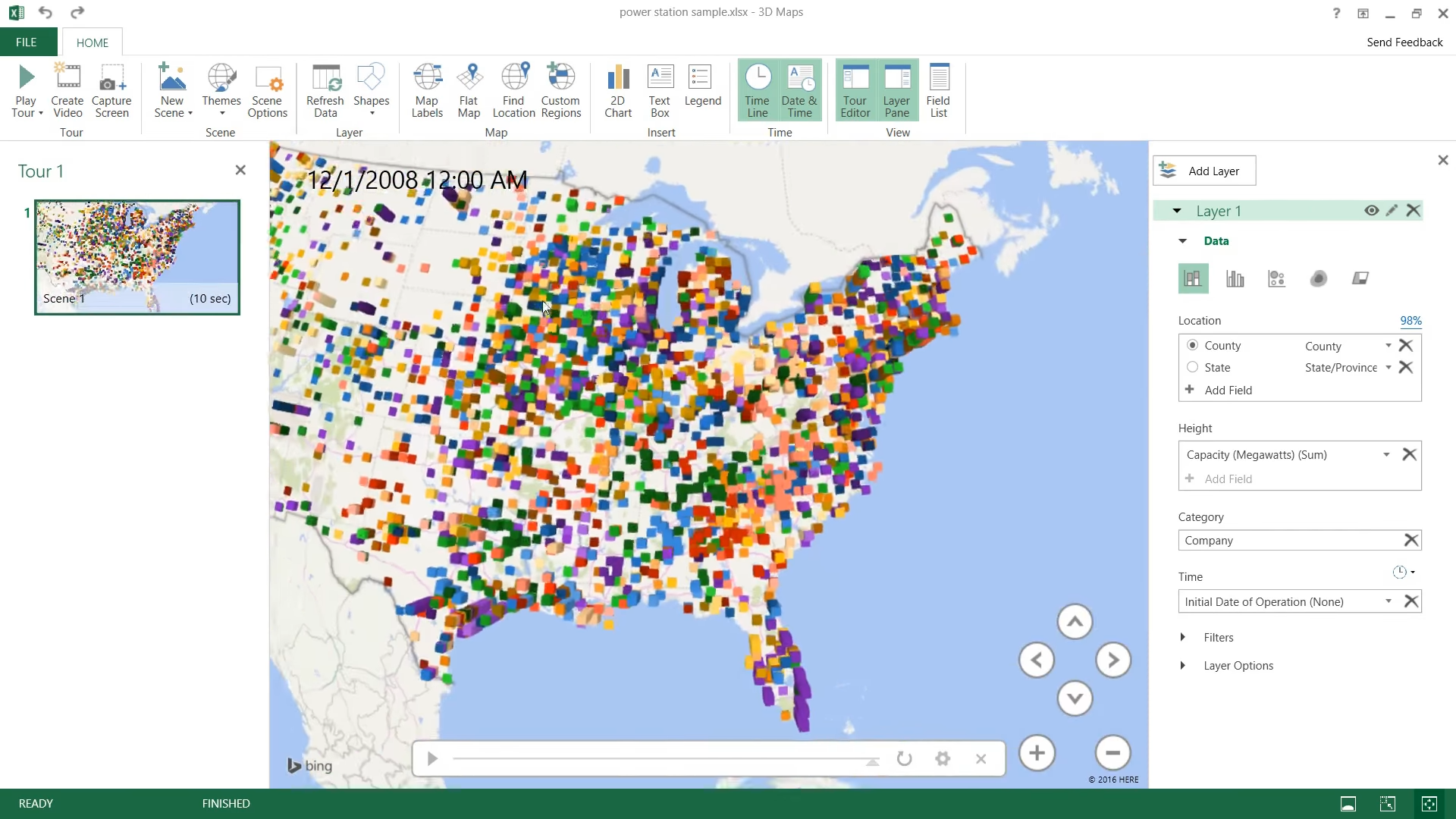
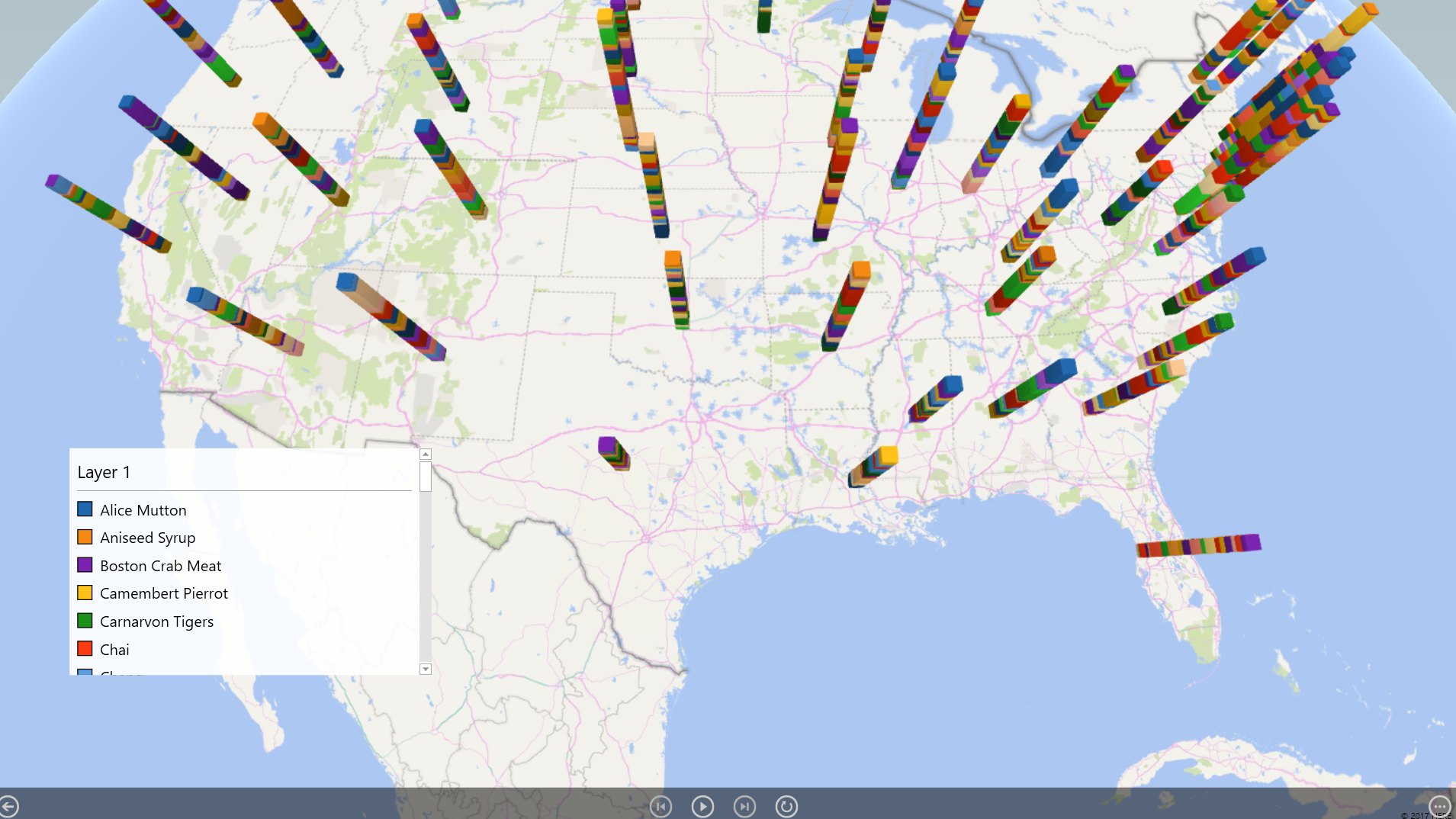
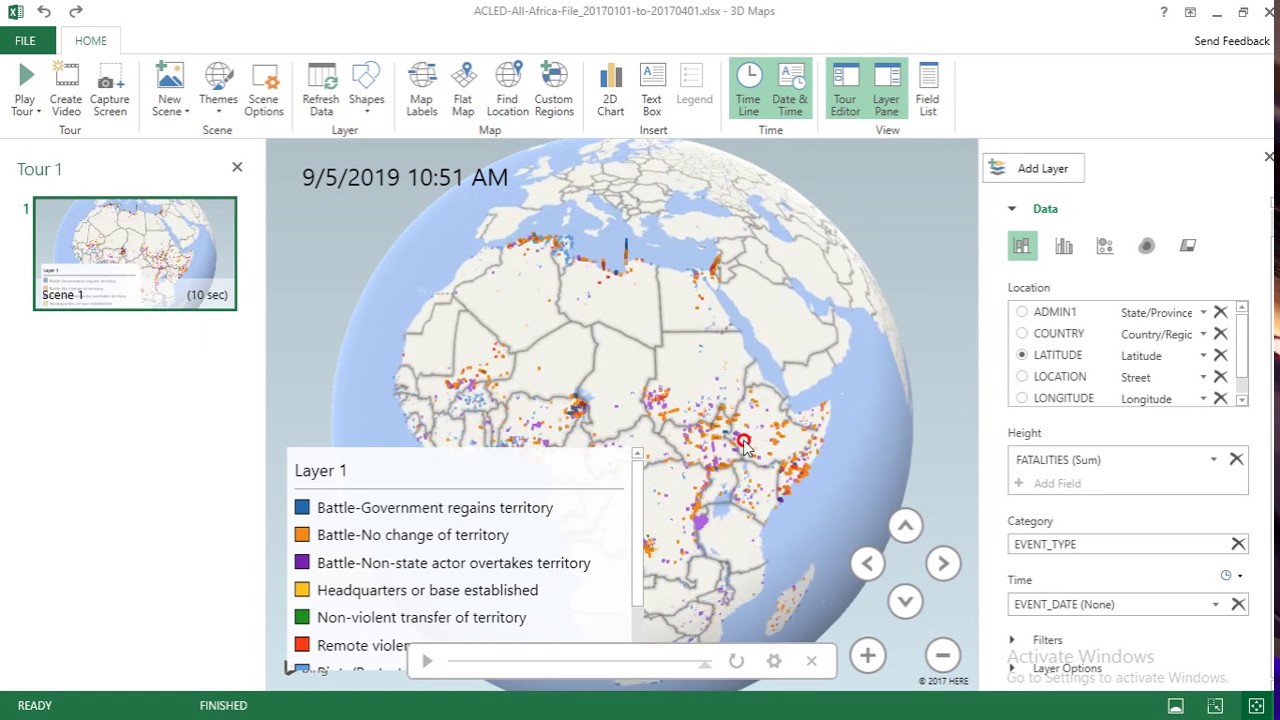
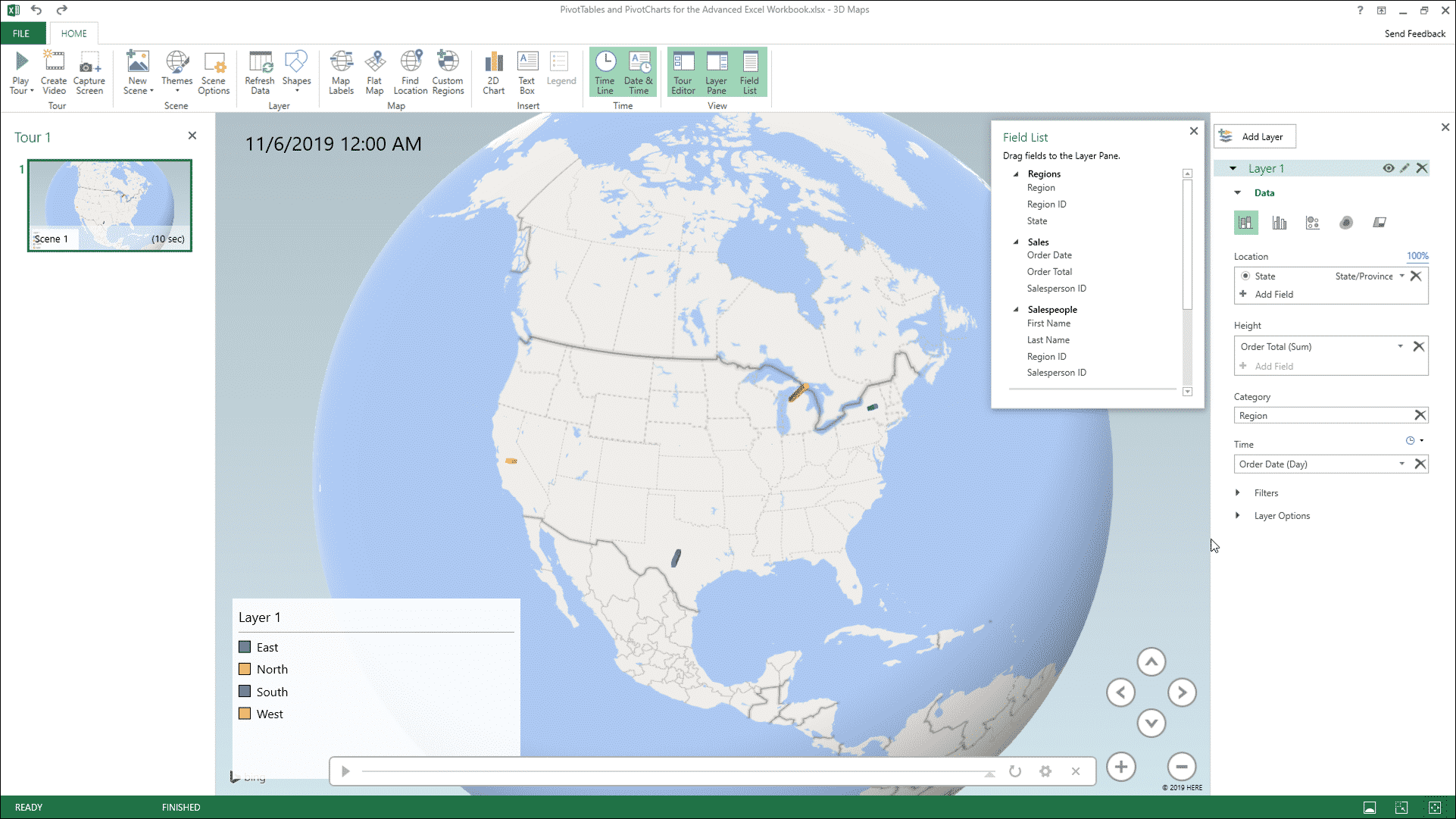
Web Result Objective Create an Excel 3D Map to visualize various variables of data across different Geographies This guide covers Excel 3D Maps Explained Video Tutorial How to Make Excel 3D Maps FAQs Excel 3D Maps Closing Thoughts Excel 3D Maps Explained Note 3D Maps in Excel is a data visualization tool available in Web Result Create a tour Select any cell in the Excel table or range of cells that has your data Be sure to do this before you create the tour it makes it easier for you to hook up the data to the new tour Click Insert gt 3D Map gt Open 3D Maps The Launch 3D Maps window appears showing your new tour Add another tour to your workbook
Fixed Excel Chart Is Not Showing All Data Labels 2 Solutions Creating Stunning 3D Maps In Excel The Complete Beginner s Guide 3D Maps In Microsoft Excel MyExcelOnline Microsoft Excel Excel Creating A Map Using Excel 3D Map YouTube 3D Maps In Excel 2016 YouTube Power Map Preview For Excel Maps In Excel Gaswgov Excel 2016 Visualize Data In 3d Maps YouTube Custom 3D Maps In Excel Instructions TeachUcomp Inc How To Make A 3D Map In Microsoft Excel Groovypost
Excel 3d Maps Not Showing All Data
 Excel 3d Maps Not Showing All Data
https://www.projectcubicle.com/wp-content/uploads/2022/05/screenshot-2022-05-03T221315.208.png
Web Result Dec 19 2023 nbsp 0183 32 Excel does not provide a Show Data Labels option inside the 3D Maps However we will show you 2 workarounds to do so in this article Table of Contents Expand How to Show Data Labels in Excel 3D Maps 2 Handy Approaches To demonstrate the methods we have picked a dataset with 3
Pre-crafted templates offer a time-saving option for creating a diverse variety of documents and files. These pre-designed formats and designs can be utilized for numerous individual and professional projects, including resumes, invitations, flyers, newsletters, reports, discussions, and more, enhancing the material development procedure.
Excel 3d Maps Not Showing All Data
How To Create A 3D Map In Excel 2016 Sage Intelligence

Creating Stunning 3D Maps In Excel The Complete Beginner s Guide

3D Maps In Microsoft Excel MyExcelOnline Microsoft Excel Excel
Creating A Map Using Excel 3D Map YouTube
Power Map Preview For Excel Maps In Excel Gaswgov
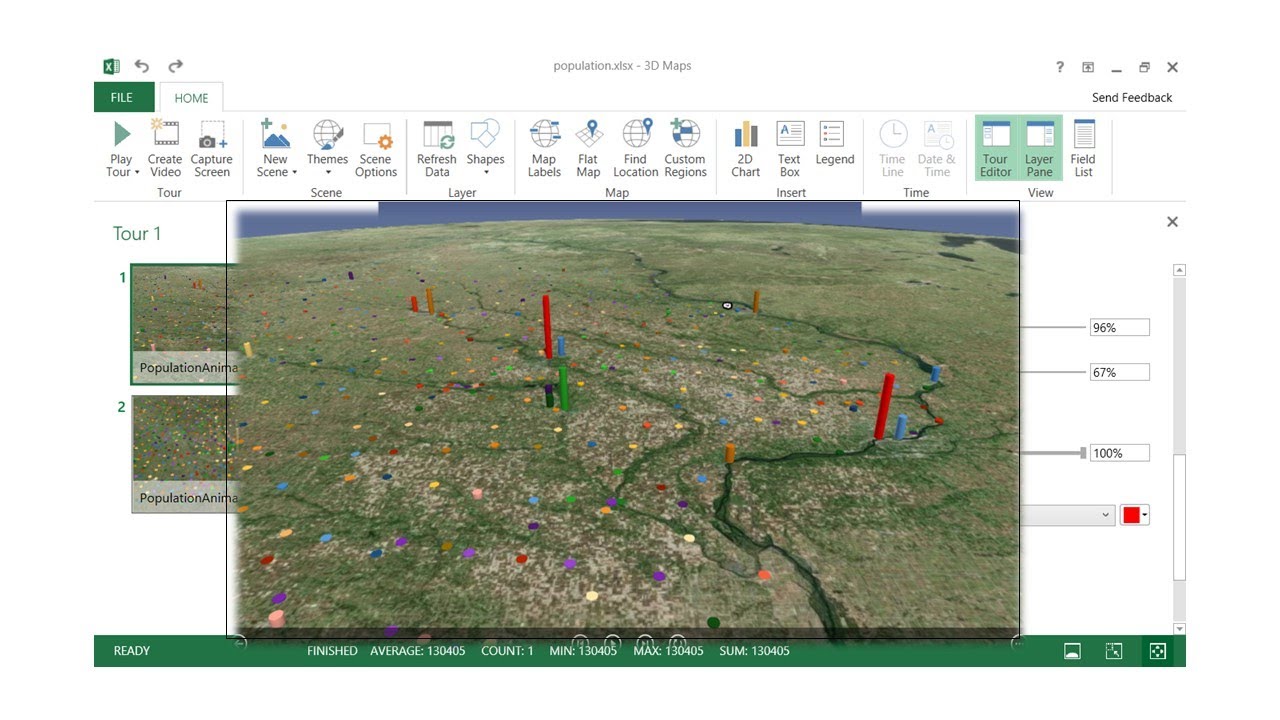
Excel 2016 Visualize Data In 3d Maps YouTube

Web Result Fix your data in the source such as an Excel worksheet table or a SQL Server database and then refresh your data directly from the 3D Maps ribbon by clicking Home gt Refresh Data Need more help Want more options

Web Result Jan 22 2023 nbsp 0183 32 3d maps not showing all data need help importing excel worksheet to be compatible with 3d maps to create an efficient route Labels Excel 1 001 Views 0 Likes

Web Result Aug 1 2023 nbsp 0183 32 3D Maps only pulling some data but not all Hello I have three sheets with different data sets on them I created three different layers on my map to pull data from each table I want to plot where employees are located

Web Result Aug 25 2021 nbsp 0183 32 For the Excel version you provided it is not the latest version for Office Please first update your Excel to the latest version to see the result Additionally to check whether the problem is related to the Excel app on your device you could send a sample for us via OneDrive link so that we can check it on our

Web Result Here s how In Excel open a workbook that has the table or Data Model data you want to explore in 3D Maps For information about using your own data see Prepare your data for 3D Maps If you don t have data to explore yet try downloading one of our sample datasets Click any cell in the table
Web Result Steps 1 Go to the CCHS CANSIM webpage https www150 statcan gc ca t1 tbl1 en tv action pid 131 0009601 2 Create a simple table 1 indicator of interesting health data with indicators as columns and geography age gender and reference period as rows 3 Ensure the table has no Web Result Mar 30 2020 nbsp 0183 32 I can open 3D maps but I can no longer add data The function used to work but is now greyed out I can still play around with maps if data is already added but I can not make any new workbooks All COM add ins are checked and I even scrubbed and reinstalled Office 2016 but it did not solve the problem Labels
Web Result Jan 9 2017 nbsp 0183 32 66 KB 72 5K Views 0 Likes 18 Replies Reply undefined All Discussions Previous Discussion Next Discussion 18 Replies Sergei Baklan replied to Ian Goodrich Jan 22 2017 07 31 AM I don t know an answer but it looks like Maps overlaps Guria and Ajaria by the way it recognizes that name as well